61 posts tagged “EAM”
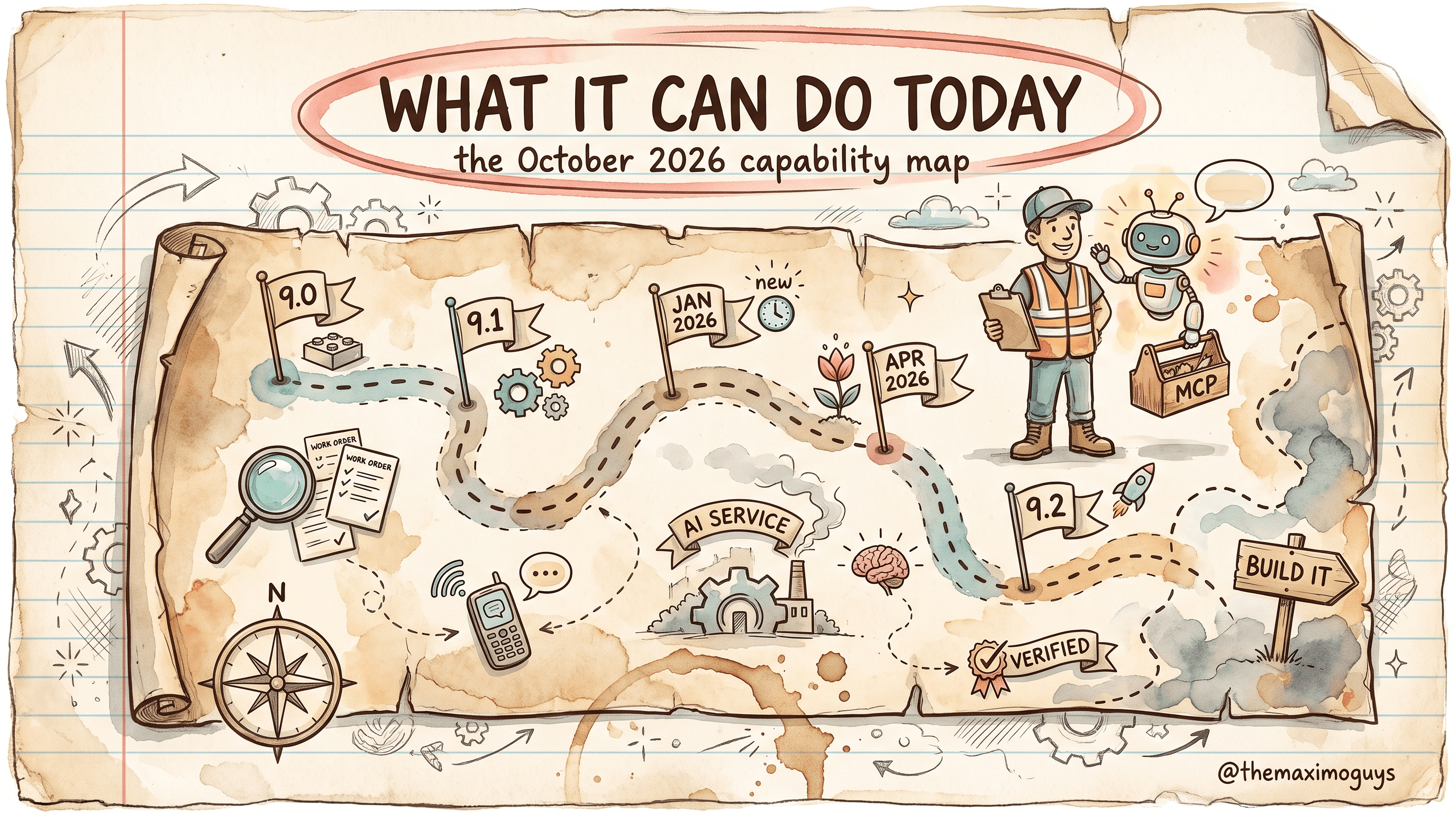
A dated, evidence-tiered reference to the Maximo Assistant and the Maximo AI Service as of October 2026. It traces the path from the 9.0 AI broker through 9.1, the January and April 2026 Feature Channel drops, 9.2 GA's agentic Assistant and MCP server, and the AI Service 9.2.3 patch level. It also covers the security bulletins, a full capability matrix, the model bill of materials, what the Assistant still cannot do, the Assist-versus-Assistant naming correction, and a checklist for verifying each capability in your own instance.
 Surendra KattaOct 20, 2026Part 8 of 8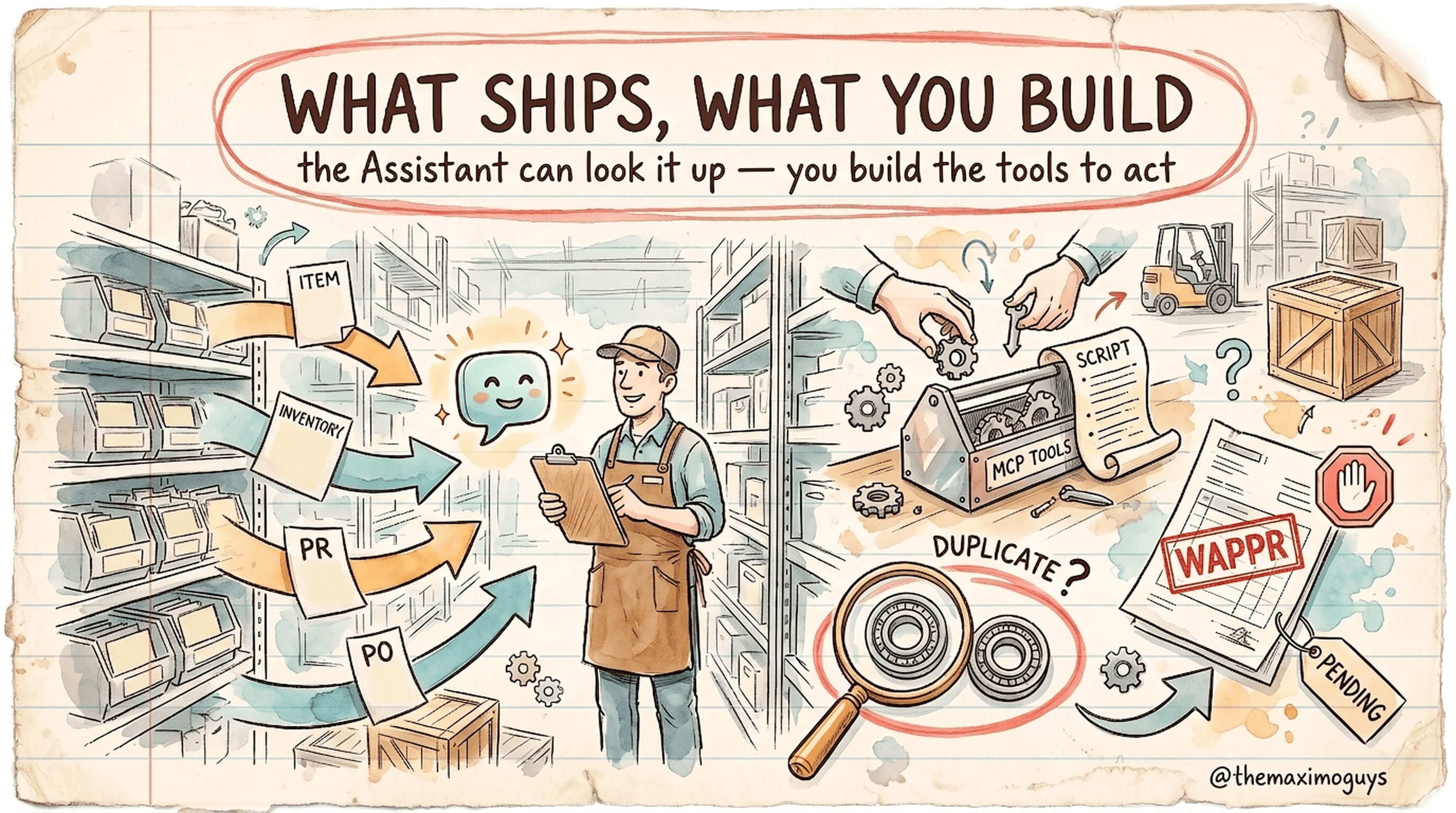
Storekeepers and buyers want to ask the Maximo Assistant to create an item, raise a purchase requisition and check whether a part already exists. This evidence-tiered guide separates what IBM documents today (the Assistant can query supply-chain objects once an admin enables them; similarity is documented for work orders, records and tickets), what IBM has only announced, and what you can build yourself on MAS 9.2 as custom MCP tools — items that land in PENDING, PRs that land in WAPPR and go through your normal approval workflow, and a duplicate-item check — with code, governance and a rollout plan.
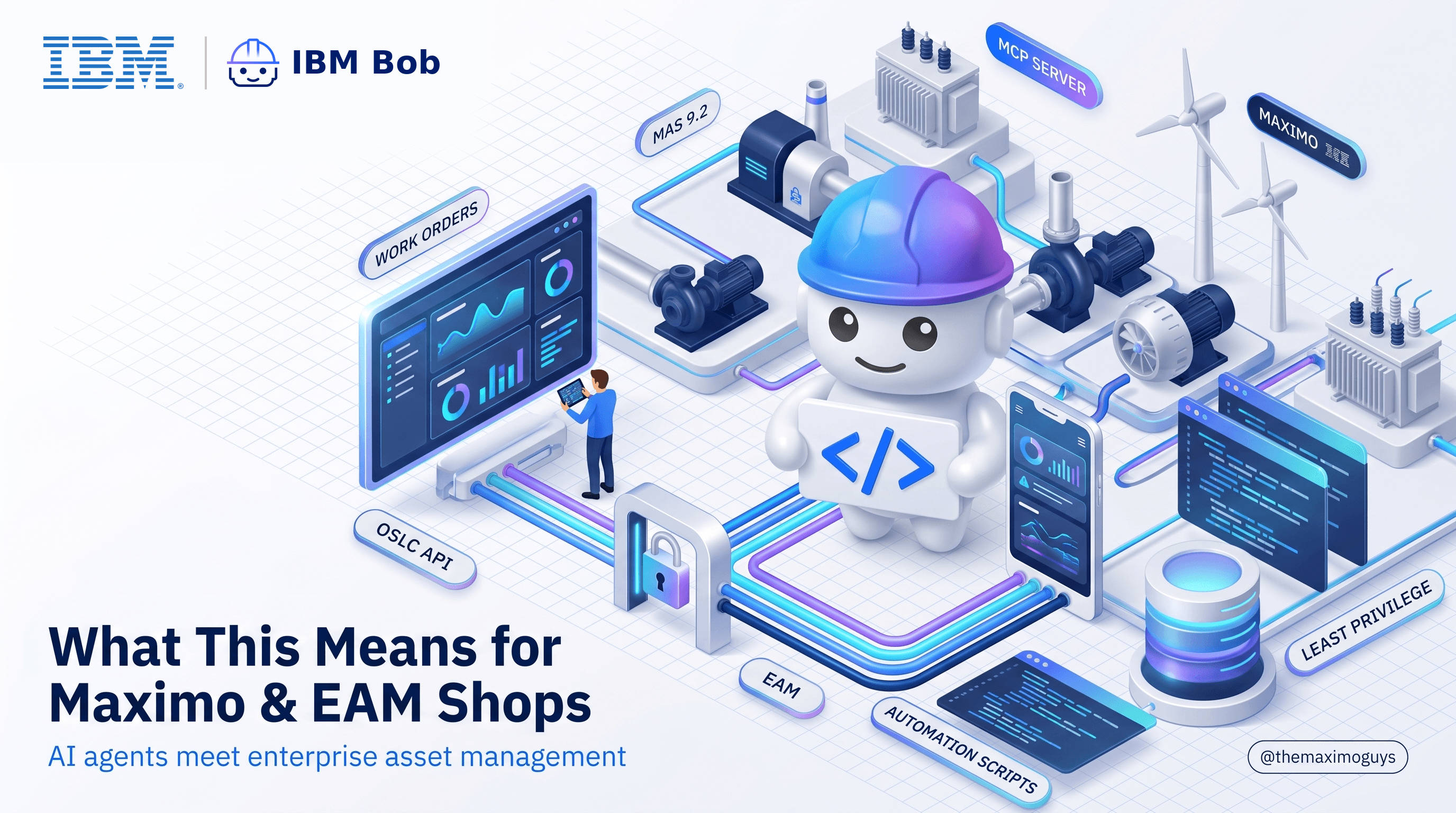
AI coding agents have arrived in IBM Maximo land: a native MCP server in MAS 9.2, Maximo skills for IBM Bob, and open tooling from the community. Here's what changes for Maximo teams, what doesn't, and where the guardrails go.
 Manasa GangaSep 29, 2026Part 12 of 13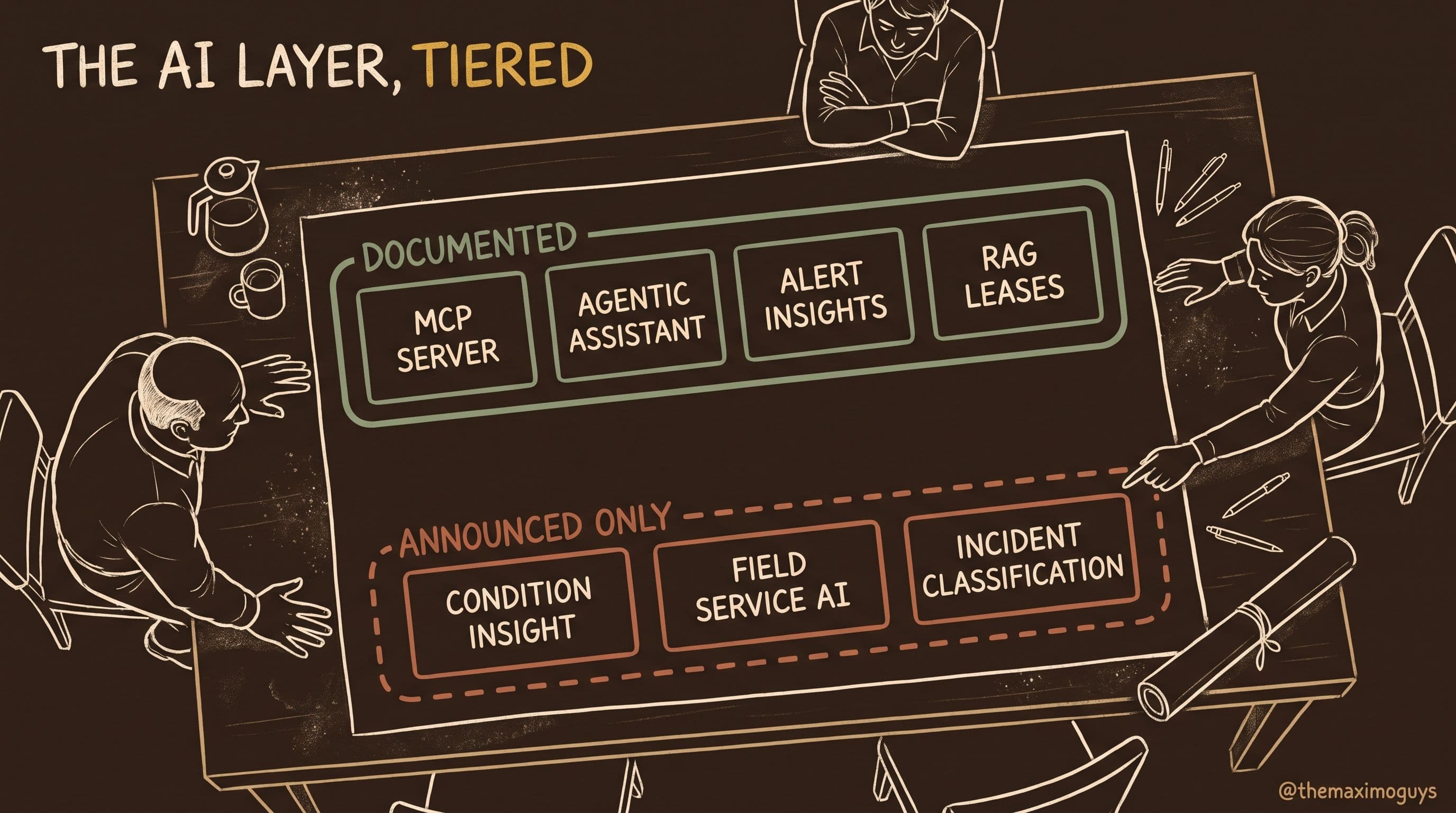
IBM framed MAS 9.2 around asset-first AI and agentic workflows. This is an evidence-tiered assessment of what that actually means — the agentic Maximo Assistant, the Maximo MCP server, AI-generated insights with confidence scores, RAG lease extraction, watsonx Orchestrate in Maximo IT, and AI Service AppPoint tracking — separating what product documentation confirms from what only the announcement claims.
Surendra Katta
A structured reality check on IBM Maximo Application Suite 9.2. Eight gates that decide whether you can and should move, five verdicts mapped to real customer profiles, and an honest accounting of what the release does and doesn't give you.
Surendra KattaAug 12, 2026Part 7 of 7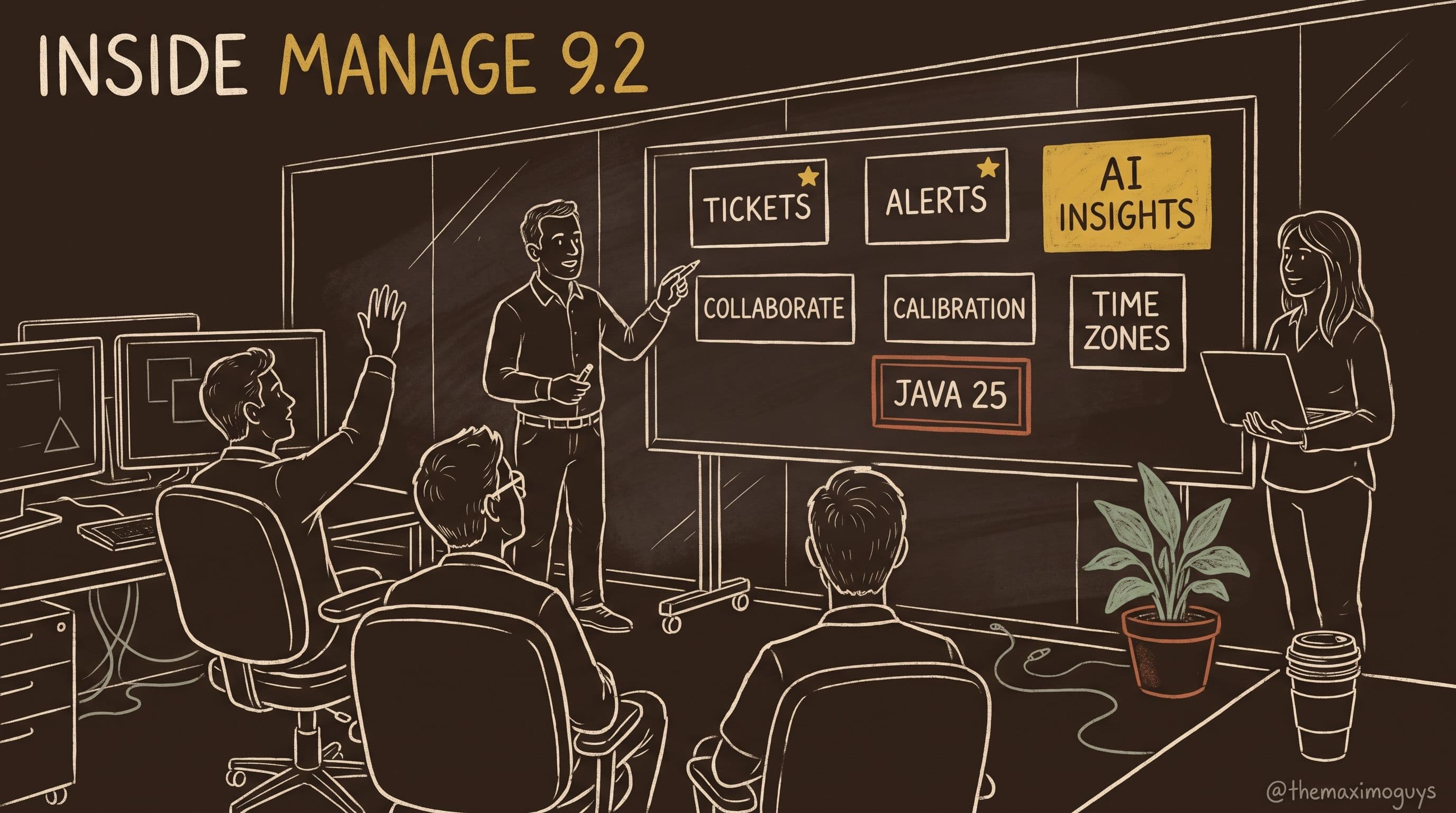
A complete, sourced walkthrough of Maximo Manage 9.2 — the new Tickets and Alerts applications, AI-generated alert insights, Collaborate moving inside Manage, automated calibration accuracy validation for ISO/IEC 17025 and ISO 15189, six new time zone processing rules, Java 25, and everything new in Maximo Optimizer 9.2.
Surendra KattaAug 12, 2026Part 3 of 7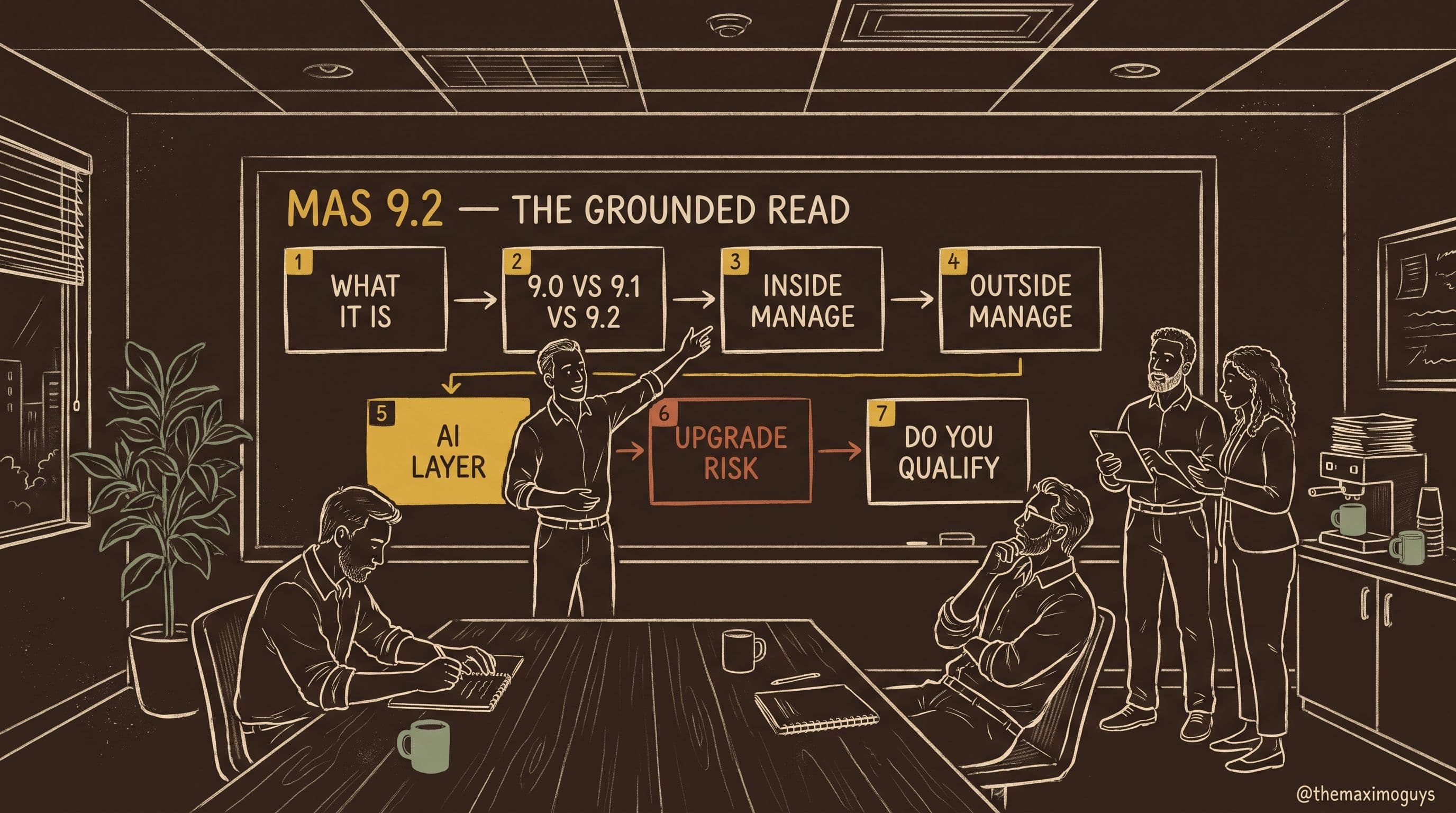
A seven-part, primary-source series on IBM Maximo Application Suite 9.2. What actually shipped on 25 June 2026, how it compares to 9.1 and 9.0, what changed inside Manage and across the suite, what the AI layer really contains, the upgrade items that bite hardest, and an honest verdict on who qualifies.
Surendra KattaAug 12, 2026Part 0 of 7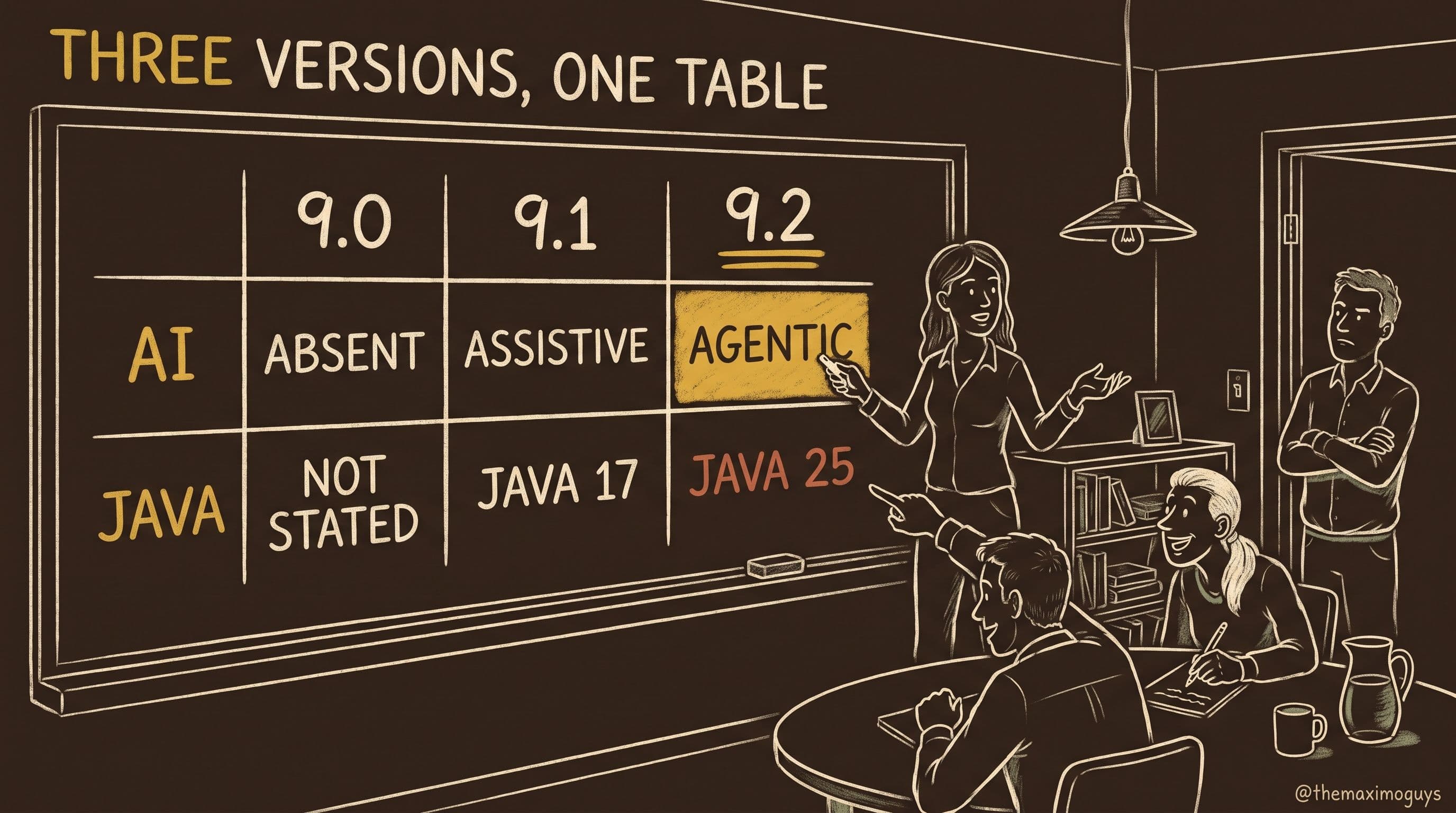
A dimension-by-dimension comparison of Maximo Application Suite 9.0, 9.1 and 9.2 — platform and navigation, AI, applications, Java and database prerequisites, and support lifecycle — built only from IBM's own pages, with every claim we could not verify flagged as such.
Surendra KattaAug 12, 2026Part 2 of 7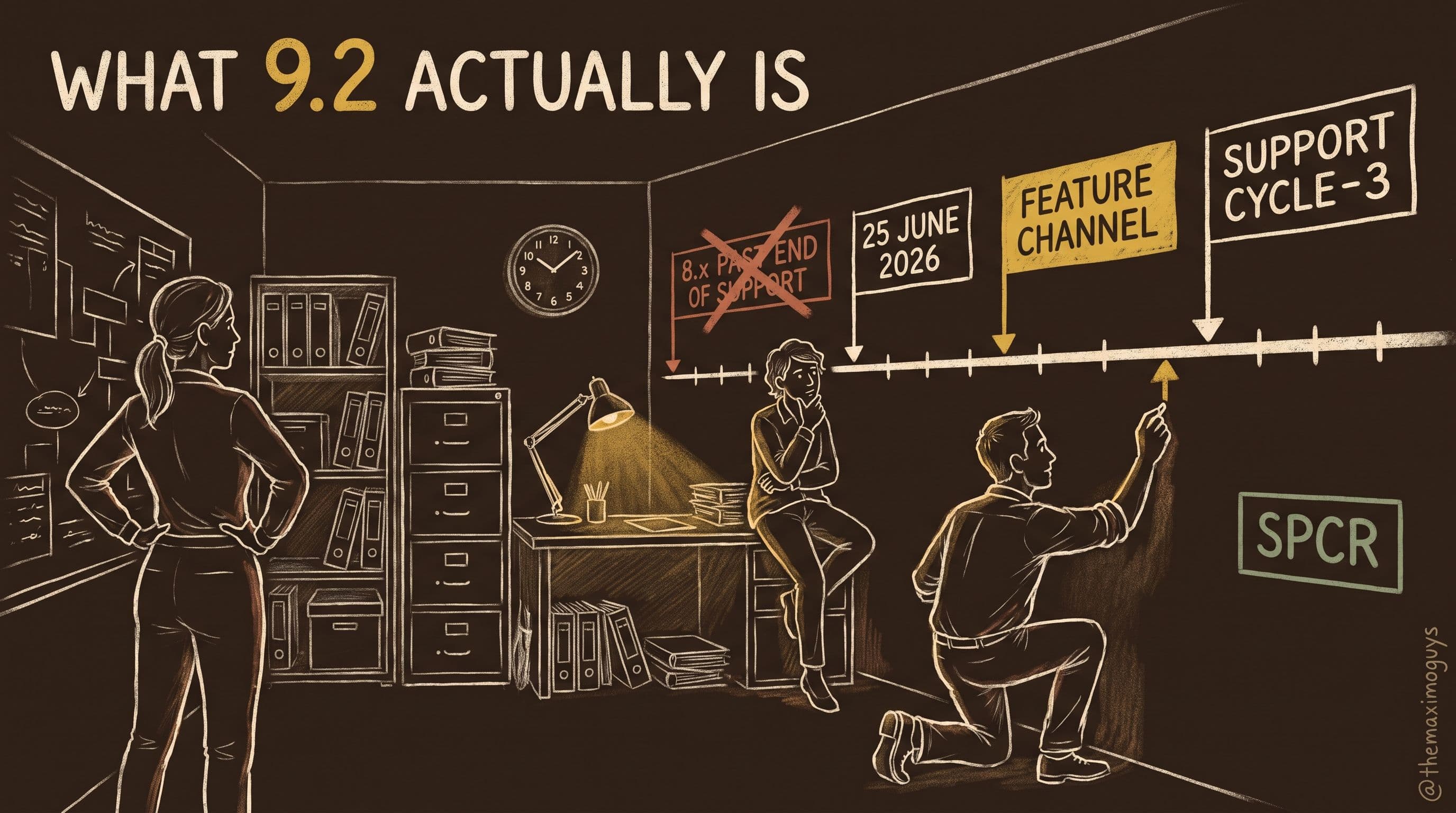
A plain-language guide to MAS 9.2 for business and functional leaders: what was released, what the Feature Channel means, how support works, what 8.x customers must check, and how to confirm platform requirements.
Surendra KattaAug 12, 2026Part 1 of 7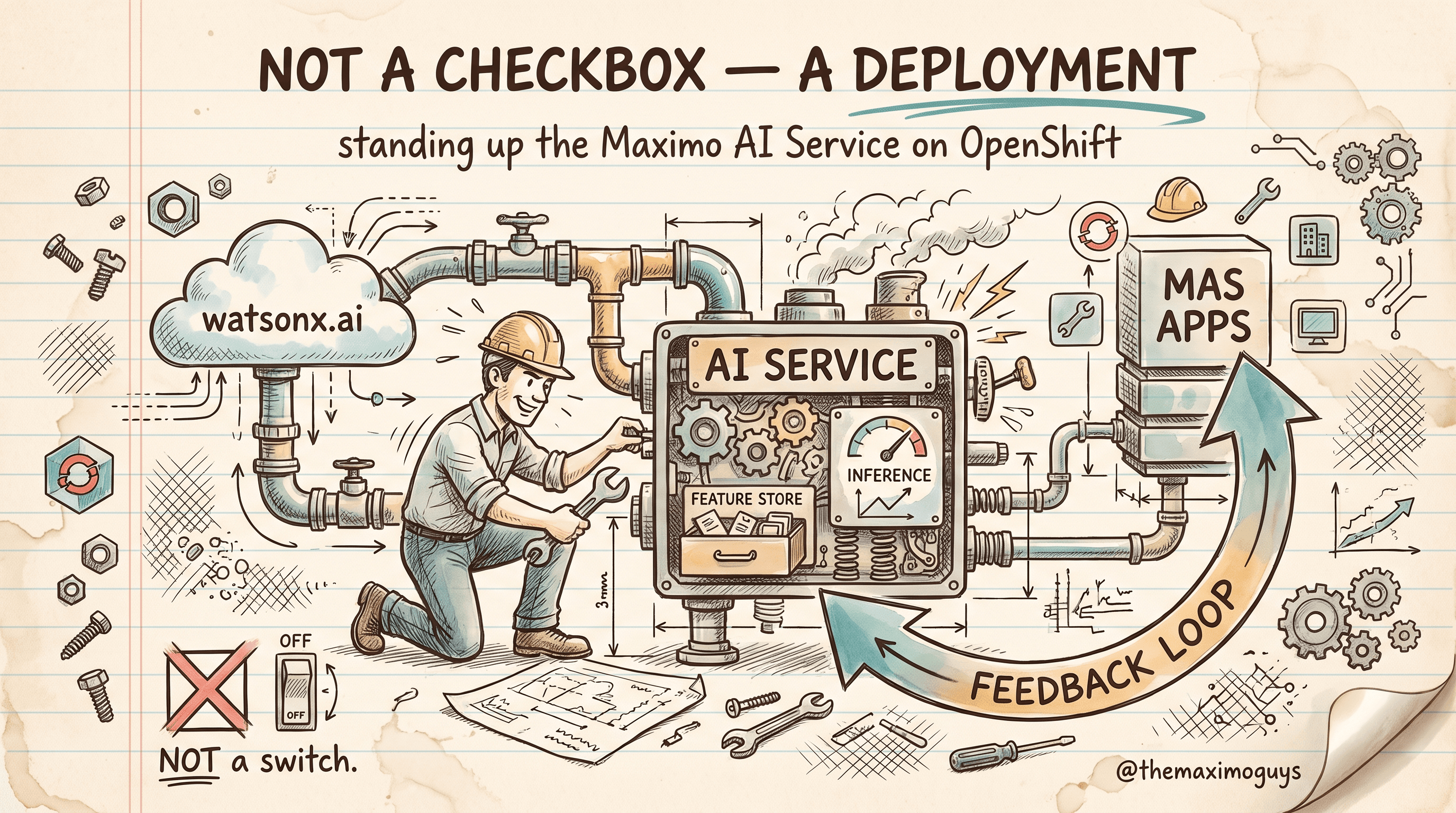
The Maximo Assistant is not a checkbox — it's a deployment project. The real path: the Maximo AI Service operator on OpenShift, the watsonx.ai connection, training recommendation models on your own data, and the feedback loop that keeps them improving. Mapped to IBM's ten team-exploration tasks and the realistic 68–128 hour pilot estimate.
Surendra Katta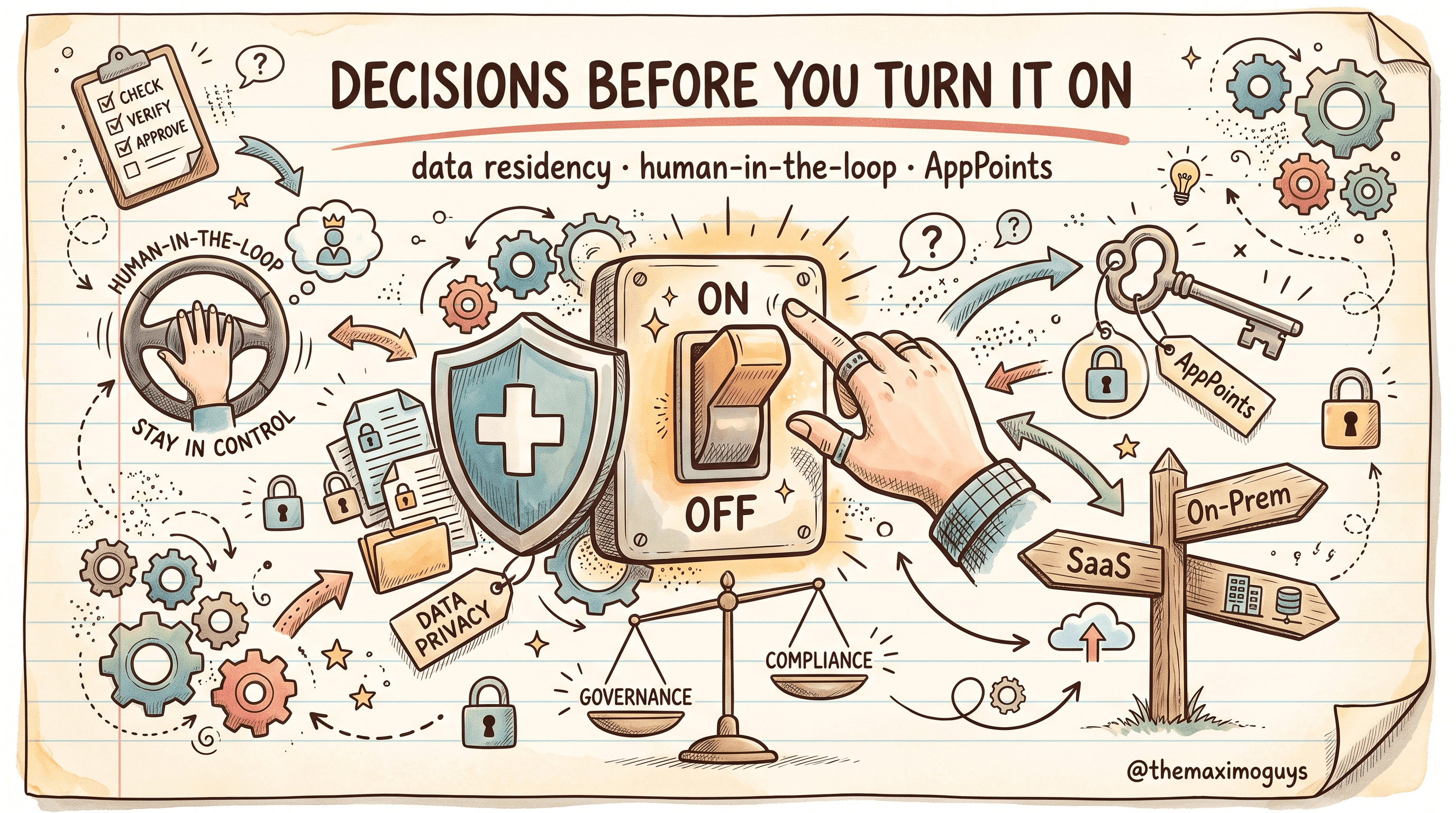
Generative AI is a governance conversation before it is a technology one. The data-residency decision baked into SaaS-versus-on-premises watsonx.ai, the human-in-the-loop controls (confidence scores and accept/modify/reject) that keep the AI a recommender not a decider, the feedback loop as a governed data process, and the AppPoints licensing that gates who gets access — with a go-live governance checklist.
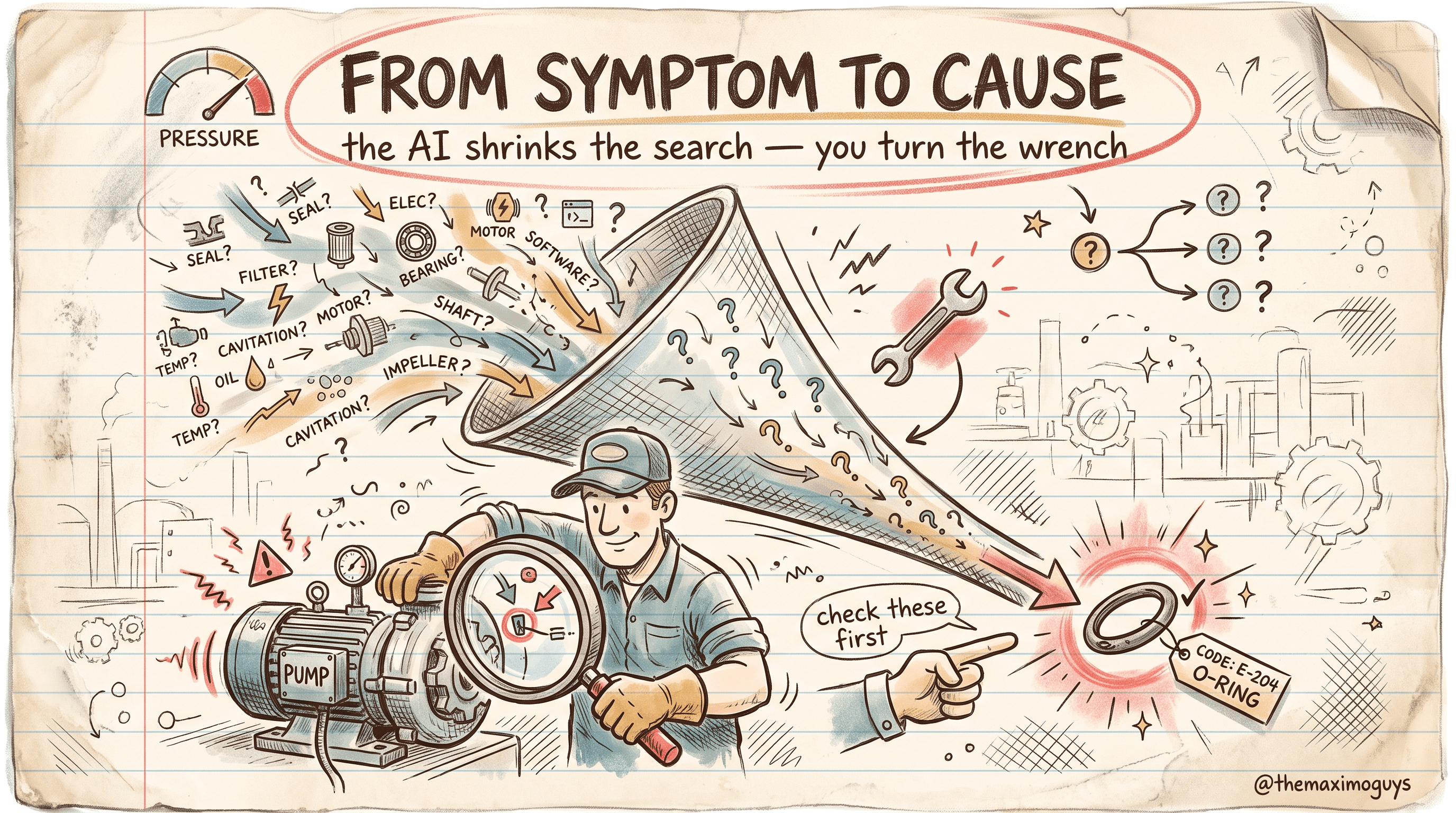
When something is broken and the technician doesn't know why, this is where the Maximo Assistant earns its keep. How step-by-step troubleshooting guidance walks from symptom to likely cause, how AI failure-code identification recommends failure class, problem, cause, and remedy codes, how Visual Inspection folds in visual diagnosis, and how PM optimization recommends which preventive work to cut, tighten, or extend.
Surendra Katta
What the Maximo Assistant actually is, the IBM watsonx.ai foundation models that power it, and the Maximo AI Service that connects the two. A grounded introduction to generative AI in MAS 9 — including an honest map of what it does and, just as importantly, what it does not do.
Surendra Katta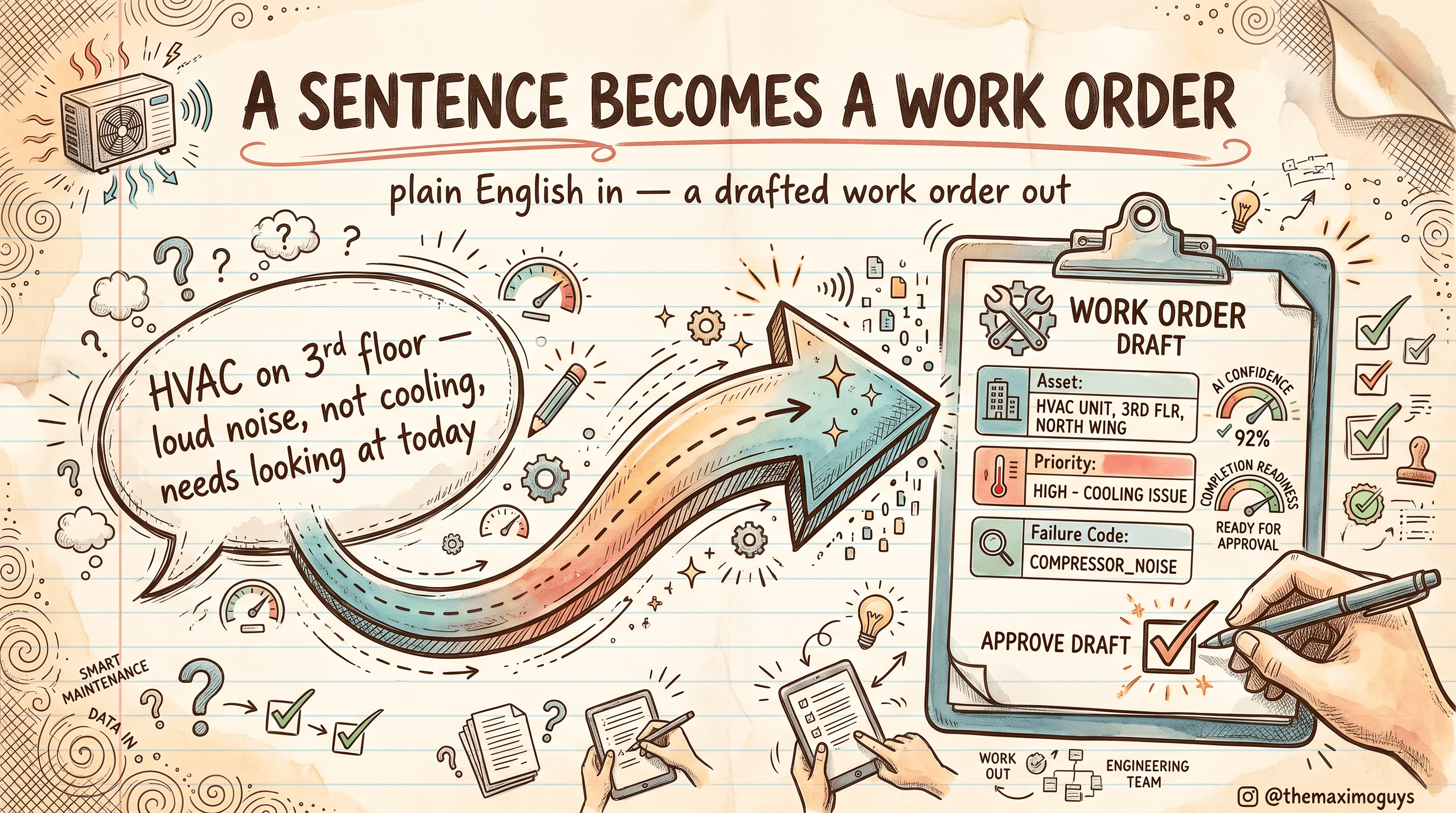
The feature people mean when they say 'AI in Maximo.' How the Maximo Assistant drafts a work order from a plain-English description, replaces filter queries with natural-language asset search, and recommends field values — priority, work type, failure codes, craft — each with a confidence score you can accept, modify, or reject.
Surendra Katta
A grounded eight-part series on the watsonx-powered Maximo Assistant and the AI features of MAS 9.1 and 9.2 — the watsonx.ai foundation, natural-language work guidance, knowledge capture, guided troubleshooting, the AI Service deployment path, governance and AppPoints, supply chain (querying items, inventory, and PRs natively vs building item-creation, PR-drafting, and similarity tools on the 9.2 MCP server), and an October 2026 capability map. Written for teams who want to know what generative AI in Maximo actually does, and what it does not.

Your best fixes live in your veterans' heads and in long-description fields nobody reads. Here's how the Maximo Assistant surfaces them — knowledge base search across manuals, SOPs, and repair narratives; similar-record detection that transfers knowledge from experienced staff to new staff; and where remote-expert connection fits — which is Maximo Collaborate (the former Maximo Assist add-on), not the generative Assistant.
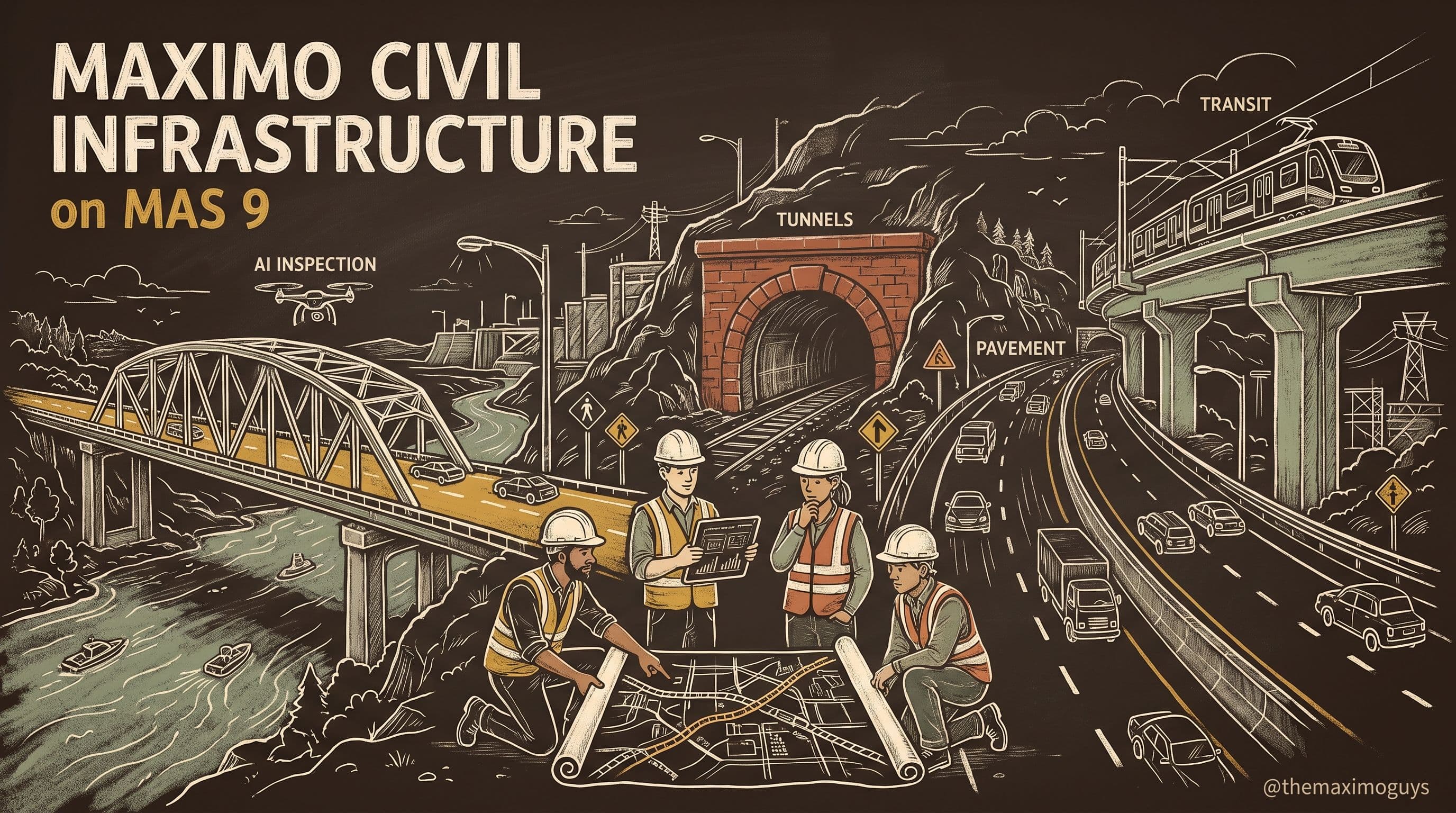
A five-part, infrastructure-specific guide to Maximo Civil Infrastructure as it ships inside MAS Manage: the linear and element-based asset model for bridges, roads, and tunnels; FHWA NBI bridge inspection and AASHTO element condition assessment; pavement (PCI/IRI) and tunnel (NTIS) condition; AI-augmented inspection with Visual Inspection and Large Vision Models; and the full regulatory crosswalk (23 CFR 650, MAP-21/FAST Act, GASB 34, FTA State of Good Repair) with a government-deployment reality check.
Surendra KattaJul 16, 2026Part 0 of 5
Design change under 10 CFR 50.59 and the work packages that execute it. How the Configuration Change Management (Nuc) module — Configuration Change Designer, Changes, Releases, Configuration Items — drives design control, how nuclear work packages assemble in Work Order Tracking (Nuc) with Impact Plans, and where hold points, QC points, and inspection points actually live when there is no application named for them.
 Venkat AchantaJul 16, 2026Part 3 of 7
The two generations of Maximo for Nuclear — legacy MNP 7.6 on WebSphere versus the current Maximo Nuclear industry solution inside MAS Manage — and why conflating them is where most analysis goes wrong. Plus the AppPoints Premium licensing model, the single part number that entitles it, the 7.6.1.x End of Support clock, and why AI Service is a separate line in your model.
Venkat AchantaJul 16, 2026Part 1 of 7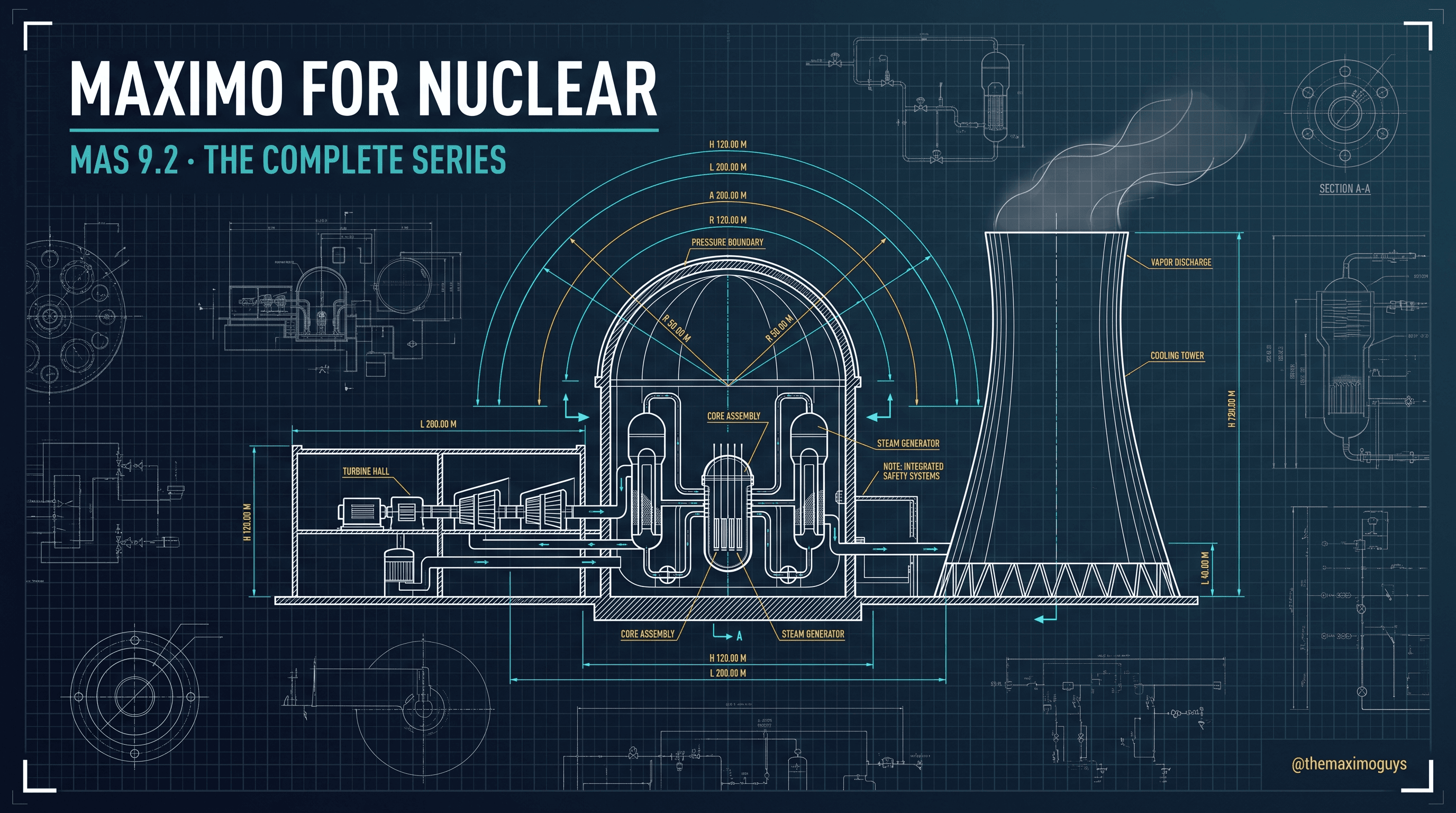
A seven-part, nuclear-specific guide to IBM Maximo Nuclear as it ships inside MAS Manage on the MAS 9.x stream: product lineage and AppPoints Premium licensing, Tech Specs and LCO Tracking, configuration control and nuclear work packages, the Maintenance Rule (10 CFR 50.65), the Corrective Action Program and Clearance/Tagout, a full regulatory crosswalk, and the honest state of what's new in MAS 9.x for nuclear.
Venkat AchantaJul 16, 2026Part 0 of 7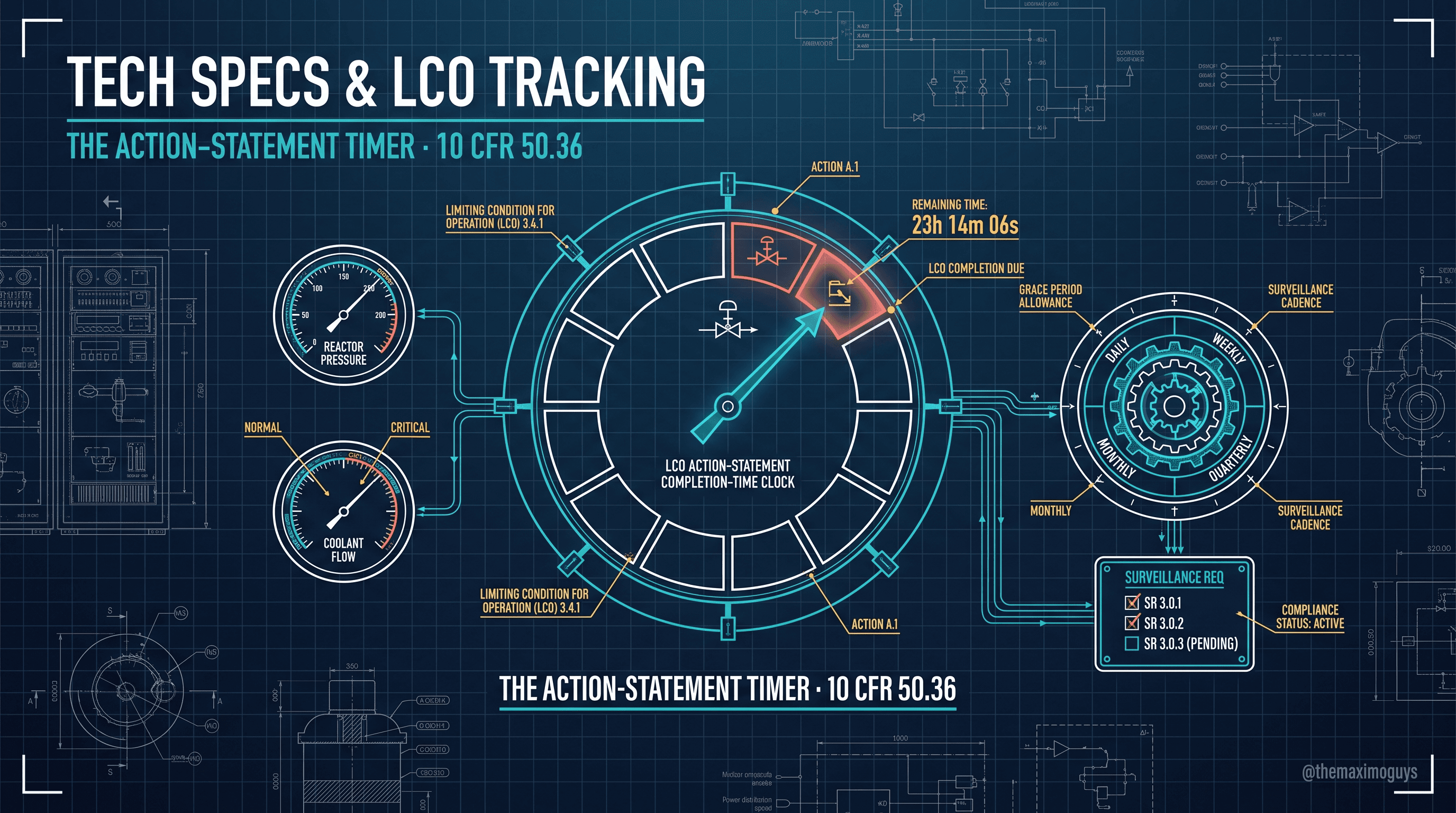
The regulatory core of Maximo Nuclear: how Tech Specs (Nuc) implements the Technical Specification register under 10 CFR 50.36, how Surveillance Requirements (Nuc) proves a Tech Spec is met, how LCO Tracking (Nuc) runs the action-statement timers that operationalize completion times, and where surveillance frequency and grace live in Maximo's frequency machinery.
Venkat AchantaJul 16, 2026Part 2 of 7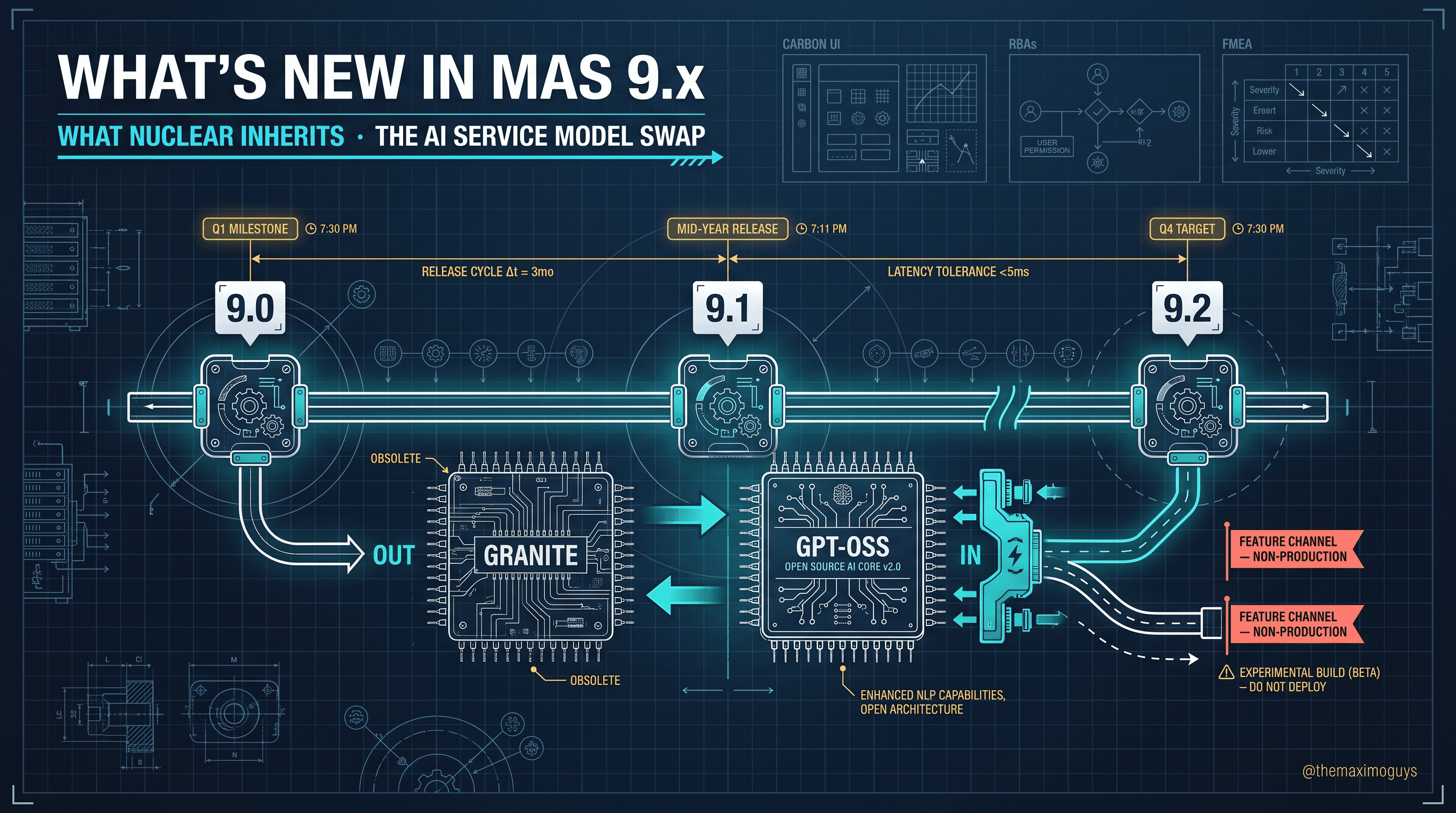
The grounded read on the 9.x era for nuclear. What the non-nuclear-specific 9.0 and 9.1 foundations give nuclear by inheritance, why the MAS 9.2 Feature Channel's non-production caveat matters for change control, what the AI Service language-model transition means, that Nuclear has its own 9.2 APAR/DT stream, and where the nuclear-versus-generation product boundary actually sits.
Venkat AchantaJul 16, 2026Part 7 of 7
Optimizer can only honor constraints that exist as data, and most of that data has to be cleaned before the first run. This is the tactical heart of the series: the prerequisite checklist, the craft/skill and shift cleanup that is the real project, the location coordinates that unlock travel optimization, and a data-readiness checklist to run before you blame the solver.
Venkat AchantaJul 16, 2026Part 3 of 5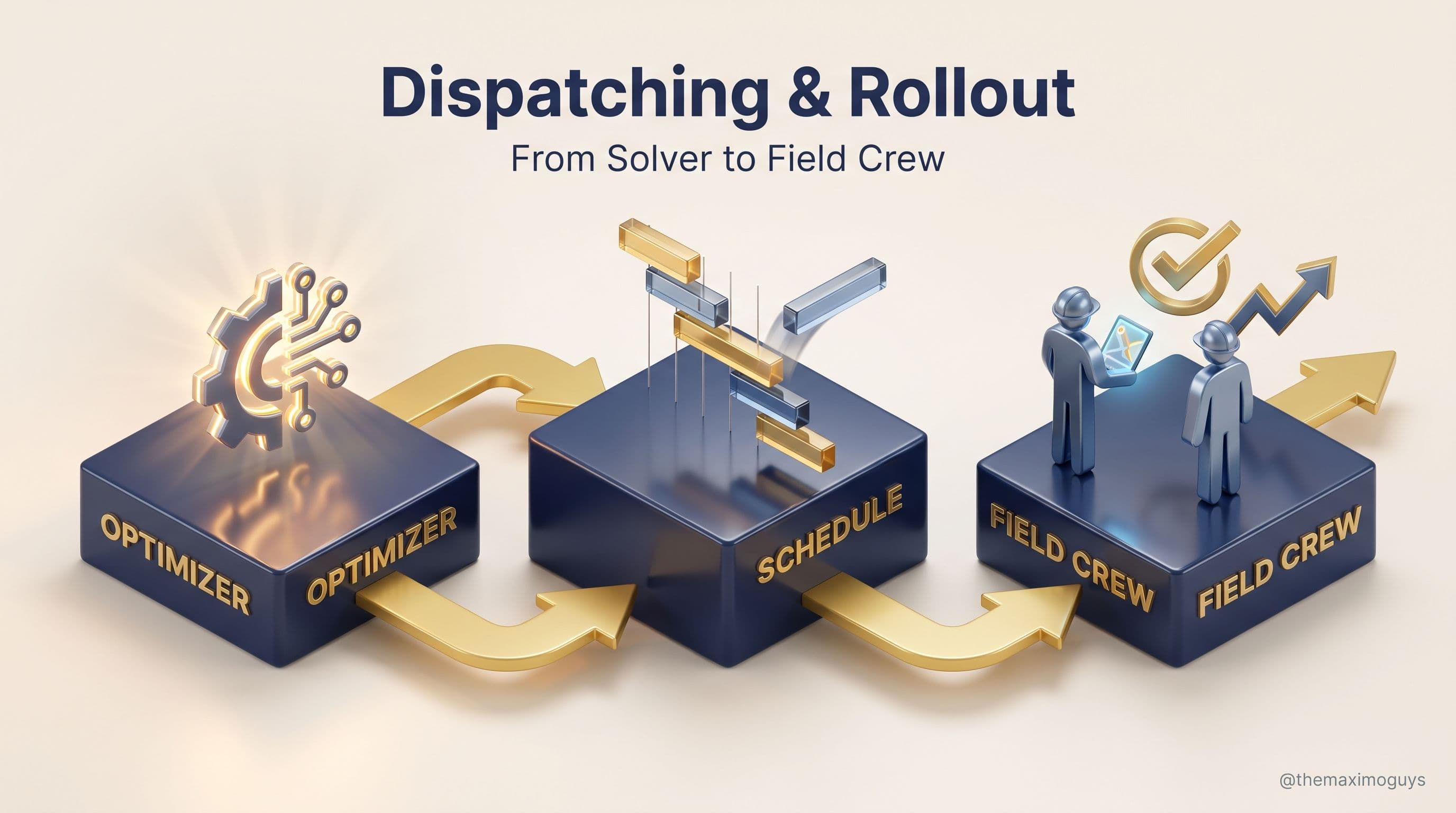
The series finale. How an optimized schedule surfaces in Graphical Assignment and the Dispatching Dashboard, the review-adjust-re-optimize rhythm dispatchers actually run, AppPoints licensing math, the Phase 4 rollout timeline, and the three documented use cases — field service, maintenance-window planning, emergency response — with the payoffs that prove Optimizer worked.
Venkat AchantaJul 16, 2026Part 5 of 5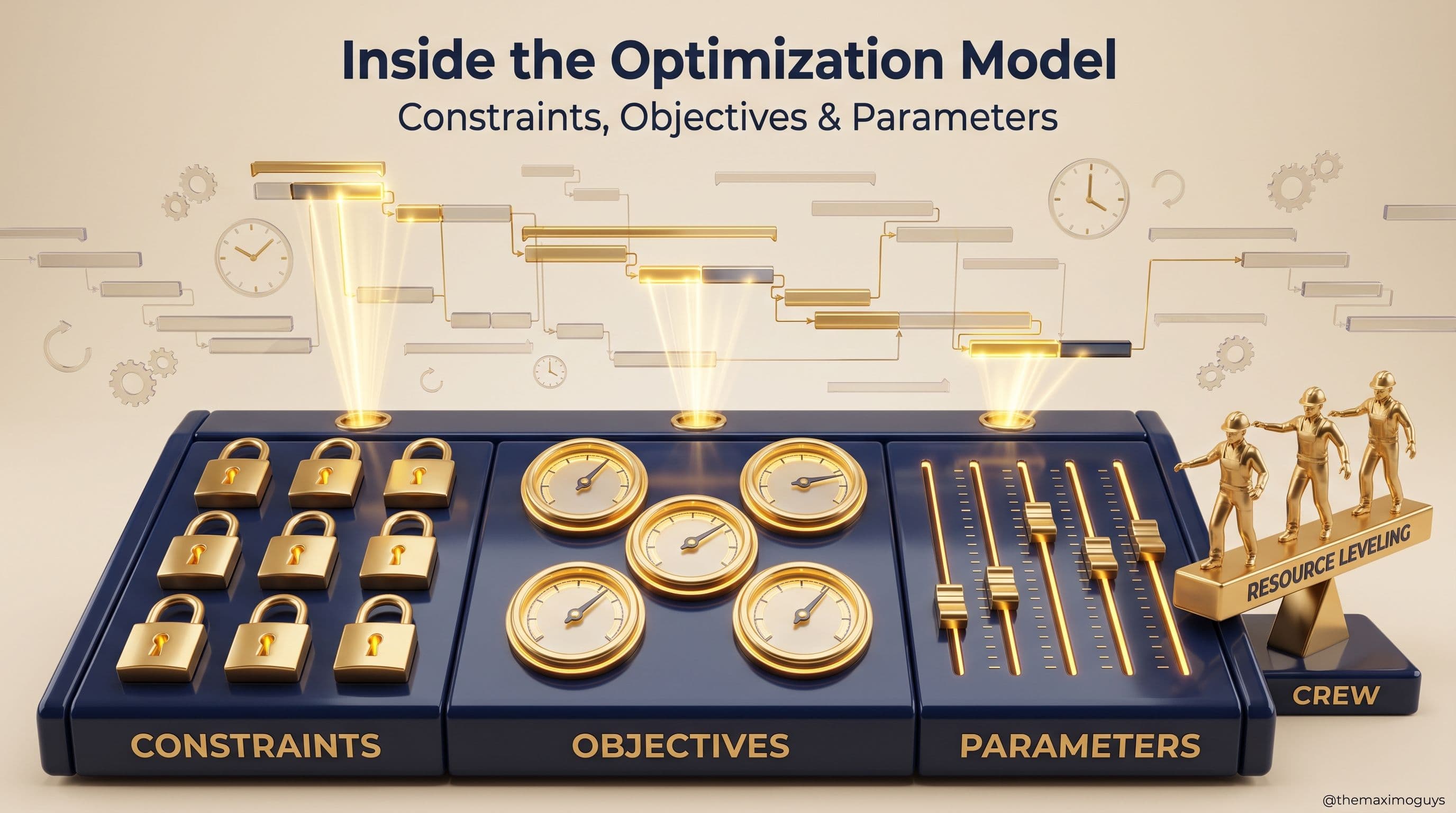
Optimizer's behavior is defined by three things — the constraints it must respect, the objectives you tell it to pursue, and the parameters that bound the solver. This part walks all nine scheduling constraints, the five weighted objective functions, crew scheduling and resource leveling, and the parameters that make or break a run.
Venkat AchantaJul 16, 2026Part 2 of 5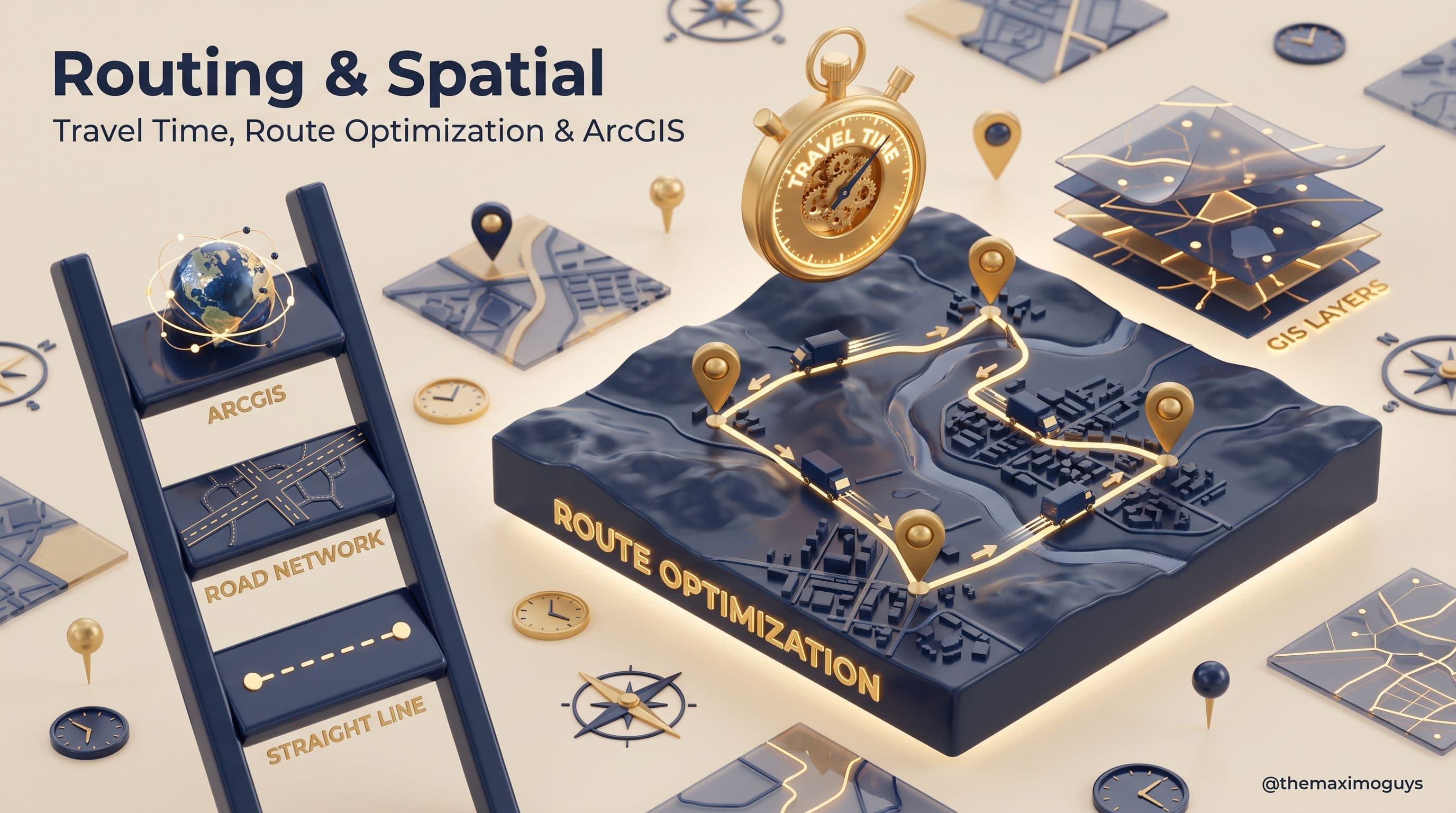
Travel is where field service wins or loses. This part covers how Optimizer estimates travel — from straight-line distance to real road networks — how route optimization groups and sequences work, and when the optional Esri ArcGIS integration is worth the effort versus straight-line estimation.
Venkat AchantaJul 16, 2026Part 4 of 5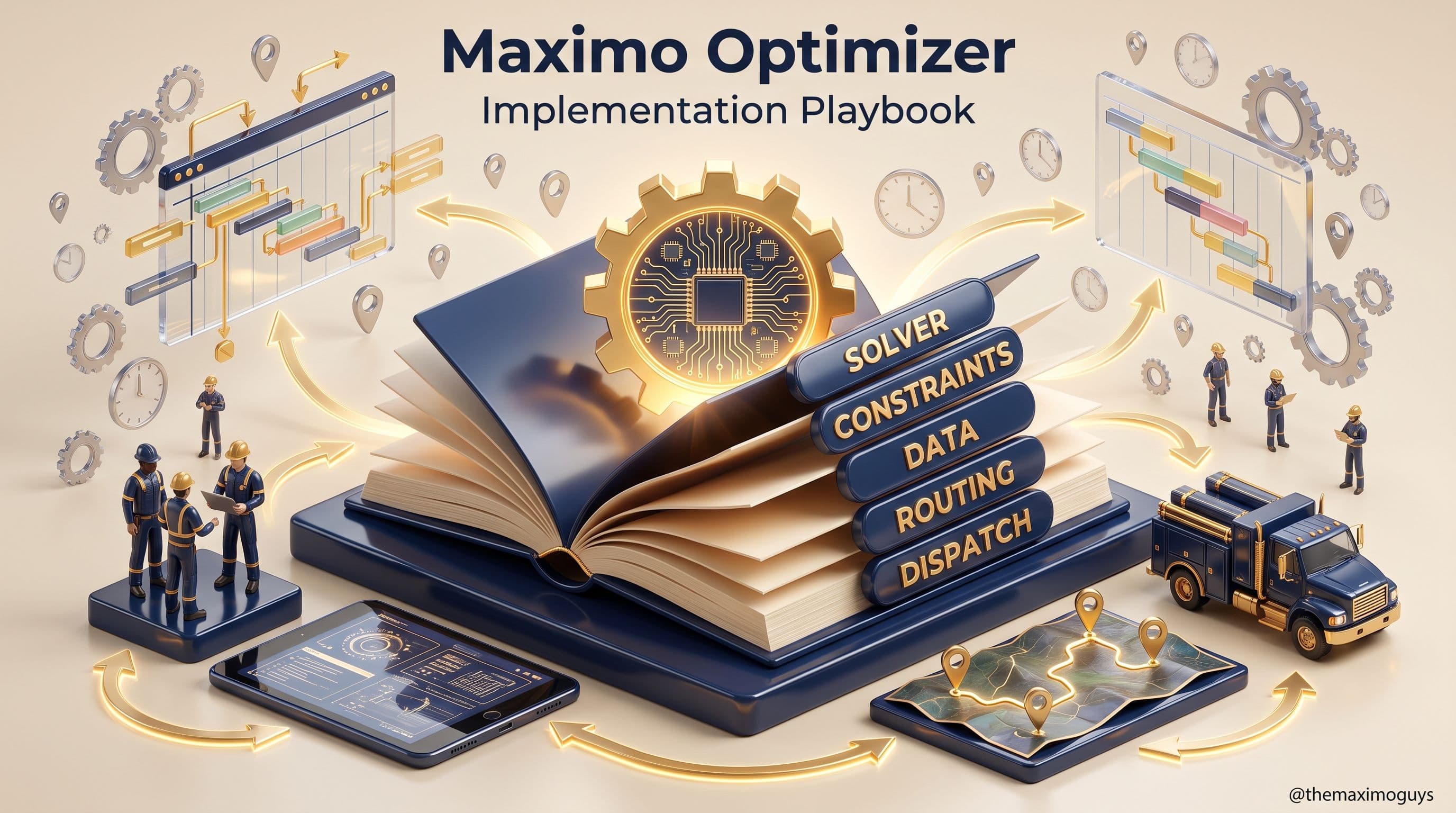
A five-part program for standing up true scheduling optimization in IBM Maximo Application Suite 9 — from why the 7.6 Scheduler was never an optimizer, through the constraint-and-objective model, the labor and location data it lives or dies on, routing and ArcGIS spatial integration, to the Dispatching Dashboard and a phased, Phase-4 rollout.
Venkat AchantaJul 16, 2026Part 0 of 5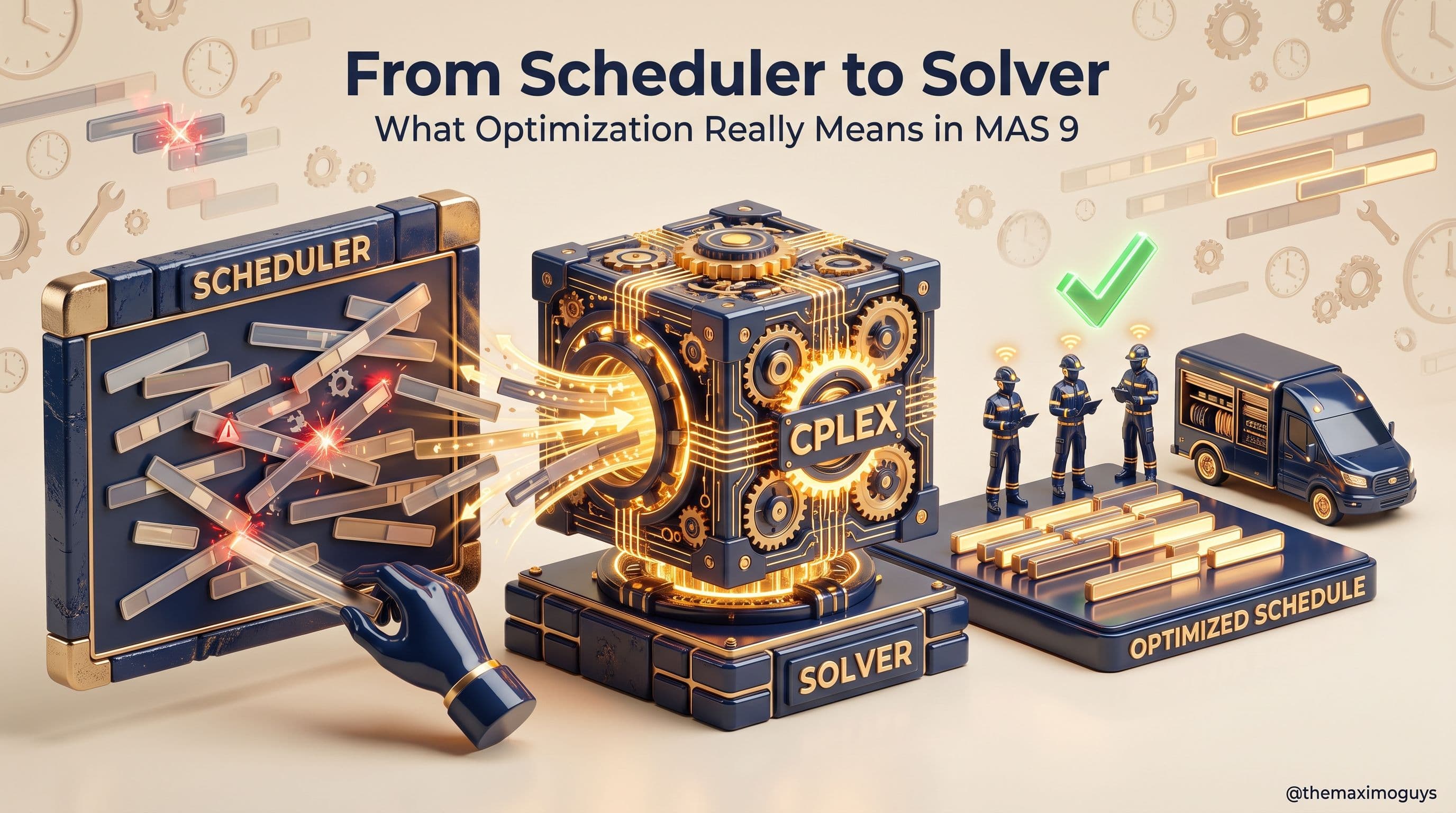
The 7.6 Scheduler drew what a human decided; Maximo Optimizer decides. This part draws the hard line between graphical scheduling and mathematical optimization — constraint programming and mixed-integer programming — and positions Optimizer honestly as a Phase 4 amplifier that only works on clean data underneath it.
Venkat AchantaJul 16, 2026Part 1 of 5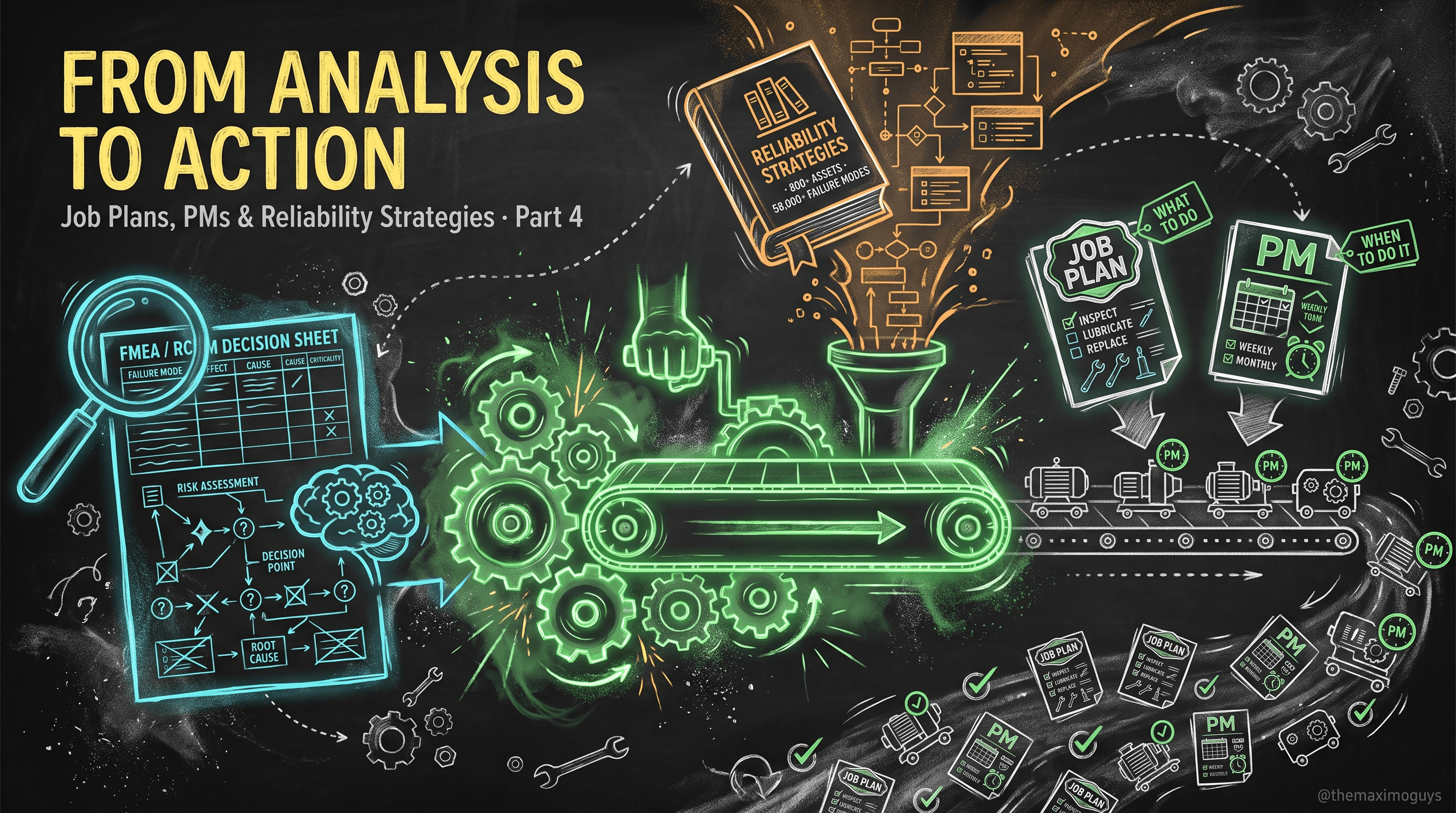
With the spine in place, you attach the maintenance decisions. Job plans define the task, PMs define the schedule, asset templates roll both out at fleet scale, and the dedicated Reliability Strategies application brings RCM/FMEA content natively into Maximo — with a vendor library of 800+ asset types and 58,000+ failure modes.
Surendra KattaJul 16, 2026Part 4 of 7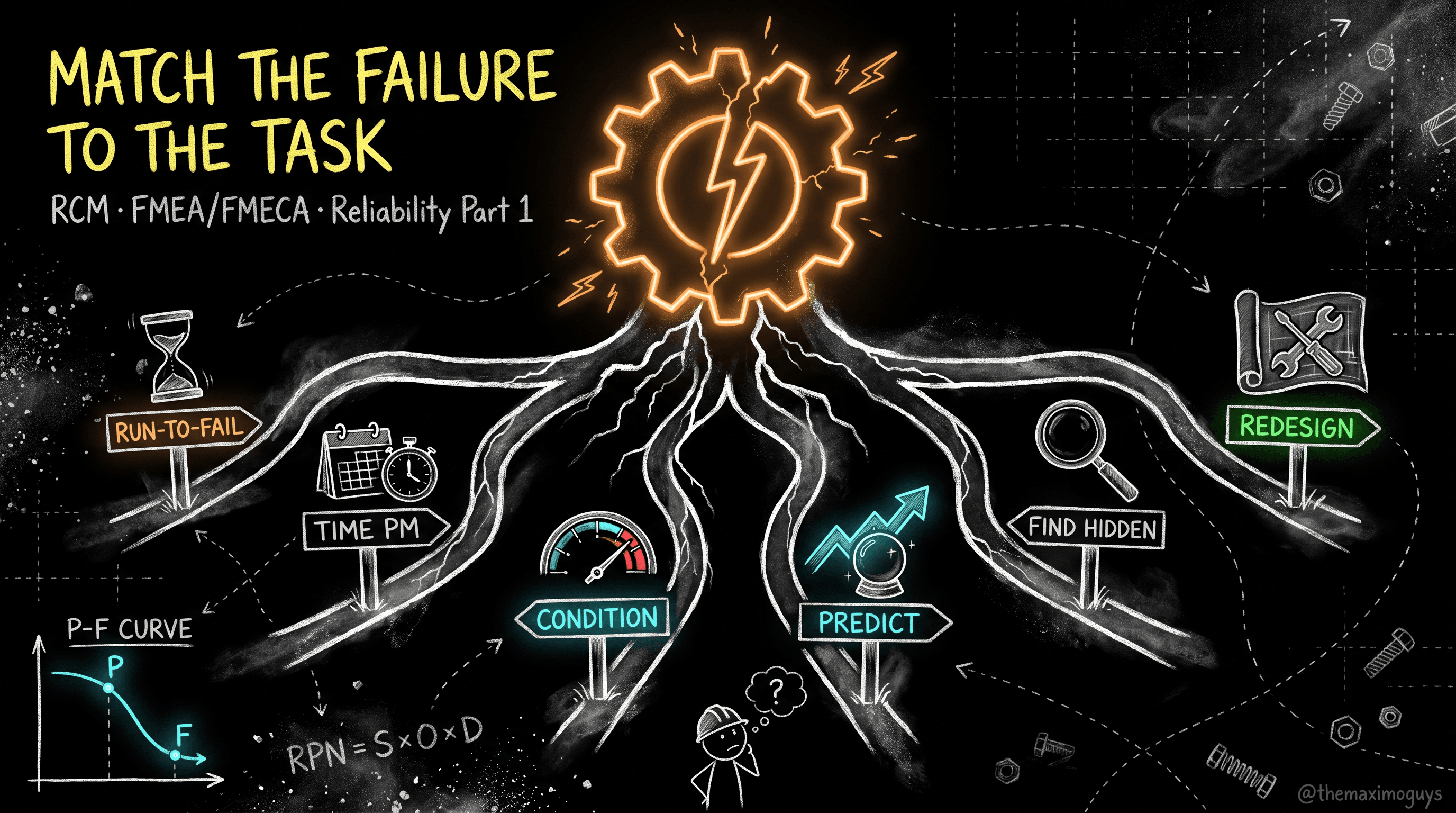
Before you touch a Maximo application, get the method right. This is Reliability Centered Maintenance reduced to SAE JA1011's seven questions, FMEA/FMECA with the RPN screen, and the decision logic that maps every failure mode to exactly one task type — run-to-failure, PM, condition-based, predictive, failure-finding, or redesign.
Surendra KattaJul 16, 2026Part 1 of 7
The metrics are the feedback loop that tunes the strategy. This is MTBF, MTTF, MTTR, availability, failure rate and OEE from first principles, the bathtub curve explained, and the Nowlan & Heap finding turned into a concrete PM-optimization method you can run against your own Maximo failure history.
Surendra KattaJul 16, 2026Part 2 of 7
Everything in this series assembles into a phased program: Phase 0 legacy cleanse during the upgrade window, Phase 1 the reference-data spine, Phase 2 the maintenance decisions, Phase 3 the Reliability Strategies layer, Phase 4 APM, and Phase 5 closing the loop — the phase that never ends. Each phase has exit criteria so you know when you can move on.
Surendra KattaJul 16, 2026Part 7 of 7
This is where reliability implementation succeeds or stalls. The strategy is only as good as the data underneath it, and the data has a hard dependency order. Here are the five realistic load tools, the eleven-step load sequence the MBO layer forces on you, per-object load specifics including the FAILURELIST restricted-object gotcha, and the validation and cleansing that must happen before you load anything.
Surendra KattaJul 16, 2026Part 6 of 7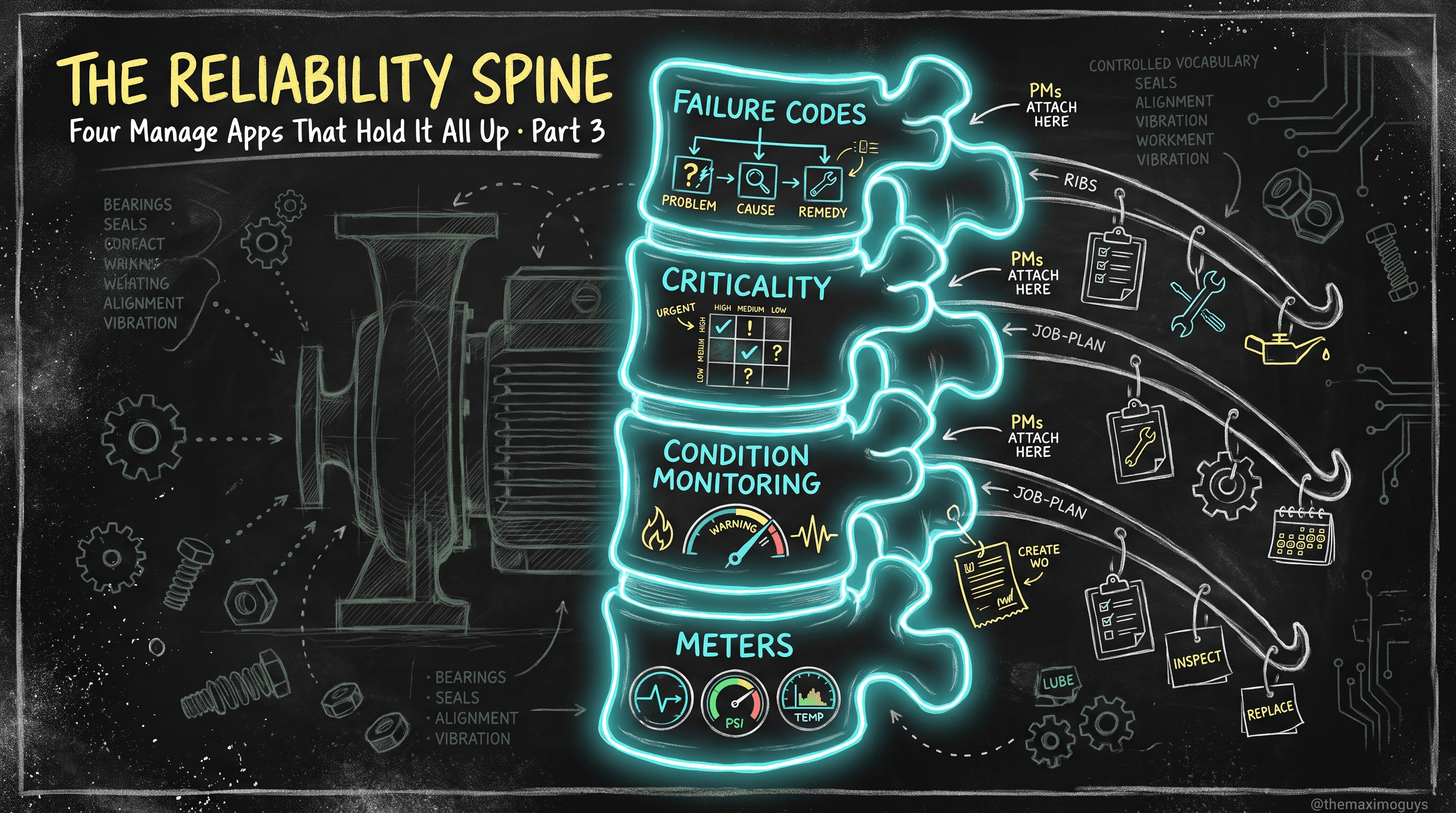
Methodology becomes reference data here. The reliability spine is four stock MAS 9 Manage applications — Failure Codes, asset criticality, Condition Monitoring, and Meters — that together turn free-text guesswork into a controlled vocabulary, risk-based effort, and automatic condition-based work order generation.
Surendra KattaJul 16, 2026Part 3 of 7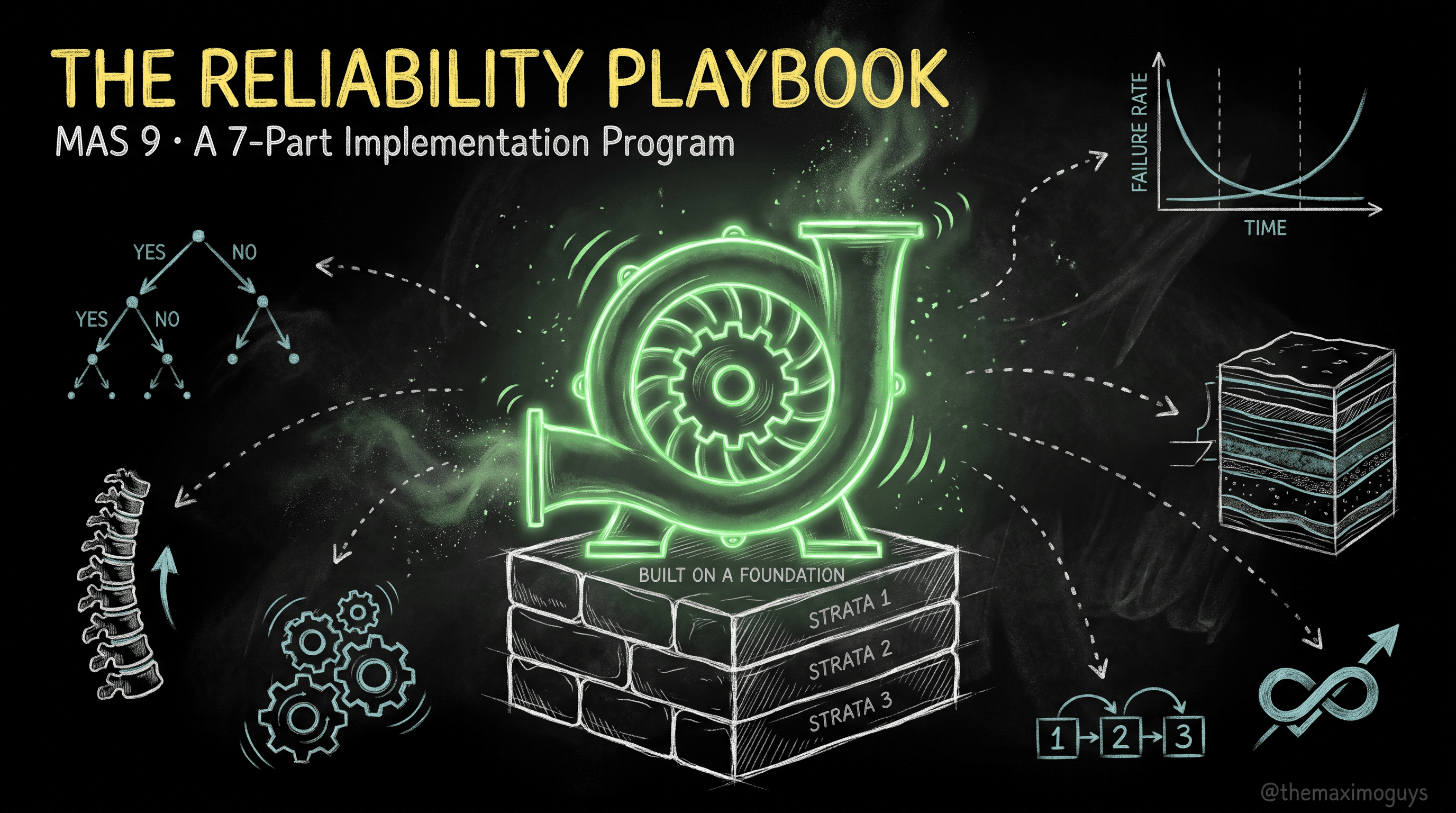
An end-to-end, seven-part program for standing up a real reliability strategy in IBM Maximo Application Suite 9 — from RCM and FMEA fundamentals, through the Manage reliability spine, the Reliability Strategies app, and the APM layer, to dependency-correct data loads and a phased, upgrade-window rollout.
Surendra KattaJul 16, 2026Part 0 of 7
The buyer desk has its own Tier 0. Here is the BUYER_HOME starter pack for MAS 9 Manage: seven work-queue result sets and five KPIs, eighteen copy/paste saved queries scoped by buyer code, inbox hygiene with bulk approve and delegation, and the stale-PR, open-PO, and orphan-line cleanup that clears a migration mess in an afternoon.
Venkat AchantaJul 16, 2026Part 6 of 10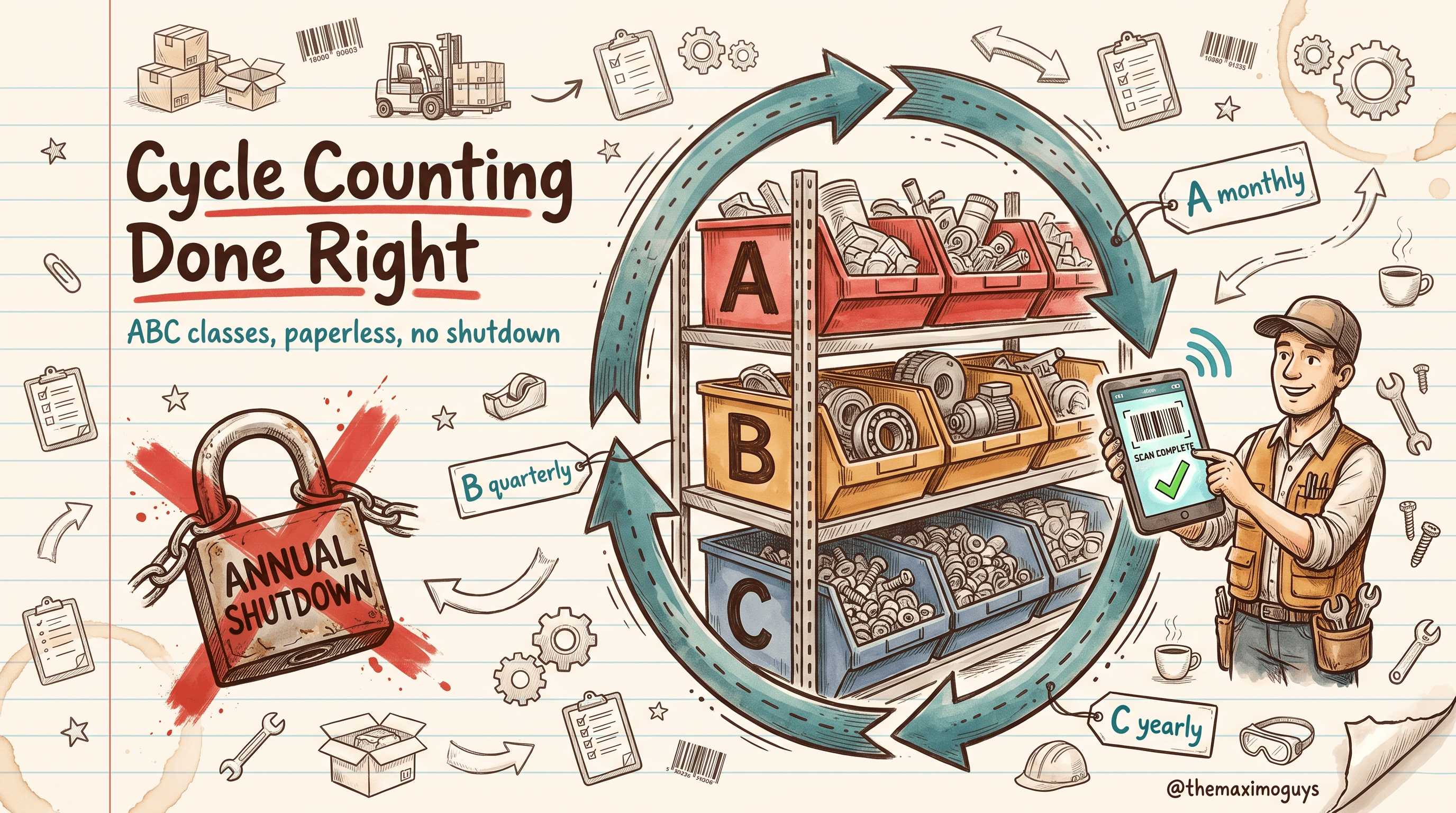
The once-a-year wall-to-wall count that shuts the storeroom for days is the wrong model. In MAS 9 Manage you classify items A/B/C, count A-items monthly and C-items annually, generate count books from the Physical Count application, set variance tolerances that auto-adjust the small stuff, and run the whole thing paperless on Maximo Mobile — so accuracy is found in weeks, not a year.
Venkat AchantaJul 16, 2026Part 4 of 10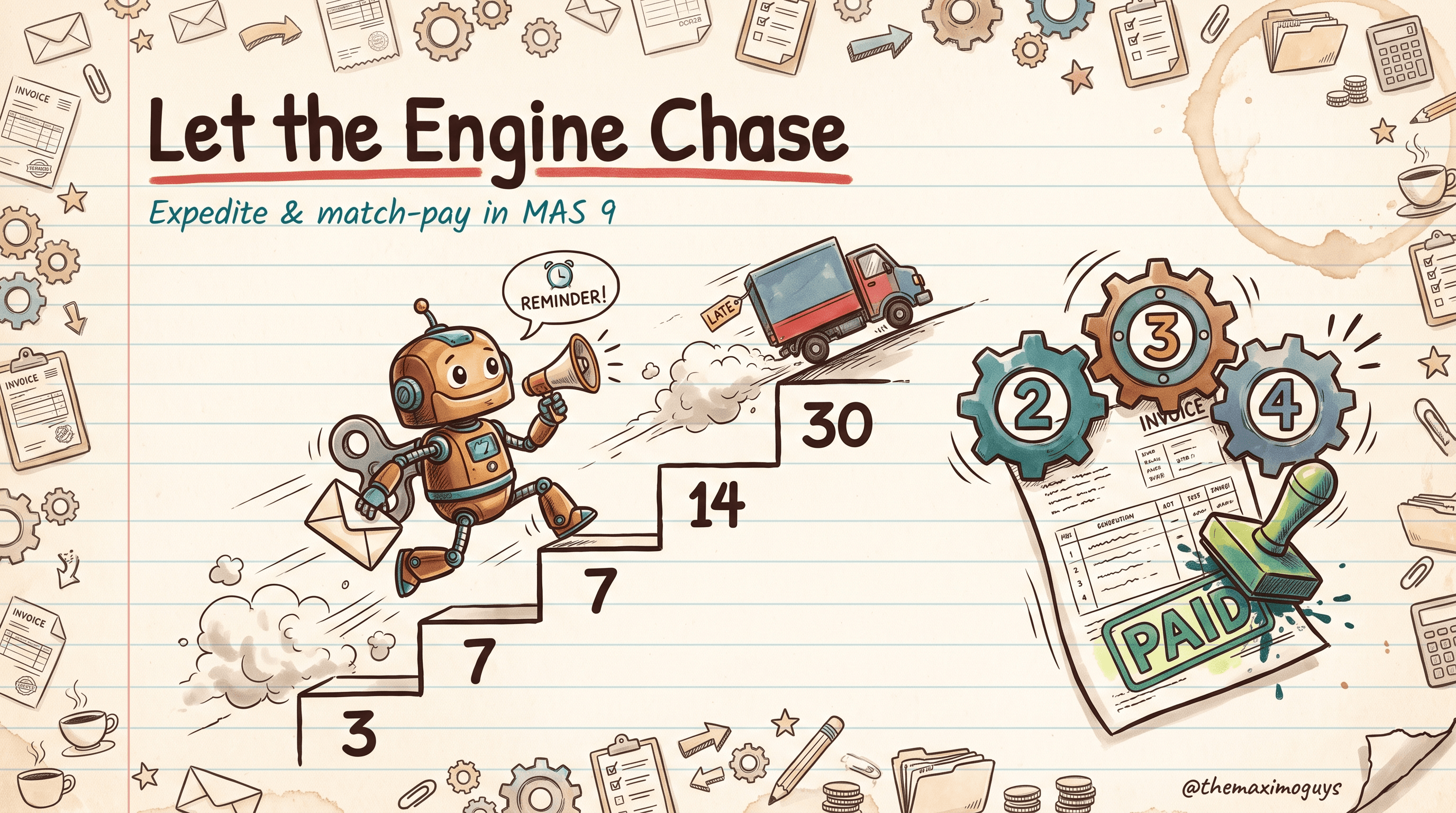
This is the net-new material most buyers never had out of the box: an escalation engine that chases late vendors for you on a 3/7/14/30-day ladder, a 'My Late Orders' portlet, and a match-pay flow that auto-approves clean invoices and triages only the exceptions through Buyer, AP, and Procurement Manager. No custom code — just Escalations, Comm Templates, and SQL conditions.
Venkat Achanta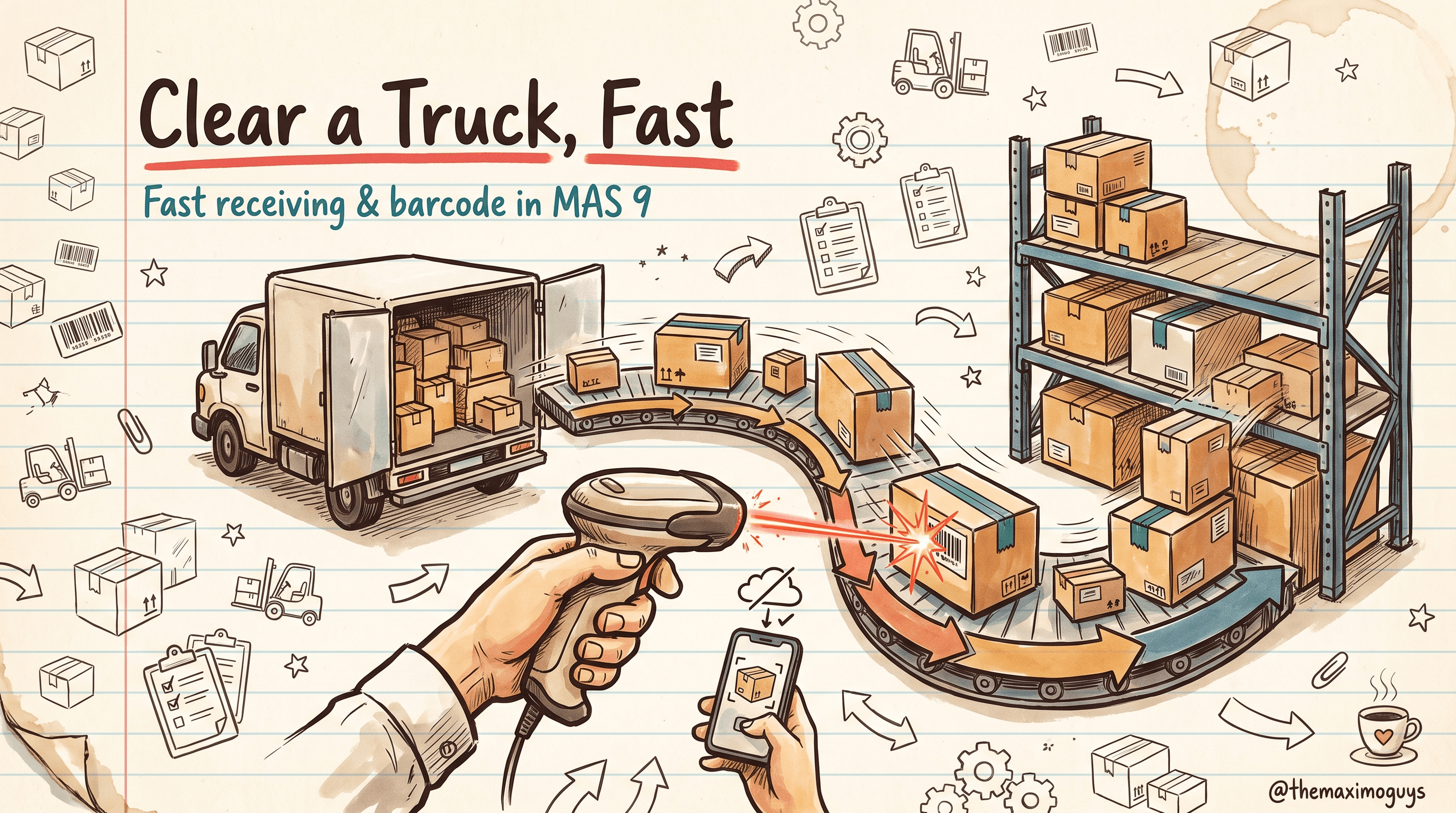
Receiving is where a truck becomes storeroom balance. In MAS 9 Manage you can receive a 30-line PO in one pass, let a 102% tolerance receipt through without an exception, route inspection items to a holding location, and scan barcodes on both the Carbon desktop and Maximo Mobile — including offline. Here is how the receiving desk actually runs.
Venkat AchantaJul 16, 2026Part 3 of 10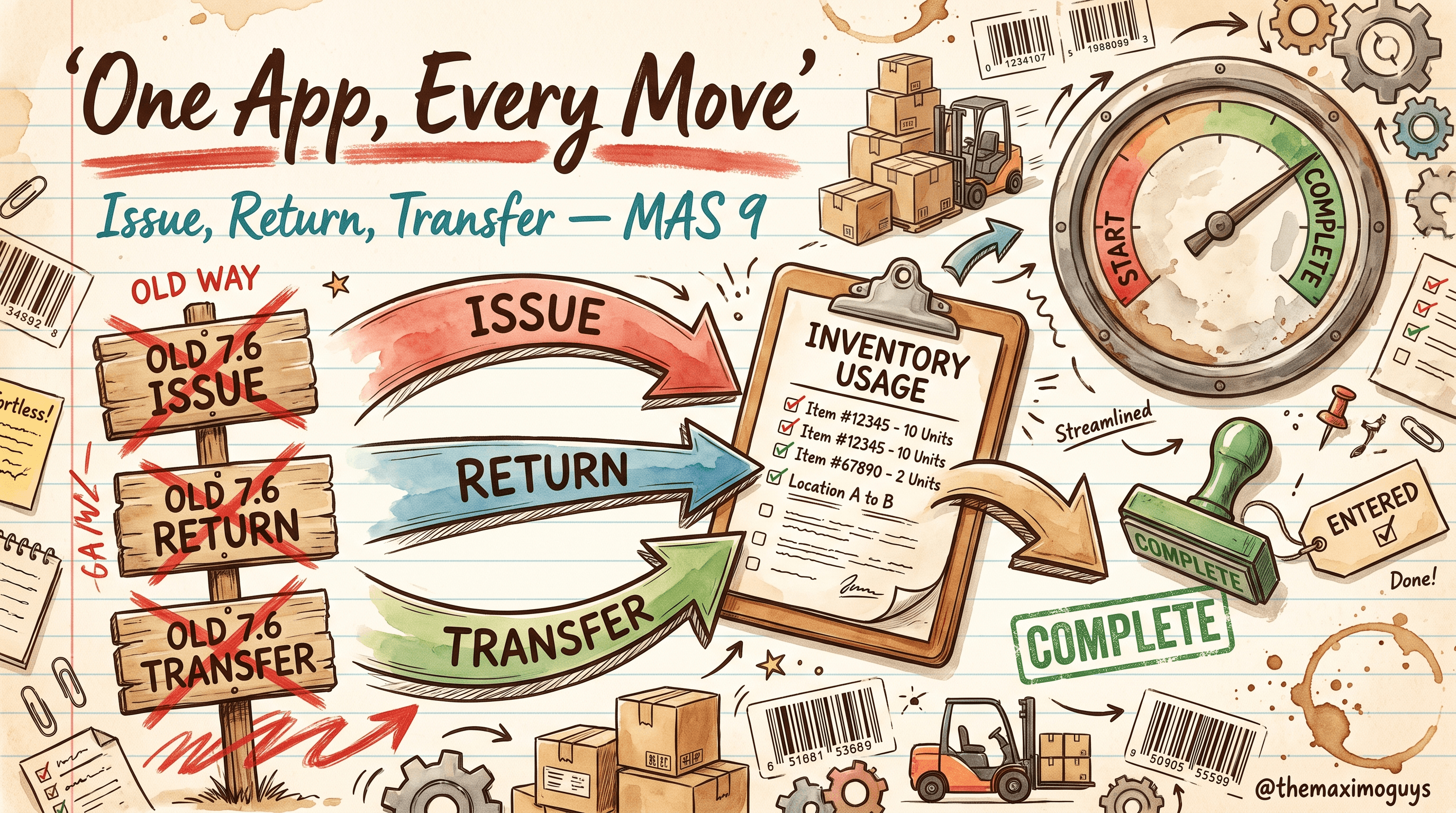
Issue Current Item is gone. In MAS 9 Manage, one application — Inventory Usage (INVUSAGE) — handles every material issue, return, and transfer. Here is how it works, why everything now flows through it before it touches balance, and how to put ten parts on a single document with one action or one string of barcode scans.
Venkat AchantaJul 16, 2026Part 2 of 10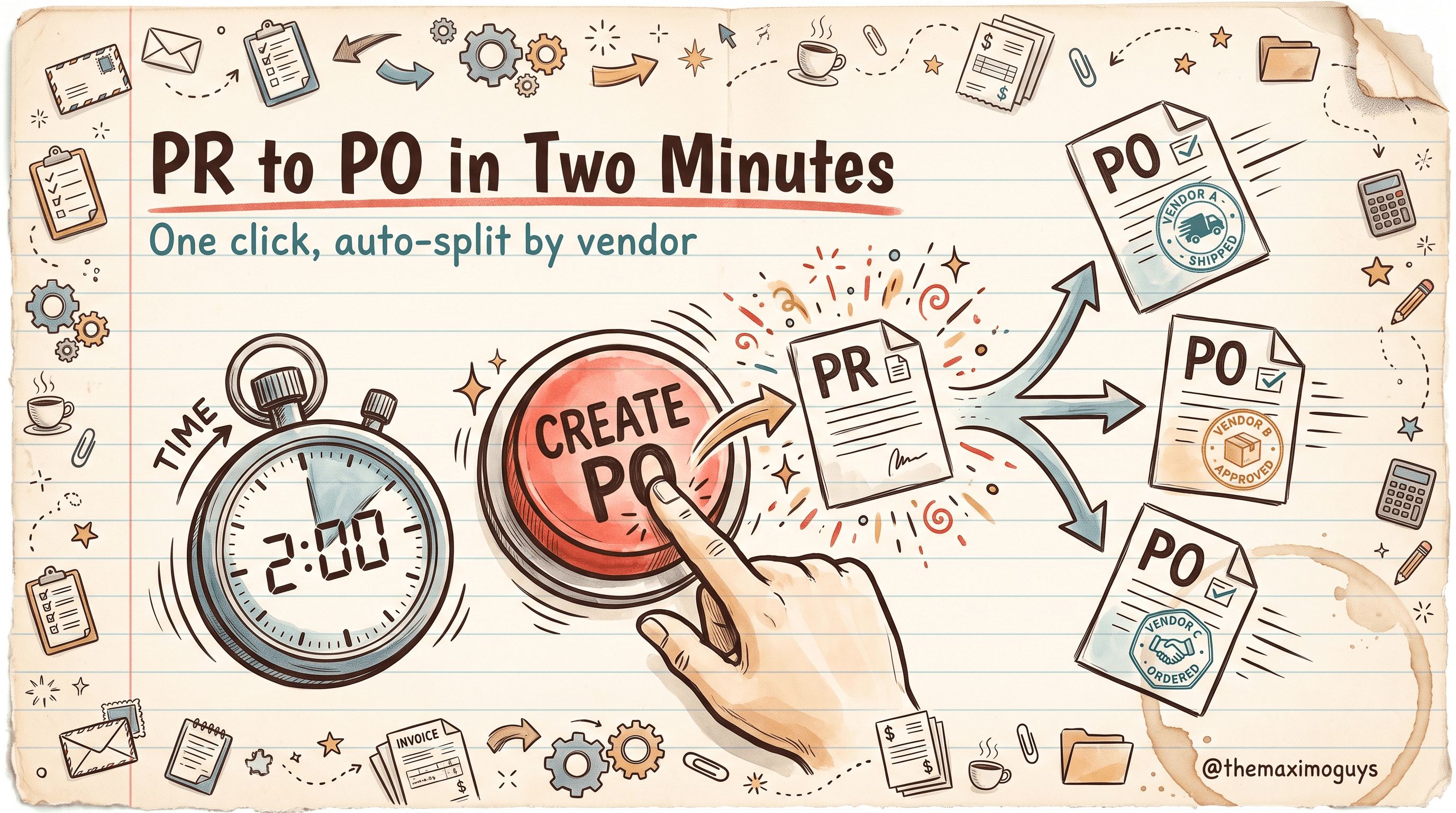
Cycle time from an approved requisition to an issued purchase order is the buyer's number-one metric. In MAS 9 Manage the conversion is a one-click Create Purchase Order action, desktop requisitions push intake upstream to the person who knows what they need, and a thresholded approval workflow routes by dollar value without approver-shopping. Here is the whole PR-to-PO flow, click by click.
Venkat AchantaJul 16, 2026Part 7 of 10
The finale threads both desks together. Walk the seven phases of procure-to-pay in MAS 9 Manage — Plan, Demand, Source, Order, Expedite, Receive, Match & Pay — as one continuous flow, map the status transitions of all four objects on a single page, and follow one bearing from below-reorder-point to paid invoice on both the happy path and the escalation path.
Venkat Achanta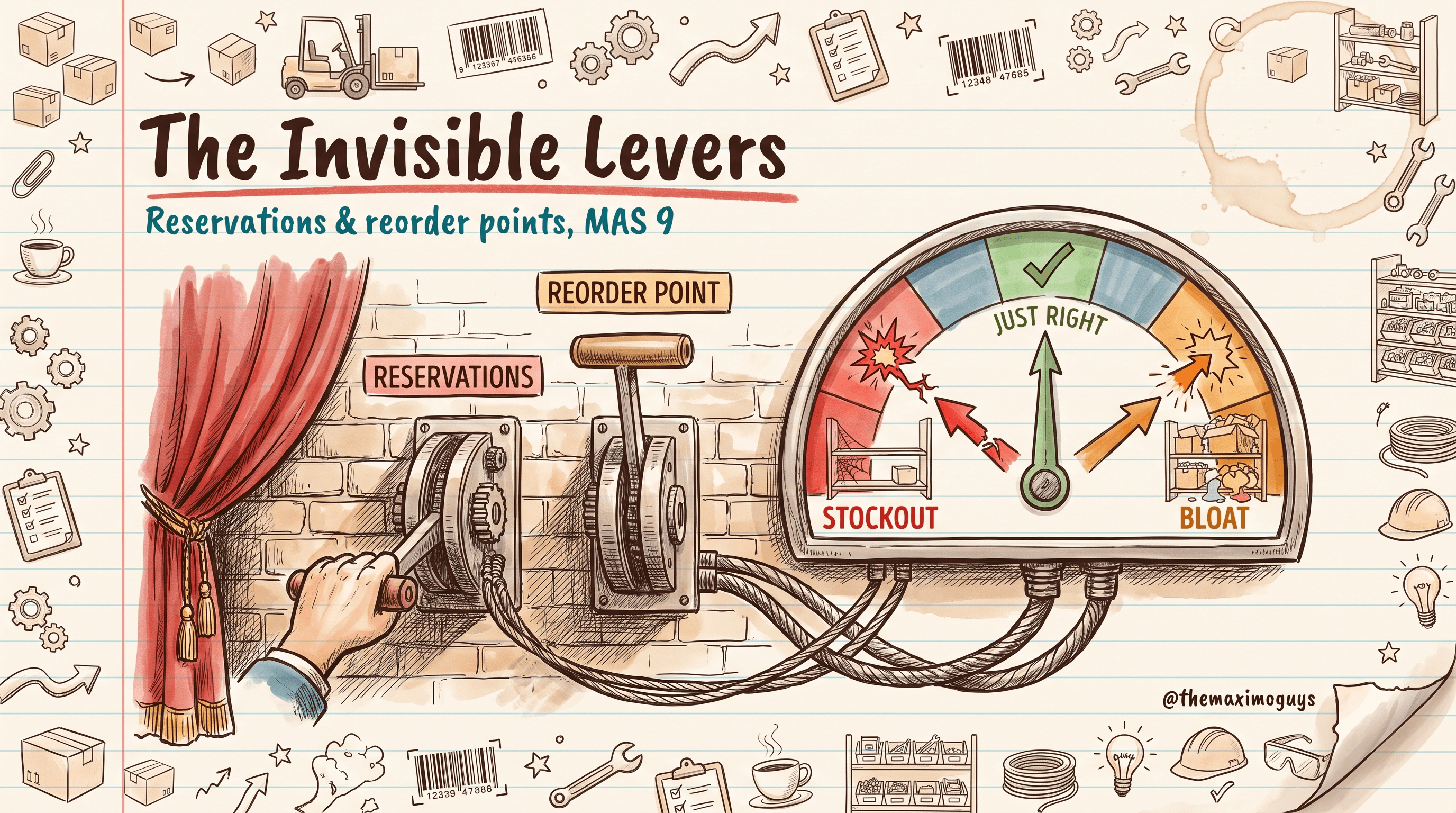
Reservation hygiene is the hidden lever behind accurate availability; reorder points are the hidden lever behind stockouts and bloat. In MAS 9 Manage, learn hard vs soft reservations, how to clear stale ones in ten minutes a week, and how to set min/max/safety-stock/EOQ you can actually trust — including the dynamic lead time MAS 9 maintains for you.
Venkat AchantaJul 16, 2026Part 5 of 10
A ten-part role-and-task playbook for the two people who run supply chain in MAS 9 Manage: the storekeeper and the buyer. Not a feature tour — a Day-1 field guide of Start Center recipes, saved queries, receiving and counting rhythms, reservation hygiene, PR-to-PO conversion, RFQ discipline, vendor escalation, and the full procure-to-pay lifecycle, grounded in how MAS 9.0 and 9.1 actually behave.
Venkat AchantaJul 16, 2026Part 0 of 10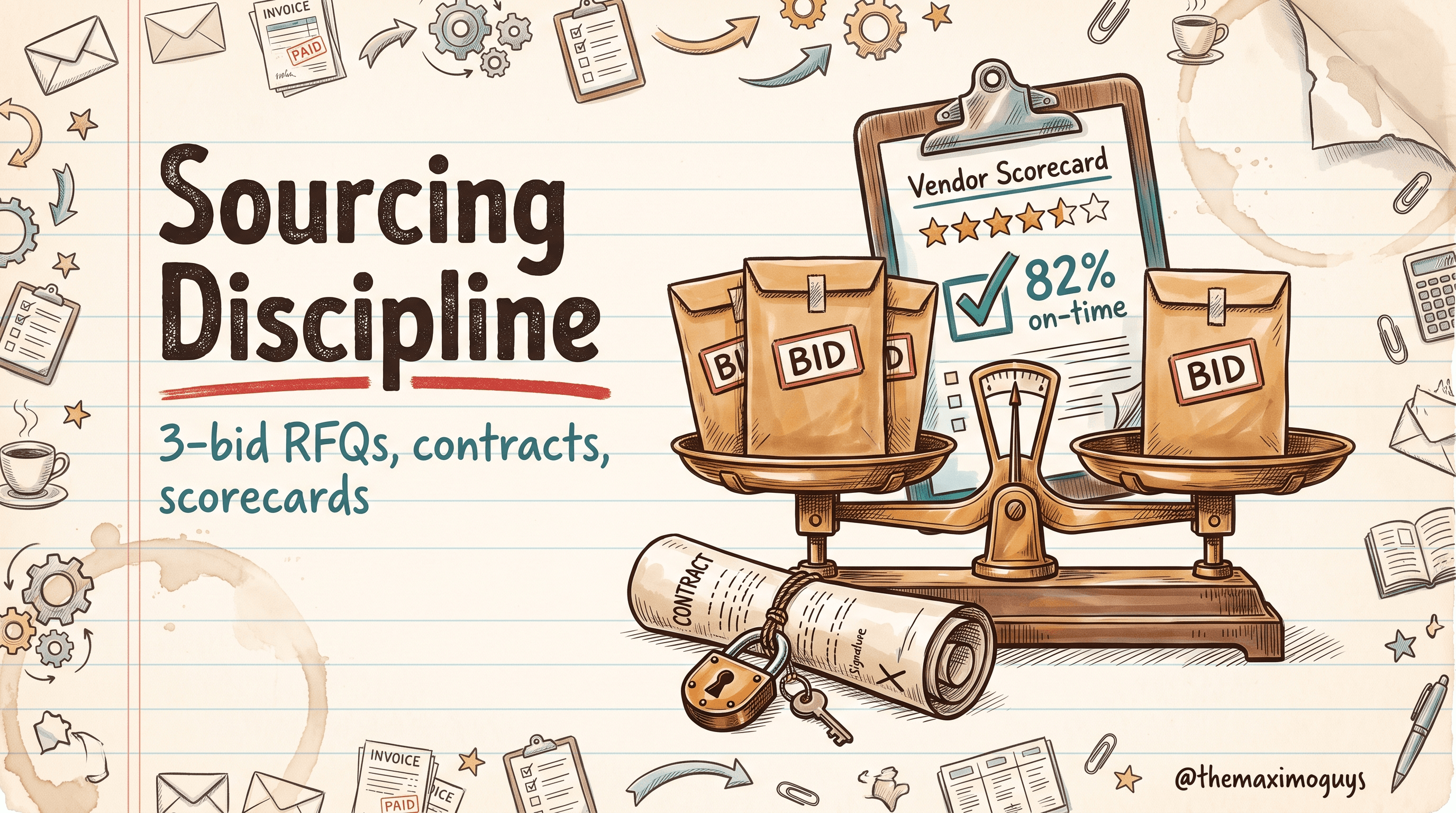
Sourcing is where discipline pays for itself. In MAS 9 Manage, run a 3-bid RFQ without the pain using templates, buy on the right contract across the nine OOB contract types, pull terms from a legal-approved library instead of retyping, and score vendors on real data so 'they feel unreliable' becomes 'they were 82% on-time in Q3.'
Venkat AchantaJul 16, 2026Part 8 of 10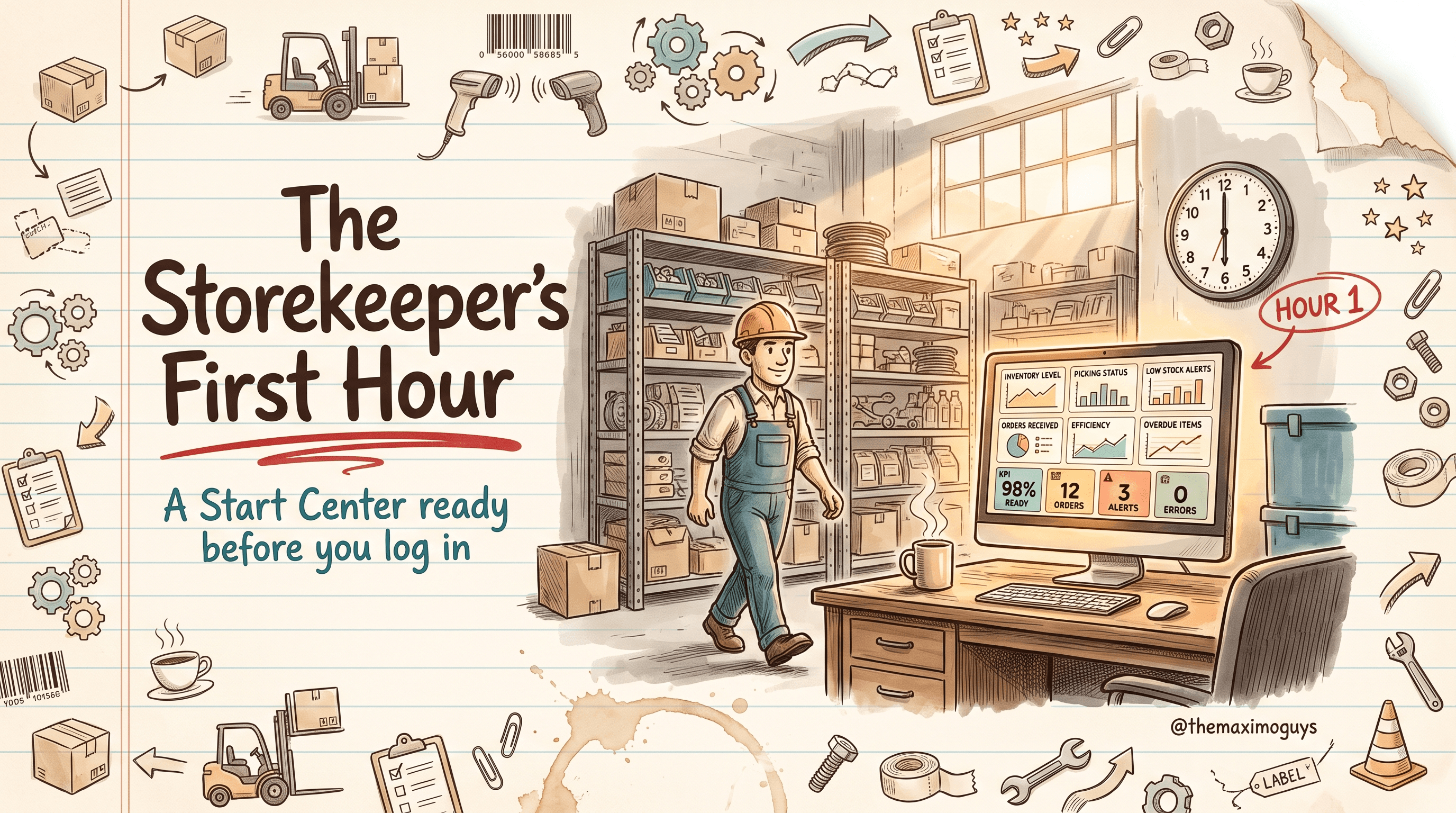
Go-live morning is won or lost in the first hour. Here is the Tier 0 starter pack for MAS 9 Manage: a Start Center template with six result-set portlets and four KPI tiles, fifteen copy/paste saved queries scoped by home storeroom, a 60-minute admin deployment plan, and an hour-1 checklist every storekeeper uses to confirm they got it — all out-of-the-box, no code.
Venkat AchantaJul 16, 2026Part 1 of 10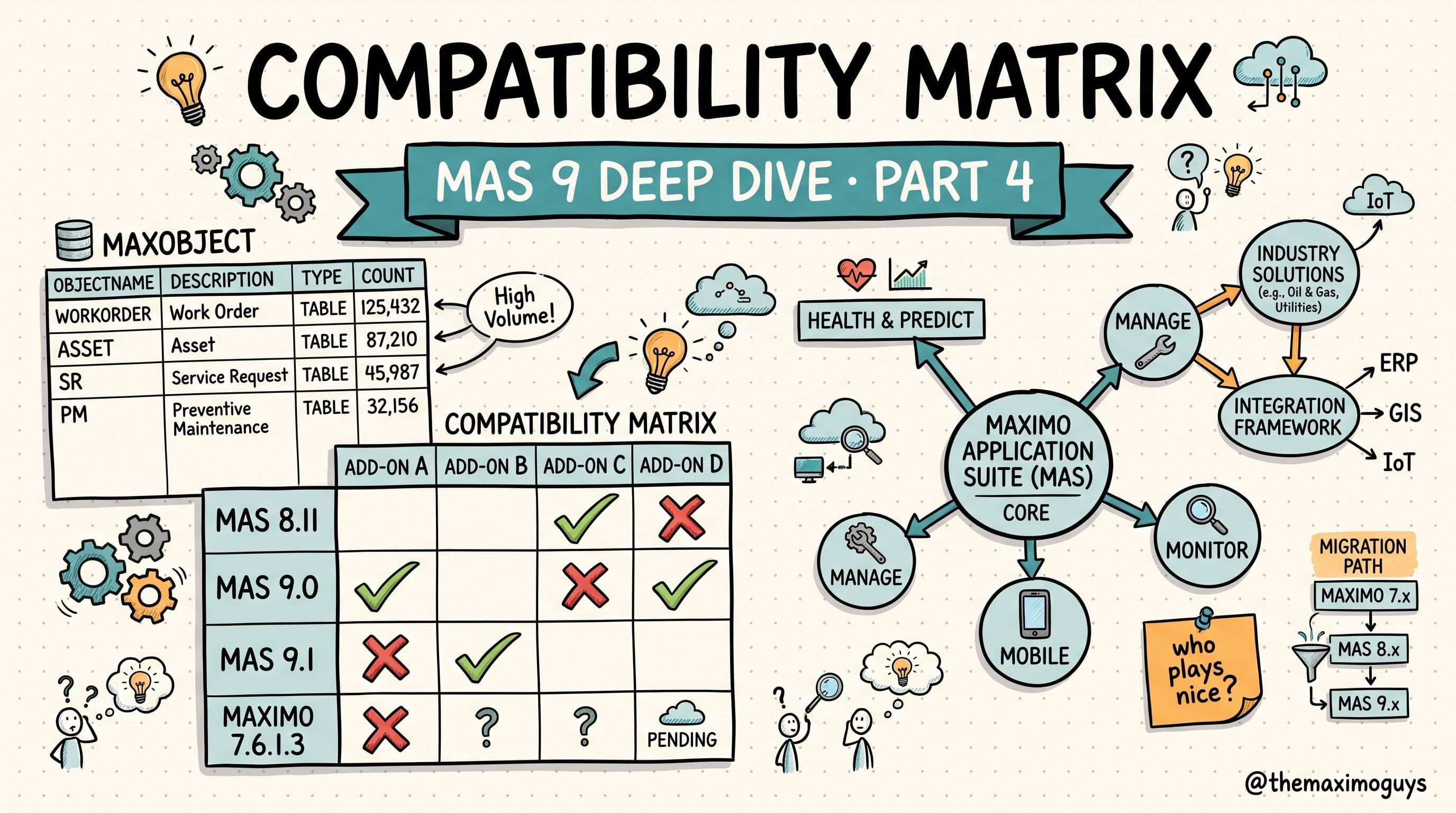
How to read MAXOBJECT counts as an add-on's real database footprint, why HSE ships inside Oil & Gas under one shared PLUSG prefix, why Aviation conflicts with almost everything, and the exact MAS 9 compatibility matrix that tells you which extensions can coexist.
Venkat Achanta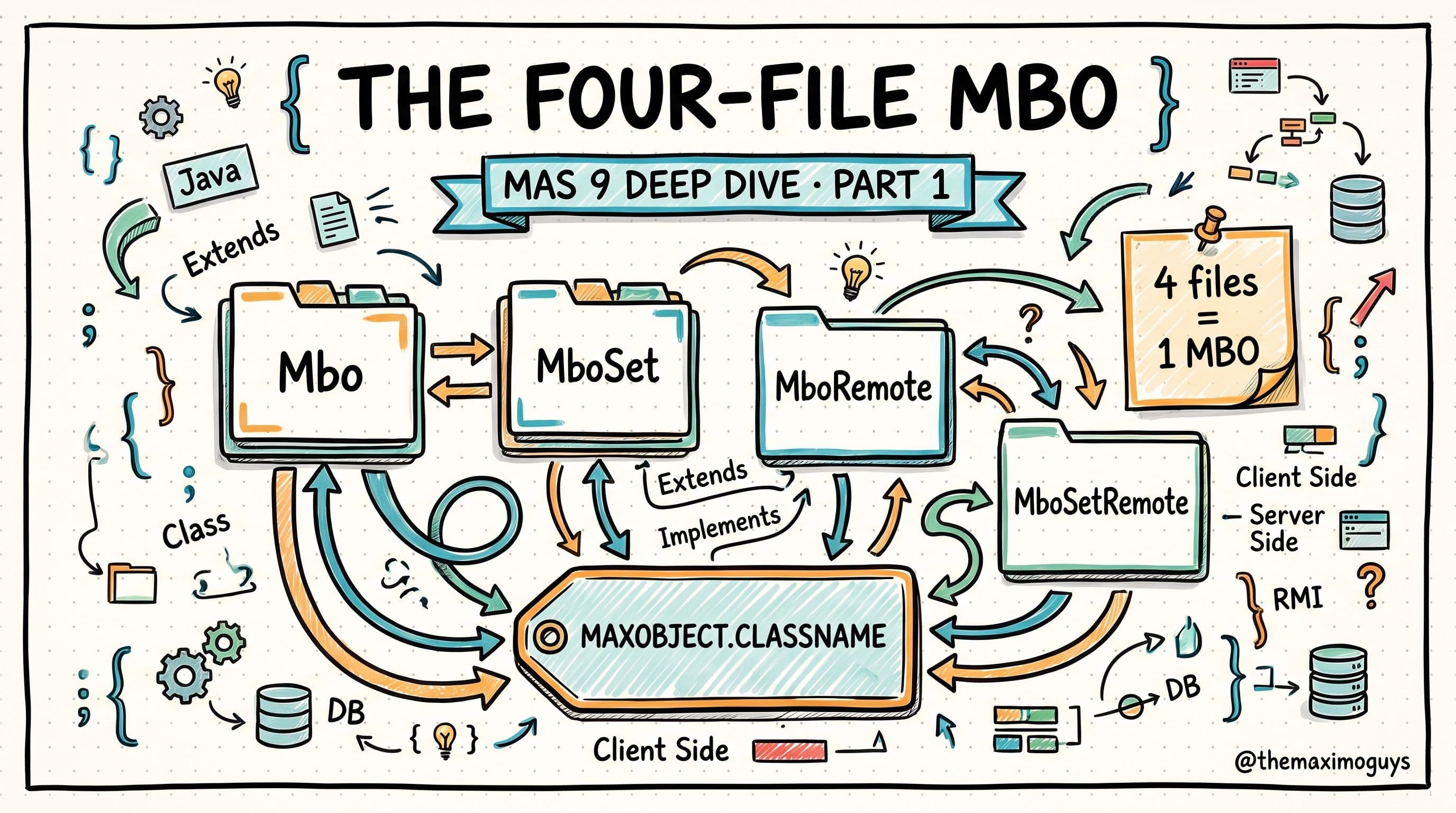
A developer's deep dive into the four-file MBO pattern behind every Maximo object, how MAXOBJECT.CLASSNAME links an object to its MBO Set class, and how a PLUS add-on layers on top through plain Java inheritance.
Venkat Achanta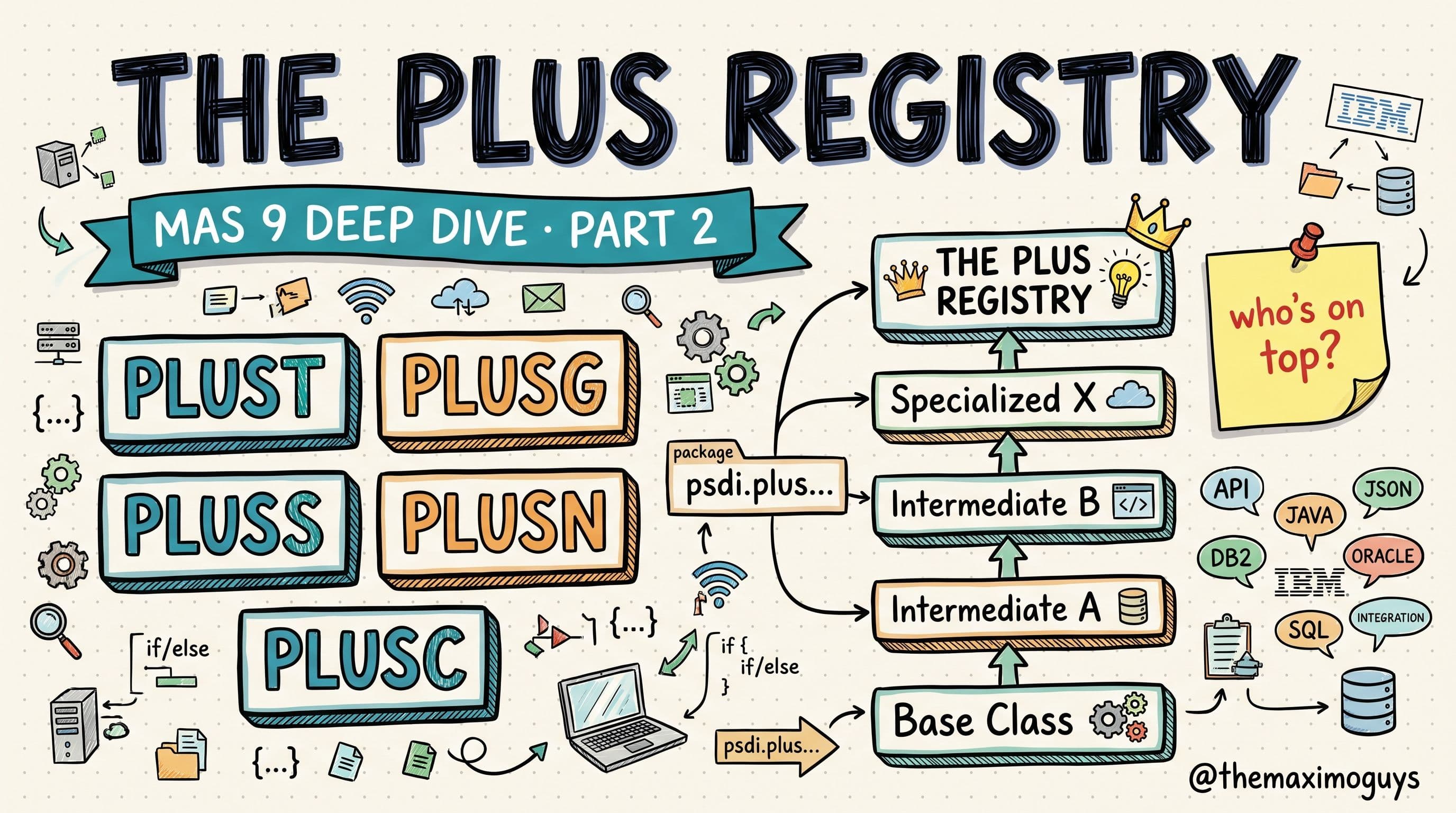
The reference every Maximo developer bookmarks: the complete PLUS prefix directory (PLUSA through PLUSV, TLOAM, custom), which prefixes are included capabilities versus paid add-ons versus legacy, the five-layer extension hierarchy, and exactly how Maximo stitches multiple add-ons into one MBO inheritance chain — with the WorkOrder and Asset chains resolved step by step.
Venkat Achanta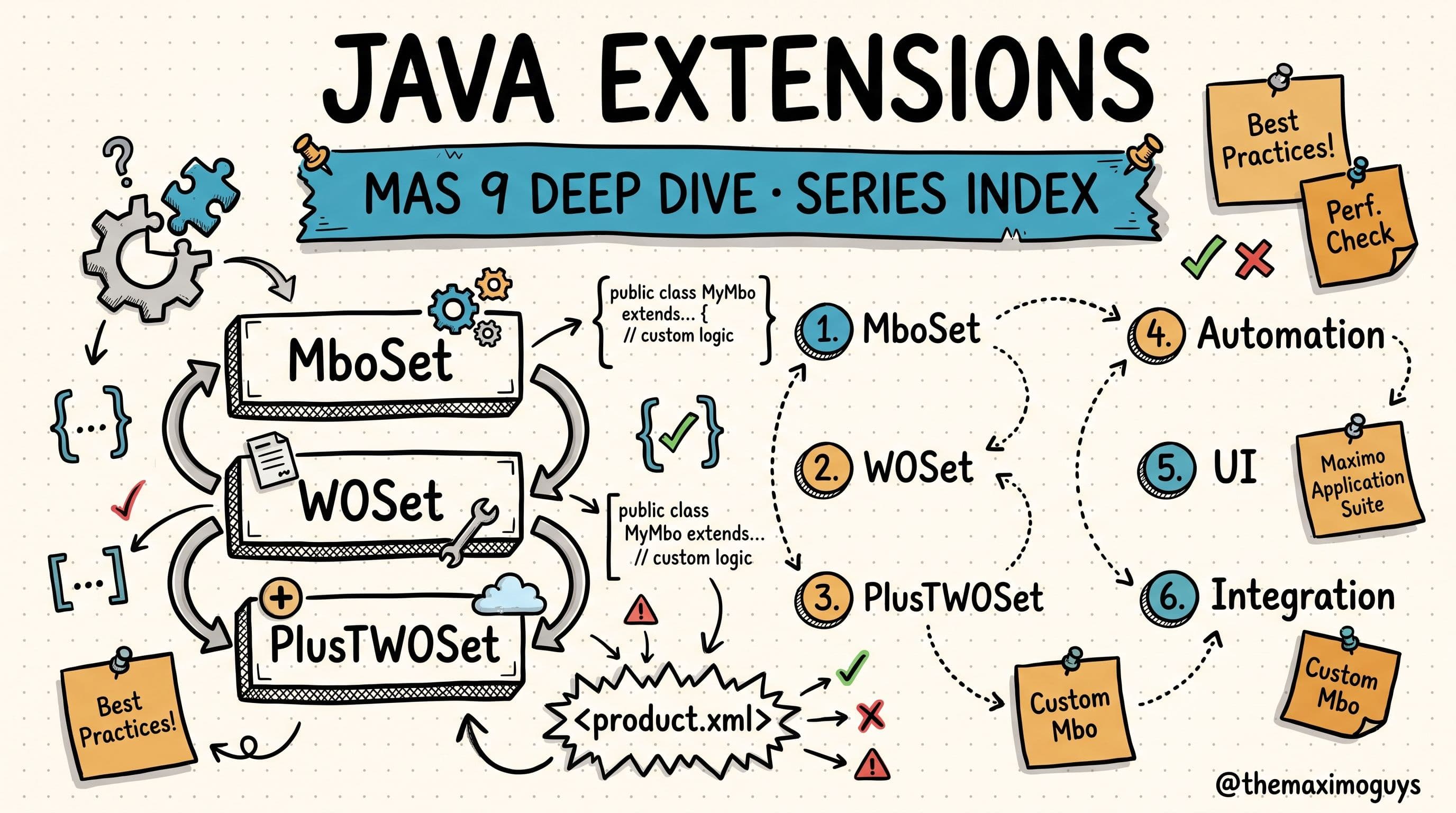
A developer's deep dive into how IBM Maximo add-ons and industry solutions extend the core through Java — PLUS prefixes, the four-file MBO pattern, MBO inheritance chains, product.xml, bytecode injection, the compatibility matrix, the MAS 9 Customization Archive, and the Java 17 shift.
Venkat Achanta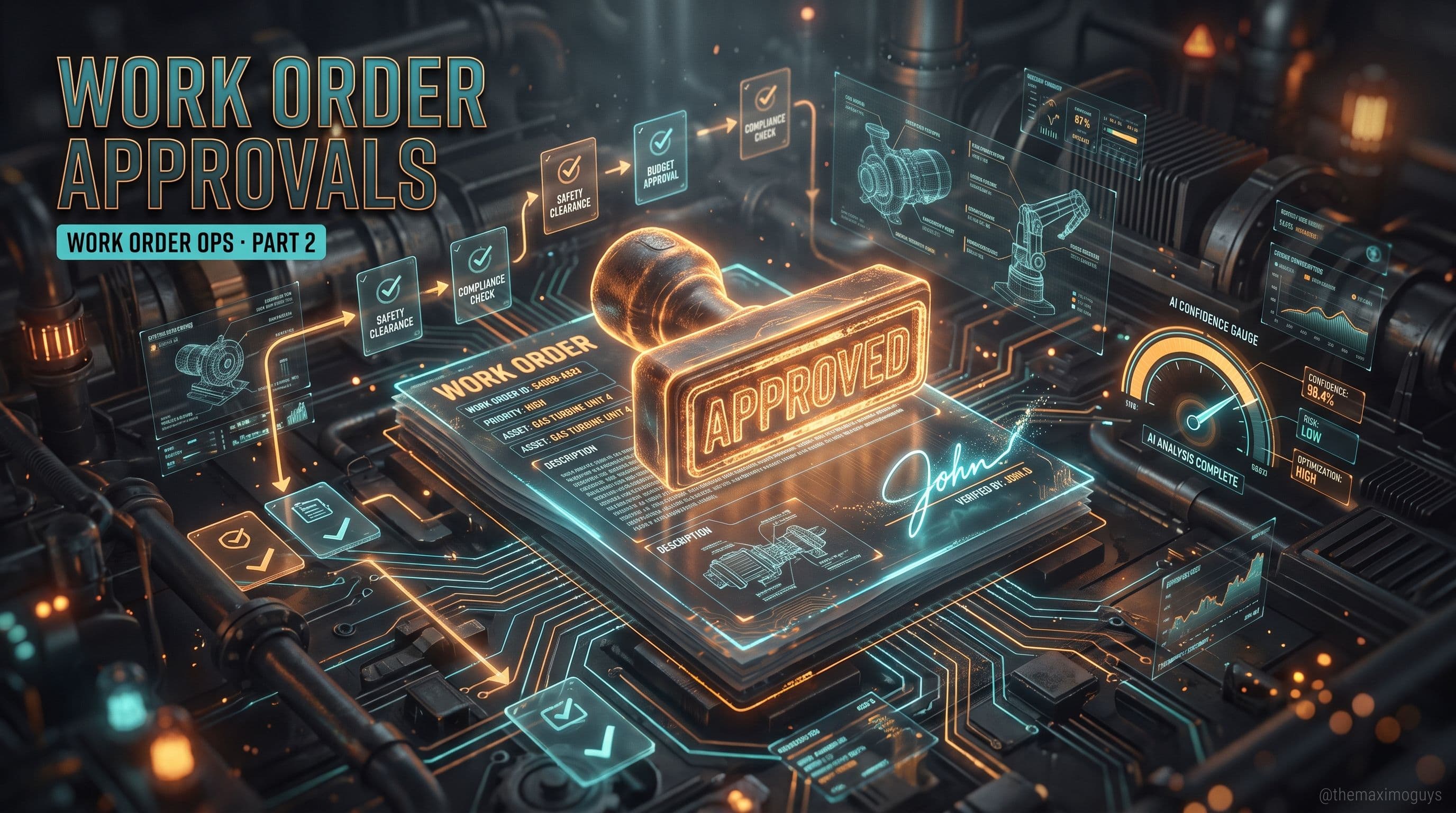
Approving a work order looks different in MAS 9. Here's the honest picture — the Workflow Designer is unchanged and your 7.6 workflows carry forward, the new Approvals Role-Based Application replaces the Work Supervisor approval flow (with one gap), watsonx-powered Work Order Intelligence recommends a failure code with a confidence score at approval, and electronic signatures can be enforced on specific status changes for regulated work.
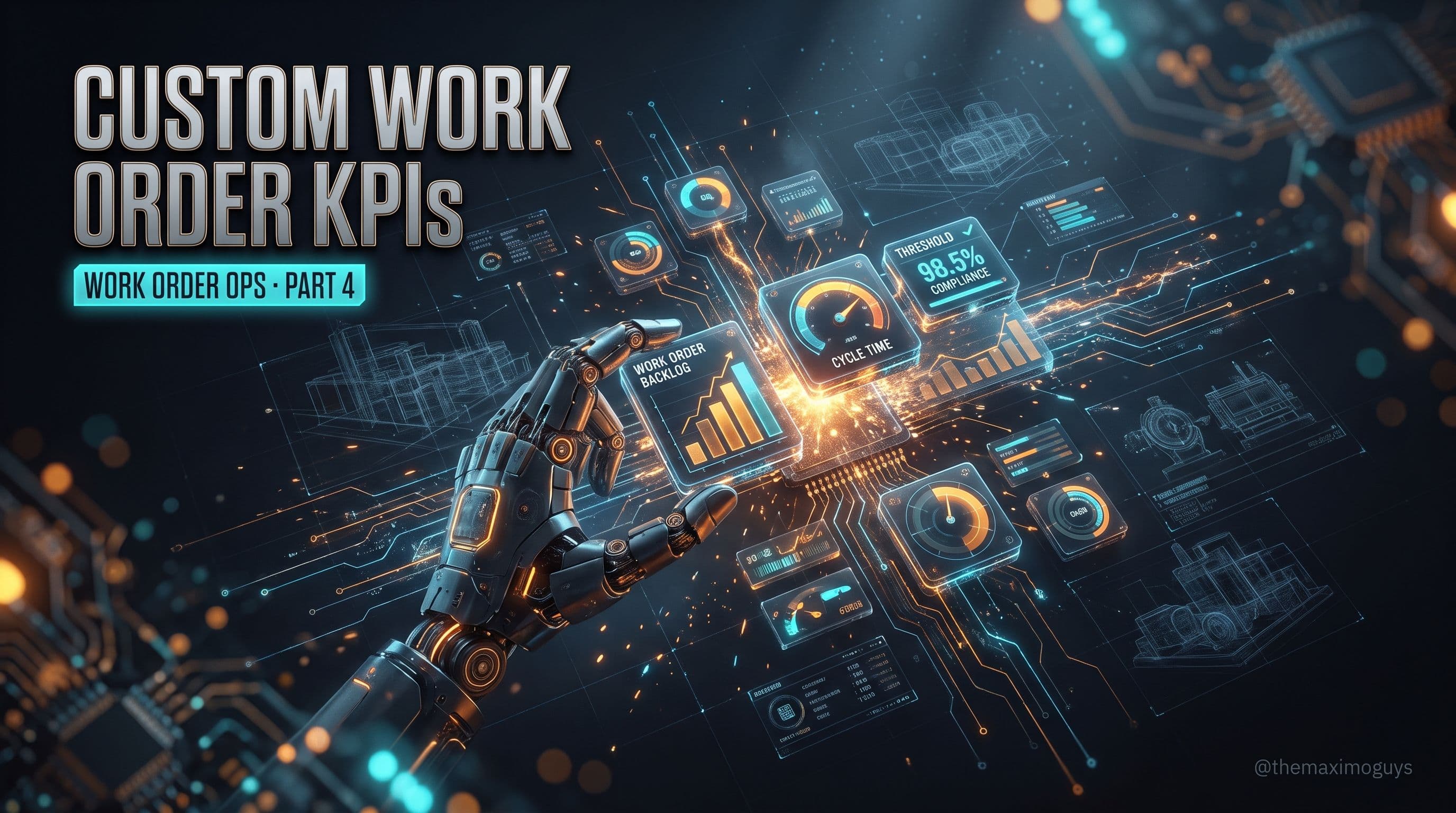
Part 3 showed you how to consume the operational dashboard. This is the other half: how to build your own work order KPIs in MAS 9. The KPI Manager application, custom queries against any Maximo object, refresh intervals, green/yellow/red thresholds, trend calculations, matching a KPI to the right card type, and the MAS 9.1 ability for KPI services to return JSON from an external API.
Venkat Achanta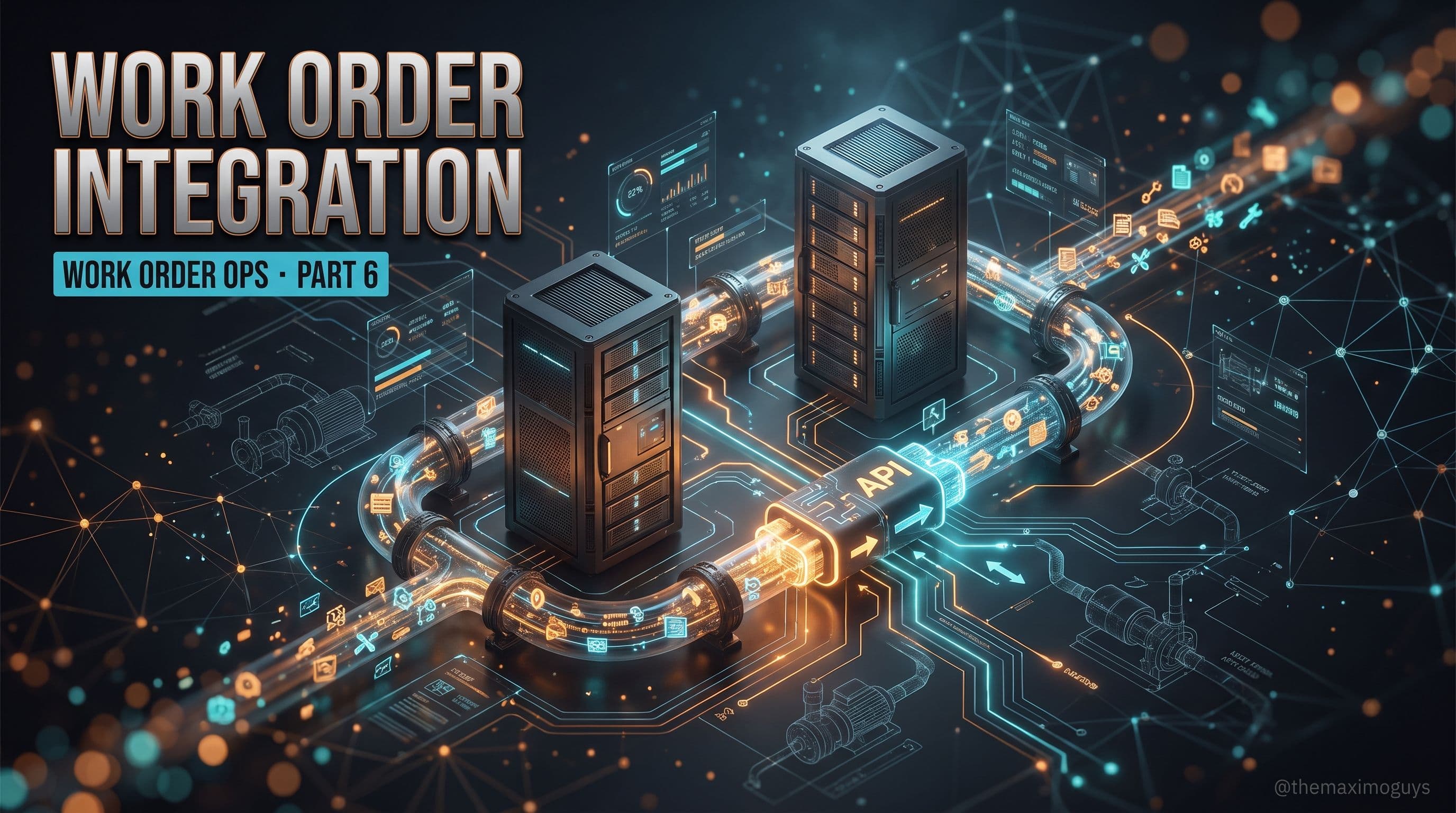
The work order integration surface moved in MAS 9. Here's the JSON API for work orders — /api/os/mxwodetail with lean=1 — with real query and create examples, Kafka events for near-real-time WO changes, and the honest posture on MIF: it still works, but new integrations belong on REST and Kafka.
Venkat Achanta
IBM's Operational Dashboard is the strategic replacement for Start Centers as the maintenance manager's command center. Here's what ships out of the box in MAS 9 Manage — the WO KPIs, the pre-built Maintenance Manager dashboard, the card types worth knowing — and the honest 9.1 limitation that keeps many teams running Start Centers side by side.
Venkat Achanta
BIRT is not formally deprecated in MAS 9 and your existing work order reports still run. The upgrade mistake is treating the report catalog as a rebuild backlog. Here's how to rationalize WO reporting into KPI Manager cards, keep the reports that must stay reports, and know exactly when Cognos Analytics earns the job.
Venkat Achanta
A six-part edge-filler series on the Work Order changes that the standard MAS 9 Manage guides skip: the Service Request RBA, the Approvals application and electronic signatures, the Operational Dashboard and out-of-the-box WO KPIs, custom KPI creation, rationalizing BIRT into KPI Manager, and the new WO REST and Kafka integration surface.
Venkat Achanta
The Service Request Work Center is gone. Here's what replaced it in MAS 9 Manage — the classic SR app in Carbon, the Service Request Role-Based Application on MAF, the dedicated SR mobile app in 9.0 and 9.1 — and the honest truth about the single-screen SR-to-WO conversion that no longer exists.
Venkat Achanta
A practitioner's deep dive into IBM Maximo Manage on MAS 9 — eleven parts covering the new MAF role-based applications, Operational Dashboard, Reliability Strategies, Inspections, Work Management, Graphical Scheduling, Maximo Mobile, embedded AI, and how to configure and administer it all.
Surendra Katta
A practitioner's map of how Maximo 7.6 EAM became Maximo Manage in MAS 9 — the move to containers on OpenShift, the Maximo Application Framework, AppPoints licensing, and why your MBOs, scripts, and database survive the journey intact.
Surendra Katta
A 4-part series breaking down every major feature change in MAS 9 — from Manage core platform transformation, to suite AI applications, paid add-ons and industry solutions, and the supply chain revolution. Your team's complete upgrade reference.
 Posam LakshminarayanaMar 17, 2026Part 0 of 25
A forward-looking view of where Maximo may head through 2040: AI agents, digital twins, more autonomous workflows, and the five-stage EAM evolution from reactive to increasingly autonomous operations.
 The Maximo GuysFeb 6, 2026Part 12 of 12Surendra KattaOct 20, 2026Part 7 of 8Surendra KattaVenkat Achanta