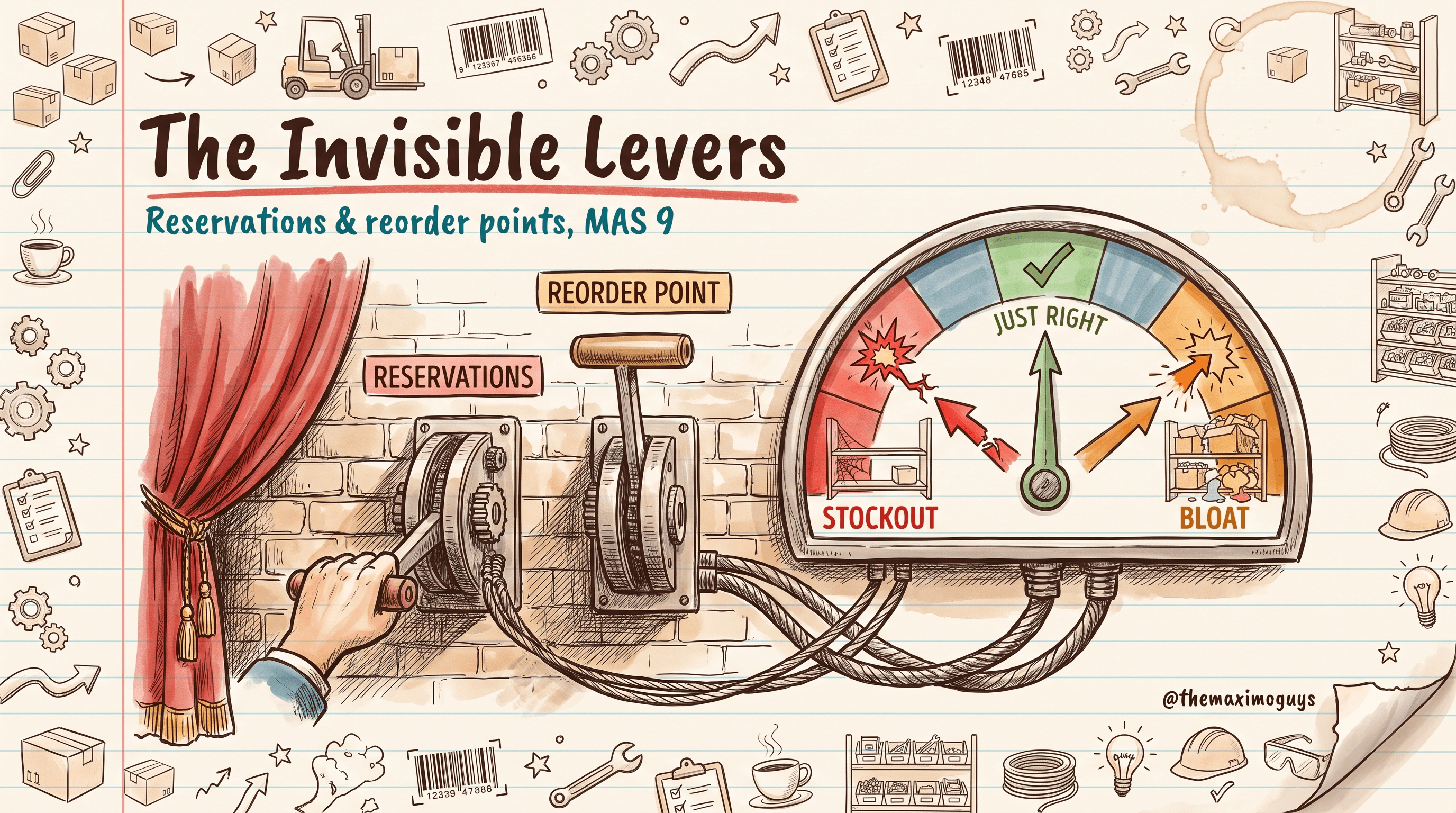
The Procurement Lifecycle & A Day in the Life of a MAS 9 Buyer
🎯 Who this is for: Leads, architects, and the admins who support both the storeroom and the buyer desk — anyone who needs to see how a part travels from "we need it" to "we paid it" as one continuous flow, and where each app and status hands off to the next.
Series: Part 10 of 10 — MAS 9 Supply-Chain Playbook (Series Finale) | Read time: 26 minutes
🧵 Threading Both Desks Together
The nine parts before this one each stood in one place — the bin or the desk — and looked closely at one job. This finale steps back and watches a single part travel the whole distance, from the moment a balance drops below reorder point to the moment an invoice is paid, crossing both desks and four applications on the way.
That end-to-end view is worth having on its own, because the biggest mistakes in a supply-chain rollout happen at the seams — where the storeroom's reorder becomes the buyer's requisition, where the buyer's PO becomes the storekeeper's receipt, where the receipt becomes AP's match. Seeing the seams as one flow is how you avoid designing each half in a way that breaks the other.
<aside>
💡 Key insight: A MAS 9 procurement organization that runs well does not write code — it configures. Org options, Comm Templates, Escalations, item-vendor data, tolerance policy, and role training carry the entire lifecycle below. Everything in this part is achievable with admin-app configuration, workflow, and reports. When someone proposes custom Java for a step in this flow, the first question is always: which out-of-the-box configuration were they unaware of?
</aside>
🗺️ The Seven Phases at a Glance
The procure-to-pay lifecycle is seven phases. Here they are with the app that owns each and the objects it writes:
| # | Phase | What happens | Primary app(s) | Objects |
|---|---|---|---|---|
| 1 | Plan & Replenish | ROP/safety-stock/EOQ + dynamic lead time drive the reorder | Inventory, Reorder | INVENTORY, INVBALANCES |
| 2 | Demand | A PR is born from a WO, a desktop req, the reorder cron, or a direct entry | Work Order Tracking, Desktop Req, PR | PR, PRLINE |
| 3 | Source | The PR is matched to a vendor — contract, RFQ, or judgment | Contracts, RFQ, Companies | RFQ, CONTRACT |
| 4 | Order | A PO is issued (or the PR flows to an ERP that issues it) | Purchase Orders | PO, POLINE |
| 5 | Expedite | Late vendors are nudged by the escalation engine | Escalations, Comm Templates | ESCALATION, COMMTEMPLATE |
| 6 | Receive | Goods land; inventory increments; inspection gates quality | Receiving, Inspection, Mobile | MATRECTRANS, INVENTORY |
| 7 | Match & Pay | Invoice ↔ PO ↔ Receipt match; the AP voucher posts | Invoices | INVOICE, INVOICELINE |
Phases 1 and 6 are the storekeeper's; phases 2 through 5 and 7 are largely the buyer's and AP's. The lifecycle is the two desks handing a part back and forth.
📥 Plan, Demand, and Source (Phases 1–3)
Phase 1 — Plan & Replenish
The loop starts before anyone asks for anything. Each stock line carries a reorder point (minlevel), a max, an order quantity, a safety stock, and a lead time that MAS 9 refines on every receipt (Part 5). ABC classification sets the review cadence. The PLUSPINVREORDER cron walks the storerooms nightly, and where currentbal <= minlevel it acts — an internal transfer for internal items, an external PR for vendor-supplied items. Plan is the phase that runs itself when the data underneath it is clean.
Phase 2 — Demand Generation
A purchase requisition comes into existence four ways, and knowing which one you are looking at tells you how to handle it:
| Demand source | Origin |
|---|---|
| Work-order-driven PR | Non-stock material on an approved work order |
| Desktop Requisition | Self-service intake by a requestor, auto-converted to a PR |
| Reorder PR | Auto-generated by PLUSPINVREORDER on a min-level breach |
| Direct / spot-buy PR | A buyer types a one-off requisition by hand |
All four land in a PR approval workflow (WAPPR → APPR) thresholded by dollar value (Part 7).
Phase 3 — Source
An approved PR then chooses a vendor along a simple decision tree:
PR APPR
  ├─ active contract for the item/vendor? ──Yes──▶ contract price → release PO
  └─ No contract
       ├─ spend < RFQ threshold ──▶ buyer assigns vendor (judgment)
       └─ spend ≥ RFQ threshold ──▶ run 3-bid RFQ → award
Contract first, RFQ second, judgment last — the order that Part 8 makes a discipline. The output of Source is a vendor and a price, ready to become an order.
📦 Order, Expedite, and Receive (Phases 4–6)
Phase 4 — Order
The Create Purchase Order action turns the sourced PR into a PO, one per vendor on a multi-vendor split (Part 7). The PO carries its own thresholded approval, and once approved it fires to the vendor via Comm Template and BIRT PDF (or EDI, or portal). Change orders happen through Revise PO, preserving prior revisions for audit. The PO moves DRAFT → WAPPR → APPR → INPRG → CLOSE, where INPRG marks a partial receipt.
Phase 5 — Expedite
From the moment the PO is issued, the escalation engine watches it (Part 9). A line is late when it is open, unreceived, and past its precedence-ordered effective date; escalations fire at 3, 7, 14, and 30 days to the buyer and then the procurement manager, incrementing the vendor scorecard and surfacing alternate vendors. The buyer's inbox digest and My Late Orders portlet are the live view. All configuration, no code.
Phase 6 — Receive
Goods land and the storekeeper receives them (Part 3): Select Ordered Items loads the PO lines, tolerance auto-accepts small variances, inspection-flagged items route to HOLDING and gate 4-way match, and lot, serial, and condition codes are captured. MATRECTRANS posts, INVENTORY.currentbal increments, and the line goes COMP. Rotating items create asset records; consignment receipts post no financial transaction until consumption. Mobile Receiving does all of it from the dock, offline if needed.
<aside>
💡 Key insight: Phases 4 through 6 are the handoff most rollouts get wrong. The buyer issues a PO with a required date; the escalation engine measures against it; the storekeeper receives against it. If the buyer never sets a real required date, the escalation engine has nothing to measure and the storekeeper has no expectation to plan around. One field — the required date — ties three phases together.
</aside>
💵 Match & Pay (Phase 7)
The invoice arrives — keyed by AP or posted by integration — and the match runs (Part 9). The match level (2/3/4-way) is set per PO type and commodity; within tolerance the invoice auto-approves, posts the GL, and generates the AP voucher; outside tolerance it walks the three-stage triage (Buyer → AP → Procurement Manager) with reason codes. The invoice moves ENTERED → WAPPR → APPR → PAID → CLOSE, where PAID posts when the AP voucher returns and CLOSE finalizes once the period closes.
Match & Pay is where the part's journey ends financially — and where the reason-code mix tells you whether the six phases upstream were done cleanly. A clean lifecycle produces a first-pass match; a sloppy one produces a triage queue.
🔀 The Status State-Map
Four objects, four lifecycles, on one page — the map every lead should have in their head:
PR:       DRAFT → WAPPR → APPR → CLOSE        (↘ CANCEL / REJECTED)
PO:       DRAFT → WAPPR → APPR → INPRG → CLOSE (↘ CANCEL)
RECEIPT:  COMM → WINSP → CWINSP → COMP         (inspection path only uses WINSP)
INVOICE:  ENTERED → WAPPR → APPR → PAID → CLOSE (↘ HOLD / REJECTED)
Read across and the handoffs appear: a PO in INPRG means a receipt happened but not all quantity is in; a receipt in WINSP means inspection has not yet accepted, which blocks a 4-way invoice from leaving WAPPR; an invoice stuck in WAPPR past its SLA is what the triage escalations act on. The state-map is not trivia — it is how you diagnose where a stuck part actually is.
📅 A Day in the Life: One Bearing, Soup to Nuts
Here is a single bearing, part number 12345, traveling the whole lifecycle — first the happy path, then the escalation path.
The happy path
| Day | Event |
|---|---|
| 0 (Mon) | The bin balance drops below ROP. PLUSPINVREORDER runs overnight and creates PR-9001 in WAPPR with vendor and quantity pre-filled. |
| 1 (Tue) | The buyer reviews the PR-approval portlet at 8 a.m. PR-9001 is below the RFQ threshold and has an active contract, so the buyer approves it. |
| 1 | Action: Create PO → PO-7001, WAPPR. The PO-approval workflow auto-approves under the $1,000 threshold. The PO emails to the vendor via Comm Template + BIRT PDF. |
| ~12 | Goods arrive. The storekeeper receives against PO-7001, sets bin A1-15, saves. Inventory increments, the line goes COMP, the PO closes. |
| 19 | The vendor invoice posts via integration. 3-way match runs, is within tolerance, auto-approves, and the AP voucher posts. The invoice is flagged PAID. |
No human escalation was needed. One bearing, four applications, two desks, and the only human decisions were one PR approval and one receipt.
The escalation path
Now the same order, but the vendor is late:
| Day | Event |
|---|---|
| 17 | Goods didn't show. LATE_DAILY_DIGEST adds PO-7002 to the buyer's morning email. |
| 19 | LATE_3D_BUYER fires. The buyer calls the vendor and gets "delayed one week." |
| 23 | LATE_7D_PM fires. The vendor's scorecard counter increments and the procurement manager is copied. |
| 30 | LATE_14D_ALT fires with the alternate-vendor list. The manager re-sources half the line to a backup. |
| 46 | Still unresolved: LATE_30D_CANCEL flags the PO for cancellation review; the vendor goes on the watch list. |
Every event left an audit row and a Comm Template log entry. The buyer's inbox is the timeline, and no one wrote code to produce any of it.
🚧 The One Structural Caveat: The Procurement RBA Gap
Honesty matters more than hype, so here is the caveat that surprises teams on go-live day.
MAS 8.9 and later removed Work Centers in favor of Role-Based Applications on the Carbon Design System. On the storeroom side, this is largely a win — Inventory Count, Issues & Transfers, Receiving, and Manage Inventory all have modern RBAs and mobile apps. But on the procurement side, there is no role-based application yet. Buyers work the classic PR, PO, RFQ, Contract, Company, and Invoice applications in the Carbon UI, coordinated by the BUYER_HOME Start Center from Part 6 — not a purpose-built buyer RBA.
This is not a defect to work around; it is a fact to plan for. Buyers stay in the classic apps, and the Start Center is their command layer. The classic apps are fully functional and Carbon-styled; they simply are not the streamlined, opinionated RBA experience the storekeeper gets on mobile. Name this in your go-live training so a buyer expecting a shiny procurement RBA is not disappointed into thinking something is missing.
<aside>
⚠️ Watch out: Do not build a custom "procurement RBA" to fill this gap on a whim — IBM may ship one, and a bespoke build would then be a maintenance liability competing with a native app. Use the BUYER_HOME Start Center as the buyer's command layer and revisit if and when IBM delivers a procurement RBA.
</aside>
🌐 The External-ERP Variant
If Maximo feeds an external ERP (SAP, Oracle, Workday), the lifecycle terminates differently and you must know where. In an ERP-terminus environment:
- Source still happens in Maximo; the RFQ and award record are the Maximo-side audit artifact.
- Order happens in the ERP — the approved PR flows out, the ERP issues the PO, and returns a PO number and status that land on the Maximo PR.
- Expedite keys off the ERP-fed promised date and status fields.
- Receive stays Maximo-side (the storekeeper receives), and the receipt event feeds the ERP for its own invoice verification.
- Match & Pay may run Maximo-side, ERP-side, or mixed — confirm which before go-live.
Settle the match-scenario and the PO-issuance terminus with your ERP integration lead early. The worst version of this is discovering on go-live day that "issue a PO" means something different than the buyers were trained for.
🎓 The Commandments of the Lifecycle
- Thou shalt design for the seams — the handoffs between desks are where rollouts break.
- Thou shalt set a real required date — it ties Order, Expedite, and Receive together.
- Thou shalt know the state-map — it is how you find a stuck part.
- Thou shalt configure, not code — the whole lifecycle runs on admin-app config.
- Thou shalt name the procurement RBA gap so buyers aren't surprised.
- Thou shalt settle the ERP terminus early if you feed an external ERP.
Key Takeaways
- The procure-to-pay lifecycle is seven phases — Plan, Demand, Source, Order, Expedite, Receive, Match & Pay — handed back and forth between the storekeeper and the buyer.
- The status state-map for PR, PO, Receipt, and Invoice is the diagnostic tool for finding where a stuck part actually is.
- A single bearing travels the whole flow with, on the happy path, only two human decisions — one PR approval and one receipt — everything else configured to run itself.
- The one structural caveat is the procurement RBA gap: buyers stay in the classic apps, commanded by the BUYER_HOME Start Center, until IBM ships a procurement role-based app.
- In external-ERP environments the lifecycle terminates in the ERP for PO issuance and possibly matching — settle the terminus and match scenario before go-live.
🏁 You've Completed the Series
You now have both desks, end to end: the storekeeper's first hour, Inventory Usage, fast receiving, smart cycle counting, and reservation-and-replenishment hygiene (Parts 1–5); the buyer's Start Center, PR-to-PO conversion, sourcing discipline, and the expedite-and-match-pay engines (Parts 6–9); and the full procure-to-pay lifecycle that threads them together (Part 10). For the feature architecture beneath this playbook, see the MAS FEATURES series — supply-chain core and inventory, and procurement, contracts, and receiving.
References
- IBM Maximo Application Suite Documentation
- Maximo Manage — Purchasing lifecycle (IBM Documentation)
- Maximo Manage — Inventory and reorder processing (IBM Documentation)
- Role-Based Applications and Work Center replacements (IBM Documentation)
Series Navigation
| Previous: | Part 9 — Expedite & Match-Pay |
|---|---|
| Next: | You have completed the MAS 9 Supply-Chain Playbook. Return to the Series Index. |
About TheMaximoGuys: We help Maximo developers and teams navigate the move to MAS 9 with practical, no-hype guidance grounded in how the platform actually behaves.
Published by TheMaximoGuys | July 2026

 Posam Lakshminarayana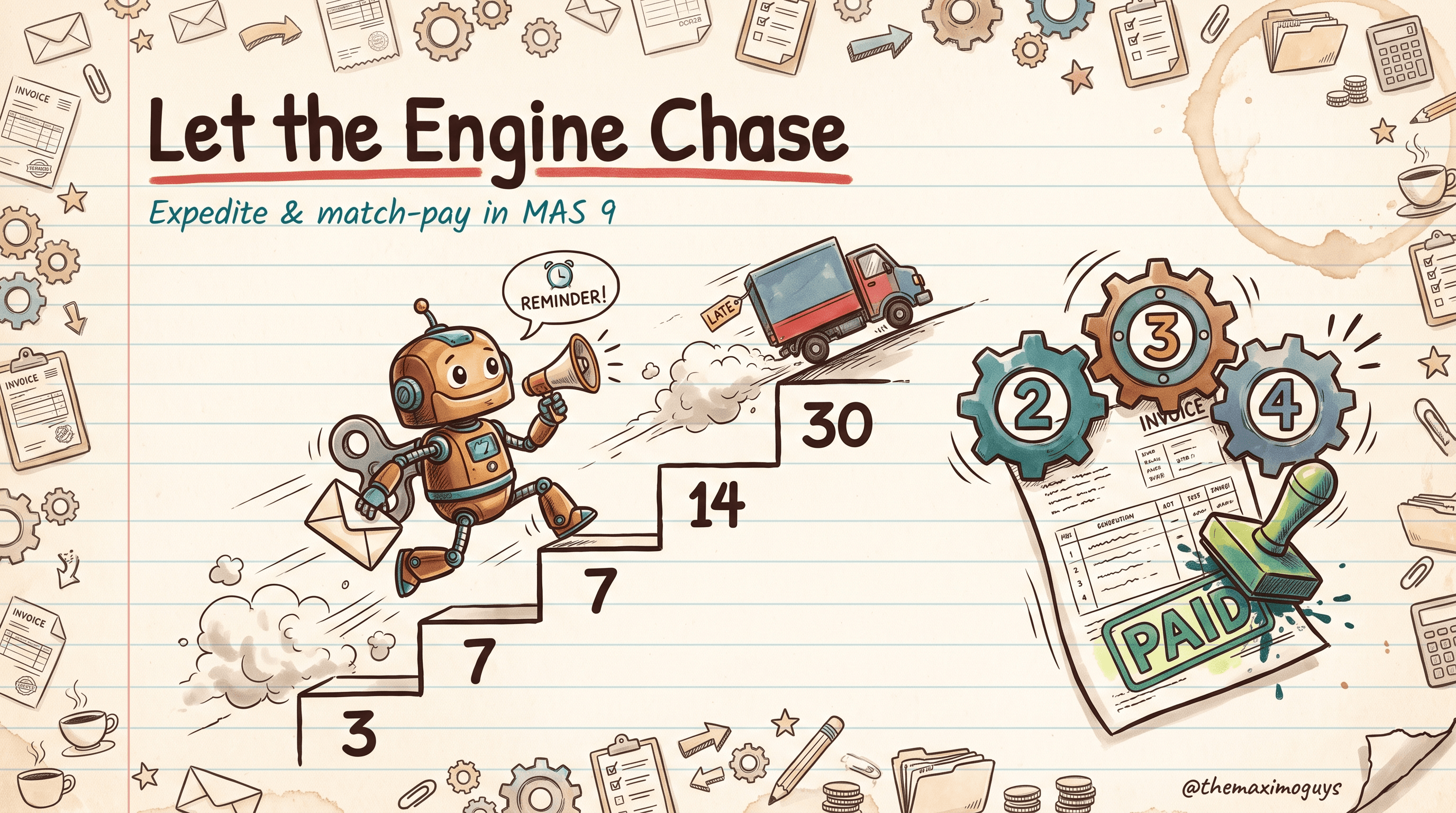
 Venkat Achanta