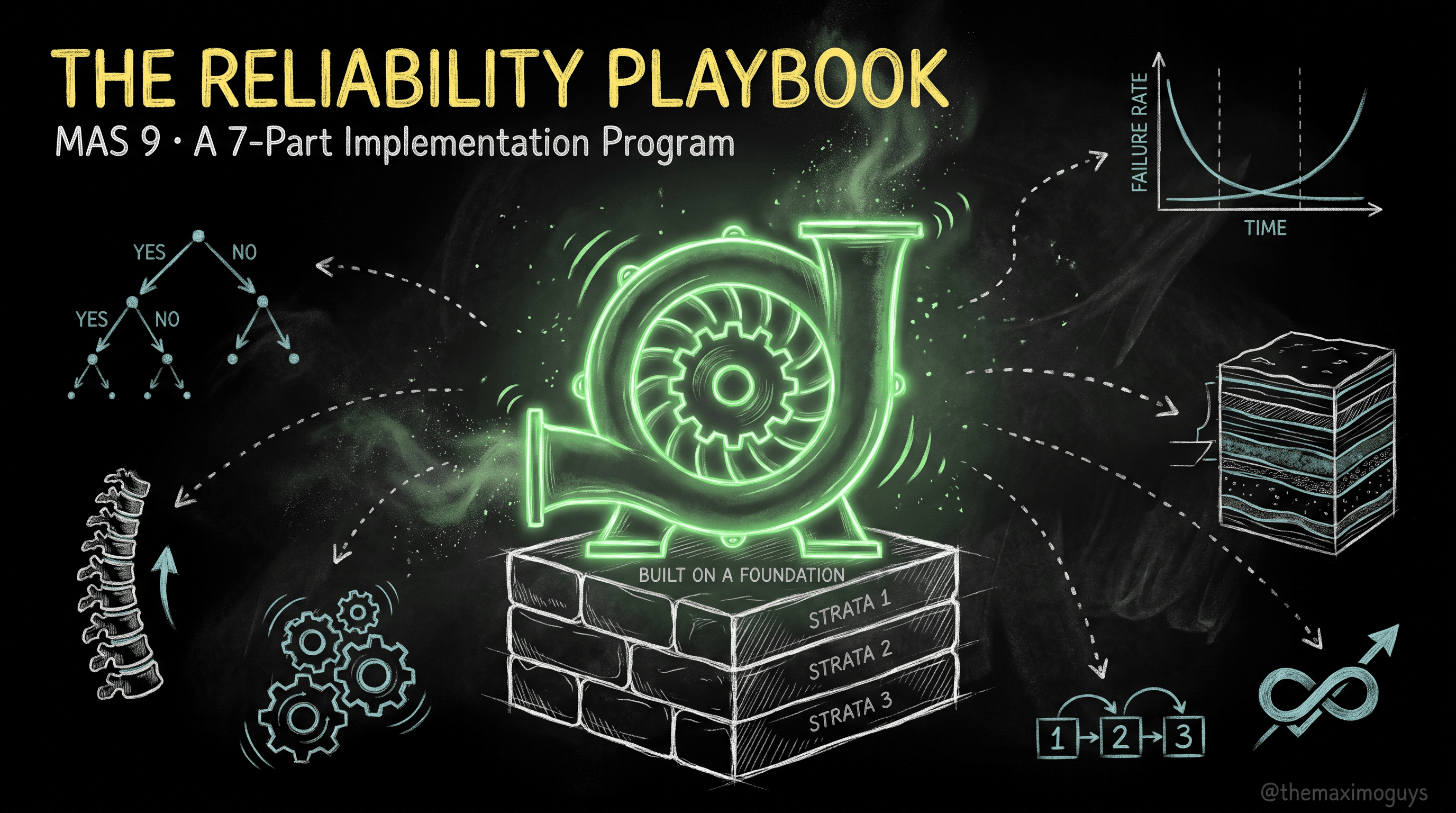
From Analysis to Action: Job Plans, PMs & the Reliability Strategies App
🎯 Who this is for: Reliability engineers and maintenance planners ready to convert the failure-mode decisions of Part 1 — now backed by the spine of Part 3 — into the Maximo records that actually schedule and drive work.
Series: Part 4 of 7 — MAS 9 Reliability Implementation Playbook | Read time: 20 minutes
🔧 From Decision to Record
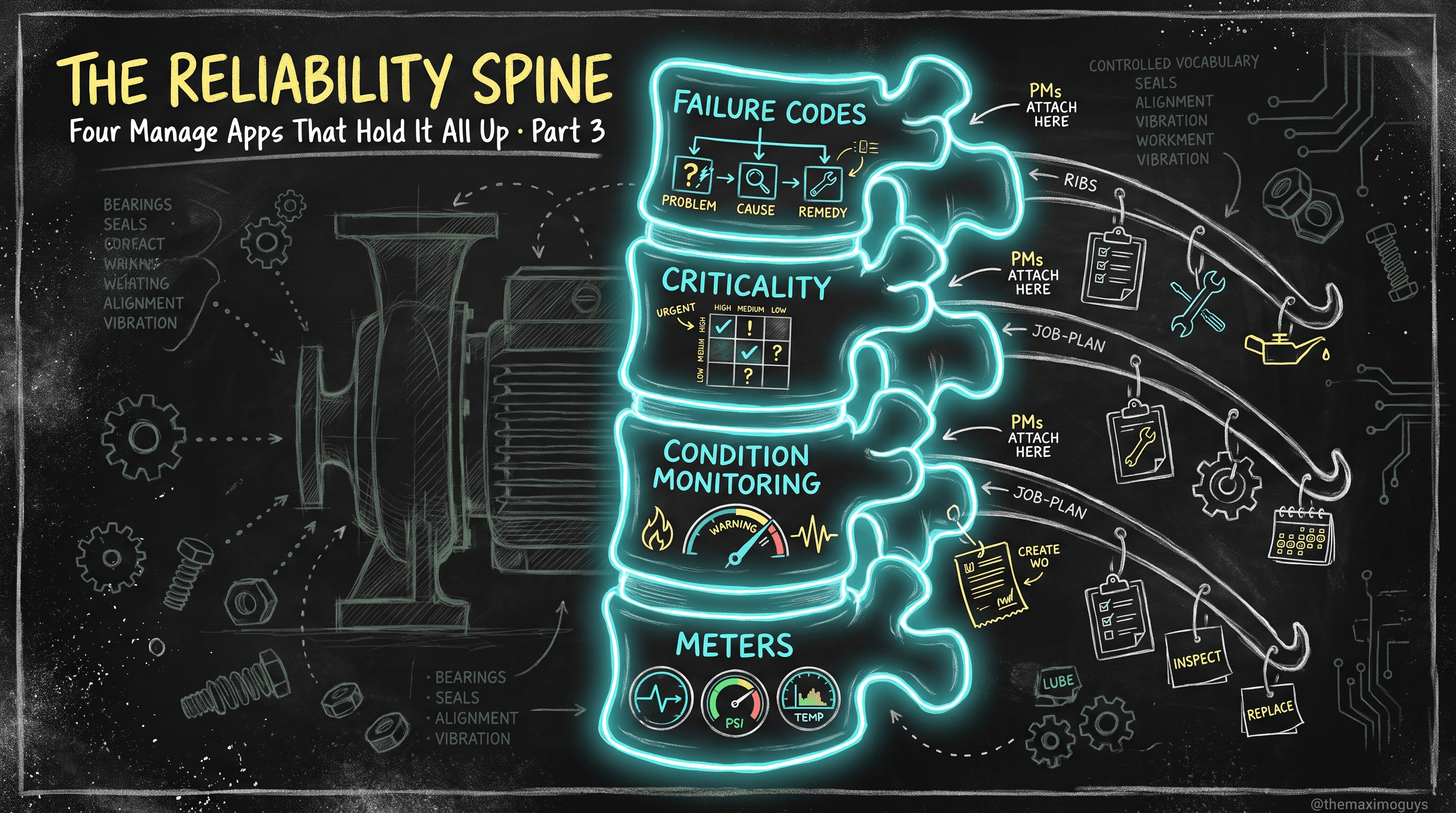
By now you have made decisions (Part 1), you can measure them (Part 2), and you have a spine to hang them on (Part 3). This part is where a decision like "the pump seal is CBM, the coupling is time-based PM" stops being a line in a workshop spreadsheet and becomes a living Maximo record that generates work orders on schedule.
The translation is disciplined and it maps cleanly onto the task types from Part 1:
| Part 1 task-type decision | Maximo records that implement it |
|---|---|
| Time / usage-based PM | Job Plan + PM (time- or meter-based frequency) |
| Condition-based (CBM) | Condition Monitoring point + Meter + Job Plan (Part 3) |
| Predictive (PdM) | Maximo Predict → creates work orders (Part 5) |
| Failure-finding | Job Plan (inspection/test) + PM at the failure-finding interval |
| Run-to-failure | No PM — plan the corrective job plan and stock the spares |
| Redesign | Out of Maximo — an engineering change |
This part covers the middle of that table: job plans, PMs, the tools that scale them across a fleet, and the Reliability Strategies application that generates the analysis and the records natively. Where an application is owned in depth by another series, this part summarizes and points rather than duplicating.
📋 Job Plans: The "What To Do"
A job plan (JOBPLAN) is a reusable template for a type of work. It carries:
- Sequenced tasks — the ordered steps of the job.
- Planned labour — craft, skill level, and estimated hours per task.
- Planned materials, services, and tools — what the job consumes.
- Safety content — hazards, precautions, lock-out/tag-out.
When a work order is created from a job plan (directly or via a PM), the plan is copied into the work order's work plan. The job plan is the recipe; the work order is the meal. This is unchanged from 7.6, and it is the backbone of consistent, repeatable maintenance.
Field reference
| Job plan element | Object | What it holds |
|---|---|---|
| Header | JOBPLAN | Name, description, revision, org/site scope |
| Task | JOBTASK | Sequenced step, description, duration |
| Labour | JOBLABOR | Craft, skill, quantity, estimated hours |
| Material | JOBMATERIAL | Item, quantity, storeroom |
| Service | JOBSERVICE | Standard service, quantity |
| Tool | JOBTOOL | Tool, quantity, hours |
Nested job plans and modular content
Nested job plans let a parent job plan call child plans, so a "major pump overhaul" can be composed from reusable "replace seal," "replace bearings," and "align coupling" child plans. Build the modular pieces once and assemble them — when the seal procedure changes, you fix it in one child plan and every parent that calls it inherits the change.
Selection at runtime
Advanced job-plan capabilities carry over from classic Maximo: multiple revisions (version control), conditional task inclusion, and job plan selection rules that pick the right plan at runtime from asset attributes like manufacturer, model, or criticality. That last one is quietly powerful for reliability — a high-criticality pump can automatically receive a more rigorous plan under the same PM.
<aside>
💡 Key insight: Build job plans as small, reusable, nested pieces rather than monolithic per-asset plans. A library of modular tasks is what lets you change a procedure once and have it propagate — and it is what makes the Reliability Strategies app's generated content maintainable rather than a dump of 5,000 one-off plans.
</aside>
📅 PMs: The "When To Do It"
A PM record (PM) is the schedule. It ties an asset or location to a job plan plus a frequency, and it generates work orders when the frequency comes due — usually via a cron task that evaluates due PMs (in MAS 9 that cron runs inside an OpenShift pod; the PM configuration itself is identical to 7.6).
Frequency models
| Frequency | Trigger | Example |
|---|---|---|
| Time-based | Every N days/weeks/months | "Every 6 months" |
| Meter-based | At N meter units | "Every 500 run hours" |
| Both (whichever first) | Time OR meter, first to hit | "Every 500 hours or 6 months, whichever comes first" |
Worked meter-based PM
Take the coupling from Part 1 (time-based PM decision) and a genuinely usage-driven task like an oil change. You want an oil change every 2,000 run hours. You:
- Confirm the continuous RUN-HOURS meter is on the asset (Part 3 — the meter must exist first).
- Create a PM tying the asset to job plan
JP-OIL-CHANGEwith a meter-based frequency of 2,000 hours on RUN-HOURS. - The cron evaluates readings; when accumulated run hours since the last generation reach 2,000, a work order is generated automatically.
<aside>
⚠️ Watch out: A meter-based PM will not generate if the continuous meter it references is not present on the target asset. This is the single most common "my PM isn't firing" support call. The meter is a hard prerequisite — which is exactly why Part 6's load sequence puts meters before PMs.
</aside>
🧬 Master PMs and Scaling Across a Fleet
One PM per asset does not scale to a fleet of hundreds. Four mechanisms let a single decision govern many assets.
- Master PMs — a Master PM is a template; child PMs inherit from it and can override locally. Revise the Master and the change propagates to all children. This is how you maintain a fleet of similar pumps from one definition while still allowing per-asset variation.
- PM Forecasting — projects future due dates from the frequency plus seasonal date ranges, so you can see and level the coming workload before it lands.
- Routes — apply one PM across many assets in sequence (an operator's rounds), generating child tasks or work orders per stop.
- PM hierarchies — a parent PM generates a structured set of child work orders, mirroring an asset hierarchy.
Worked Master PM
You have 200 centrifugal pumps and a single strategy: 2,000-hour oil change + 6-month inspection. Instead of 200 PMs, you build one Master PM with those frequencies and job plans, then generate its children against the 200 pumps. Six months later, RCM analysis says extend the inspection to 9 months. You change one field on the Master, propagate, and all 200 children update. Without a Master PM, that is 200 manual edits — the reason fleets that skip Masters never re-optimize.
<aside>
💡 Key insight: Master PMs are not just a convenience — they are what make Part 2's PM optimization operationally possible. If tuning an interval means editing hundreds of records by hand, nobody tunes. If it means changing one Master, the feedback loop of Part 7 actually runs.
</aside>
🏭 Asset Templates: Fleet-Scale Consistency
The Asset Templates application standardizes asset creation. A template carries:
- Specifications — classification attributes (the asset's technical spec).
- Meters — often applied via a meter group (Part 3).
- Associated Master PMs — so generated assets arrive pre-scheduled.
Generating assets from a template produces the assets and their meters and their PMs in one consistent action. This is how you stand up 200 identical pumps with identical meters and PMs without touching each one — the fleet-scale complement to Master PMs.
The failure-class gotcha
<aside>
⚠️ Watch out: Failure class is not a native Asset Template field. A template will give a new asset its specs, meters, and Master PMs, but not its failure class — so the very thing that makes work orders analyzable (Part 3) is the one thing the template drops. To apply it automatically, carry the failure class via a crossover domain on the asset's `TEMPLATEID` attribute. Otherwise, plan a follow-up step to set the failure class on generated assets, or your analyzable-data spine has a hole in it exactly where you scaled fastest.
</aside>
🧠 The Reliability Strategies Application
MAS ships a dedicated Reliability Strategies application that brings RCM and FMEA content natively into Maximo — instead of doing the analysis in a spreadsheet and hand-keying the results. It is important to place it correctly, because it is easy to mis-file.
What it is and where it lives
- It is a Manage-side add-on — the Manage Reliability Strategies module — not a Health or Predict sub-module. It is licensed through the shared AppPoints pool.
- It ships a vendor-built library: 800+ equipment/asset types, 58,000+ failure modes/mechanisms across operating contexts, and 5,000+ preventive-maintenance tasks.
- The workflow: select an operating context → perform failure analysis → choose mitigation activities → push the recommended job plans and PMs into Manage.
Version-gated capabilities
- MAS 9.0 added a Custom Strategies tab — build your own strategy records keyed by asset class / subclass / configuration, alongside the vendor library.
- MAS 9.1 lets custom strategies live in the Maximo database and adds AI assists (suggesting boundary conditions and generating components).
This app is the most direct route to operationalizing Part 1's RCM/FMEA methodology: it is the seven-question analysis and the FMEA table, done inside Maximo, with a library so you are validating against 58,000 known failure modes rather than reinventing them.
What this part covers vs. what MAS MANAGE Part 4 owns
To avoid duplication, here is the boundary:
| Aspect | This part (Reliability Part 4) | MAS MANAGE — Part 4 (mas-manage-reliability-strategies) |
|---|---|---|
| Where the app fits in the reliability program | ✅ Covered here | — |
| Full application tour, screens, tabs, workflow detail | Summarized | ✅ Owned there |
| The 800+/58,000+/5,000+ library and how to use it | Summarized | ✅ Owned there |
| 9.0 Custom Strategies / 9.1 in-DB + AI details | Summarized | ✅ Owned there |
| How it maps to RCM/FMEA methodology (Part 1) | ✅ Covered here | Referenced |
For the full application walkthrough, see MAS MANAGE — Part 4: Reliability Strategies (/blog/mas-manage-reliability-strategies). This series treats it as the engineering layer that generates the job plans and PMs the rest of this part describes.🔄 A Fully Worked Flow: RCM Decision → Job Plan → PM
Let us trace one decision from Part 1 all the way to a generating PM, on pump P-101.
- Decision (Part 1): the coupling failure mode is age-related → time-based PM; the oil is usage-driven → meter-based PM; the seal is CBM (already handled by the Part 3 condition-monitoring point).
- Job plans: build
JP-COUPLING-ALIGN(laser alignment, 2 tasks, 3 labour hours, alignment tool) andJP-OIL-CHANGE(drain, refill, sample; 1 item, 1 labour hour). - Master PM: create Master PM
MPM-PUMP-CENTRIFUGALwith two frequencies —JP-COUPLING-ALIGNevery 6 months (time),JP-OIL-CHANGEevery 2,000 hours (meter, on RUN-HOURS). - Generate children against the pump fleet, including P-101. The RUN-HOURS meter is already on P-101 (Part 3), so the meter-based line is valid.
- Result: P-101 now auto-generates a coupling-alignment work order every 6 months and an oil-change work order every 2,000 run hours — each carrying the planned labour, materials, and tools — and the seal is covered by the CBM point. The work orders feed failure reporting, which feeds Part 2's MTBF, which feeds Part 7's interval tuning back onto this same Master PM. The loop is now physically wired.
🚫 The Anti-Pattern: The PM-Volume Trap
<aside>
⚠️ Watch out: The gravitational pull of this part is toward adding PMs — job plans and PMs are the visible, satisfying artifacts. Resist it. Nowlan & Heap (Part 2): only ~11% of failure modes are age-related, so a time-based PM on the other ~89% cannot reduce failure probability and can induce failures. For each failure mode, ask which single task type Part 1 chose, and only reach for a time-based PM when the answer is genuinely "age-related." Bias the program toward condition monitoring and run-to-failure.
</aside>
A healthy Part 4 output has fewer time-based PMs than a naive one, more condition-monitoring points, and a deliberate run-to-failure list with stocked spares. If your PM count is going up and your CBM point count is flat, you are building the wrong thing efficiently.
🩺 Edge Cases and Troubleshooting
| Symptom | Likely cause | Fix |
|---|---|---|
| Meter-based PM won't generate | Continuous meter missing on the target asset | Add the meter (Part 3) before the PM references it |
| Master PM change didn't reach a child | Child PM was overridden locally, or not linked to the Master | Check the child's Master link and override flags |
| Templated assets have no failure class | Failure class isn't a native template field | Apply via crossover domain on TEMPLATEID, or set it in a follow-up step |
| Reliability Strategies pushed a job plan but no PM appears | The strategy defined the task but the schedule wasn't generated | Generate the PM from the strategy's mitigation activity |
| Job plan changes aren't in existing work orders | Job plans copy at WO creation; existing WOs keep the old plan | Only new work orders inherit the change; that is by design |
📋 Practical Notes: Analysis-to-Action Checklist
- Build job plans modular and nested, from a reusable task library — not monolithic per-asset plans.
- Use Master PMs for anything with more than a handful of similar assets — it is the prerequisite for ever re-optimizing intervals.
- Confirm the continuous meter is on every target asset before creating a meter-based PM. Make it a build-standard check.
- Close the failure-class gap on templated assets — crossover domain on
TEMPLATEID, or an explicit follow-up step. - Validate against the Reliability Strategies library, don't reinvent — and read MAS MANAGE Part 4 for the full app tour before you scale it.
- Keep a run-to-failure register. The modes you decided not to PM are as much a part of the strategy as the ones you did — and they need spares, not schedules.
Key Takeaways
- Job plans define the task; PM records define the schedule by tying an asset to a job plan plus a frequency — "what to do" versus "when to do it."
- Master PMs propagate revisions to child PMs and are the prerequisite for fleet-scale interval optimization; routes and PM hierarchies scale the pattern further.
- Asset templates roll out specs, meters, and Master PMs together — but failure class is not a native template field, so close that gap via a crossover domain.
- The Reliability Strategies app brings RCM/FMEA natively into Maximo with an 800+ asset-type, 58,000+ failure-mode library; MAS MANAGE Part 4 owns the full tour.
- Bias toward CBM and run-to-failure — a well-analyzed Part 4 has fewer time-based PMs than a naive one, not more.
References
IBM Official
- Maximo Manage — Reliability Strategies module (IBM Documentation)
- Maximo Manage — Meter-based Master PM frequency (IBM Documentation)
- Maximo Manage — Job Plans (IBM Documentation)
Community
- Maximo Secrets — Master PM
- Maximo Secrets — Asset Templates
- Maintenance World — Reliability Strategies for MAS 9.0
Series Navigation
| Previous: | Part 3 — Building the Reliability Spine in Manage |
|---|---|
| Next: | Part 5 — The APM Layer as Reliability: Health, Predict, Monitor & AIP |
About TheMaximoGuys: We help Maximo teams navigate the move to MAS 9 with practical, no-hype guidance grounded in how the platform actually behaves — from architecture and migration planning to the day-to-day work of configuring, extending, and running Maximo.
Published by TheMaximoGuys | July 2026

 Venkat Achanta