

How Maximo Java Extensions Actually Work: The Four-File MBO Pattern
🎯 Who this is for: Maximo developers who write custom Java, technical architects planning which add-ons can coexist, and upgrade or troubleshooting leads who need to reason about extension behavior instead of guessing at it.
Series: Part 1 of 6 — MAS Java Extensions | Read time: 20 minutes
🧩 The Question Every Maximo Developer Eventually Asks
You wrote a customization on the Asset object. You extended AssetSet, dropped in your logic, rebuilt, and deployed. Then something upstream fired that you did not write — a validation you never coded, a default you did not set — and you found yourself staring at a stack trace full of class names with Plus in the middle of them, wondering: which class is actually running here?
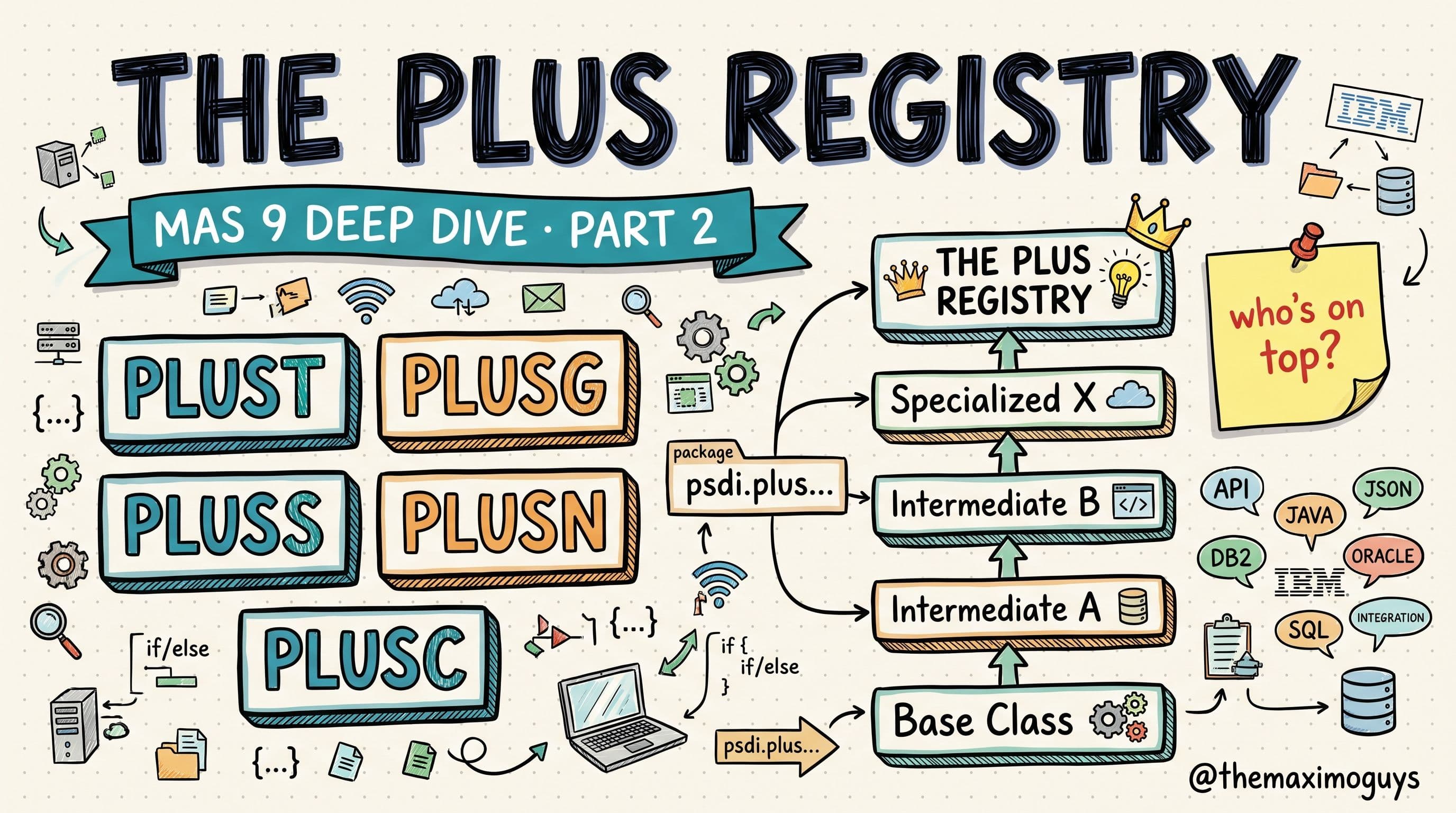
That confusion is not a knowledge gap in you. It is a gap in the documentation. The Java extension architecture that lets IBM's add-ons and industry solutions layer onto core Maximo is almost never explained in one place. But it is not magic, and it is not complicated once you see the shape of it. Every add-on — Transportation, HSE, Spatial, Nuclear, and the rest — extends core through the same standardized mechanism, using a unique PLUS letter prefix.
Learn that one mechanism and the whole extension story — chains, super behavior, upgrade surprises — becomes readable. This post is about getting the foundation exactly right, because everything in the five parts that follow is built on top of it.
💡 Key insight: Maximo layers product functionality through plain Java class inheritance. There is no proprietary sorcery here — just classes extending classes and interfaces extending interfaces, following a naming convention strict enough that six industry solutions can stack on one object without colliding.
🧱 MBO Architecture: Four Files, Every Time
Every Maximo Business Object (MBO) comprises four Java files. Not one, not two — four. Each has a distinct job, and each extends a specific framework base class. Here is the pattern in full:
| File | Purpose | Base Class |
|---|---|---|
| MBO Class | Business logic for a single record | Extends psdi.mbo.Mbo |
| MBO Set Class | Logic for a set of records (the whole result set) | Extends psdi.mbo.MboSet |
| MBO Remote Interface | Remote access contract for the MBO | Extends psdi.mbo.MboRemote |
| MBO Set Remote Interface | Remote access contract for the MBO Set | Extends psdi.mbo.MboSetRemote |
Read that table slowly — it is the Rosetta Stone for everything that follows. Two of the four files are classes (the ones that hold actual logic), and two are Remote interfaces (the contract for remote access). The classes carry behavior; the interfaces define the boundary.
The two classes carry the behavior
The MBO class is the single-record object. When a technician opens one work order, one WO instance holds its state and its business rules — the save() logic, field defaults, status transitions. The MBO Set class is the collection. It manages fetching, iterating, and committing a whole set of records at once, and it is the object Maximo instantiates first. You rarely touch Mbo and MboSet directly, but every override you write lands on a subclass of one of them.
The two interfaces define the boundary
The two Remote interfaces exist because Maximo's business object layer was designed to be callable across a remote boundary (historically RMI). AssetRemote is the contract for a single asset; AssetSetRemote is the contract for the set. They declare the methods a caller is allowed to invoke without holding a direct reference to the concrete class. For day-to-day customization you will spend most of your time in the classes, but the interfaces matter enormously once add-ons enter the picture — because an extended object still has to satisfy the contract the core object satisfied.
To make this concrete, look at the core Asset object — the one you have almost certainly customized at some point. Its four files live in the psdi.app.asset package:
psdi.app.asset.Asset             (MBO class)
psdi.app.asset.AssetSet          (MBO Set class)
psdi.app.asset.AssetRemote       (MBO Remote interface)
psdi.app.asset.AssetSetRemote    (MBO Set Remote interface)
Asset is where the single-record business logic lives; AssetSet manages the collection; and the two Remote interfaces are how other parts of Maximo talk to those objects across the remote boundary.
That is the four-file pattern. Every object you can name — WORKORDER, LOCATIONS, ITEM, PM, JOBPLAN — has the same quartet behind it. Learn it once, and you have learned all of them.
💡 Key insight: When you only remember one thing from this post, remember "four files." The moment a stack trace or a class listing shows you fewer than four related files for an object, you are looking at a partial customization — someone extended the set class but never declared the interface, and that gap is exactly where upgrade breakage hides.
🔗 How Maximo Picks the Class: MAXOBJECT.CLASSNAME
So you have four files. When a user opens the Assets application or a script queries assets, how does Maximo know which class to instantiate?
Through a single column in the database.
The MAXOBJECT table links each Maximo object to its MBO Set class via `MAXOBJECT.CLASSNAME`. For the ASSET object, the value is:
psdi.app.asset.AssetSetThat is it. The object definition points at the set class — AssetSet, not Asset — because Maximo instantiates the set first and then materializes individual MBOs from it. When you ask Maximo for asset records, it reads MAXOBJECT.CLASSNAME for ASSET, finds psdi.app.asset.AssetSet, and instantiates that.
This one column is why the question at the top of this post has an answer at all. In plain, un-extended Maximo, MAXOBJECT.CLASSNAME for ASSET is psdi.app.asset.AssetSet, and that is exactly the class that runs. The moment an add-on enters the picture, the value changes — the class registered there is no longer the core set class. That is the thread we pick up in the next section, and it is the single most important mechanical fact in the whole series.
You can see this column yourself in Database Configuration → Objects. Filter for ASSET, open it, and look at the Class field. In a system with add-ons installed, the class name you find there will not be psdi.app.asset.AssetSet — it will be a Plus-prefixed class sitting at the top of an inheritance chain. That is not corruption; that is the extension model doing exactly what it is designed to do.
🪜 How Extensions Layer On Top
This is where the PLUS convention earns its keep.
When an add-on extends a core object, it does not modify the core files. It creates four new files — mirroring the original quartet — following the PLUS convention, and each new file inherits its core counterpart.
Take the canonical example: Transportation (prefix PLUST) extending Asset. The add-on ships four files in the psdi.plust.app.asset package:
// Package: psdi.plust.app.asset

public interface PlusTAssetRemote    extends AssetRemote { ... }
public interface PlusTAssetSetRemote extends AssetSetRemote { ... }
public class     PlusTAsset          extends Asset    implements PlusTAssetRemote { ... }
public class     PlusTAssetSet       extends AssetSet implements PlusTAssetSetRemote { ... }
The class side and the interface side inherit in parallel
Look at what each line is doing:
PlusTAssetextendsAsset— the Transportation MBO class inherits every method of the core Asset MBO class and adds the overrides Transportation needs.PlusTAssetSetextendsAssetSet— the same relationship, one level up, at the set.PlusTAssetimplementsPlusTAssetRemote, andPlusTAssetSetimplementsPlusTAssetSetRemote— each class fulfills its own Remote contract.PlusTAssetRemoteextendsAssetRemote, andPlusTAssetSetRemoteextendsAssetSetRemote— the interfaces inherit the core interfaces so the extended object still satisfies every contract the core object did.
That symmetry is the whole point. The class side and the interface side inherit in parallel, so PlusTAsset is-an Asset in the sense the JVM cares about, while carrying Transportation's additions on top. Any code that expected an AssetRemote still works, because a PlusTAssetRemote is an AssetRemote.
The five rules of a well-formed PLUS extension
The rules that govern this are worth stating explicitly, because every well-formed PLUS extension obeys all five:
- The MBO class extends the core MBO class.
- The MBO Set class extends the core MBO Set class.
- Each class implements its own Remote interface.
- Each Remote interface extends the core Remote interface.
- Package naming follows the pattern
psdi.plusX.app.{module}.PlusX{ObjectName}.
That last rule does quiet, heavy lifting. The prefix letter (T for Transportation) shows up in both the package (psdi.plust.app.asset) and the class name (PlusTAsset). Because every add-on gets its own letter, its classes can never collide with core Maximo or with another add-on's classes — even when two of them extend the very same object. That uniformity is what makes stacking add-ons possible at all.
Notice too that PlusTAssetSet extends AssetSet, not the framework's MboSet. Each layer extends the one directly beneath it, which is why a super.save() call from the Transportation class flows down into the core logic underneath. Once Transportation is installed extending Asset, MAXOBJECT.CLASSNAME no longer points at psdi.app.asset.AssetSet alone — the top of the resulting chain is what Maximo instantiates. How that chain is ordered when multiple add-ons pile onto one object is the subject of Part 2. For now the takeaway is simpler and more important: an extension is nothing more exotic than four files inheriting four files.
🔤 Field Validation Classes: Same Pattern, One Level Down
MBOs are not the only thing add-ons extend. Field validation classes follow the exact same inheritance model — and they are a common source of "where did that validation come from?" confusion, so they are worth understanding precisely.
A field validation class governs the behavior of a single attribute: what values are allowed, what the default is, and what fires when the value changes. Core Maximo ships Fld... classes for the attributes that need custom behavior. Add-ons extend them the same way they extend MBOs.
Here is Transportation extending the field validation class for the Asset item number:
// Core field validation
psdi.app.asset.FldAssetItemnum

// Transportation extension of that field validation
psdi.plust.app.asset.PlusTFldAssetItemnum extends FldAssetItemnum
Same shape you already know: the extension class (PlusTFldAssetItemnum) extends the core class (FldAssetItemnum), lives in a prefixed package (psdi.plust.app.asset), and carries the PlusT name prefix. If you internalized the MBO pattern, you already understand field validation extension — it is the same idea applied to a field-level class instead of an object-level one.
There is one new wrinkle: how the extension is declared. An MBO set class gets registered through MAXOBJECT.CLASSNAME, but a field validation extension is declared to Maximo in the `product.xml` file using the `<field>` tag:
<field objectname="ASSET" attributename="ITEMNUM">
    psdi.plust.app.asset.PlusTFldAssetItemnum
</field>
We are not going to unpack the full anatomy of product.xml here — that is Part 3's job, and it deserves the room. What matters at this stage is the connection: field validation extensions are declared with <field> in product.xml, just as service, MBO, and bean registrations have their own tags in the same file. product.xml is the control file that ties your Java declarations back to a running Maximo.
💡 Key insight: MBO set classes and field classes are registered through two different mechanisms —MAXOBJECT.CLASSNAMEfor the set,product.xml<field>tags for validation. When a field behaves unexpectedly after an add-on install, check the<field>declarations in the product.xml files, not just the object's class name. The two registration paths fail independently.
🔬 A Worked Trace: Reading a Live Class Name
Let us put the whole pattern to work on the exact scenario from the top of this post. Marcus, a customization developer, has written an override on AssetSet.save(). In testing, a validation fires that he never wrote, and the stack trace shows a class he does not recognize: psdi.plust.app.asset.PlusTAssetSet.
Here is how he decodes it, using nothing but the rules in this post:
| What he sees | What it tells him |
|---|---|
| The class name starts with PlusT | This is a Transportation extension — T is Transportation's prefix |
| It lives in psdi.plust.app.asset | It follows the psdi.plusX.app.{module} convention, so it is a well-formed PLUS extension of an Asset-package object |
| It ends in Set | It is the MBO Set class, not the single-record class — the collection object Maximo instantiated |
| It appears above his own override in the trace | Transportation's PlusTAssetSet sits higher in the inheritance chain than core AssetSet, so its save() ran and cascaded down via super.save() |
Two minutes with the four-file pattern and Marcus knows exactly what he is looking at: Transportation is installed, it extends Asset, its set class is registered in MAXOBJECT.CLASSNAME, and the validation he "did not write" is Transportation's — running before core AssetSet.save() in the chain. He then opens Database Configuration → Objects → ASSET and confirms the Class field reads psdi.plust.app.asset.PlusTAssetSet, exactly as the trace implied.
Before this post, that stack trace was a wall of noise. Now it is a sentence he can read. That is the entire value of the four-file model: it turns opaque class names into information.
⚠️ Edge Cases & Gotchas
The pattern is uniform, but real environments bend it. Here are the situations that trip up developers who know the happy path but have not seen the exceptions:
| If you see this… | It usually means… | Do this |
|---|---|---|
| MAXOBJECT.CLASSNAME shows a Plus-prefixed class you did not expect | An add-on extends this object and its set class sits at the top of the chain | Read the prefix letter to identify the product; do not "fix" it back to the core class |
| Only three of the four files exist for a custom object | Someone extended the classes but never declared the Remote interface | Add the missing interface and its <class> declaration before the next upgrade, or it will break |
| A field validates differently after an add-on install, but the object class looks normal | The add-on registered a <field> extension, not a set-class extension | Check the <field> tags in the product.xml files, not MAXOBJECT.CLASSNAME |
| Your super.save() seems to skip logic you expected | Another extension sits between yours and core in the chain, or your class is not where you think in the chain | Trace the full extends chain (covered in Part 3) rather than assuming a two-layer stack |
| A class name uses PLUS with no trailing letter | It is likely a Nuclear artifact — Nuclear historically breaks the PlusX convention | Treat it as a special case; the standard prefix rules do not fully apply |
The through-line in every row is the same: trust the four-file model, read the class name literally, and verify against MAXOBJECT.CLASSNAME and product.xml rather than guessing.
🧠 Why the Uniform Pattern Matters
Step back and look at what you now hold.
Every Maximo object is four Java files over fixed base classes. Every add-on extends an object by creating four parallel files that inherit those four, under a unique prefixed package. Field validation is the same relationship one level down, declared through product.xml. There is exactly one pattern here, repeated at two scales.
That uniformity is not an accident — it is the enabling design decision of the entire product family. Because every add-on follows the identical convention, IBM can let Transportation, HSE, Spatial, and a half-dozen industry solutions all extend the same core object with their classes never fighting over a name. Each one slots into a predictable place, in a predictable package, with a predictable prefix. When you look at a class name like PlusTAssetSet and immediately read "Transportation's extension of the core Asset set class," you are no longer customizing blind. You are reading the architecture.
There is a strategic payoff, too. Because the convention is so rigid, the entire extension surface of any environment is inventoriable. You do not have to run the system to know what is installed — you can list the packages, read the prefixes, and reconstruct the layer cake on paper. That is what makes a clean upgrade possible: an extension model you can audit is an extension model you can trust.
🛠️ Practical Notes
Before you move on to the registry in Part 2, put this foundation to work:
- Bookmark the four-file table. Print it if you have to. Every time you meet a new object, name its four files before you write a line of code.
- Read `MAXOBJECT.CLASSNAME` before customizing any object. In Database Configuration, check the registered class first. If it is
Plus-prefixed, you are customizing on top of an add-on, and your override joins an existing chain — not a two-layer stack. - Decode prefixes on sight. Keep the PLUS registry (Part 2) handy so that
PlusG,PlusS,PlusNand the rest read as products, not noise. - Never assume field behavior comes from the object class. If a field misbehaves, check
product.xml<field>declarations as a first move, not a last resort. - Declare all four files for every custom object. A custom extension that skips the Remote interface is a latent upgrade failure. Completeness now saves a production incident later.
- Remember that MAS 9 did not change any of this. The four-file pattern, the prefixes, and the registration mechanisms are identical to 7.6. Only the packaging (Customization Archive) and the JVM (Java 17) changed — the subjects of Part 5 and Part 6.
That is the atom of Maximo customization: four files, inheriting four files. Part 2 turns those atoms into a full PLUS registry — every prefix, what it means, and how Maximo orders multiple extensions on a single object into one inheritance chain.
Key Takeaways
- Every Maximo Business Object is four Java files: an MBO class (extends
psdi.mbo.Mbo), an MBO Set class (extendspsdi.mbo.MboSet), an MBO Remote interface (extendspsdi.mbo.MboRemote), and an MBO Set Remote interface (extendspsdi.mbo.MboSetRemote) — for exampleAsset,AssetSet,AssetRemote, andAssetSetRemotein thepsdi.app.assetpackage. - `MAXOBJECT.CLASSNAME` is the single column that links a Maximo object to its MBO Set class —
psdi.app.asset.AssetSetfor the ASSET object, or aPlus-prefixed class once an add-on extends it. - A PLUS add-on extends a core object by creating four parallel files over the core four:
PlusTAsset extends Asset,PlusTAssetSet extends AssetSet, plus the two Remote interfaces, all underpsdi.plust.app.asset. - Field validation classes are extended the same way (
PlusTFldAssetItemnum extends FldAssetItemnum) but declared inproduct.xmlwith the<field>tag rather than throughMAXOBJECT.CLASSNAME. - The model is uniform on purpose — that rigidity is what lets many add-ons stack on one object without collision, and what makes any environment's extensions readable and auditable.
References
- IBM Maximo Application Suite Documentation
- Extending Maximo using Java Classes — Product XML (IBM Support)
- Customizing Maximo Manage — IBM Documentation
- Building a Manage customization archive — IBM Documentation
Series Navigation
| Previous: | Series Index — MAS 9 Java Extensions |
|---|---|
| Next: | Part 2 — The PLUS Registry & MBO Inheritance Chain |
About TheMaximoGuys: We are practitioners who implement IBM Maximo across asset-intensive industries, and we write the deep-dive guides we wish existed when we started. No marketing, no hand-waving — just the architecture, explained the way one developer explains it to another.
Published by TheMaximoGuys | July 2026
 Venkat Achanta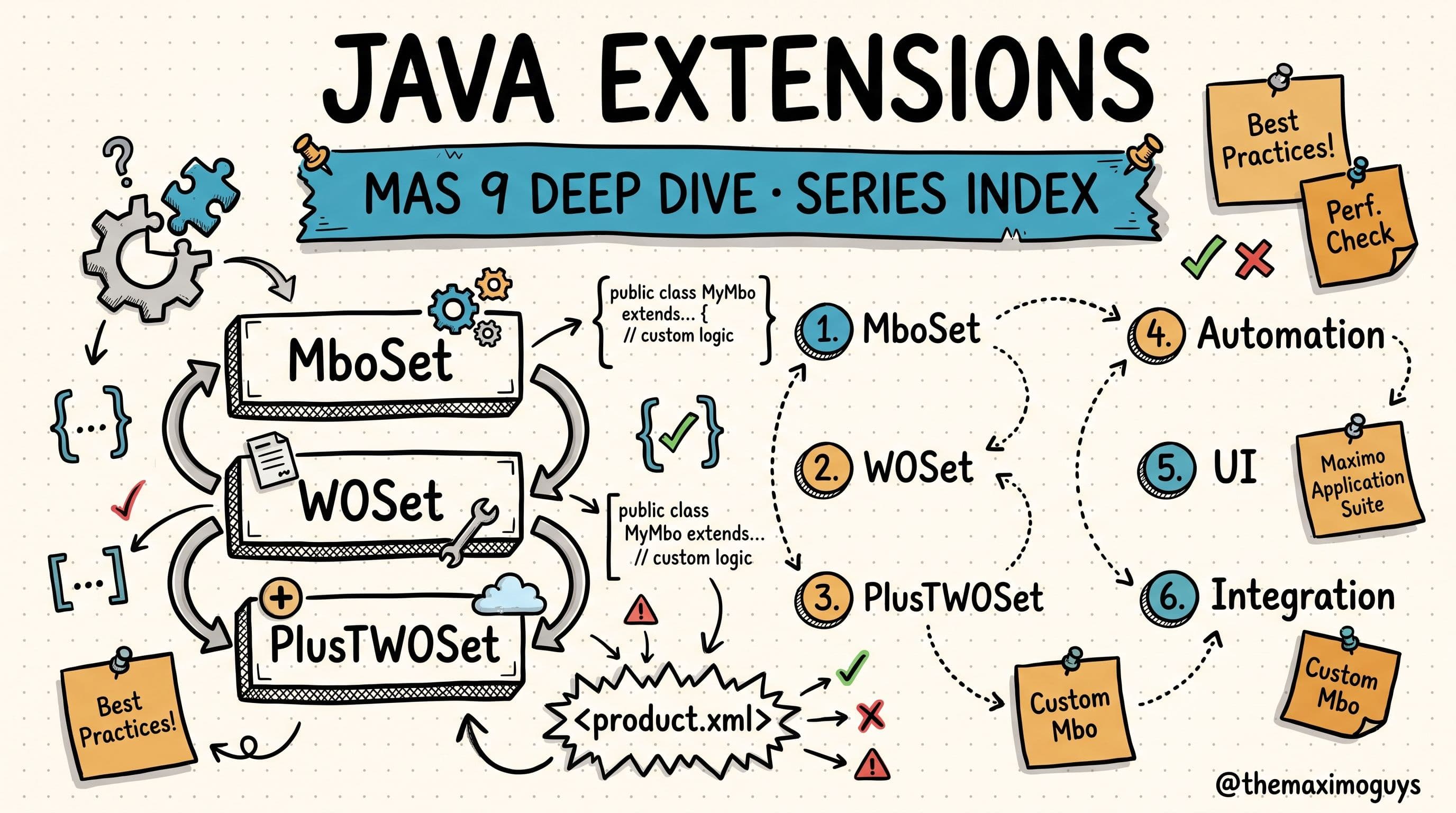

 Surendra Katta