Database Footprint, Add-Ons, and the MAS 9 Compatibility Matrix
Who this is for: Technical architects and upgrade leads who have to decide which add-ons and industry solutions can coexist in a single MAS 9 Manage deployment — before the activation fails at 2 a.m. and someone asks why.
Estimated read time: 22 minutes
You are staring at a licensing spreadsheet and a migration plan. The business wants HSE. Someone in operations wants Aviation for the fleet. The utilities division has its own request. And your job is to answer a deceptively simple question: can all of this actually run in one Manage instance?
The marketing brochures will not tell you. They describe products as if each one were an independent app you could bolt on at will. But underneath, every add-on is a set of Java classes and database objects that extend the same core — and some of them extend the same objects in incompatible ways. Activate the wrong combination and the deployment does not politely warn you; it fails on duplicate schema, or worse, it half-installs and leaves you reconciling extension chains by hand.
This part gives you the three things you need to answer that question with confidence: how to read an add-on's real database footprint from MAXOBJECT counts, the technical relationships that make some products secretly contain others, and the compatibility matrix that spells out what can run together. By the end you will be able to look at any environment, name every extension that is active, and predict a conflict before you cause one.
📊 Reading the Database Footprint: MAXOBJECT Counts
Every PLUS extension registers its database objects in MAXOBJECT, each named with the add-on's prefix. Count the rows for a prefix and you have the add-on's real schema footprint — the number of tables, views, and objects it introduces to configure, index, back up, and archive.
The following counts come from a live MAS 9.0 environment with Aviation + Complex Assets installed, which pulls in ACM, Service Provider, HSE, and Transportation underneath:
| Extension Prefix | Product | Approximate MAXOBJECT Count |
|---|---|---|
| Core (no prefix) | Maximo base | ~800+ objects |
| TLOAM | Core EAM extensions | ~50 objects |
| PLUSA | Asset Configuration Manager (ACM) | 293 objects |
| PLUSG | Health, Safety & Environment (HSE) | 263 objects |
| PLUST | Transportation | 139 objects |
| PLUSP | Service Provider | 131 objects |
| PLUSM | Aviation | 104 objects |
| PLUSC | Calibration | ~40 objects |
| PLUSL | Linear | ~30 objects |
| PLUSS | Spatial | ~60 objects |
| PLUSD | Utilities | ~80 objects |
| PLUSV | Civil Infrastructure | ~50 objects |
| PLUSN | Nuclear | ~30 objects |
Two things jump out once you read the table as a footprint rather than a feature list.
First, ACM (PLUSA) has the most objects — 293 — even more than the base EAM extensions. That is not accidental. ACM provides the foundation for complex asset configuration tracking: serial numbers, build positions, configuration baselines, and full lifecycle history. All of that is data-model-heavy, so it earns the largest footprint of any single add-on.
Second, Aviation (PLUSM) is comparatively small at 104 objects — which seems wrong for the most complex industry solution in the catalog. The resolution to that paradox is the single most important concept in this part: Aviation's own footprint is small because it leverages other products underneath it. The 104 PLUSM objects are only the aviation-specific layer. The rest of Aviation's functionality comes from ACM, Service Provider, and Transportation objects that Aviation installs on your behalf.
💡 Key insight: A low object count does not mean a small product. It can mean a composite product that reaches its full footprint by installing other prefixes' objects. Always read a MAXOBJECT count alongside the add-on's dependency relationships, never in isolation.
🔗 How Add-Ons and Industry Solutions Relate
Maximo's catalog is not a flat list of peers. It is a layered dependency graph with three tiers — included capabilities that come free with the platform, paid add-ons that consume AppPoints, and premium industry solutions that often consume other add-ons internally.
Here is the shape of that graph, compressed:
| Tier | Members | Notes |
|---|---|---|
| Core + TLOAM | Maximo base, TLOAM EAM extensions | Always present; the foundation every prefix extends |
| Included capabilities | Calibration (PLUSC), Linear (PLUSL), Scheduler, Maximo Mobile, Reliability Strategies | No extra AppPoints |
| Add-ons | Spatial (PLUSS), Service Provider (PLUSP), HSE (PLUSG), ACM (PLUSA), Maximo IT (PLUSI), Optimizer | Separate AppPoints; Maximo IT is licensed entirely separately |
| Industry solutions (premium) | Transportation (PLUST), Utilities (PLUSD), Oil & Gas (PLUSG), Nuclear (PLUSN), Aviation (PLUSM), Civil Infrastructure (PLUSV) | Extend core; several consume add-ons internally |
The rows that matter for compatibility decisions are the ones where a product in a higher tier contains a product from a lower tier. Two relationships dominate every real deployment: the PLUSG shared prefix, and Aviation's composite nature.
How each industry solution extends the Work Order
Before the two headline cases, it helps to see how differently each product touches the same core object. Nearly all of them extend WORKORDER, but each adds its own domain-specific fields:
| Product | What it adds to Work Orders |
|---|---|
| PLUST (Transport) | Vehicle association, fleet-specific fields, mechanic's clipboard integration |
| PLUSD (Utilities) | Crew management, compatible unit estimates, design spec references |
| PLUSG (HSE / O&G) | Permit-to-work linkage, isolation certificate references, safety requirements |
| PLUSM (Aviation) | Task card references, MEL items, flight log associations, airworthiness directives |
| PLUSN (Nuclear) | Radiation work permit linkage, nuclear safety classifications |
| PLUSP (Service Provider) | Customer references, warranty claim fields, billing codes |
| PLUSA (ACM) | Configuration item references, effectivity tracking |
| PLUSS (Spatial) | Geographic coordinates, map layer references |
| PLUSC (Calibration) | Calibration data sheet references, tolerance tracking |
| PLUSL (Linear) | Start/end measure fields, reference point linkage, linear segment tracking |
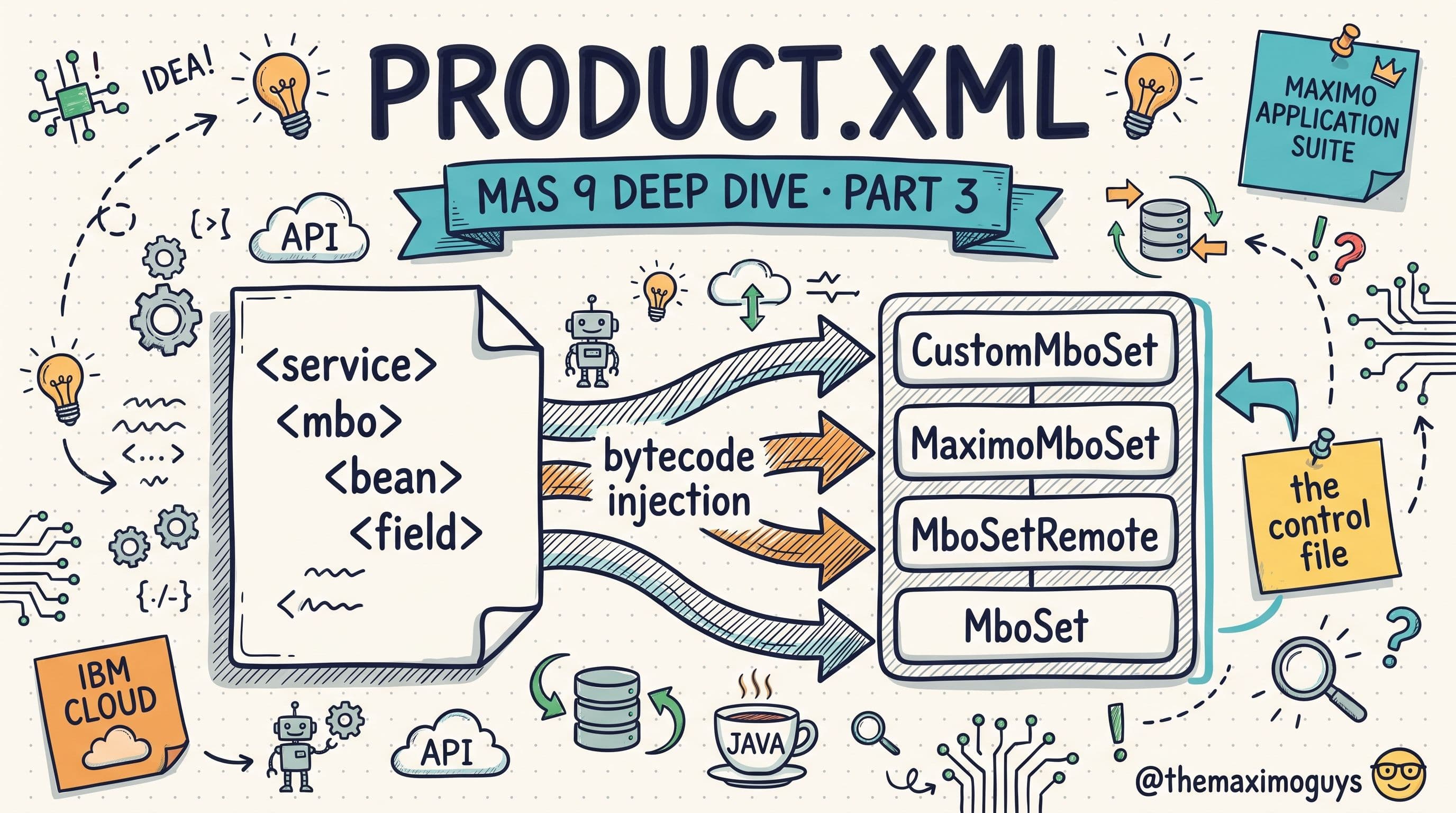
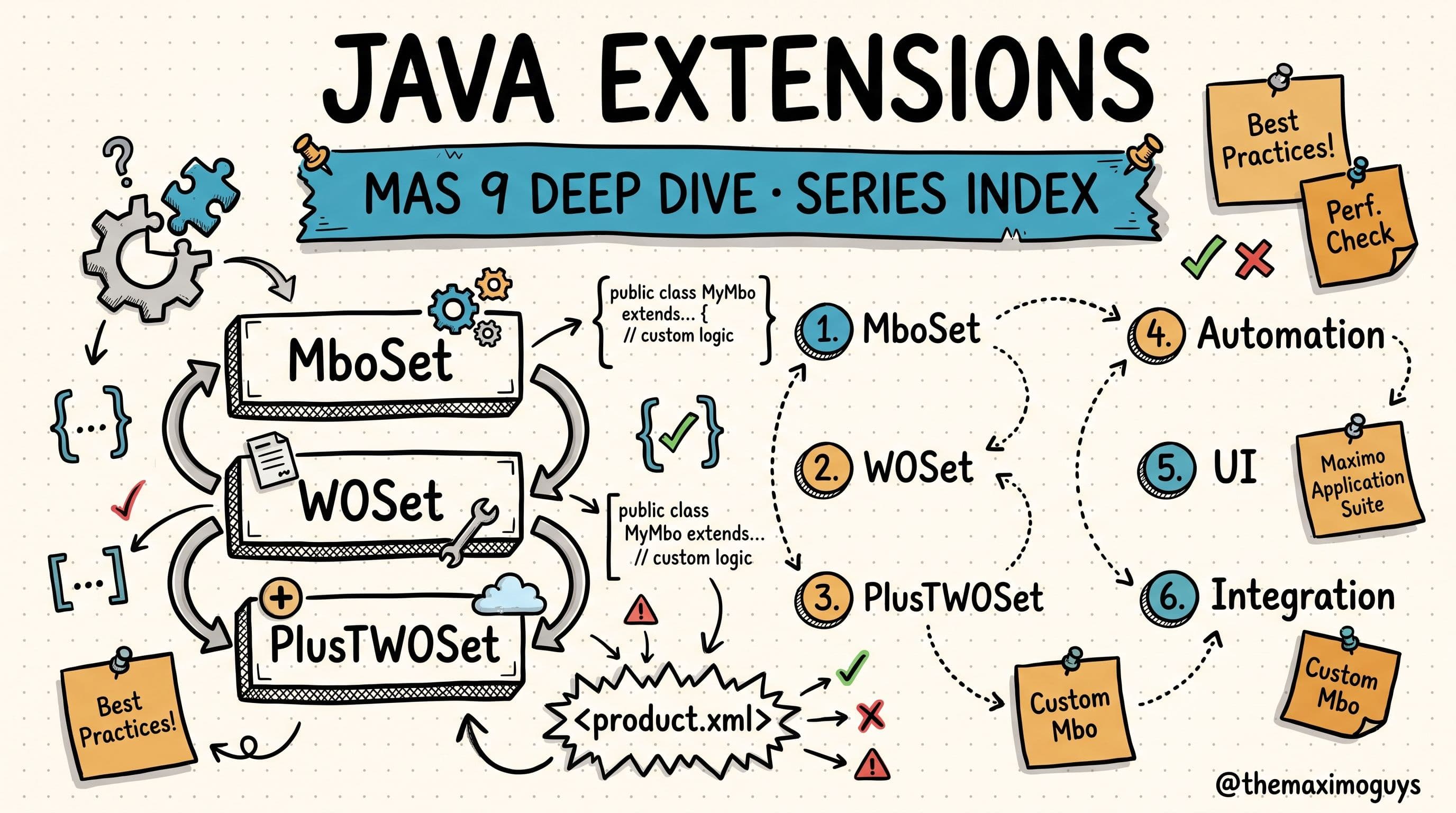
When two of these products are active at once, both of their WOSet extensions are stitched into a single inheritance chain on the Work Order object — the mechanism Part 3 walked through. That is exactly why some combinations coexist cleanly and others collide: the question is whether their extensions of the shared object can be ordered without contradiction.
🛢️ PLUSG: Why HSE and Oil & Gas Are the Same Product
This is the single most misunderstood relationship in Maximo's extension architecture, so it is worth getting precise.
HSE (Health, Safety & Environment Manager) and Oil & Gas are not separate products technically. They share the same PLUSG prefix, the same Java packages, the same 263 database objects, and the same product.xml. The differentiation between them happens at the application level, not the code level.
The history explains it. Oil & Gas was one of Maximo's original industry solutions, and HSE was built as part of it — the safety functions that petroleum operations require (permits to work, isolation certificates, incident management). IBM later realized HSE was valuable well beyond oil and gas — utilities, manufacturing, mining — and began marketing it as a standalone add-on. But they never refactored the code into a separate HSE prefix. The Java packages, tables, and objects stayed unified under PLUSG.
They deploy separately even though they share code
In MAS 9, HSE and Oil & Gas are separate deployment components built on the same PLUSG codebase:
# Deploy HSE only (without Oil & Gas industry-specific applications)
mas install --manage-components 'base=latest,hse=latest'

# Deploy Oil & Gas (includes HSE automatically)
mas install --manage-components 'base=latest,oilandgas=latest'

# Both appear as separate selections in the MAS Manage activation UI
From the IBM activation configuration JSON, they are two named selections:
"hse": {
    "description": "Maximo HSE"
},
"oilandgas": {
    "description": "Maximo Oil and Gas"
}
But regardless of which you pick, all 263 PLUSG objects install. The tables, MBO classes, and extensions are identical. At the Java level there is zero distinction — the same classes exist whether you deploy HSE or Oil & Gas:
// Same package, same code, whichever component is activated
psdi.plusg.app.permitwork.PlusGPermitWork      // Permit to Work MBO
psdi.plusg.app.isocert.PlusGIsoCert            // Isolation Certificate MBO
psdi.plusg.app.incident.PlusGIncident          // Incident MBO
psdi.plusg.app.workorder.PlusGWO               // Work Order extension
psdi.plusg.app.asset.PlusGAsset                // Asset extension
And the extension chain is the same in both cases:
PlusGWOSet → WOSet → MboSet        (identical whether HSE or O&G is activated)
PlusGAssetSet → AssetSet → MboSet
What actually differs: visibility, not code
If the objects and classes are identical, what makes Oil & Gas "more" than HSE? Five things, all at the configuration layer:
| Differentiator | HSE-only | Oil & Gas |
|---|---|---|
| Application visibility | HSE apps only | HSE + O&G-specific apps (via security groups) |
| Organization options | Basic HSE options | Full "Oil and Gas/HSE Manager Shared Options" |
| Default data / domains | Cross-industry subset | Petroleum-specific domains, classifications |
| Security group templates | HSE-app access | HSE + O&G-app access |
| Self-service apps | Create/Review Incidents | Requests (O&G service-request variant) |
Functionally, Oil & Gas is everything HSE has plus O&G-specific extras: production loss tracking, process-safety-instrumented bypass control, O&G regulatory frameworks (OSHA PSM, EPA RMP, COMAH, SEVESO), and ATEX/EX explosive-atmosphere management. HSE is the cross-industry subset.
💡 Key insight: If your custom code extends any PLUSG object, it behaves identically whether the environment was deployed as HSE or Oil & Gas — same classes, same chain. The HSE-vs-O&G decision is an activation and licensing choice, not a code-compatibility one.
For upgrade teams, that collapses to a short decision table:
| Scenario | Recommendation |
|---|---|
| Currently on Oil & Gas 7.6 | Deploy oilandgas — gets HSE + O&G |
| Want HSE only | Deploy hse — same 263 objects, fewer O&G apps visible |
| Add HSE to a non-O&G system | Deploy hse — all objects install, O&G apps stay hidden |
| Performance tuning | Same for both — archive Permit to Work, Isolation Certificate, and Operator Log records regularly |
The PLUSG tables that grow fastest and deserve indexing attention are PLUSGPERMITWORK, PLUSGSHFTLOGENTRY, PLUSGSHIFTLOG, and PLUSGRELATEDREC. IBM's number-one recommendation for PLUSG performance is to archive historical Permit to Work, Isolation Certificate, Work Order, and Operator Log records on a schedule.
✈️ Aviation: The Composite Product That Conflicts With Everything
If PLUSG is one prefix serving two products, Aviation is the opposite — one product consuming five prefixes. It is the biggest crossover in all of Maximo, and it is the reason the compatibility matrix has so many red cells.
When you deploy the aviation component, it does not just install PLUSM objects. It installs objects from five different PLUS prefixes:
| Prefix Installed | Product | % Included in Aviation | Object Count |
|---|---|---|---|
| PLUSA | Asset Configuration Manager (ACM) | ~90% | 293 objects |
| PLUSG | Health, Safety & Environment (HSE) | ~10% | 263 objects |
| PLUSP | Service Provider | 100% | 131 objects |
| PLUST | Transportation | ~10% | 139 objects |
| PLUSM | Aviation-specific functionality | 100% | 104 objects |
| Total installed with Aviation | ~930 objects |
The technical consequences follow directly:
- The inheritance chain explodes. A single Work Order MBO can carry extensions from PLUSA, PLUSG, PLUSM, PLUSP, and PLUST chained together:
PlusTWOSet → PlusPWOSet → PlusMWOSet → PlusGWOSet → PlusAWOSet → WOSet → MboSet- This is why Aviation is incompatible with most other products. Installing ACM, Service Provider, or HSE separately would try to create duplicate PLUSA/PLUSP/PLUSG objects that Aviation already installed — schema conflicts and duplicate extension-chain entries.
- Only ACM and Transportation are compatible with Aviation, precisely because Aviation already fully includes their objects. Adding them as standalone components creates no conflict since the objects are identical.
- Complex Assets is Aviation with renamed labels. The Complex Assets accelerator layers on top of Aviation as a customization archive that renames aviation terminology to generic terms — Aircraft becomes Vehicles, Master Task Card becomes Master PM, Part Number becomes Item. The underlying PLUS code is identical; it is not a separate PLUS extension.
For upgrade teams weighing Aviation or Complex Assets, the practical warnings are blunt: you are committing to 930+ objects across five extension families; you cannot later add standalone HSE, Spatial, or Service Provider without conflict; any custom code touching PLUSA/PLUSG/PLUSP/PLUST objects will sit inside Aviation's chains; and ACM's multi-threaded Build Data Interpreter (BDI) validation service comes along automatically and must be configured.
One more trap: prefix reuse (PLUSV)
While auditing, watch for a prefix that means two different things in two different eras. PLUSV was used for the Primavera Adapter in Maximo 7.x, and is reused for Civil Infrastructure in MAS 8.x/9.x. These are completely different products with different schemas that happened to receive the same letter — a prefix-reuse collision, not a shared codebase like PLUSG. If you are upgrading from 7.6 with Primavera integration, legacy PLUSV objects may linger and must be identified before activating Civil Infrastructure. The audit query below is how you tell them apart.
🧩 The MAS 9 Compatibility Matrix
Here is the matrix every architect should keep pinned. It states which Manage components can coexist in a single deployment:
| ACM | Aviation | Civil Infra | HSE | Linear | Nuclear | Oil&Gas | Spatial | Service Provider | Transportation | Utilities | Maximo IT | |
|---|---|---|---|---|---|---|---|---|---|---|---|---|
| ACM | — | ✅ | ❌ | ❌ | ✅ | ❌ | ❌ | ❌ | ❌ | ✅ | ❌ | ❌ |
| Aviation | ✅ | — | ❌ | ❌ | ❌ | ❌ | ❌ | ❌ | ❌ | ✅ | ❌ | ❌ |
| Civil Infra | ❌ | ❌ | — | ✅ | ✅ | ❌ | ✅ | ✅ | ✅ | ✅ | ✅ | ❌ |
| HSE | ❌ | ❌ | ✅ | — | ✅ | ✅ | ✅ | ✅ | ✅ | ✅ | ✅ | ✅* |
| Spatial | ❌ | ❌ | ✅ | ✅ | ✅ | ✅ | ✅ | — | ✅ | ✅ | ✅ | ❌ |
| Service Provider | ❌ | ❌ | ✅ | ✅ | ✅ | ✅ | ✅ | ✅ | — | ✅ | ✅ | ❌ |
| Transportation | ✅ | ✅ | ✅ | ✅ | ✅ | ✅ | ✅ | ✅ | ✅ | — | ✅ | ✅* |
| Utilities | ❌ | ❌ | ✅ | ✅ | ✅ | ✅ | ✅ | ✅ | ✅ | ✅ | — | ❌ |
✅ = Compatible, ❌ = Not allowed, ✅\ = Compatible as of MAS 9.1*
Read the rows and the pattern is unmistakable. ACM and Aviation are the two most restrictive products — each compatible with only a handful of others — while HSE, Spatial, Service Provider, and Transportation are the friendly ones that coexist with nearly everything. Transportation is the most flexible of all, compatible with every product in the grid.
The single most important restriction: Aviation is only compatible with ACM and Transportation, because it already includes ~90% of ACM and 100% of Service Provider internally. If your plan pairs Aviation with anything outside that pair, it will not deploy.
Always confirm against IBM's current published matrix before you finalize — it is versioned and does move (Maximo IT compatibility, for instance, arrived at MAS 9.1): Maximo Manage requirements.
Why incompatibility happens
The matrix is not arbitrary licensing policy. Every ❌ traces back to one of five technical causes:
- Overlapping MBO extensions — two products extend the same object in ways that cannot be ordered without contradiction.
- Conflicting database schema — two products add columns with the same name to the same table.
- Shared object ownership — one product assumes exclusive control of objects another also modifies.
- UI conflicts — two products modify the same application presentations in incompatible ways.
- Included-functionality overlap — Aviation already includes Service Provider, so activating SP separately creates duplicate extension chains.
This is where Part 3's chain-resolution model pays off. When two compatible products both extend WORKORDER, Maximo orders their WOSet classes into one chain by the defined load order and everything resolves. When two incompatible products do it, the same machinery cannot produce a consistent chain, and the build refuses. Compatibility is, at bottom, a statement about whether two products' extensions can share an inheritance chain on the same object.
💡 Key insight: Compatibility is a one-way door. Deploy Aviation and you cannot later add standalone HSE, Spatial, or Service Provider — it already owns those objects, so a second copy collides. Decide the full add-on set before first activation.
🔎 Auditing a Live Environment for Active Extensions
Everything above is theory until you point it at a real database. The fastest way to inventory exactly which extensions are active in any environment is a single MAXOBJECT query, grouped by prefix:
-- List every add-on object and the class at the top of its chain
SELECT OBJECTNAME, DESCRIPTION, CLASSNAME
FROM MAXOBJECT
WHERE OBJECTNAME LIKE 'PLUS%'
   OR OBJECTNAME LIKE 'TLOAM%'
ORDER BY OBJECTNAME;
Group the results by prefix and count them, and you can read the environment straight off the numbers: a block of ~293 PLUSA rows means ACM is present; ~930 objects spread across PLUSA/PLUSG/PLUSP/PLUST/PLUSM means Aviation. The CLASSNAME column tells you which PLUS class sits at the top of each object's inheritance chain — the class Maximo actually instantiates.
For the PLUSV prefix-reuse trap specifically, inspect the object names to identify which product owns them:
-- Determine which PLUSV product is installed
SELECT OBJECTNAME, DESCRIPTION, CLASSNAME
FROM MAXOBJECT
WHERE OBJECTNAME LIKE 'PLUSV%'
ORDER BY OBJECTNAME;

-- Objects about "project", "schedule", "activity"      → Primavera Adapter (legacy)
-- Objects about "inspection", "condition", "assessment" → Civil Infrastructure (MAS 9)
Combine the three techniques — count by prefix for footprint, read CLASSNAME for the active class, and inspect names to resolve ambiguous prefixes — and you have a complete, evidence-based inventory of what is installed. That inventory is exactly the input the compatibility matrix expects: you can now look at any environment, name every extension on it, and know before you activate the next one whether it will coexist.
What's Next
You can now size an add-on's footprint from MAXOBJECT, untangle the shared-prefix and composite relationships that make products contain each other, and read the compatibility matrix as a direct consequence of how extension chains resolve. The remaining question is operational: once you know what can run together, how do you actually deploy and customize it in MAS 9?
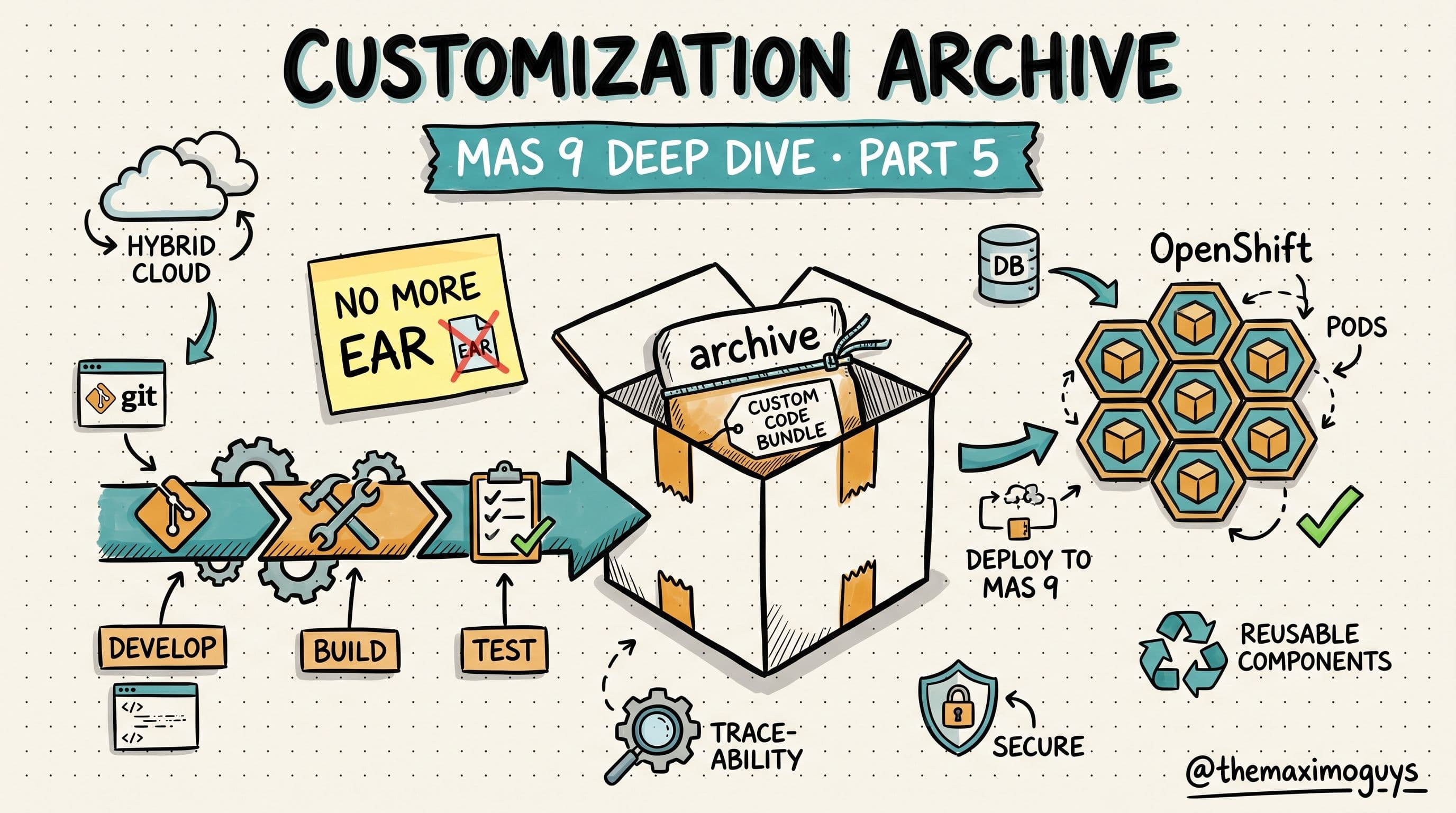
Part 5 answers that. The extension model is unchanged, but the packaging is not — custom Java now ships as a Customization Archive baked into a container image instead of a JAR dropped onto WebSphere. That is where component activation and upgrade-safe packaging come together.
Key Takeaways
- MAXOBJECT counts reveal each extension's real database footprint — roughly ACM 293, HSE 263, Transportation 139 — but a low count can signal a composite product, not a small one.
- HSE and Oil & Gas share the PLUSG prefix, the same Java packages, and the same 263 objects; they differ only in application visibility, organization options, and default data — never in code.
- Aviation is a composite that installs five prefixes (~930 objects), which is exactly why it is incompatible with almost everything except ACM and Transportation.
- Compatibility is fundamentally about shared chains — whether two products' extensions can resolve into one inheritance chain on the same object. Incompatible pairs cannot.
- Composite deployment is a one-way door: conflicting standalone add-ons cannot be cleanly added after the fact — decide the full set before first activation.
References
- Maximo Manage requirements — Compatibility Matrix (IBM Documentation)
- IBM Maximo Application Suite Documentation
- Customizing Maximo Manage — IBM Documentation
- Building a Manage customization archive — IBM Documentation
- Maximo Business Object (MBO) development — IBM Documentation
Series Navigation
| Previous: | Part 3 — product.xml and Extension Chain Resolution |
|---|---|
| Next: | Part 5 — Deploying and Customizing Extensions in MAS 9 |
About TheMaximoGuys: We are practitioners who implement IBM Maximo across asset-intensive industries. The compatibility matrix in this part has saved more than one of our clients from a one-way deployment decision they would have regretted.
Published by TheMaximoGuys | July 2026
 Venkat Achanta