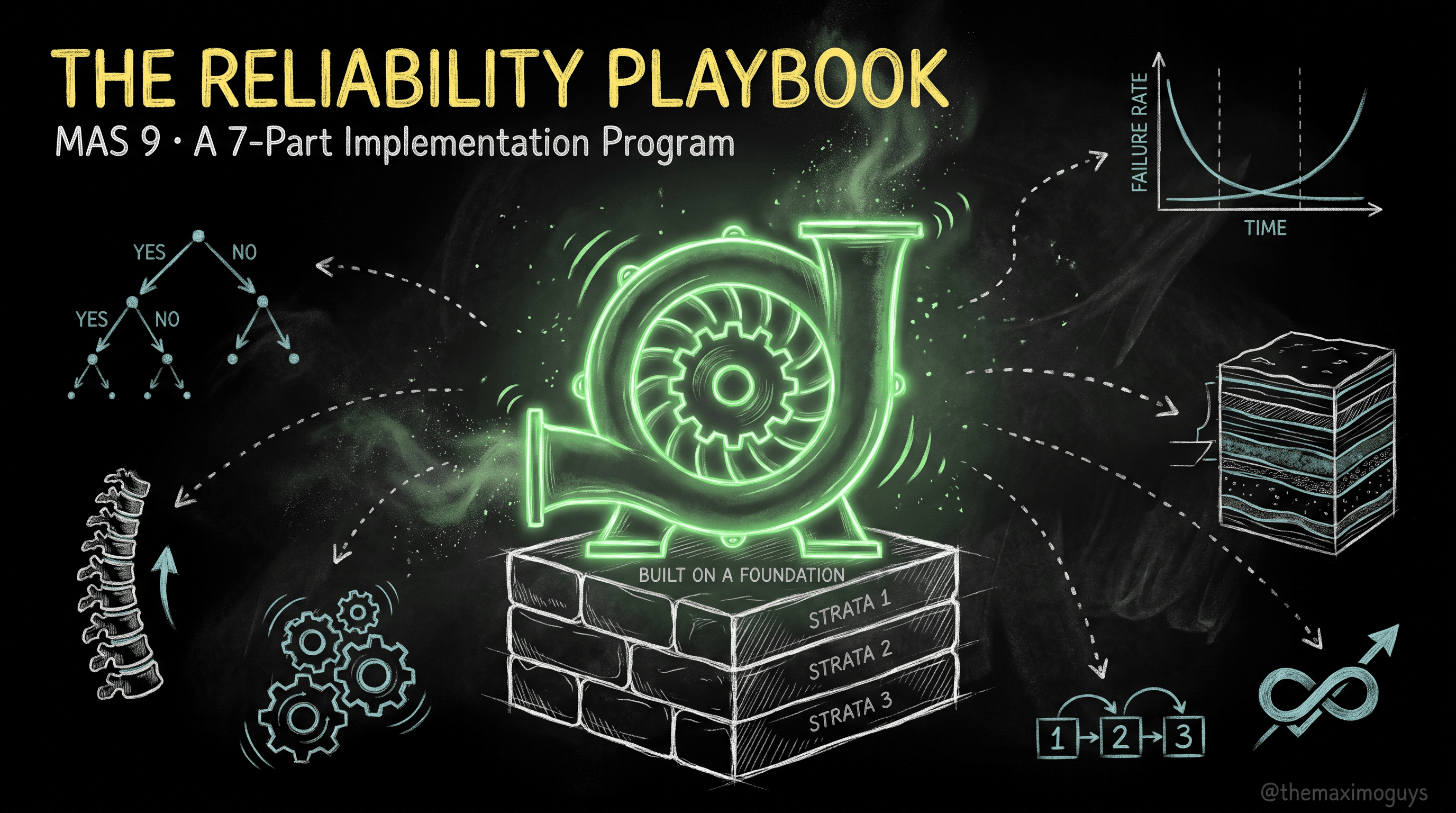
The Phased Rollout: From Legacy Cleanse to Closing the Loop
🎯 Who this is for: Program leads, reliability engineers, and Maximo administrators sequencing a reliability rollout against a 7.6 to MAS 9 upgrade — who need the phases, the dependencies, and the exit criteria in one place.
Series: Part 7 of 7 — MAS 9 Reliability Implementation Playbook | Read time: 23 minutes
🗺️ The Whole Program in One Frame
Six parts have built the pieces. This one assembles them into a sequence you can put on a project plan, with a gate at the end of each phase so you know you have actually finished it rather than declared victory early. Reduced to one frame:
Build the reference-data spine (failure hierarchy + criticality + meters) → attach the maintenance decisions (job plans / PMs / condition monitoring) → close the feedback loop (failure reporting + MTBF/MTTR). APM (Health / Predict / Monitor) is Phase 4, an amplifier, not a prerequisite. Stock Manage apps cover the entire core strategy before any add-on is needed.
The reliability strategy is built in layers, and each layer depends on the one below it. You cannot attach maintenance decisions to a spine that does not exist, and you cannot optimize intervals from failure history you never captured. The phases below are that dependency chain, made explicit — with a Phase 0 that most projects skip and most later regret.
<aside>
💡 Key insight: The fastest way to diagnose a struggling reliability program is to walk these phases backwards and find the first one whose exit criteria were never met. Teams "drowning in PMs that don't help" almost always skipped Phase 0 (never cleansed) or Phase 1 (no failure hierarchy) and jumped straight to Phase 2 (adding PMs). They built the roof before the walls.
</aside>
🧹 Phase 0: Foundation & Legacy Cleanse (During the Upgrade Window)
The upgrade is the one clean moment to fix a decade of legacy 7.6 free-text failure data. Carrying it forward is the single biggest reliability-project killer, and after go-live you rarely get another clean window without disrupting operations.
Why the upgrade window is the one clean moment
The 7.6 → MAS 9 data model is unchanged — same FAILURECODE, ASSET, MEASUREPOINT, PM, JOBPLAN objects — so reliability data migrates rather than being rebuilt. That is precisely what makes the window valuable: you are already touching every asset, location, meter, and failure code to move it. Profiling and cleansing during that move costs incrementally; doing it later means a separate disruptive project against a live system.
The Phase 0 steps
| Step | What | Where |
|---|---|---|
| 0.1 | Confirm the MAS 9.x Manage data migration — assets, locations, meters, failure codes, PMs intact | Manage list views, post-upgrade smoke test |
| 0.2 | Profile legacy failure data — pull FAILURECODE/FAILURELIST + work order FAILUREREPORT history; quantify the free-text % | DB / Cognos export |
| 0.3 | Design the standardized failure-code set (4 levels: Class → Problem → Cause → Remedy) per dominant asset family | Staging spreadsheet, reliability engineer |
| 0.4 | Deduplicate + map free-text → standardized codes; flag unusable history to discard | Excel / staging |
| 0.5 | Stand up a TEST environment mirroring PROD volume for load rehearsal | Infra / Ops |
Exit criteria: a cleansed failure-code spreadsheet and a TEST environment ready for the Phase 1 load rehearsal.
<aside>
⚠️ Watch out: "We'll clean up the failure data after go-live" is the sentence that dooms reliability programs. After go-live, the free-text history keeps accumulating, operations resist another disruption, and the standardized hierarchy never gets built. Phase 0 is non-negotiable, and its natural home is the upgrade you are already doing.
</aside>
🦴 Phase 1: The Reference-Data Spine
With cleansed data staged, load the spine (Part 3) in dependency-strict order (Part 6). The MBO layer rejects any record whose foreign key does not yet resolve, so out-of-order loading produces orphaned hierarchies and abandoned batches.
Load order — do not reorder: domains → classifications & specs → failure class hierarchy → locations → assets (parents before children) → asset/location specs → meters & meter groups → condition-monitoring points → job plans → Master PMs/PMs/routes → safety plans.
Tool selection (Part 6): App Import for small ad-hoc loads, MXLoader for iterative spine loads, MIF for large governed loads, REST/OSLC for engineered pipelines, and Migration Manager for config only, never business data.
Batch discipline: 500–2,000 rows per batch so failures isolate and reprocess cleanly; reconcile row counts post-load; validate parent references exist before loading children.
Also in Phase 1: rank asset criticality/priority as an asset attribute or specification value. This is what makes downstream effort risk-based rather than uniform.
Exit criteria: every critical asset has (a) a failure class, (b) a criticality rank, and (c) its meters.
🔧 Phase 2: The Maintenance Decisions
Now attach the decisions from Part 1 — one task type per critical failure mode — as Maximo records (Part 4). For each critical failure mode, choose exactly one, and record it:
| Task type | Choose when | Maximo implementation |
|---|---|---|
| Run-to-failure | Consequences minor; prevention costs more than the failure | No PM — corrective job plan + stocked spares |
| Time/usage-based PM | The failure mode is genuinely age-related | Job Plans + PM (time- or meter-based) |
| Condition-based (CBM) | A measurable degradation signal exists | Condition Monitoring + Meters + Job Plan |
| Predictive (PdM) | Lead time + asset value justify ML modelling | Phase 4 (Maximo Predict) |
| Failure-finding | Hidden failures (standby / protective devices) | PM with an inspection/test job plan |
| Redesign | No task adequately controls a serious mode | Engineering — outside Maximo |
Concrete steps: build modular, nested job plans; create Master PMs → child PMs with time or meter frequency (a continuous meter must be on every target asset for meter-based); create Condition Monitoring measurement points with warning + action limits and "Use Action Limits as WO Generation Criteria" ticked; use Asset Templates for fleets (carry failure class via a crossover domain on TEMPLATEID, since it is not a native template field).
Anti-pattern to avoid: do not treat reliability as a PM-volume problem. Nowlan & Heap: only ~11% of failure modes are age-related, so a time-based PM on the other ~89% cannot reduce failure probability — and intrusive PM can induce failure.
Exit criteria: every critical failure mode has a chosen task type (RTF / PM / CBM / failure-finding) recorded in Maximo.
<aside>
💡 Key insight: The deliverable of Phase 2 is not "N new PMs." It is a decision recorded for every critical failure mode — including the deliberate run-to-failure decisions with stocked spares. A phase that only counts PMs has confused activity with strategy.
</aside>
🧠 Phase 3: The Reliability Strategies Layer
Stand up the Reliability Strategies application (Part 4) — a Manage-side add-on (the Manage Reliability Strategies module), separately licensed via the shared AppPoints pool, not a Health/Predict sub-module.
- Use the vendor library to validate the Phase 2 decisions: 800+ asset types, 58,000+ failure modes, 5,000+ PM tasks.
- Workflow: select an operating context → perform failure analysis → choose mitigation activities → push to Manage as job plans / PMs.
- MAS 9.0+: the Custom Strategies tab — build site-specific strategy records keyed by asset class / subclass / configuration.
- MAS 9.1: custom strategies live in the Maximo DB; AI assists suggest boundary conditions and generate components.
For the full application tour, this series points to MAS MANAGE — Part 4 (/blog/mas-manage-reliability-strategies); Phase 3 is about sequencing it into the program, not re-teaching it.
Exit criteria: RCM/FMEA-backed strategies exist for the critical asset classes.
🔮 Phase 4: The APM / Predictive Layer (Only After the Spine Is Stable)
Install APM (Part 5) only after the spine is populated and the core strategy is running.
The install order and why Health comes first
Install in order:
- Maximo Health (prerequisite for Predict) — health, criticality, risk, end-of-life, effective-age scoring notebooks; surfaces in table / map / chart / matrix views (the criticality × end-of-life matrix is the workhorse). This is where a MAS 9 site gets formal criticality scoring beyond core Manage.
- Maximo Monitor — IoT/sensor ingestion + anomaly-detection rules (threshold, statistical, spectral, custom Python, ML). Answers "is something abnormal right now?"
- Maximo Predict — Watson Studio / WML models: failure probability (Random Forest), remaining useful life (LSTM), anomaly detection (Isolation Forest). Answers "when will it fail?" Engineers create work orders directly, routing back into Manage. Predict requires Health.
- Asset Investment Planning (9.1) — turns Health's risk and end-of-life scores into capital replacement timing. Requires Maximo Optimizer.
Packaging note: "Health & Predict – Utilities" (HPU) was discontinued as a standalone solution since MAS 8.11 — capabilities folded into standard Health/Predict. Do not present HPU as a MAS 9 product.
Exit criteria: none imposed by the program — Phase 4 is optional amplification. If you install it, the gate is: Health scoring is trusted, and any Predict models are validated before they drive work.
<aside>
⚠️ Watch out: Installing APM to compensate for a missing spine is the most expensive rollout mistake. Health will score noise, Predict will train on garbage, and Monitor will alert on data nobody trusts. Phase 4 amplifies Phases 0–3; it cannot substitute for them.
</aside>
🔄 Phase 5: Close the Loop (Never "Done")
This is the phase that converts a one-time project into a living asset. It never closes.
The four disciplines of a closed loop
- Enforce structured failure reporting on every work order — the Failure Reporting tab on Work Order Tracking, constrained to the asset's failure-class tree (controlled vocabulary from Part 3).
- Track KPIs — MTBF, MTTF, MTTR, Availability (= MTBF / (MTBF + MTTR)), failure rate λ, OEE — surfaced via Manage reports, KPIs, and Cognos dashboards (Part 2).
- Tune intervals from actual history: extend where no failures occur; shorten or redesign where failures recur; shift non-age-related modes off time-based PM.
- Refine failure classes, criticality, and PM intervals on a quarterly cadence.
Exit criteria: none — the phase never closes. That is the point. A first cut is never the final cut, and the continuous-improvement loop is the strategy.
<aside>
💡 Key insight: Phase 5 is why Master PMs (Part 4) matter and why the failure hierarchy (Part 3) had to be controlled vocabulary. Tuning an interval means changing one Master PM; justifying the change means reading analyzable MTBF from structured failure reporting. Skip the spine and Phase 5 becomes impossible — you have no clean data to tune from and no efficient way to apply the change.
</aside>
📆 The Phase Order at a Glance
 UPGRADE WINDOW
 ├─ Phase 0  Cleanse legacy failure data        (exit: clean spreadsheet + TEST env)
 │
 POST GO-LIVE
 ├─ Phase 1  Load the reference-data spine       (exit: class + criticality + meters on every critical asset)
 ├─ Phase 2  Attach maintenance decisions        (exit: one task type per critical failure mode)
 ├─ Phase 3  Reliability Strategies layer         (exit: RCM/FMEA strategies for critical classes)
 ├─ Phase 4  APM (Health→Monitor→Predict→AIP)    (optional amplifier; only after spine stable)
└─ Phase 5 Close the loop (never ends — quarterly tuning)| Phase | Depends on | Blocks | Skippable? |
|---|---|---|---|
| 0 — Cleanse | Upgrade window | 1 | No (or you carry the mess forever) |
| 1 — Spine | 0 | 2, 4, 5 | No |
| 2 — Decisions | 1 | 3, 5 | No |
| 3 — Reliability Strategies | 2 | — | Yes (stock apps cover the core) |
| 4 — APM | 1, 2 stable | — | Yes (amplifier, not prerequisite) |
| 5 — Close the loop | 1, 2 | — | No (it is the strategy) |
🔗 The SAP Integration Note
If your landscape sends procurement to SAP, one operational fact matters for reliability. Maximo sends PRs to SAP; SAP owns the PO, vendor, and invoice. Reliability work that drives material demand still raises PRs through the existing SAP integration — there is no change to the pattern. The one thing to plan for: reliability-driven PM and condition-based work orders will increase PR volume, so size the integration throughput and the procurement team's capacity for the additional demand. This is a volume consideration, not an architecture change.
⚠️ Where Rollouts Go Wrong
- Skipping Phase 0. The most common and most fatal error — carrying free-text failure data forward and never getting another clean window.
- APM-first. Installing Health/Predict/Monitor before the spine exists, then wondering why the scores are noise.
- PM-volume thinking in Phase 2. Adding hundreds of time-based PMs against random-failure modes and calling it a reliability program.
- No exit criteria. Declaring a phase "done" without meeting its gate, so the next phase builds on an incomplete foundation.
- Designing around Work Centers. Work Centers were removed (MAS 8.9+); MAS 9 uses role-based applications. Do not build a rollout around a UI that no longer exists.
- A phase-5 that never starts. Building the whole program and then never enforcing failure reporting or tuning intervals — the strategy ossifies and slowly loses value.
📋 Practical Notes: The Rollout Runbook
- Put Phase 0 inside the upgrade project, not after it. Profile and cleanse the failure data while you are already migrating it.
- Gate every phase on its exit criteria. Write them on the plan and do not start the next phase until the current gate is met.
- Sequence the loads literally (Part 6) — domains first, safety plans last, parents before children, rehearsed in TEST at PROD volume.
- Treat APM as optional amplification. Prove the core strategy works on stock Manage before spending AppPoints on Health/Predict/Monitor.
- Size the SAP PR throughput for the higher volume reliability work will generate — same pattern, more traffic.
- Schedule Phase 5 now. Put the quarterly failure-reporting review, KPI check, and interval-tuning session on the calendar before go-live, or it will never happen.
Key Takeaways
- Phase 0 cleanses legacy free-text failure data during the upgrade window — the one clean moment, and skipping it is the biggest reliability-project killer.
- The phases build in dependency order: spine (1) → maintenance decisions (2) → Reliability Strategies (3) → APM (4) → close the loop (5), each with explicit exit criteria.
- APM is Phase 4, not a prerequisite; install Health before Predict, keep the core strategy on stock Manage apps, and don't design around Work Centers (removed MAS 8.9+).
- The SAP PR integration is unchanged — reliability work raises PRs through the existing pattern; just plan for the higher volume.
- Phase 5 never closes — enforce structured failure reporting, track KPIs, and tune intervals on a quarterly cadence, because the loop is the strategy.
🎉 You've Completed the Series
That is the full MAS 9 Reliability Implementation Playbook — from the method (RCM, FMEA, task types) and the metrics that tune it, through the Manage spine and the maintenance decisions that attach to it, up the APM layer, and down into the data loads and phased rollout that make it real. You now have the program, in order, with the gates that tell you when each layer is done.
Start where your program is: if you are pre-go-live, Phase 0 is waiting in your upgrade window. If you are already live with a pile of PMs that aren't moving the needle, walk the phases backwards and find the gate you skipped.
References
IBM Official
- Maximo Manage — Reliability Strategies module (IBM Documentation)
- Maximo Manage — Condition Monitoring overview (IBM Documentation)
- IBM — Asset Performance Management software
Community
- Maximo Secrets — New Features in MAS 9.0 and 9.1
- Maintenance World — Reliability Strategies for MAS 9.0
Series Navigation
| Previous: | Part 6 — Populating the Spine: Data-Load Tools & Dependency-Correct Sequencing |
|---|---|
| Next: | 🎉 You have completed the MAS 9 Reliability Implementation Playbook — return to the Series Index |
About TheMaximoGuys: We help Maximo teams navigate the move to MAS 9 with practical, no-hype guidance grounded in how the platform actually behaves — from architecture and migration planning to the day-to-day work of configuring, extending, and running Maximo.
Published by TheMaximoGuys | July 2026
 Venkat Achanta