

Configuration & Deployment: Standing Up the Maximo AI Service, Training the Models, and Closing the Feedback Loop
🎯 Who this is for: Platform engineers, MAS administrators, and implementation leads who have to actually stand up the Assistant — and want a realistic map of the components, the sequence, and the effort before they commit a date to a steering committee.
Series: Part 5 of 6 — Maximo Assistant on MAS 9 | Read time: 18 minutes
"Just Turn On the AI" Is the Wrong Sentence
Somewhere in every MAS 9 program, a stakeholder says "let's just turn on the AI." This post exists to give you a precise, grounded answer to that sentence — not "no," but "here is what turning it on actually involves."
The Assistant is not a feature flag in Manage. It is a set of capabilities served by the Maximo AI Service, a containerized workload you deploy and configure on OpenShift, connected to a watsonx.ai instance, running models trained on your own data. That is a deployment project with real components, a real sequence, and a real effort estimate. The good news: IBM documents all three, and the pilot is measured in weeks, not quarters.
🧩 The Components You Are Deploying
Recall the anatomy of the Maximo AI Service from Part 1 — it is worth having in front of you as a deployment checklist, because each row is something you configure and verify:
| Component | What you do with it at deploy time |
|---|---|
| AI Service operator | Install it on OpenShift; it deploys and manages the service |
| Model management | Configure it to train and later retrain your models |
| watsonx.ai connector | Point it at your watsonx.ai instance and authenticate |
| Feature store | Populate it with the features your recommendations use |
| Inference engine | Verify it serves predictions to MAS applications |
| Feedback loop | Wire up capture of accept/reject signals for retraining |
The deployment architecture is a three-tier pipeline: watsonx.ai (foundation models, custom models, training pipeline) on one side, the Maximo AI Service (model management, feature store, inference engine, feedback loop) in the middle, and MAS applications (Manage, Mobile, Health, Predict) consuming the results on the other. Your job is to build and connect the middle tier, wire it to watsonx.ai on one side and MAS on the other, and feed it your data.
🪜 The Six-Step Deployment Path
IBM's setup requirements lay out a clean sequence. Here it is with the effort each step carries:
| # | Step | What it involves | Effort |
|---|---|---|---|
| 1 | watsonx.ai access | Provision a watsonx.ai instance (SaaS or on-premises) | 1–2 weeks |
| 2 | Deploy AI Service | Install the AI Service operator on OpenShift | 1–2 days |
| 3 | Configure AI Service | Connect to watsonx.ai, configure models | 2–4 days |
| 4 | Prepare training data | Historical work orders, failure codes, asset data | 1–2 weeks |
| 5 | Train AI models | Train recommendation models on your data | 1–2 weeks |
| 6 | User training | Train maintenance teams on the AI features | 1–2 weeks |
| — | Feedback loop | Establish the process for capturing and using feedback | Ongoing |
Read the effort column carefully, because it tells a story that surprises people: the software install is the fast part. Deploying the operator is 1–2 days. Connecting it is 2–4 days. The long poles are provisioning watsonx.ai (a procurement and architecture decision, step 1), preparing your data (step 4), training the models (step 5), and training your people (step 6). Three of the four longest steps are not about software at all — they are about data and people.
<aside>
💡 Key insight: If your project plan for AI Assist is dominated by "install the AI Service," you have mis-scoped it. The install is days. The value-determining work — clean historical data, well-trained models, users who know how to accept/correct — is weeks. Budget your calendar to match where the effort actually is, or you will hit "installed but useless" and wonder why the demo was better than production.
</aside>
What "done" looks like at each step
A sequence without exit criteria drifts. Give each step a concrete "you are done when" so the pilot cannot quietly skip the verification that matters:
| Step | You are done when… |
|---|---|
| 1 — watsonx.ai access | The instance is provisioned and reachable, and the SaaS-vs-on-prem decision (AI-1) is signed off by security |
| 2 — Deploy AI Service | The operator is installed and the AI Service pods are healthy on OpenShift |
| 3 — Configure AI Service | The watsonx.ai connector authenticates and a test inference round-trips end to end |
| 4 — Prepare training data | A 2+ year, failure-coded dataset passes the readiness scorecard below |
| 5 — Train models | Initial models train without error and produce recommendations on sample records |
| 6 — User training | Pilot users can read a confidence score and correctly accept/modify/reject |
The step most often "finished" without really finishing is step 4. A dataset that exists is not a dataset that is ready — which is why it gets its own scorecard.
🗂️ Why Data Preparation Is the Long Pole
Step 4 — prepare training data — deserves special attention because it is where most of the real risk lives. IBM's guidance is specific: historical work orders with failure codes, spanning 2+ years.
That number is not arbitrary. The recommendation models learn patterns from your history: which problems get which codes, which assets fail how, which craft gets assigned to which work type. Two years gives enough repetition of seasonal and cyclical patterns for the models to generalize. Less than that, and the models are guessing from thin evidence.
But "2+ years" is necessary, not sufficient. The data also has to be clean enough to learn from:
- Failure codes actually entered — recommendation models for failure codes need historical failure codes to learn from. Work orders closed with blank failure fields teach the model nothing.
- Consistent enough to find patterns — if the same failure was coded ten different ways historically, the model learns ten weak patterns instead of one strong one.
- Rich descriptions — the models lean on description text; terse "fixed it" descriptions carry little signal.
This is the uncomfortable truth of AI Assist: it audits your data discipline. Organizations that coded failures faithfully for years get strong recommendations quickly. Organizations that treated failure coding as optional discover, at model-training time, that they have little to train on. If your data is thin, the honest move is a data-quality effort before the AI project, not a disappointing pilot on top of weak data.
A data-readiness scorecard
Run this before you commit to a go-live date. It converts a vague "is our data good enough?" into something you can measure per asset class:
| Dimension | Red flag | Ready |
|---|---|---|
| History depth | < 12 months | ≥ 24 months |
| Failure-code fill rate | Most closed WOs have blank failure fields | Majority carry failure/problem/cause/remedy |
| Coding consistency | Same failure coded many ways | A recognizable, repeated taxonomy |
| Description richness | "fixed it" one-liners dominate | Symptom/finding/action narratives common |
| Asset/location naming | Ad hoc, non-standard | Consistent naming that resolves cleanly |
If a dimension is red, you have found your pre-project work item, not a reason to abandon AI. The move is to fix that dimension on your pilot scope (one site, one asset class) first — you do not need the whole plant clean to prove value on a slice of it.
⏱️ The 68-to-128-Hour Reality
IBM breaks the pilot into ten concrete team-exploration tasks. This is the most useful planning artifact in the whole AI Assist story, because it turns "stand up the AI" into a task list you can assign:
| Task | What it covers | Effort |
|---|---|---|
| AI-1 | Evaluate watsonx.ai deployment options (SaaS vs on-premises) | 8–16 h |
| AI-2 | Deploy the Maximo AI Service operator | 4–8 h |
| AI-3 | Configure AI Service connection to watsonx.ai | 4–8 h |
| AI-4 | Prepare training data (2+ years of failure-coded WOs) | 16–24 h |
| AI-5 | Train initial models (field recommendations) | 8–16 h |
| AI-6 | Test field value recommendations on sample WOs | 8–16 h |
| AI-7 | Test natural-language queries in Manage | 4–8 h |
| AI-8 | Evaluate conversational assistant capabilities | 4–8 h |
| AI-9 | Gather user feedback, assess recommendation accuracy | 8–16 h |
| AI-10 | Plan the retraining cycle and feedback-loop process | 4–8 h |
Total: 68–128 hours — roughly 2–3 weeks for a focused team of two to three people.
Notice AI-4 (data prep) is the single largest task at 16–24 hours, reinforcing the point above. Notice too that AI-6 through AI-9 are all testing and feedback — evaluating whether the recommendations are actually good on your data. This is not "install and declare victory"; it is "install, train, test on real work orders, and honestly assess accuracy before you widen the rollout."
<aside>
💡 Key insight: Treat AI-9 (assess recommendation accuracy) as a real go/no-go gate, not a formality. A pilot that trained models but never checked whether the recommendations are trustworthy on your assets is a pilot that has not de-risked anything. The 68–128 hour estimate assumes you actually do the testing tasks — skip them and you will "finish" faster and fail slower.
</aside>
Who does which task
The ten tasks are not one person's job. They span three disciplines, and a pilot staffed from only one of them stalls on the tasks it is not equipped for:
| Discipline | Owns tasks | Why |
|---|---|---|
| Platform / OpenShift | AI-2, AI-3 | Operator install, connector auth, cluster health |
| Data / analyst | AI-4, AI-5 | Dataset preparation and model training are data work |
| Maintenance domain | AI-6, AI-7, AI-8, AI-9 | Only a practitioner can judge if a recommendation is right |
| Shared / lead | AI-1, AI-10 | Deployment-model decision and retraining plan are cross-cutting |
The most common staffing mistake is assigning the whole thing to the platform team, who then reasonably nail AI-2/AI-3 and stall at AI-4 (not their data) and AI-9 (not their domain). Two to three people who together cover all three rows is the shape that works.
🔄 The Feedback Loop Is Not a Launch Step
Look again at the setup table and notice the one row with a different kind of effort: the feedback loop is marked Ongoing. That is deliberate and important.
Every other step has a start and an end. You provision watsonx.ai once. You deploy the operator once. You train the initial models once (per cycle). But the feedback loop never "finishes" — it is the continuous process by which every accept, modify, and reject your users make (Part 2) gets captured and folded back into retraining.
This changes how you should think about day one. The model you train in step 5 and test in AI-6 is a starting point, not a finished product. It will be mediocre-to-good on launch and get better every retraining cycle if and only if the feedback loop is running and governed. AI-10 — plan the retraining cycle and feedback-loop process — is what makes that improvement happen. Skip it, and your model is frozen at its day-one accuracy forever.
<aside>
💡 Key insight: The organizations that win with AI Assist are not the ones with the best day-one model — they are the ones with the best feedback discipline. A modest launch model plus a well-run feedback loop beats a strong launch model that never retrains. Assign an owner for the retraining cycle before go-live, or the "ongoing" step quietly becomes the "never happened" step.
</aside>
Part 6 picks up the feedback loop again from the governance angle — because "capture user accept/reject and retrain on it" is not just a technical loop, it is a data-handling process that needs oversight.
🩺 Deployment Troubleshooting
When a deployment stalls or a pilot underwhelms, the cause is usually in a predictable place. Read the symptom, find the layer:
| Symptom | Likely cause | Action |
|---|---|---|
| AI features never appear in Manage after install | Connector not authenticated, or AI Service pods unhealthy | Verify AI-3 round-trips a test inference; check operator/pod status |
| Models train but recommendations are weak on your assets | Thin or inconsistent training data (AI-4) | Run the readiness scorecard; fix the red dimension on the pilot scope |
| Recommendations good in demo, poor in production | Pilot trained on clean slice, rolled out to messy scope | Widen only as data quality widens; do not generalize from the best site |
| Accuracy plateaus after go-live | Feedback loop not running or unowned (AI-10) | Name a retraining owner; confirm accept/reject is captured and used |
| Pilot stalls mid-task list | Single-discipline staffing | Add the missing discipline (data or domain) per the staffing table |
🔧 Practical Deployment Notes
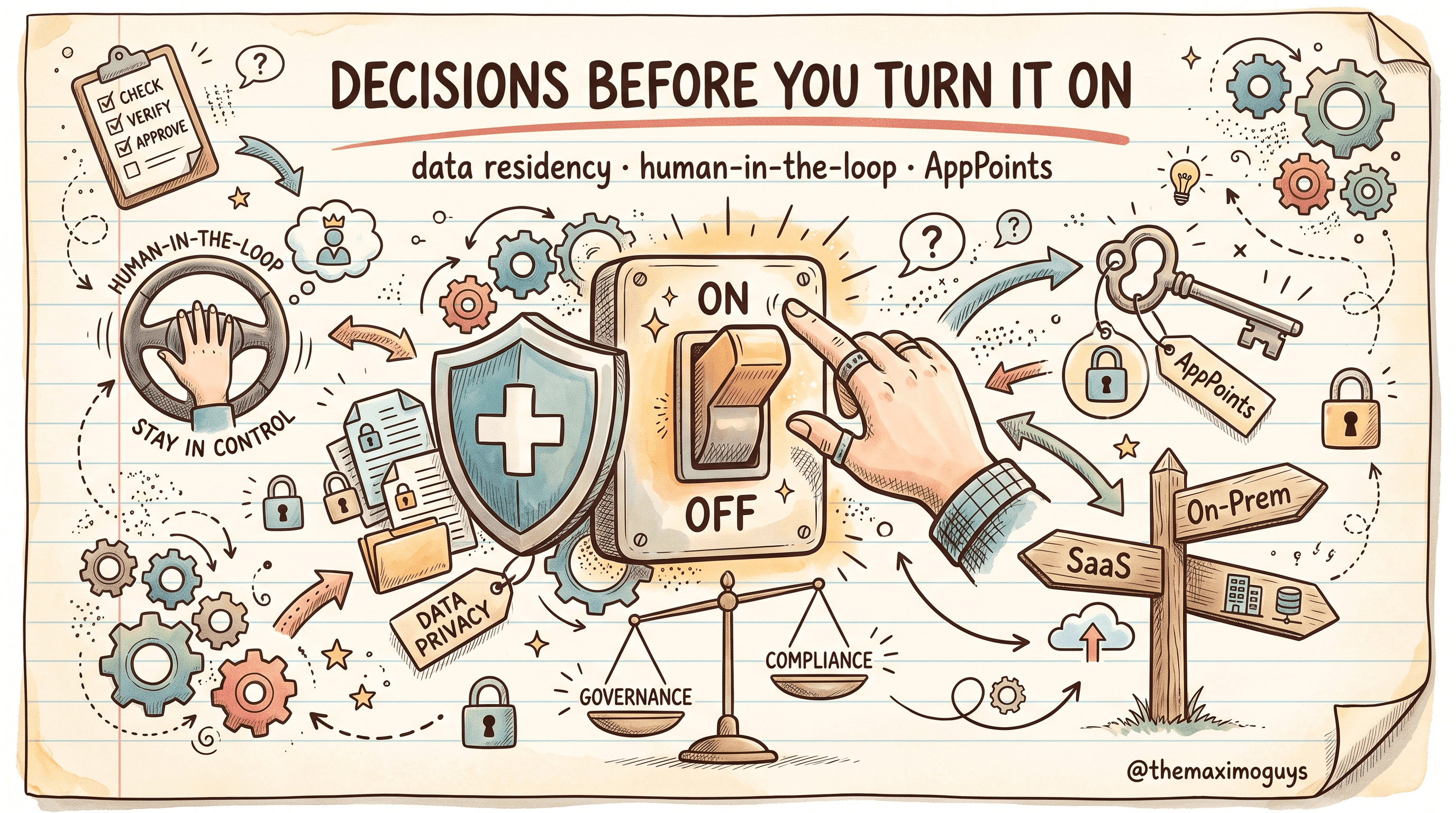
- Make AI-1 (SaaS vs on-premises watsonx.ai) an early, deliberate decision. It drives data residency, cost, and timeline. It is a governance choice as much as a technical one — Part 6 treats it as such. Do not let it default.
- Front-load data preparation. AI-4 is the biggest task and the biggest risk. If your failure-code history is thin, start the data-quality work before the AI project, not inside it.
- Pilot narrow. Train and test on a focused scope (a site, an asset class) where you have the best data, prove accuracy, then widen. A narrow pilot on strong data beats a broad pilot on mixed data.
- Staff the pilot with two to three people who span platform, data, and maintenance. The task list needs OpenShift skills (AI-2/3), data skills (AI-4/5), and maintenance domain knowledge (AI-6/9). One discipline alone cannot do it.
- Name the retraining owner before go-live. The feedback loop is ongoing; someone has to own it, or it will not run.
- Give every step an exit criterion. Especially step 4 — a dataset that exists is not a dataset that is ready.
Key Takeaways
- The Maximo Assistant is a deployment project on OpenShift, not a settings toggle — you stand up the Maximo AI Service and connect it to watsonx.ai.
- The path is six steps with concrete exit criteria: watsonx.ai → AI Service operator → connection → training data → model training → user training, with the feedback loop running ongoing.
- IBM's ten team-exploration tasks estimate a 68–128 hour (2–3 week) pilot for a focused two-to-three-person team spanning platform, data, and domain, with data prep (AI-4) the single largest task.
- 2+ years of clean, failure-coded history is the true prerequisite; run the readiness scorecard, and if a dimension is red, fix it on the pilot scope first.
- The feedback loop is ongoing, not a launch step — a modest launch model with disciplined retraining beats a strong launch model that never improves. Name its owner before go-live.
References
- IBM Maximo Application Suite Documentation
- Maximo AI Service — deployment (IBM Documentation)
- IBM watsonx.ai Documentation
- Maximo Manage — AI setup (IBM Documentation)
Series Navigation
| Previous: | Part 4 — Guided Troubleshooting Flows |
|---|---|
| Next: | Part 6 — Governance, Data Privacy & AppPoints |
About TheMaximoGuys: We help Maximo developers and teams navigate the move to MAS 9 with practical, no-hype guidance grounded in how the platform actually behaves.
Published by TheMaximoGuys | July 2026
 Venkat Achanta
