Technical Specifications & LCO Tracking
🎯 Who this is for: Operations, work control, and regulatory/QA leads who need to know exactly which Maximo Nuclear applications carry the Technical Specification burden — and how a paper completion time becomes a tracked, auditable countdown in the system of record.
Series: Part 2 of 7 — Maximo for Nuclear on MAS 9 | Read time: 17 minutes
🎯 The Regulatory Core
Every nuclear application in Maximo exists because a regulation demands it. Nowhere is that truer than in the Operational Management (Nuc) module, which is the regulatory core of the industry solution. It is a large module — IBM Docs and the public Maximo Secrets app map document seventeen applications in it — and it is where the plant's licensing basis meets day-to-day operation.
The full module includes Tech Specs, Surveillance Requirements, LCO Tracking, Clearances (and Clearances Kiosk and Clearance Groups), Lineup Plans and Lineups, Duty Station Plans and Duty Stations, Reading Frequencies, Impact Plans, Notifications, Objectives, and Events. Part 5 covers the Clearances stack in depth. This part focuses on the three applications that form the heart of the module — the ones an auditor asks about first:
| Application | Job |
|---|---|
| Tech Specs (Nuc) | The Technical Specification register per 10 CFR 50.36. Links surveillance requirements and LCOs. |
| Surveillance Requirements (Nuc) | Tests that prove regulatory compliance — the "prove the Tech Spec is met" engine. |
| LCO Tracking (Nuc) | Limiting Conditions for Operation tracking, including action-statement timers. |
Understand these three and how they interlock, and you understand the spine of what Maximo Nuclear does that a generic EAM cannot. The rest of this part builds that understanding, then puts it in motion with a concrete worked example and the edge cases that decide whether an implementation survives its first surveillance audit.
<aside>
💡 Key insight: The three applications are not three convenient screens. They map to the three distinct verbs of the licensing basis: hold the requirement (Tech Specs), prove it (Surveillance Requirements), and run the clock when it is not met (LCO Tracking). A generic EAM has no verb for "run the regulatory clock." That missing verb is exactly why the nuclear industry solution earns its Premium tier.
</aside>
📋 Tech Specs (Nuc) Under 10 CFR 50.36
The Tech Specs (Nuc) application implements the plant's Technical Specification register, and its regulatory driver is 10 CFR 50.36 — the NRC rule that requires Technical Specifications as part of an operating license. Every power reactor operates under Tech Specs, and those specifications define the conditions, limits, and required surveillances that keep the plant inside its licensing basis.
What makes the application specifically nuclear is not that it stores a list — any EAM can store a list. It is that Tech Specs (Nuc) is built to link the specification to the surveillance requirements that demonstrate it and to the Limiting Conditions for Operation it imposes. The register is not a static document; it is the anchor from which surveillance obligations and LCO action statements hang.
What a Tech Spec record actually connects to
Read 10 CFR 50.36 closely and it names the categories a Technical Specification must contain — and those categories are exactly the linkage the application must hold:
| 50.36 category | Plain-language meaning | Where it lands in Maximo Nuclear |
|---|---|---|
| Safety limits and limiting safety system settings | The bright lines that must never be crossed | Attributes on the Tech Specs (Nuc) record |
| Limiting Conditions for Operation (LCOs) | The conditions the plant must satisfy to operate | Linked LCO records, tracked in LCO Tracking (Nuc) |
| Surveillance Requirements (SRs) | The tests that prove the LCO is met | Linked Surveillance Requirements (Nuc) records |
| Design features / administrative controls | Configuration and program controls | Config control (Part 3) and program records |
<aside>
💡 Key insight: The reason this belongs in a purpose-built nuclear application, rather than a generic classifications or specifications table, is the linkage. A Tech Spec is only meaningful when it is connected to the test that proves it and the operating condition it constrains. Tech Specs (Nuc) exists to hold that three-way relationship — specification, surveillance, LCO — in the system of record so it can be operated and audited, not just filed.
</aside>
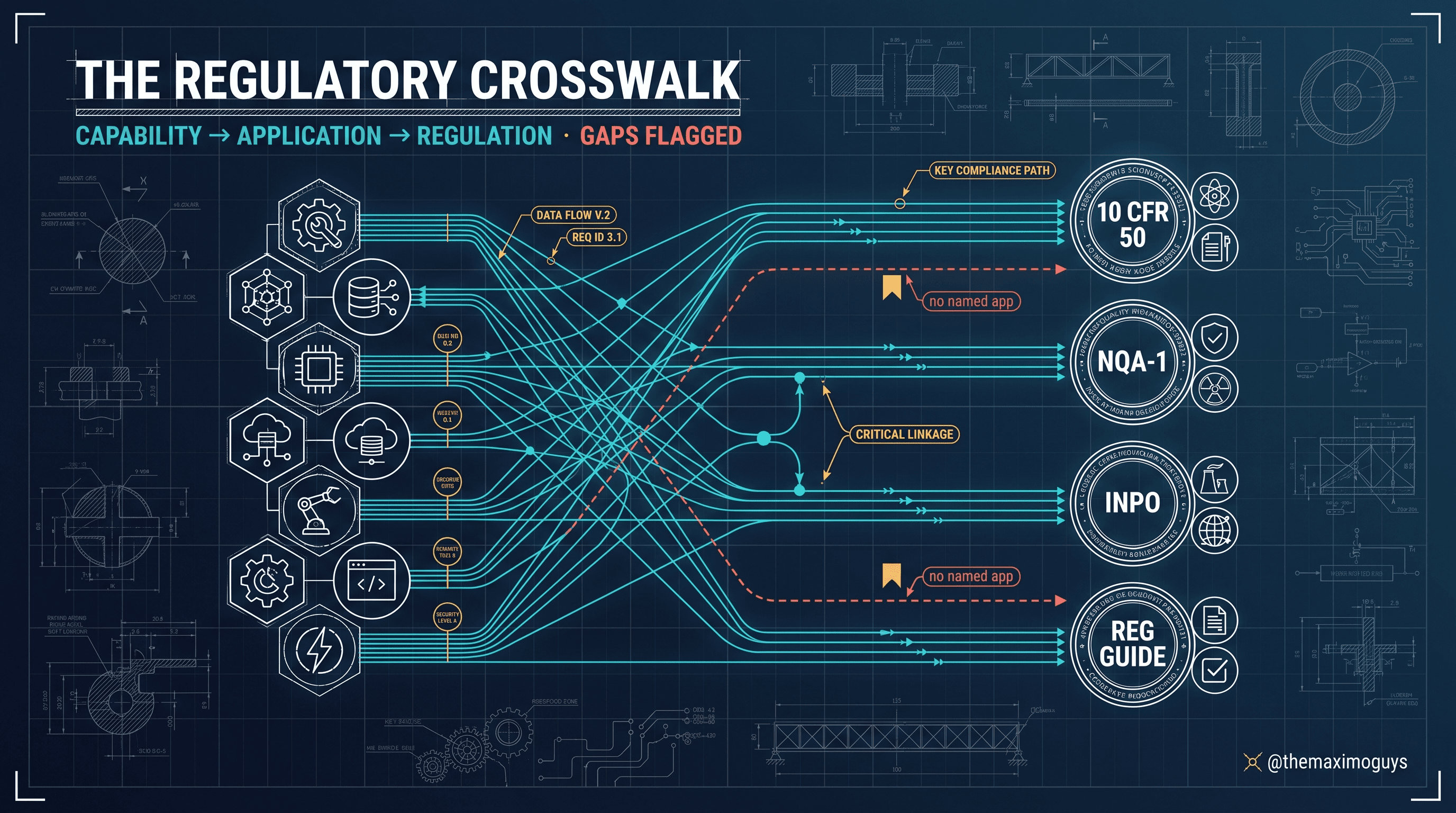
For a program owner, the practical read is straightforward: when you scope a nuclear implementation, the Technical Specification register is a named application you configure and populate, not a capability you have to invent through custom fields. That is a defensible, shippable claim — and Part 6's crosswalk ties it directly to 10 CFR 50.36 so an auditor can follow the line.
🔬 Surveillance Requirements (Nuc): The "Prove It" Engine
A Technical Specification without a demonstration is just an assertion. Surveillance Requirements (Nuc) is the application whose entire job is the demonstration — IBM's framing describes it as the tests that prove regulatory compliance, the "prove the Tech Spec is met" engine.
The relationship runs in both directions. Tech Specs (Nuc) defines what must be true; Surveillance Requirements (Nuc) defines and records the tests that prove it is true, and links back to the specification it serves. When a surveillance is performed and passes, that is the evidence that the Tech Spec is being met on the required cadence. When it is not performed, or fails, that is a condition that can drive an LCO action statement — which is where the third application comes in.
Surveillance is not just a PM with a nuclear label
The temptation for anyone coming from generic EAM is to model a surveillance as an ordinary preventive-maintenance record with a nuclear tag. That undersells the discipline. A surveillance carries obligations a PM does not:
- A pass/fail acceptance criterion, not merely "work completed." The record must capture the result against a limit, not just that a technician showed up.
- A demonstrable frequency with a regulatory basis. The interval is set by the Tech Spec, not by maintenance convenience.
- A consequence on failure. A failed surveillance can render an LCO not-met and start a completion-time clock — a PM that fails just generates follow-up work.
<aside>
💡 Key insight: This is the crucial reframe for anyone coming from generic EAM. In a manufacturing plant, a PM that slips is a maintenance-backlog problem. In a nuclear plant, a surveillance that slips can be an operability problem with a regulatory completion time attached. Surveillance Requirements (Nuc) exists because "prove it, on time, with evidence" is a different discipline from "get the PM done eventually."
</aside>
⏱️ LCO Tracking and Action-Statement Timers
The third application is the one that turns regulatory paper into a live, tracked obligation. LCO Tracking (Nuc) tracks Limiting Conditions for Operation, including action-statement timers.
Here is the operational reality it encodes. A Technical Specification defines an LCO — a condition the plant must satisfy to operate. When that condition is not met, the Tech Spec provides an action statement (a "Condition" and "Required Action" in Standard Technical Specifications terms) with a completion time: a defined window within which the operator must restore the condition or take a specified action, up to and including a plant mode change. That completion time is not advisory. It is a licensing-basis obligation with a countdown.
LCO Tracking (Nuc)'s action-statement timers operationalize exactly that countdown. Instead of a completion time living on a control-room whiteboard and in an operator's memory, the timer lives in the system of record — entered when the action statement is entered, visible, tracked, and evidenced. That is the difference between a completion time you hope was honored and one you can demonstrate was honored.
Why the countdown belongs in the system of record
Consider what an action statement really involves once you look past the single headline number:
- Entry time — the exact moment the condition became not-met, which anchors the clock.
- Required action and completion time — often multiple required actions, each with its own completion time (for example, "verify the redundant train within 1 hour" and "restore within 72 hours").
- A defined end state — restoration, or a specified action such as a mode change if the clock expires.
- An evidence trail — who entered it, what was done, when it cleared.
A whiteboard captures the headline number and nothing else. LCO Tracking captures all of it, as a record.
<aside>
💡 Key insight: The value of LCO Tracking is not the timer as a stopwatch. It is that the countdown becomes an auditable record. When a regulator or an INPO evaluation asks "how do you ensure LCO action-statement completion times are met and evidenced?", the answer is a tracked artifact in Maximo, not a narrative. That is precisely the kind of evidence a generic EAM cannot produce, and precisely why the nuclear industry solution earns its Premium tier.
</aside>
📆 Where Surveillance Frequency and Grace Live
A natural question for anyone building the implementation: where does surveillance frequency — and the small grace window many surveillances allow — actually live in Maximo?
The grounded answer is that it lives in Maximo's existing frequency machinery, not in a separate nuclear-only scheduler. The Operational Management (Nuc) module includes Reading Frequencies (Nuc) for required operational readings (per shift, per hour, and so on), and the broader planning and PM stack provides the time-based and condition-based frequency controls that drive scheduled work. Nuclear PM templates and frequency controls (covered further in Part 6) ride the PM (Nuc), Master PM, and PM Frequencies (Nuc) applications, aligned to EPRI PM Basis and INPO AP-913.
The 25% grace, and how the schedule enforces it
Here is where domain knowledge fills in what the product mechanics operate on. Standard Technical Specifications (the NUREG-1431 family) allow, under the surveillance-requirement applicability rules, a frequency to be extended by up to 25% of the specified interval for scheduling flexibility — the familiar "1.25× the interval" grace. A 31-day surveillance therefore has a nominal-plus-grace window of up to roughly 38.75 days; an 18-month (≈548-day) surveillance stretches to about 685 days at the outer bound. Critically, using grace does not reset the clock forward — the next due date is still calculated from the original schedule, not from the late completion, so grace cannot be used to permanently drift a surveillance later.
In Maximo terms, that maps cleanly onto existing frequency fields. A surveillance-driving record carries a FREQUENCY and FREQUNIT (for example, 31 / DAYS), a computed NEXTDATE, and target dates on the generated work. The plant configures the tolerance so that the schedule presents the allowed window and flags approaching-due and out-of-window conditions, while the recomputed next date stays anchored to the base cadence. The nuclear applications supply the register, the proof engine, and the LCO timers; the frequency machinery supplies the schedule.
<aside>
💡 Key insight: This is a place to be honest and precise rather than to over-promise. Surveillance scheduling and grace-window discipline are operated through Maximo's frequency and PM machinery, configured to the plant's Tech Spec cadence — the 25% allowance is a Tech Spec convention, not a Maximo feature you switch on. Scoping a nuclear implementation means configuring both to work together, which is exactly the kind of detail a statement of work must name so nothing is assumed.
</aside>
🧩 A Worked Example: An Emergency Diesel Generator LCO
Abstractions land better against a concrete case. The following walks a single, representative Limiting Condition for Operation end to end. The plant-side numbers (completion times, frequencies) are illustrative standard-Tech-Spec values chosen to make the mechanics legible; the Maximo applications and their roles are the documented ones.
The setup. Unit 1 has two Emergency Diesel Generators, EDG-1A and EDG-1B, each an Assets (Nuc) record flagged safety-related and critical-component. Tech Spec LCO 3.8.1 (an illustrative AC-sources LCO) requires both EDGs operable in Modes 1–4. Surveillance SR 3.8.1.2 requires a monthly (31-day) EDG start test; SR 3.8.1.14 requires an 18-month integrated test.
The event. During the routine monthly start test on EDG-1A, the engine fails to reach rated voltage within the acceptance window. The result is recorded against the Surveillance Requirements (Nuc) record for SR 3.8.1.2 as a fail — not "work order complete," but a failed acceptance criterion. That failure renders EDG-1A inoperable.
The clock starts. Inoperability of one EDG puts the plant into an LCO 3.8.1 action statement. Operations enters the condition in LCO Tracking (Nuc), and the action-statement timer begins:
| Field | Value |
|---|---|
| LCO | 3.8.1, AC Sources — Operating |
| Condition entered | EDG-1A inoperable (start-test failure) |
| Entry timestamp | Day 0, 08:14 |
| Required Action A.1 | Verify EDG-1B operable — completion time 1 hour |
| Required Action A.3 | Restore EDG-1A to operable — completion time 72 hours |
| End state if not restored | Be in Mode 3 within 6 hours and Mode 5 within 36 hours |
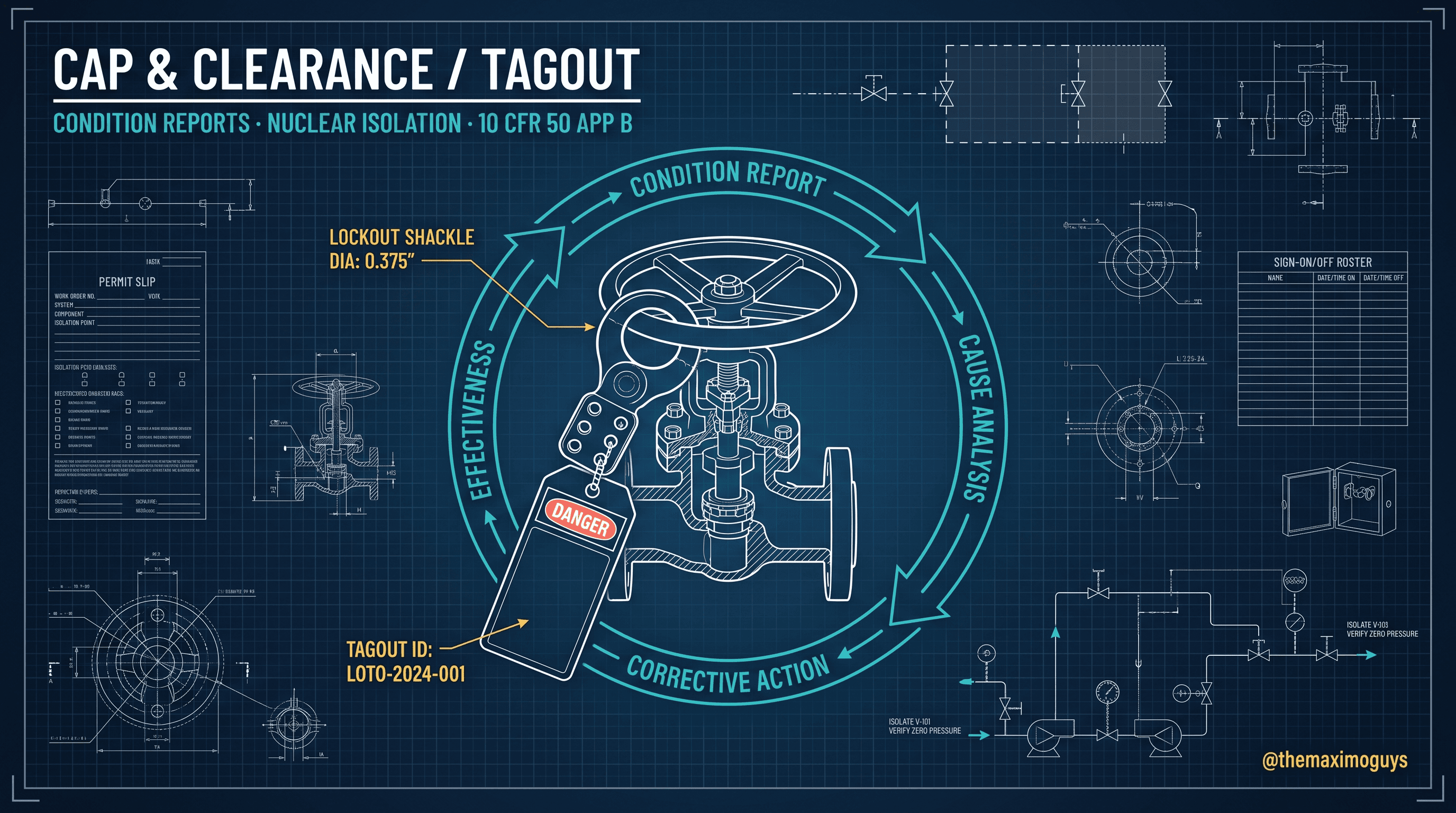
The parallel work. A Condition Report (Nuc) is raised for the failure (the CAP loop — Part 5), and a Work Order Tracking (Nuc) work package is built to diagnose and repair EDG-1A. Before that package is executed, Impact Plans (Nuc) (Part 3) confirms the repair does not simultaneously threaten a second train, and Clearances (Nuc) isolates the engine for work. The 72-hour LCO Tracking timer runs the whole time, visible to the control room and the work-control desk.
The resolution. The repair completes at Day 2, 22:40 — roughly 62 hours into the 72-hour window. A post-maintenance re-test against SR 3.8.1.2 passes, EDG-1A is declared operable, and the LCO Tracking action statement is closed with its full trail: entry time, required actions, the repair work order, the passing re-test, and exit time. The clock stopped inside the window, and the record proves it.
<aside>
💡 Key insight: Notice how many named applications cooperate in one LCO event: Surveillance Requirements records the fail, LCO Tracking runs the clock, Condition Reports opens the CAP, Work Order Tracking carries the repair, Impact Plans protects the redundant train, and Clearances isolates the work. A generic EAM gives you the repair work order and nothing else. The nuclear solution gives you the entire regulated event as a connected, auditable record — which is the whole point of buying the industry solution rather than configuring around it.
</aside>
🗂️ A Field-and-Status Reference for the Loop
To scope the configuration, it helps to see the moving parts as fields and statuses. The following is an illustrative reference — the exact attribute names vary by release and configuration, but the shape is stable and useful for a statement of work.
| Record | Key attributes | Representative statuses |
|---|---|---|
| Tech Spec (Nuc) | Spec number, category (LCO/SR/limit), applicable modes, linked LCOs and SRs | ACTIVE, SUPERSEDED |
| Surveillance Requirement (Nuc) | SR number, acceptance criteria, frequency / unit, linked Tech Spec, last result | SCHEDULED, PERFORMED-PASS, PERFORMED-FAIL, OVERDUE |
| LCO Tracking (Nuc) | LCO number, condition entered, entry timestamp, required actions + completion times, end state | ENTERED, IN-ACTION, RESTORED, EXPIRED-ACTION-TAKEN |
| Driving PM / Reading Frequency | FREQUENCY, FREQUNIT, NEXTDATE, tolerance window | ACTIVE, INACTIVE |
The point of laying it out this way: an auditor's question ("show me the completion-time evidence for the last EDG action statement") resolves to specific fields on specific records, not to a story. That is what "the system of record" means in practice.
⚠️ Edge Cases That Decide the Implementation
The clean three-application picture meets reality in a few predictable places. Naming them in advance is what separates a smooth surveillance audit from a painful one:
- Grace is not a reset. If a surveillance is completed late within the 25% window, the next due date must still compute from the original cadence, not from the late completion. A frequency configuration that resets forward on completion will silently let a surveillance drift later each cycle — an audit finding waiting to happen.
- Shared surveillances across trains. A single surveillance may cover multiple components (both EDGs, both charging pumps). Model whether a fail on one implicates the shared SR or only the affected train, or you will either over-declare inoperability or under-declare it.
- Multiple concurrent action statements. Real events stack: an EDG action statement can coexist with an unrelated LCO on a different system. LCO Tracking must hold several live timers at once, each independent, without one clearing another.
- Mode applicability. An LCO and its surveillance apply only in certain plant modes. A surveillance that is "not required" in the current mode should not read as overdue, and an LCO that is not applicable in the current mode should not start a clock. Get the mode-applicability configuration wrong and the system cries wolf.
- Completion-time extensions and RICT. Some plants operate risk-informed completion times (RICT) under an approved program. If yours does, the timer model must accommodate an approved extended completion time — do not hard-code the nominal number as immovable.
🔧 Troubleshooting the Surveillance and LCO Loop
A quick "symptom → cause → action" table for the issues that surface once the loop is live:
| Symptom | Likely cause | What to do |
|---|---|---|
| A surveillance keeps drifting later each cycle | Next date recomputes from completion, not from base schedule | Configure the frequency so the next date anchors to the original cadence; grace must not reset |
| A surveillance shows overdue in a mode where it does not apply | Mode applicability not modeled on the SR | Add mode-applicability conditions so the SR is not required outside applicable modes |
| An LCO timer never appears when a surveillance fails | Fail result not linked to LCO entry, or entered as generic WO completion | Ensure a failed acceptance criterion triggers the condition and an LCO Tracking entry, not just a work-order status change |
| Two live action statements interfere | Timers modeled as a single shared state | Model each action statement as an independent LCO Tracking record with its own clock |
| Auditor cannot find completion-time evidence | Entry/exit times captured off-system | Capture entry timestamp, required actions, linked repair WO, and re-test result on the LCO Tracking record itself |
🔗 How the Three Fit Together
Put the pieces in motion and the design intent is clean:
- Tech Specs (Nuc) holds the Technical Specification register under 10 CFR 50.36 — the specifications, their surveillance links, and their LCOs.
- Surveillance Requirements (Nuc) proves each specification is met, on the required frequency, with recorded evidence and a pass/fail acceptance criterion, linked back to the Tech Spec.
- LCO Tracking (Nuc) runs the action-statement timers when a Limiting Condition for Operation is not met, turning a completion-time obligation into a tracked, auditable countdown.
- Reading Frequencies (Nuc) and the PM/frequency machinery supply the operational-reading and scheduled-test cadence — with the 25% grace convention configured into the tolerance — that feeds the whole loop.
For the reliability or regulatory lead, that sequence is the answer to "does Maximo really handle Tech Specs?" Yes — through three named, purpose-built applications, backed by the platform's frequency engine, all traceable to 10 CFR 50.36.
📋 Practical Notes: Scoping This in a Statement of Work
Language that keeps a Tech Spec implementation honest and audit-ready:
- Name the three applications explicitly. "The Technical Specification register is implemented in Tech Specs (Nuc); surveillance demonstration in Surveillance Requirements (Nuc); completion-time tracking in LCO Tracking (Nuc)." All three are real, named apps — say so.
- Name the frequency machinery as the schedule layer. "Surveillance cadence and the 25% grace tolerance are configured in the PM / Reading Frequencies stack, anchored to the original schedule." That is accurate; "a nuclear surveillance scheduler" as a separate product is not.
- Specify the fail-to-timer trigger. State that a failed surveillance acceptance criterion drives an LCO Tracking entry, so operability consequences cannot be lost as a plain work-order completion.
- Call out mode applicability and concurrency. Require mode-applicable SRs/LCOs and independent concurrent timers as explicit configuration items, not assumptions.
- Keep the judgment with operations. Maximo evidences the surveillance result and the completion-time clock; the operability and mode-change decisions remain the operators' calls, backed by the record.
Key Takeaways
- Tech Specs (Nuc) is a real, named application implementing the Technical Specification register under 10 CFR 50.36, linking surveillances and LCOs.
- Surveillance Requirements (Nuc) is the "prove the Tech Spec is met" engine, carrying a pass/fail acceptance criterion, linked back to Tech Specs.
- LCO Tracking (Nuc) runs action-statement timers that operationalize completion-time discipline into an auditable countdown — and holds multiple independent timers at once.
- All three live in the Operational Management (Nuc) module — the regulatory core of the nuclear solution.
- Surveillance frequency and the 25% grace convention ride Maximo's existing frequency machinery (Reading Frequencies, PM, Master PM, PM Frequencies), anchored to the original cadence — not a separate bolt-on.
References
- IBM Maximo for Nuclear Power — Continuous Delivery overview (IBM Documentation)
- Maximo Nuclear Power 7.6.1 — Surveillance features field guide (IBM Support)
- 10 CFR 50.36 — Technical Specifications (NRC, 10 CFR Part 50 full text)
- NRC Standard Technical Specifications (STS) — NUREG-1431 program
- Maximo Secrets — Nuclear Applications app map series
Series Navigation
| Previous: | Part 1 — Product Lineage & AppPoints Premium |
|---|---|
| Next: | Part 3 — Configuration Control & Nuclear Work Packages |
About TheMaximoGuys: We help Maximo developers and teams navigate the move to MAS 9 with practical, no-hype guidance grounded in how the platform actually behaves.
Published by TheMaximoGuys | July 2026
 Venkat Achanta