product.xml and Extension Chain Resolution: How Maximo Builds the Chain
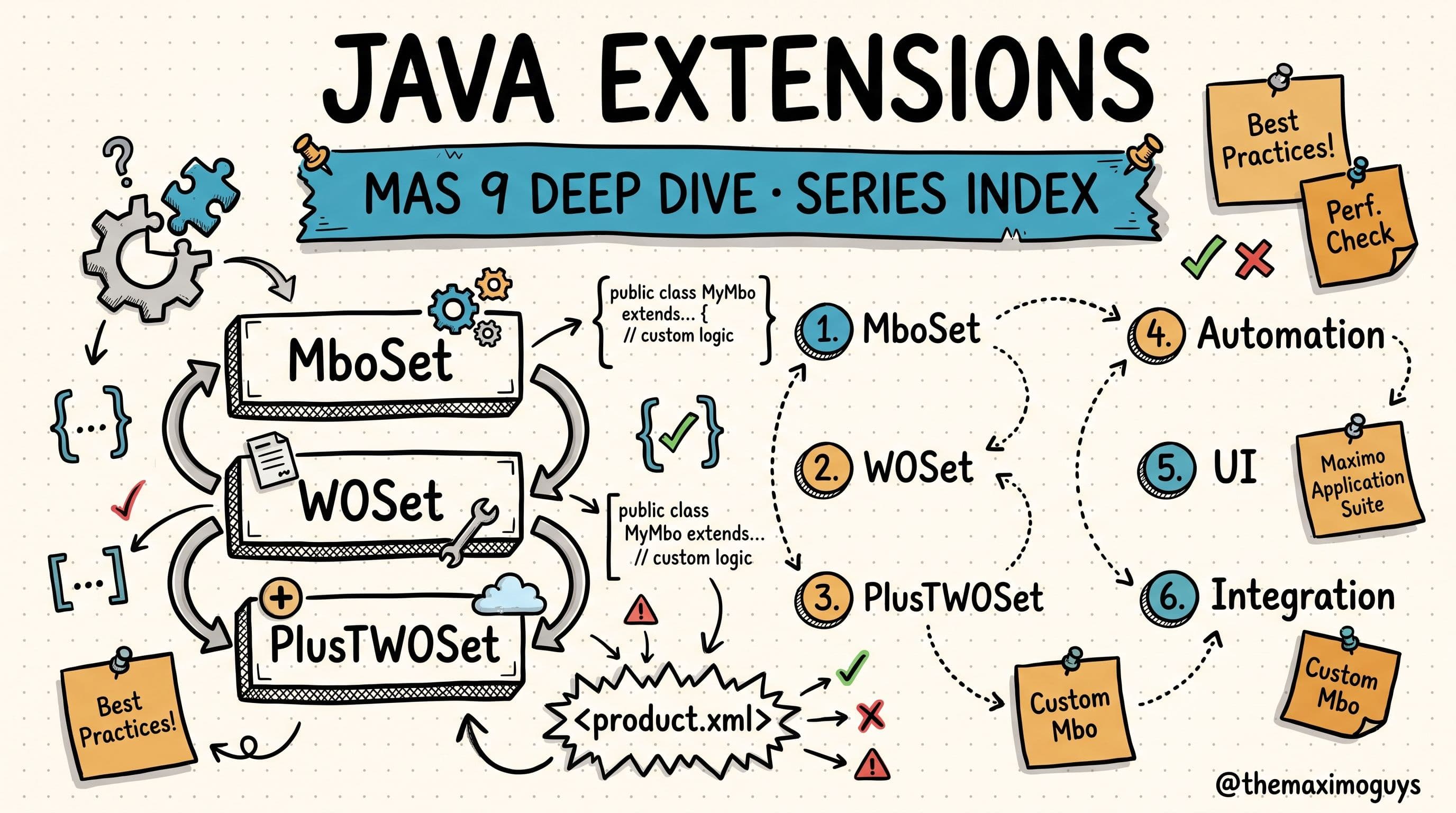
Part 3 of the MAS JAVA EXTENSIONS series. Part 2 gave you the PLUS registry and the shape of the inheritance chain. This part shows you the file that declares it and the build step that stitches it together — so that super() stops being a guess.Estimated read time: 24 minutes
🧩 You Opened product.xml and Half-Understood It
You have almost certainly been here. Something in Transportation, or HSE, or your own custom layer was not behaving the way you expected, and someone said "check product.xml." So you opened it. You saw a <product> root, a version block, a couple of <depends> tags, and then a wall of <mboset>, <mbo>, <class>, <field>, and <bean> entries pointing at fully qualified class names. You got the gist — this is where the add-on registers its Java — but you could not have explained, with confidence, how those declarations become the class that actually runs when Maximo opens a Work Order.
That gap is the whole reason this part exists. product.xml is not documentation and it is not a manifest you can safely ignore. It is the control file the updatedb process reads to decide two things that govern every customization you will ever write: which class sits at the top of the chain for each object, and how the classes below it are wired together. Once you can read this file and know what the build does with it, the chain stops being magical and becomes something you can predict.
Let us make it legible.
📂 Where product.xml Lives
Every product — every IBM add-on, industry solution, and your own customizations — ships exactly one product.xml, and they all live in the same directory:
applications/maximo/properties/product/
├── plusg.xml          ← HSE/Oil & Gas
├── plusp.xml          ← Service Provider
├── pluss.xml          ← Spatial
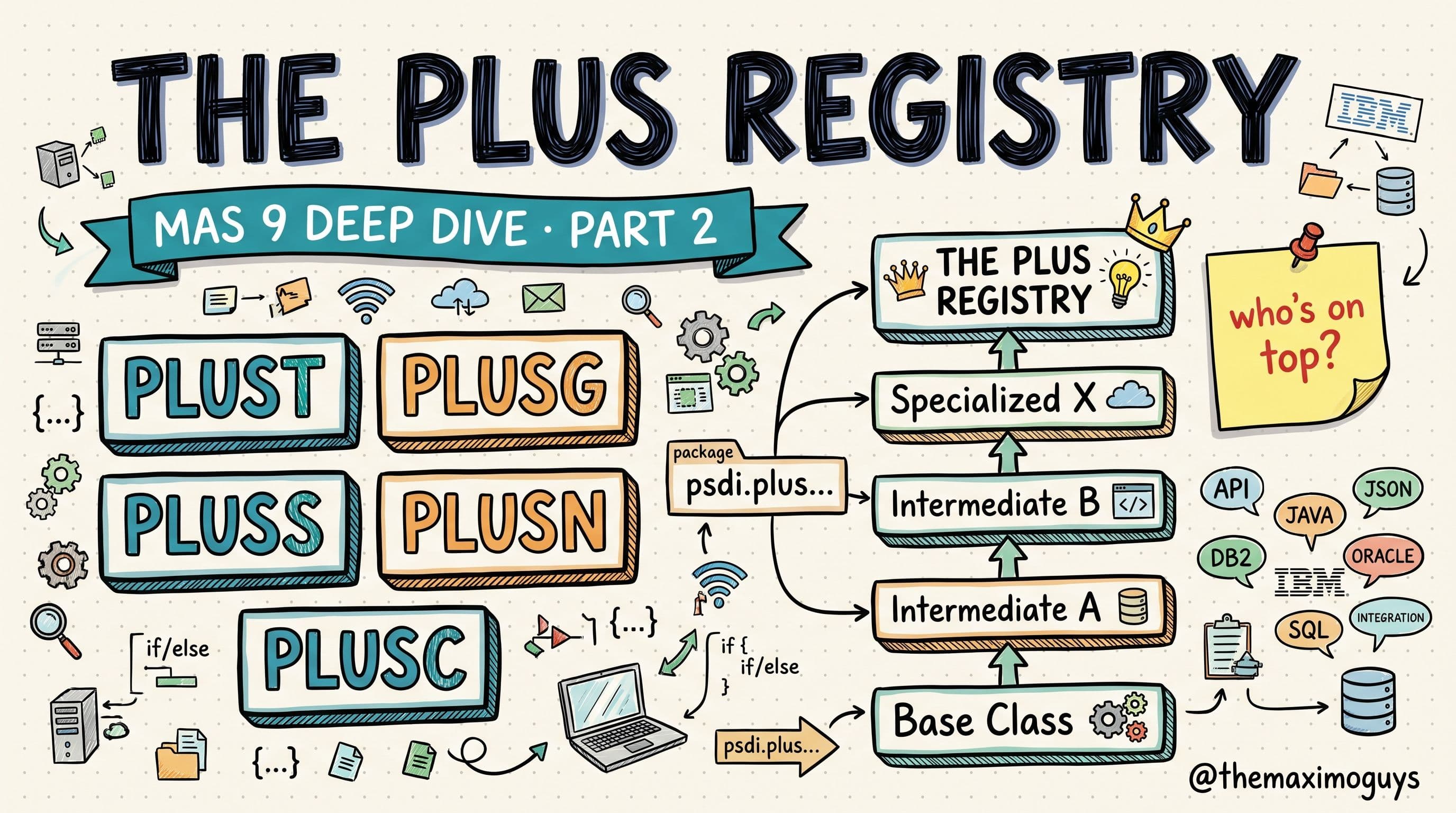
├── plust.xml          ← Transportation
├── plusa.xml          ← ACM
├── plusc.xml          ← Calibration
├── plusd.xml          ← Utilities
├── plusl.xml          ← Linear
├── plusm.xml          ← Aviation
├── plusn.xml          ← Nuclear
├── plusv.xml          ← Civil Infrastructure
├── tloam.xml          ← Core EAM extensions
└── z_customer.xml     ← Customer customizations (should be last)
Notice the naming immediately. The files are named after the PLUS prefix of the product they belong to — plust.xml for Transportation, plusg.xml for HSE/Oil & Gas — and the customer file is deliberately named z_customer.xml. That leading z is not decoration. Hold onto it; it becomes important the moment we talk about load order.
🧬 The Anatomy of product.xml
Here is a complete, representative product.xml — Transportation's — so you can see every moving part in context:
<?xml version="1.0" encoding="UTF-8"?>
<product xmlns="http://www.ibm.com/maximo/product.xml">
    <name>Maximo for Transportation</name>
    <version>
        <major>9</major>
        <minor>0</minor>
        <modlevel>0</modlevel>
        <patch>0</patch>
        <build>20240625</build>
    </version>

    <!-- Database variable tracking -->
    <dbmaxvarname>PLUST</dbmaxvarname>

    <!-- DBC script location -->
    <dbscripts>plust</dbscripts>
    <dbversion>V9000-100</dbversion>
    <lastdbversion>V9000-001</lastdbversion>

    <!-- Dependencies (controls execution order) -->
    <depends>plusp</depends>
    <depends>plusg</depends>

    <!-- Java class extensions -->
    <extensions>
        <!-- Asset MBO extension -->
        <mboset objectname="ASSET">
            psdi.plust.app.asset.PlusTAssetSet
        </mboset>
        <mbo objectname="ASSET">
            psdi.plust.app.asset.PlusTAsset
        </mbo>

        <!-- Asset Remote interfaces -->
        <class objectname="ASSET">
            psdi.plust.app.asset.PlusTAssetRemote
        </class>
        <class objectname="ASSET">
            psdi.plust.app.asset.PlusTAssetSetRemote
        </class>

        <!-- WorkOrder MBO extension -->
        <mboset objectname="WORKORDER">
            psdi.plust.app.workorder.PlusTWOSet
        </mboset>
        <mbo objectname="WORKORDER">
            psdi.plust.app.workorder.PlusTWO
        </mbo>

        <!-- Field validation extension -->
        <field objectname="ASSET" attributename="ITEMNUM">
            psdi.plust.app.asset.PlusTFldAssetItemnum
        </field>

        <!-- Bean class extensions (UI) -->
        <bean presentation="WOTRACK"
              controlid="wo_table"
              extends="psdi.webclient.beans.workorder.WOAppBean">
            psdi.plust.webclient.beans.workorder.PlusTWOAppBean
        </bean>
    </extensions>
</product>
Read top to bottom, the file falls into three regions: identity and version, database bookkeeping, and extensions. The extensions block is where the inheritance chain is declared, but the bookkeeping tags above it are what let updatedb run the right database scripts in the right order, so they matter too.
Here is what each tag does:
| Tag | Purpose | Example |
|---|---|---|
| <dbmaxvarname> | Name of the MAXVARS entry tracking DB version | PLUST |
| <dbscripts> | Directory under tools/maximo/en/ for DBC scripts | plust |
| <dbversion> | Current version — scripts run up to this | V9000-100 |
| <lastdbversion> | Starting version for this release | V9000-001 |
| <depends> | Products that MUST run before this one | plusp, plusg |
| <mboset> | MBO Set class extension for an object | psdi.plust.app.asset.PlusTAssetSet |
| <mbo> | MBO class extension for an object | psdi.plust.app.asset.PlusTAsset |
| <class> | Remote interface extension | psdi.plust.app.asset.PlusTAssetRemote |
| <field> | Field validation class extension | psdi.plust.app.asset.PlusTFldAssetItemnum |
| <bean> | UI bean class extension | psdi.plust.webclient.beans.workorder.PlusTWOAppBean |
A few things are worth pausing on:
- `<mboset>` and `<mbo>` come in pairs. For the ASSET object, Transportation registers both
PlusTAssetSet(the set) andPlusTAsset(the MBO). These are the two entries that participate in the inheritance chain — the set class is what ultimately gets written intoMAXOBJECT.CLASSNAME. - `<class>` is for interfaces only. The
PlusTAssetRemoteandPlusTAssetSetRemoteentries under<class>are the Remote interfaces, not implementation classes. Using<class>where you meant<mbo>is a genuine footgun we will come back to. - `<field>` targets one attribute. The
<field objectname="ASSET" attributename="ITEMNUM">entry says "when validating the ITEMNUM attribute on ASSET, usePlusTFldAssetItemnum." Field validation classes hang off a specific attribute, not the object as a whole. - `<bean>` is a UI extension and lives in a different world from the MBO. It declares that on the
WOTRACKpresentation, controlwo_table, the beanWOAppBeanis extended byPlusTWOAppBean. This one has an explicitextendsattribute right in the tag — the UI layer is wired more directly than the MBO layer.
That is the anatomy. Now the mechanics.
⚙️ How updatedb Processes Extensions
The declarations above are inert until updatedb runs. When it does, it processes every product in the properties/product/ directory in a defined sequence:
- Reads all XML files in
properties/product/in alphabetical order - Checks `<depends>` tags and reorders if needed
- Runs DBC scripts for each product (database schema changes)
- Updates `MAXOBJECT.CLASSNAME` to point to the topmost MBO Set class
- Performs bytecode injection — modifies
.classfiles to rewireextendsclauses - Runs RMIC on all class files specified in
<mboset>and<mbo>tags - Updates presentations for
<bean>tag UI extensions
Steps 1 and 2 are where load order is decided, and they are the source of more upgrade surprises than anything else in this file.
Why alphabetical prefix order matters
updatedb starts by reading files alphabetically: plusa.xml, then plusc.xml, then plusd.xml, and so on down to tloam.xml and finally z_customer.xml. That base ordering is then adjusted by the <depends> tags — Transportation's file, for example, declares <depends>plusp</depends> and <depends>plusg</depends>, so Service Provider and HSE are guaranteed to be processed before Transportation regardless of pure alphabetical position.
The two rules compose: alphabetical order sets the baseline, and <depends> promotes prerequisites ahead of the products that need them. This is exactly why the customer file is named z_customer.xml. The leading z puts it dead last in alphabetical order, so — absent any dependency that would drag it earlier — your customizations are processed after every IBM product. Being processed last is what lands your custom classes at the top of the resulting chain, above the add-ons, which is almost always where you want them.
💡 Key insight: The filename is not cosmetic.updatedbreads the directory alphabetically, so the letter you put at the front of the file decides your baseline position in the load order — andz_customer.xmlis named the way it is precisely so your code ends up on top instead of buried under the next add-on IBM ships.
🔧 What Bytecode Injection Actually Does
Steps 4 and 5 are where the chain physically comes into being, and step 5 is the one that surprises developers most. Here is the thing to internalize: the `extends` clause you wrote in source is not necessarily the `extends` clause that runs.
When you write a Transportation Asset extension, your source says:
public class PlusTAsset extends Asset { ... }But after updatedb processes all the product.xml files, the compiled .class file is modified at the bytecode level so that its parent is rewritten:
// Original source:
public class PlusTAsset extends Asset { ... }

// After bytecode injection (if Spatial is also installed):
// PlusTAsset now extends PlusSAsset (not Asset directly)
// PlusSAsset extends Asset
Nothing in your .java file changed. The compiled artifact did. updatedb reached into the bytecode and repointed PlusTAsset's superclass from Asset to PlusSAsset, and repointed PlusSAsset's superclass to Asset, so that the two extensions now form a single line of descent instead of two independent subclasses of Asset.
This is the mechanism behind the entire model. You never modify source code to insert a class into the chain — the inheritance chain is assembled at build time by the updatedb process, from the product.xml declarations and their load order. When you read in Part 2 that six industry solutions can stack on one object, this is how: each product declares its <mbo>/<mboset> classes, and the build stitches them into one chain by rewriting extends clauses in dependency order.
Two immediate consequences fall out of this:
- The class registered in
MAXOBJECT.CLASSNAME(step 4) is the topmost MBO Set class — the one processed last for that object. Asuper.save()from that class propagates down through every injected layer to the core. - Because the wiring is done in bytecode, you cannot reason about the running chain purely from source. You have to look at the resolved artifact, which we will do in a moment.
When the chain goes wrong
The same bytecode injection that stitches the chain together will faithfully stitch a broken chain if the declarations are wrong. Three failure modes account for most of what you will encounter:
Circular extension loops. If tags are misconfigured — most commonly using the <class> tag (for interfaces) where you meant <mbo> (for MBO classes) — the resolver can produce an infinite loop:
YYYWOSet → PlusSWOSet → PlusGWOSet → TloamWOSet → PlusPWOSet → XXXWOSet → TloamWOSet (LOOP!)This is not a subtle failure. It crashes Maximo when the application opens, and it crashes Eclipse when you try to decompile the offending class. The fix is discipline in tag choice: <mbo> for MBO classes, <mboset> for MBO Set classes, and <class> only for interfaces.
Lost customizations after an add-on install. If a customer installs a new add-on — say HSE — and their z_customer.xml does not carry proper <depends> tags, their customizations can end up below the new add-on in the chain instead of above it. Suddenly the custom class that used to be on top is buried, and behavior shifts. The fix is to always list every IBM product in your <depends> tags and keep the file named z_customer.xml.
Incomplete product.xml. This is the quiet one. Many customer environments have a product.xml that only declares 20–30% of their actual custom classes. The rest were wired in by manipulating MAXOBJECT.CLASSNAME directly — which works right up until an upgrade re-runs updatedb, ignores the undeclared classes, and quietly reverts the manual edits. The fix is an audit: every custom Java class must be declared in product.xml, not pinned into the database by hand.
Kept side by side, the three failure modes have distinct signatures — which is what makes them diagnosable rather than mysterious:
| Symptom you observe | Root cause | The fix |
|---|---|---|
| Maximo crashes when opening the app; Eclipse crashes decompiling the class | Circular loop — a <class> tag used where <mbo>/<mboset> was meant | Correct the tag choice: <mbo>/<mboset> for classes, <class> for interfaces only |
| A custom override that used to fire is now silently overridden after an add-on install | Your custom class dropped below the new add-on in the chain | Add <depends> entries for every IBM product; keep the file named z_customer.xml |
| Customizations quietly vanish after an upgrade | Classes pinned via direct MAXOBJECT.CLASSNAME edits, never declared | Declare every custom class in product.xml; never hand-pin the database |
Notice that all three are resolution problems, not code problems — the Java in each case is perfectly correct. That is the recurring lesson of this part: when an extension misbehaves, suspect the declarations and the load order before you suspect your logic.
💡 Key insight: If a class is not declared inproduct.xml, the build does not know it exists. DirectMAXOBJECT.CLASSNAMEedits look like they work, but they live outside the resolution process — andupdatedbwill overwrite them on the next upgrade. Declared classes survive; hand-pinned ones do not.
🔎 Reading a Live Chain
All of this becomes practical the moment you can inspect a running environment and name every layer on an object — because that is how you predict what super() will actually call before you write a line of code.
Start in the Database Configuration application and read MAXOBJECT.CLASSNAME for the object you care about. Remember what step 4 does: that registered class is the top of the chain. To see the full chain, decompile the class file and follow its extends clause through each parent, one layer at a time, until you reach the core MboSet.
In MAS 9 the class files live inside the Manage pod rather than on a WebSphere file system, so you get to them by exec-ing into the pod:
oc exec -it <manage-pod-name> -n <namespace> -- bash
# Navigate to businessobjects
cd /opt/IBM/SMP/maximo/applications/maximo/businessobjects/classes
# Find class files for a specific extension
find . -name "PlusT*.class" -type f
Once you have the .class file, decompile it and read the injected extends clause — not the one in the original source, which may no longer match. Walk it upward: the top class's parent, that parent's parent, and so on. Each hop is one layer of the chain, and each layer is a class that a super.save() or super.add() call will pass through in order. When you can lay out PlusSWOSet → PlusGWOSet → PlusTWOSet → WOSet → MboSet for a real object in a real environment, you are no longer guessing what your override does — you can trace it.
That skill is the payoff of everything in this part. product.xml declares the classes, load order decides who sits where, and bytecode injection wires them together — and reading the resolved chain back out of a live pod is how you close the loop from declaration to running behavior.
💡 Key insight: Always read the chain from the decompiled, resolved class, never from the original source. The whole point of bytecode injection is that the runningextendsclause differs from what your.javafile says. A developer who trusts the source over the resolved artifact will confidently predict the wrongsuper()behavior — and that mistake is the single most common source of "it worked in dev" extension bugs.
🧠 Where This Leaves You
product.xml is the seam between a folder of Java classes and a running inheritance chain. It declares — through <mboset>, <mbo>, <class>, <field>, and <bean> tags — exactly what each product registers against each core object. updatedb reads every one of those files in alphabetical order, honors the <depends> tags, runs the database scripts, writes the topmost set class into MAXOBJECT.CLASSNAME, and injects bytecode to rewrite extends clauses into a single chain. Get the tags right and name your file z_customer.xml, and the resolver puts your code exactly where you expect it. Get them wrong — a <class> where you meant <mbo>, a missing <depends>, an undeclared class pinned into the database by hand — and the same machinery faithfully builds a chain that loops, buries, or reverts.
The next part turns from how the chain is built to what each extension actually adds: the database footprint of every add-on and the compatibility matrix that tells you which of them can safely run together on the same object.
Key Takeaways
- `product.xml` is the control file. Its
<mboset>,<mbo>,<class>,<field>, and<bean>tags declare every class an extension registers — nothing joins the running system without being declared here. - Load order is alphabetical by filename, overridden by
<depends>tags. The file that sorts last ends up at the top of the inheritance chain, which is why customizations are namedz_customer.xml. - Bytecode injection rewrites compiled `.class` files at build time so
extendsclauses point at the correct parent. You never edit source to join a chain —updatedbassembles it. - Three classic failures explain most incidents: circular loops (wrong tag), buried customizations (missing
<depends>), and vanishing customizations (undeclared classes hand-pinned viaMAXOBJECT.CLASSNAME). - Read the resolved chain from a decompiled class in a live pod, never from source — the running hierarchy is what the build produced, not what your
.javafile says.
References
- IBM Maximo Application Suite Documentation
- Customizing Maximo Manage — IBM Documentation
- Building a Manage customization archive — IBM Documentation
- Maximo Business Object (MBO) development — IBM Documentation
Series Navigation
| Previous: | Part 2 — The PLUS Registry and the MBO Inheritance Chain |
|---|---|
| Next: | Part 4 — Database Footprint, Add-Ons, and the Compatibility Matrix |
About TheMaximoGuys: We are practitioners who implement IBM Maximo across asset-intensive industries. We wrote this product.xml walkthrough because the resolution process is where most extension mysteries begin and end — and almost nobody explains it in one place.
Published by TheMaximoGuys | July 2026
 Venkat Achanta