11 part series

A ten-part role-and-task playbook for the two people who run supply chain in MAS 9 Manage: the storekeeper and the buyer. Not a feature tour — a Day-1 field guide of Start Center recipes, saved queries, receiving and counting rhythms, reservation hygiene, PR-to-PO conversion, RFQ discipline, vendor escalation, and the full procure-to-pay lifecycle, grounded in how MAS 9.0 and 9.1 actually behave.
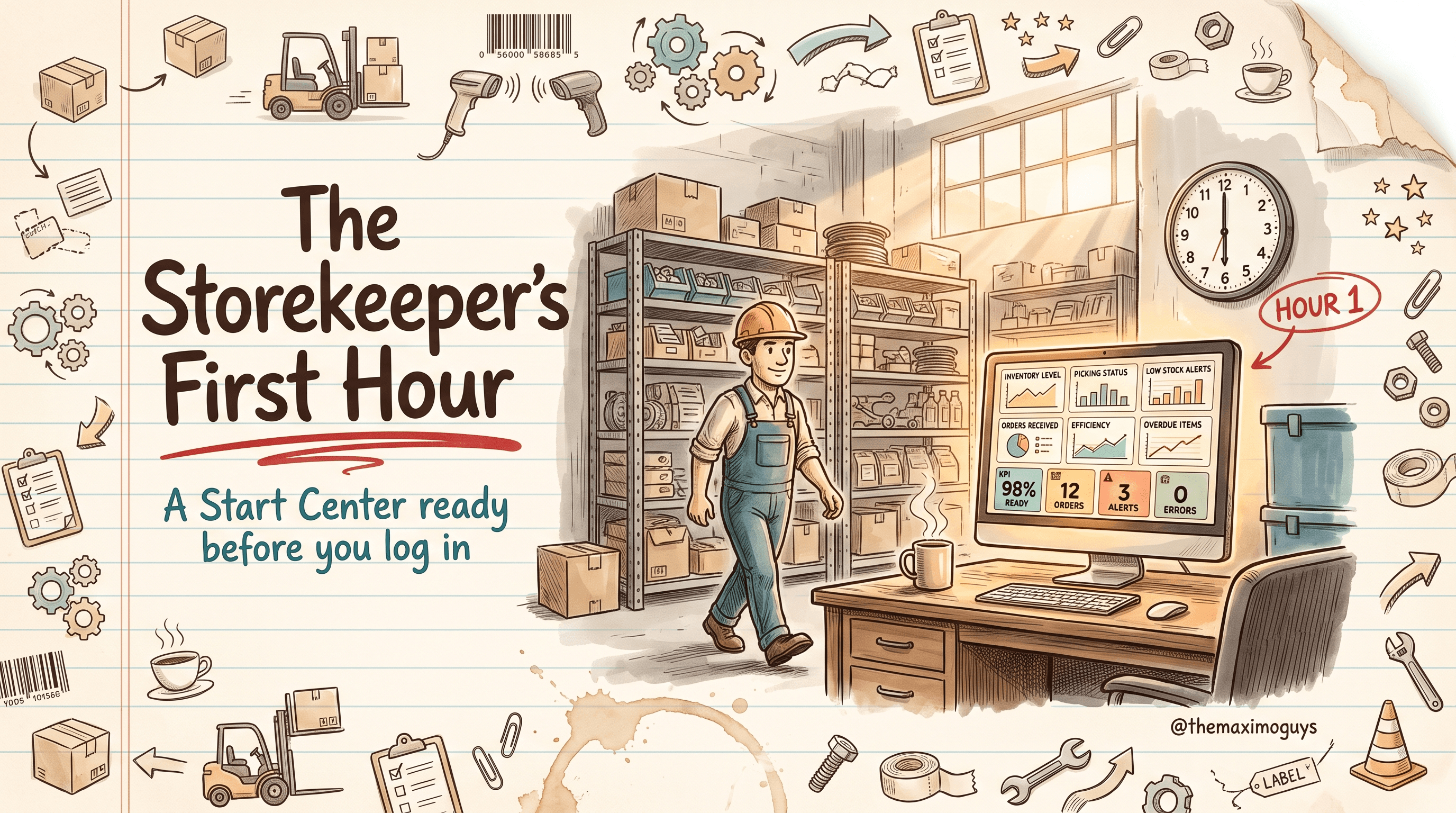
Go-live morning is won or lost in the first hour. Here is the Tier 0 starter pack for MAS 9 Manage: a Start Center template with six result-set portlets and four KPI tiles, fifteen copy/paste saved queries scoped by home storeroom, a 60-minute admin deployment plan, and an hour-1 checklist every storekeeper uses to confirm they got it — all out-of-the-box, no code.
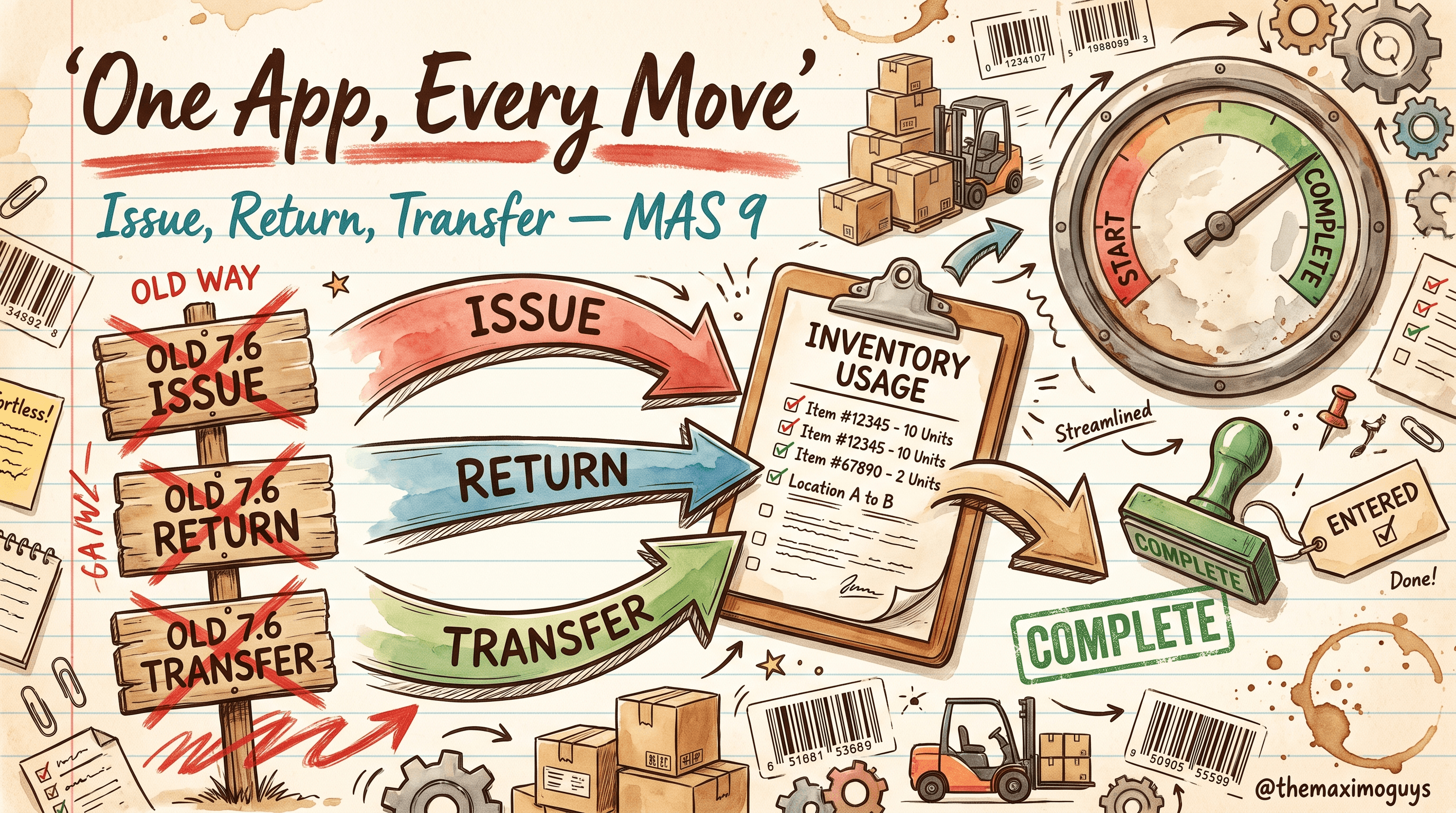
Issue Current Item is gone. In MAS 9 Manage, one application — Inventory Usage (INVUSAGE) — handles every material issue, return, and transfer. Here is how it works, why everything now flows through it before it touches balance, and how to put ten parts on a single document with one action or one string of barcode scans.
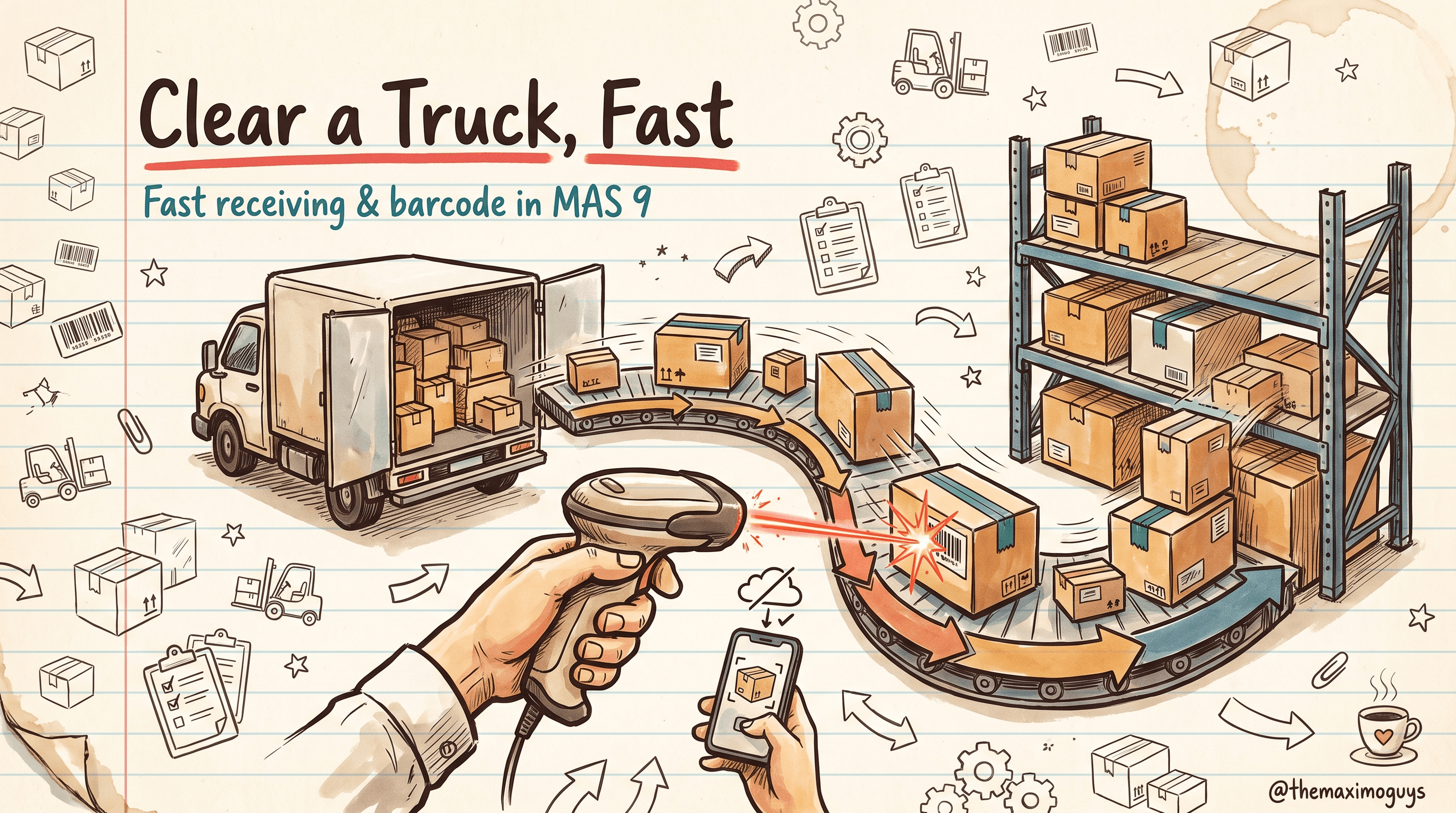
Receiving is where a truck becomes storeroom balance. In MAS 9 Manage you can receive a 30-line PO in one pass, let a 102% tolerance receipt through without an exception, route inspection items to a holding location, and scan barcodes on both the Carbon desktop and Maximo Mobile — including offline. Here is how the receiving desk actually runs.
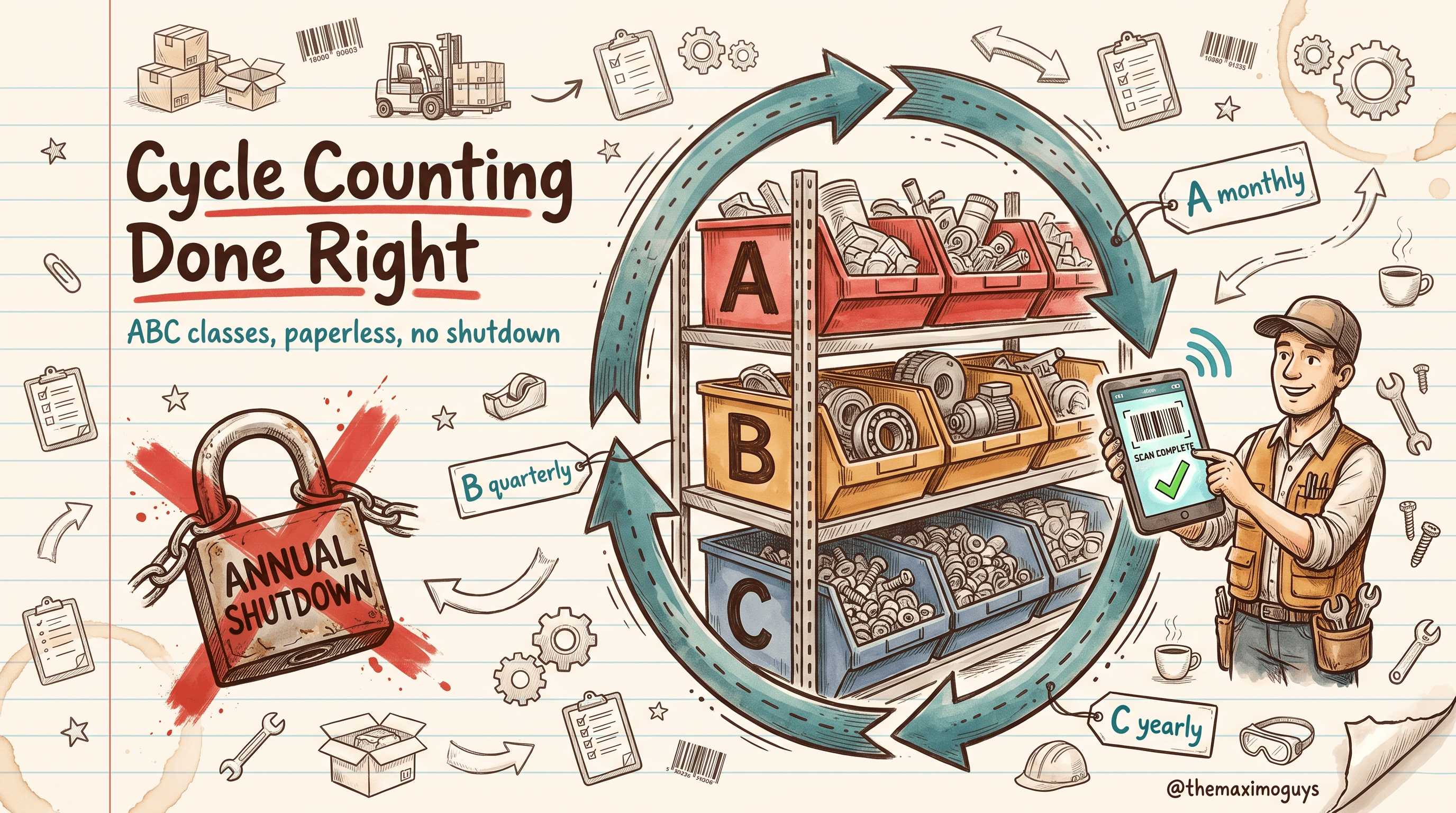
The once-a-year wall-to-wall count that shuts the storeroom for days is the wrong model. In MAS 9 Manage you classify items A/B/C, count A-items monthly and C-items annually, generate count books from the Physical Count application, set variance tolerances that auto-adjust the small stuff, and run the whole thing paperless on Maximo Mobile — so accuracy is found in weeks, not a year.
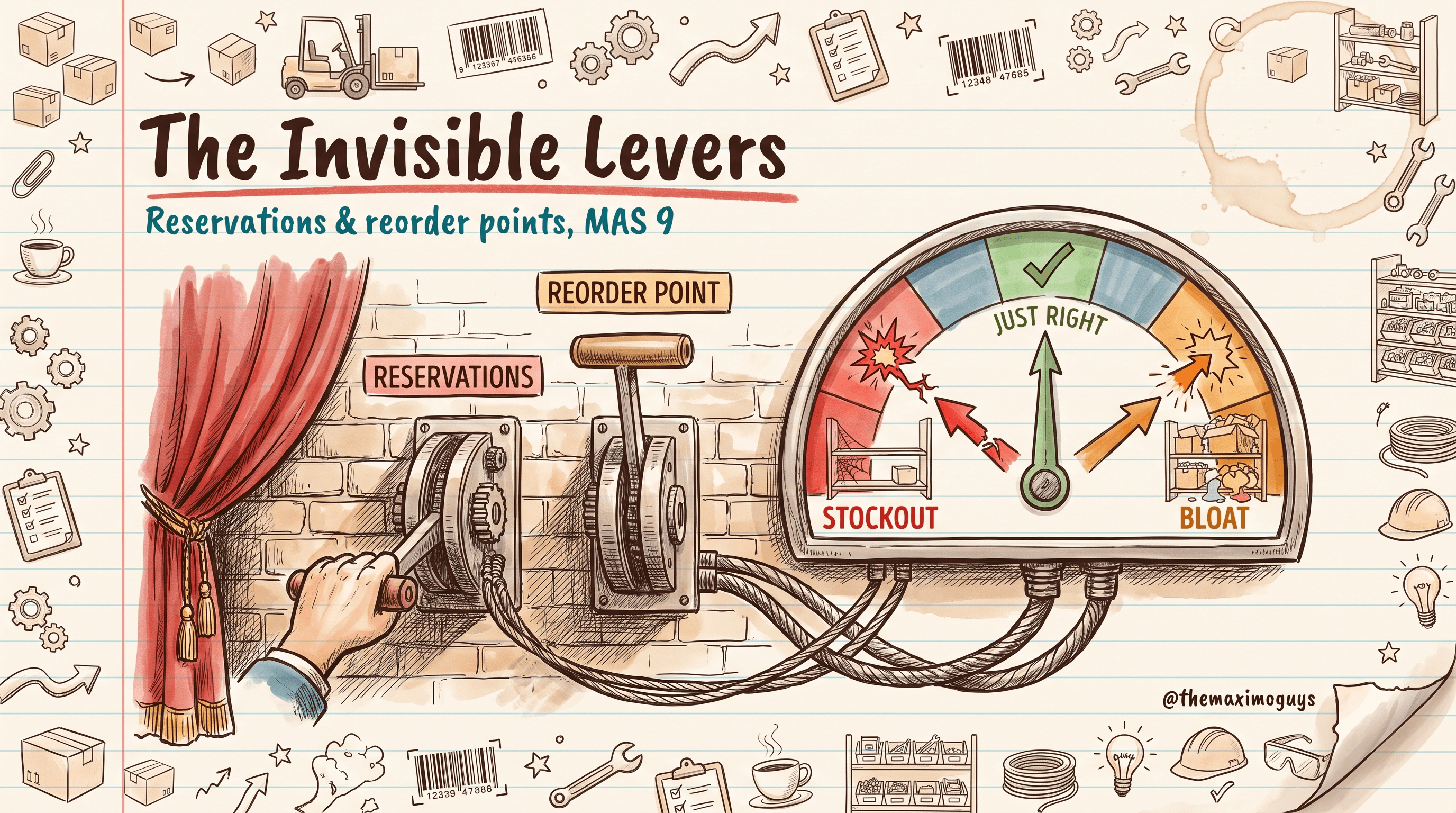
Reservation hygiene is the hidden lever behind accurate availability; reorder points are the hidden lever behind stockouts and bloat. In MAS 9 Manage, learn hard vs soft reservations, how to clear stale ones in ten minutes a week, and how to set min/max/safety-stock/EOQ you can actually trust — including the dynamic lead time MAS 9 maintains for you.
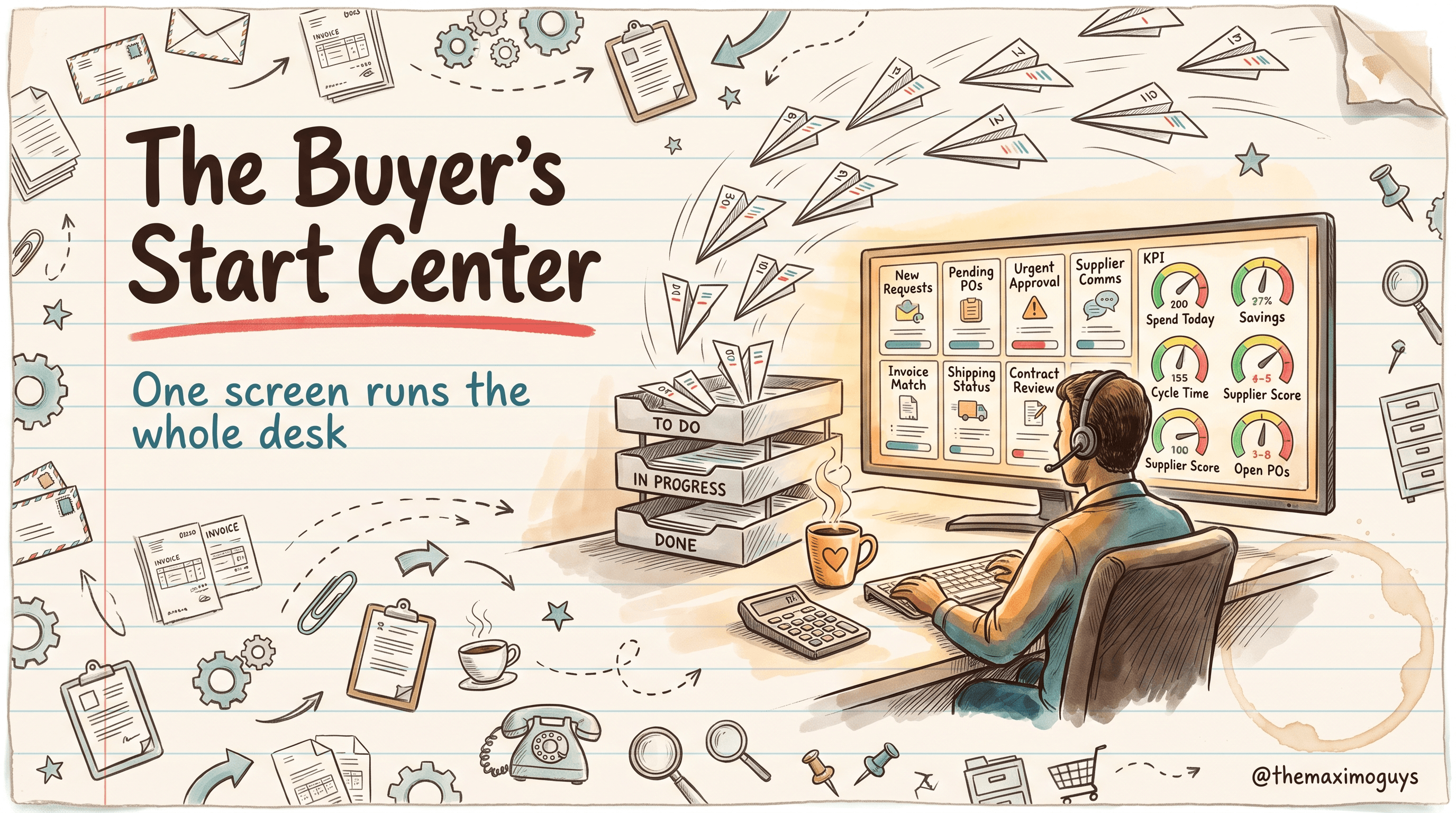
The buyer desk has its own Tier 0. Here is the BUYER_HOME starter pack for MAS 9 Manage: seven work-queue result sets and five KPIs, eighteen copy/paste saved queries scoped by buyer code, inbox hygiene with bulk approve and delegation, and the stale-PR, open-PO, and orphan-line cleanup that clears a migration mess in an afternoon.
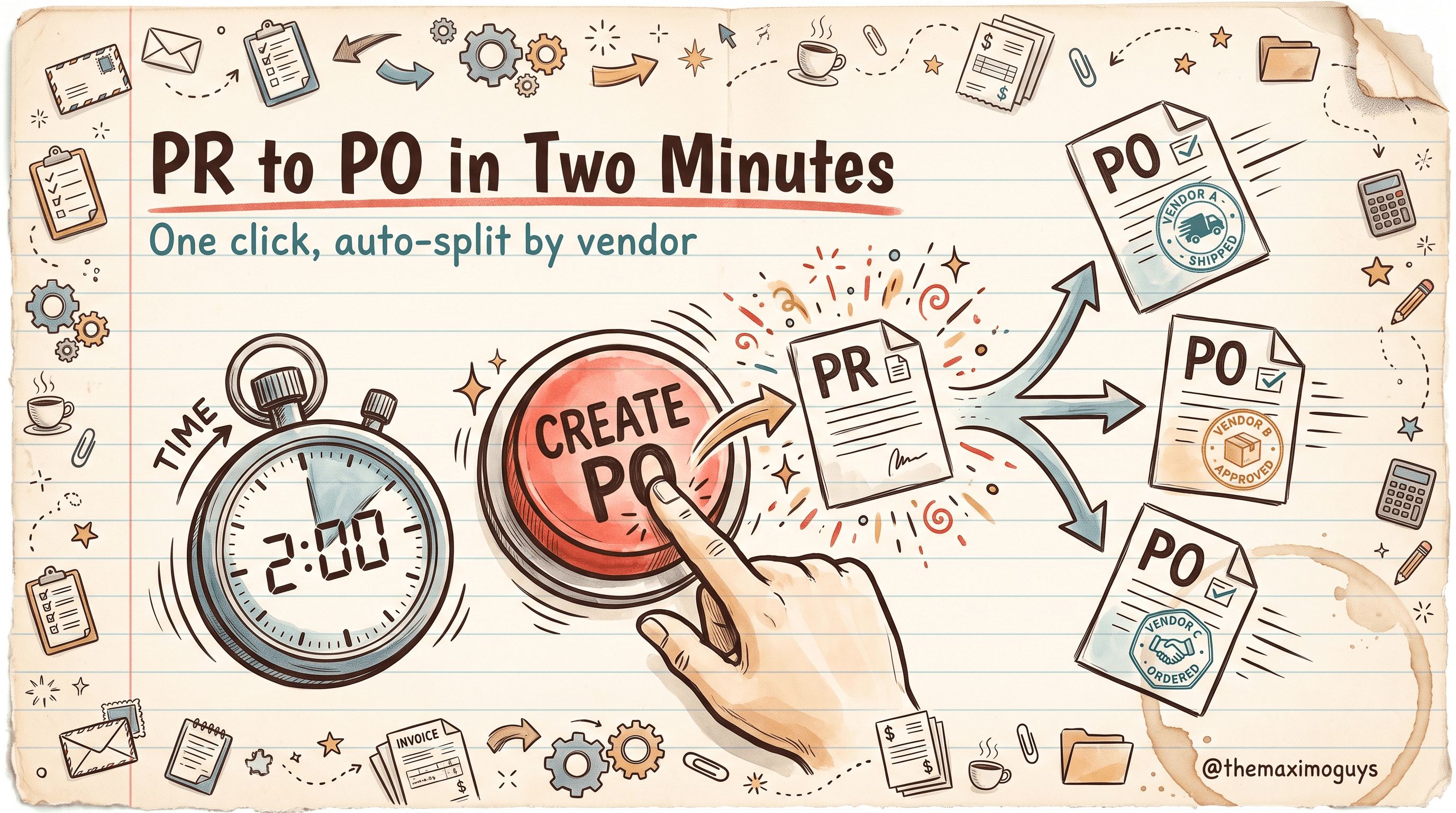
Cycle time from an approved requisition to an issued purchase order is the buyer's number-one metric. In MAS 9 Manage the conversion is a one-click Create Purchase Order action, desktop requisitions push intake upstream to the person who knows what they need, and a thresholded approval workflow routes by dollar value without approver-shopping. Here is the whole PR-to-PO flow, click by click.
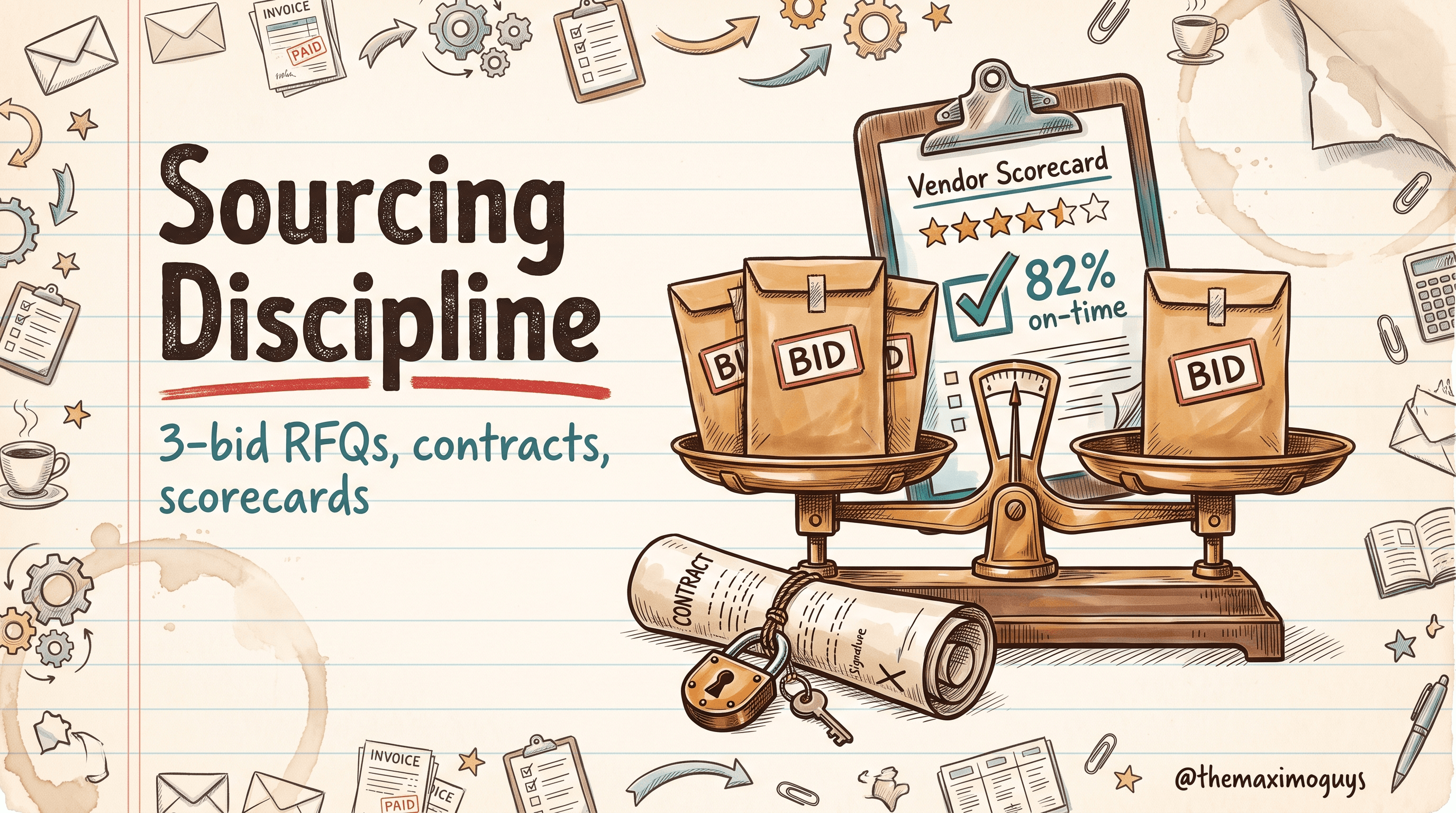
Sourcing is where discipline pays for itself. In MAS 9 Manage, run a 3-bid RFQ without the pain using templates, buy on the right contract across the nine OOB contract types, pull terms from a legal-approved library instead of retyping, and score vendors on real data so 'they feel unreliable' becomes 'they were 82% on-time in Q3.'
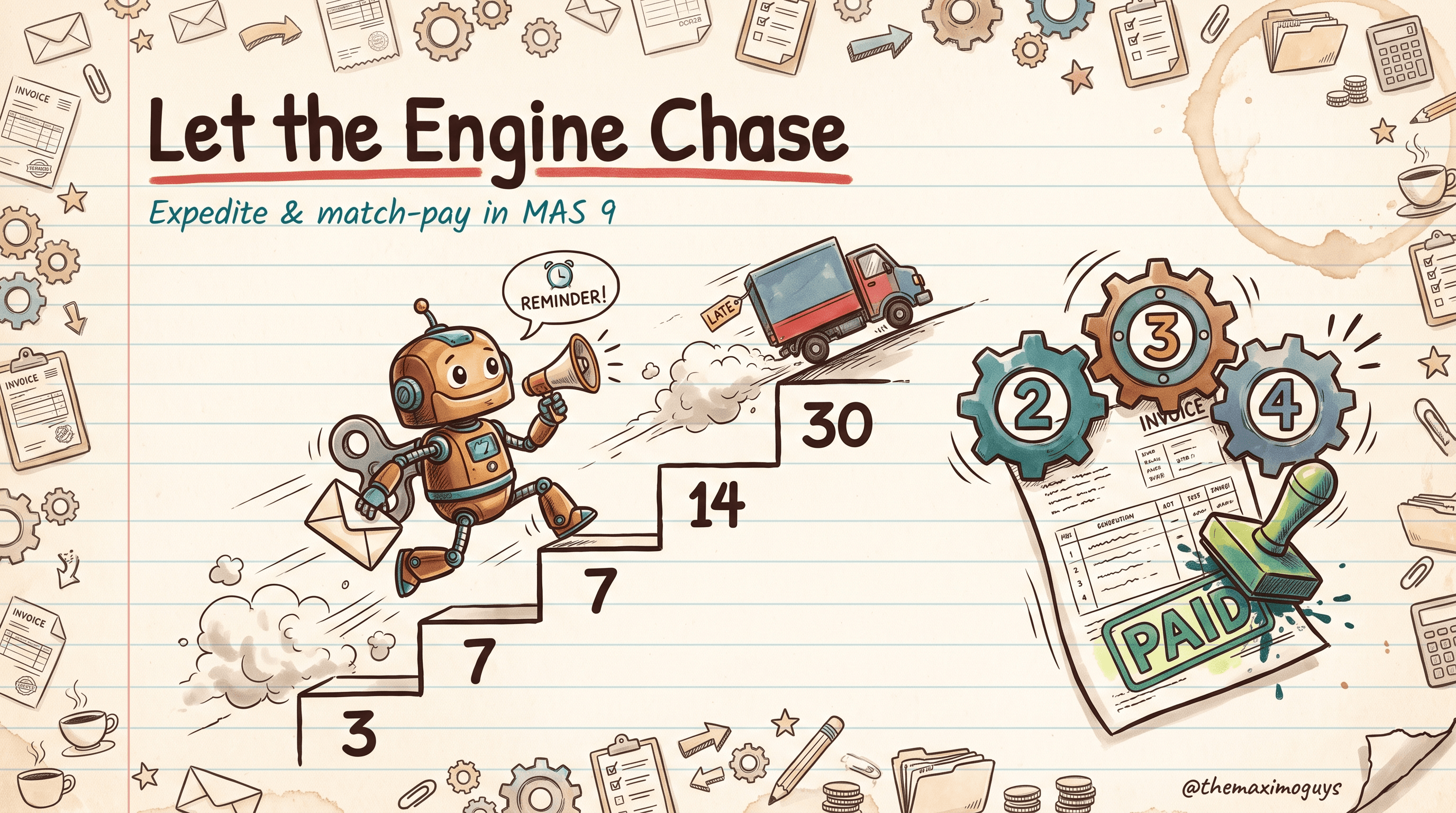
This is the net-new material most buyers never had out of the box: an escalation engine that chases late vendors for you on a 3/7/14/30-day ladder, a 'My Late Orders' portlet, and a match-pay flow that auto-approves clean invoices and triages only the exceptions through Buyer, AP, and Procurement Manager. No custom code — just Escalations, Comm Templates, and SQL conditions.

The finale threads both desks together. Walk the seven phases of procure-to-pay in MAS 9 Manage — Plan, Demand, Source, Order, Expedite, Receive, Match & Pay — as one continuous flow, map the status transitions of all four objects on a single page, and follow one bearing from below-reorder-point to paid invoice on both the happy path and the escalation path.
