Plan Before You Vibe: Why Every Serious AI Coding Tool Now Has a Plan Mode
🎯 Who this is for: Developers, tech leads and delivery managers who've watched an AI agent sprint confidently in the wrong direction — and want a cheap way to stop it.
Series: Part 4 of 13 — Enterprise Vibe Coding | Read time: 6 minutes
It's 4:40 on a Thursday at a regional utility. A developer asks an AI agent to "add a retry to the meter-reading import." Ninety seconds later the agent has touched eleven files, introduced a new HTTP client library, rewritten the logging, and "helpfully" changed the batch size.
The retry works. The pull request is unreviewable. And nobody can say whether the batch-size change will annoy the downstream billing system.
Now replay the same request, but with one difference: before writing anything, the agent produces a plan. "I'll add a retry wrapper in `MeterImportClient`, three attempts with backoff, no new dependencies. I noticed the batch size is hard-coded — want me to leave it?" The developer says "leave it," approves, and gets a two-file change that takes five minutes to review.
Same model. Same prompt. The only thing that changed was the order of operations.
🧭 Three Modes, One Idea
Over the past year, almost every serious AI coding tool converged on the same shape: separate talking from planning from doing.
- IBM Bob made it explicit in its June 2026 V2 release, folding five earlier modes into three: Agent, Plan and Ask.
- Cursor introduced Plan Mode in October 2025, where the agent researches the codebase and writes a plan you can edit inline before any code changes. Cursor said that most new features at Cursor now start with the agent writing a plan.
- Claude Code has a read-only plan mode (Shift+Tab cycles into it) where the agent can explore and propose, but file-editing tools are blocked until you approve.
- Kiro goes furthest, turning planning into files: a spec-driven flow where requirements, design and a task list are written down before implementation starts.
The names differ. The idea is identical: don't let the thing with write access be the first thing that thinks.
| Mode | What the AI can do | Use it when… |
|---|---|---|
| Ask | Read and explain. No changes. | You're learning unfamiliar code or asking "what does this do?" |
| Plan | Read, research, propose a step-by-step plan. No changes until approved. | The change spans files, touches integrations, data or security |
| Agent | Edit files, run commands, call tools — usually with approval prompts | The plan is agreed and the scope is clear |
🔍 Why Plans Beat Diffs for Review
Here's the uncomfortable truth about reviewing AI-generated code: diffs are big, they arrive fast, and they look plausible. Reviewers skim. In a bank or an insurer, "the reviewer skimmed" is not a sentence you want in a post-incident report.
A plan changes the question. One third-party guide to Cursor put it nicely: in normal agent mode you're asking is the code right? — in plan mode you're asking is the approach right?
IBM's own Bob team says it in four words on its blog: "The plan is the review artifact." They pair it with two other lines worth taping to your monitor: "The code is the cheap part" and "It is now easy to produce a large amount of code that works and is wrong." Their recommended cycle is Explore → Plan → Implement → Verify, and their advice is blunt: "Iterate, do not one-shot."
The second question is far cheaper to answer. A plan is twenty lines of English. Your tech lead can read it between meetings. Your architect can spot "wait, we don't call that service directly, we go through the integration layer" before a single file is touched. A wrong approach caught in a plan costs one minute. A wrong approach caught in a diff costs a rewrite. A wrong approach caught in production costs a weekend.
💡 Key insight: A plan is the first AI artifact that non-developers can meaningfully review. Paste it into the change ticket. Your change advisory board will never read a 900-line diff — but they will read "Step 3: update the vendor master sync to use the new endpoint."
🏗️ What a Good Plan Looks Like
Not all plans are equal. A useful plan from an AI agent should include:
- Scope — which files or components will change, and which won't.
- Approach — the actual technique ("wrap the call in a retry", not "improve reliability").
- Assumptions — what the agent thinks is true about your system. This is where most mistakes hide.
- Questions — anything it couldn't work out. A plan with zero questions on a non-trivial change is a yellow flag.
- Verification — how we'll know it worked: which tests, which manual check.
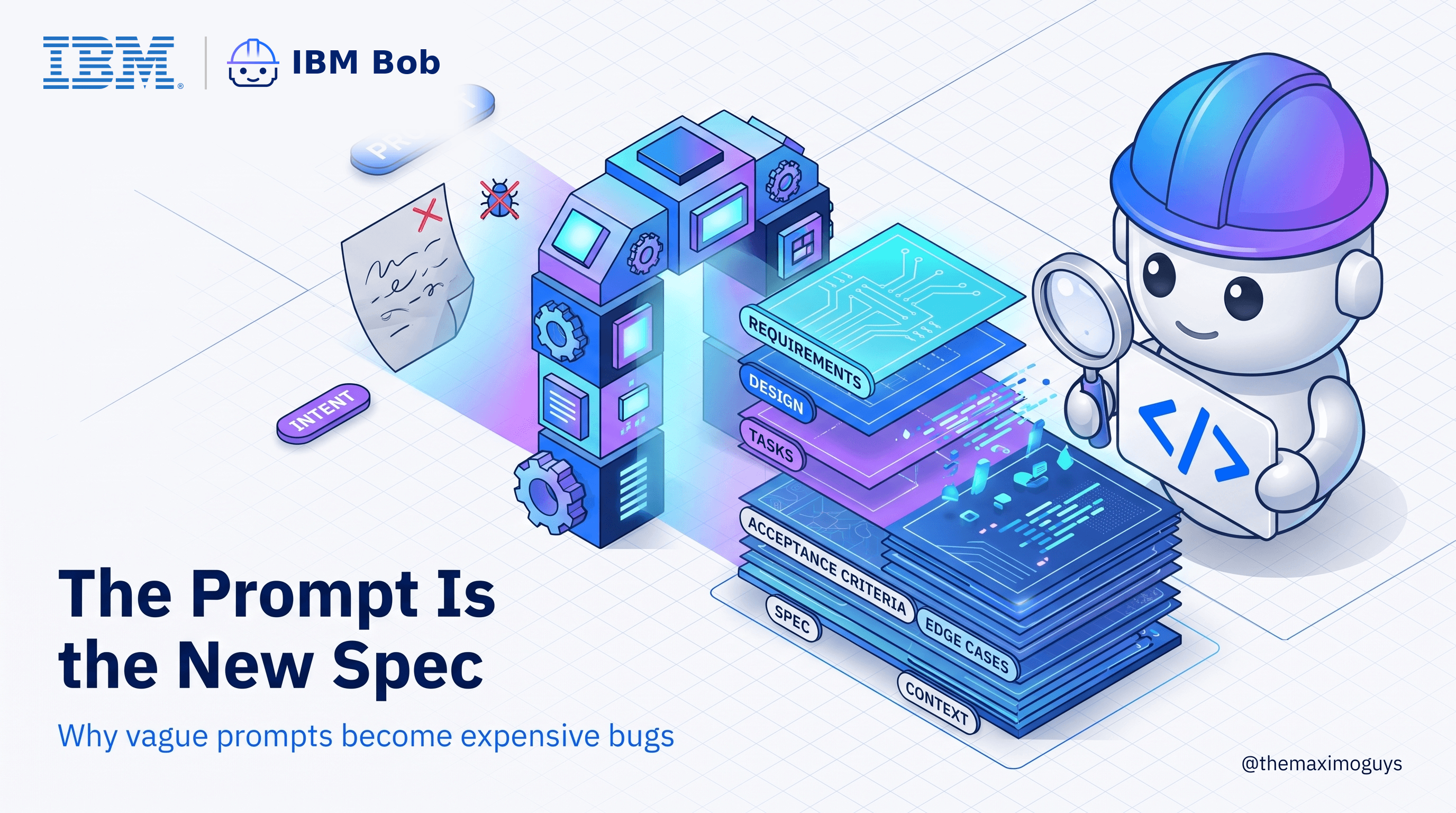
If the plan is vague, push back before switching to Agent. "Be specific about which class you'll change" is a perfectly good reply. This is the same muscle we talked about in Part 2: the prompt — and now the plan — is the spec.
⚖️ The Honest Caveats
Plan mode is not magic, and it's worth being clear-eyed about it.
Plans can be confidently wrong. An agent that misunderstands your architecture will write a beautifully structured plan built on that misunderstanding. The plan only helps if someone who knows the system reads it.
Planning costs money and time. Research means reading files, and reading files means tokens. On metered tools — IBM Bob bills in Bobcoins, others in requests or usage tiers — a habit of planning everything adds up. For a typo fix, just fix it.
Plans drift. Long agent runs sometimes wander from the agreed plan. Good tools show you which step they're on; you should still check the final change against the plan you approved, not just against your gut.
It's a habit, not a control. In most tools, nothing forces a developer into Plan mode. Some make it configurable as a default (Claude Code lets a project default to plan mode in its settings), but in practice this lives or dies on team norms.
🛠️ Making It a Team Habit
A few practical moves we've seen work in enterprise teams:
- Default to Plan for anything multi-file. Write it in your team's working agreement. Make "did you plan it?" a normal review question.
- Attach the plan to the pull request. Reviewers read the plan first, then check the diff matches it.
- Use Ask mode for onboarding. New joiners exploring a 15-year-old codebase get a patient explainer with zero risk of accidental edits.
- Work in small loops. Explore, plan, implement one slice, verify, repeat. One giant "build the whole feature" prompt is the enterprise equivalent of a big-bang release.
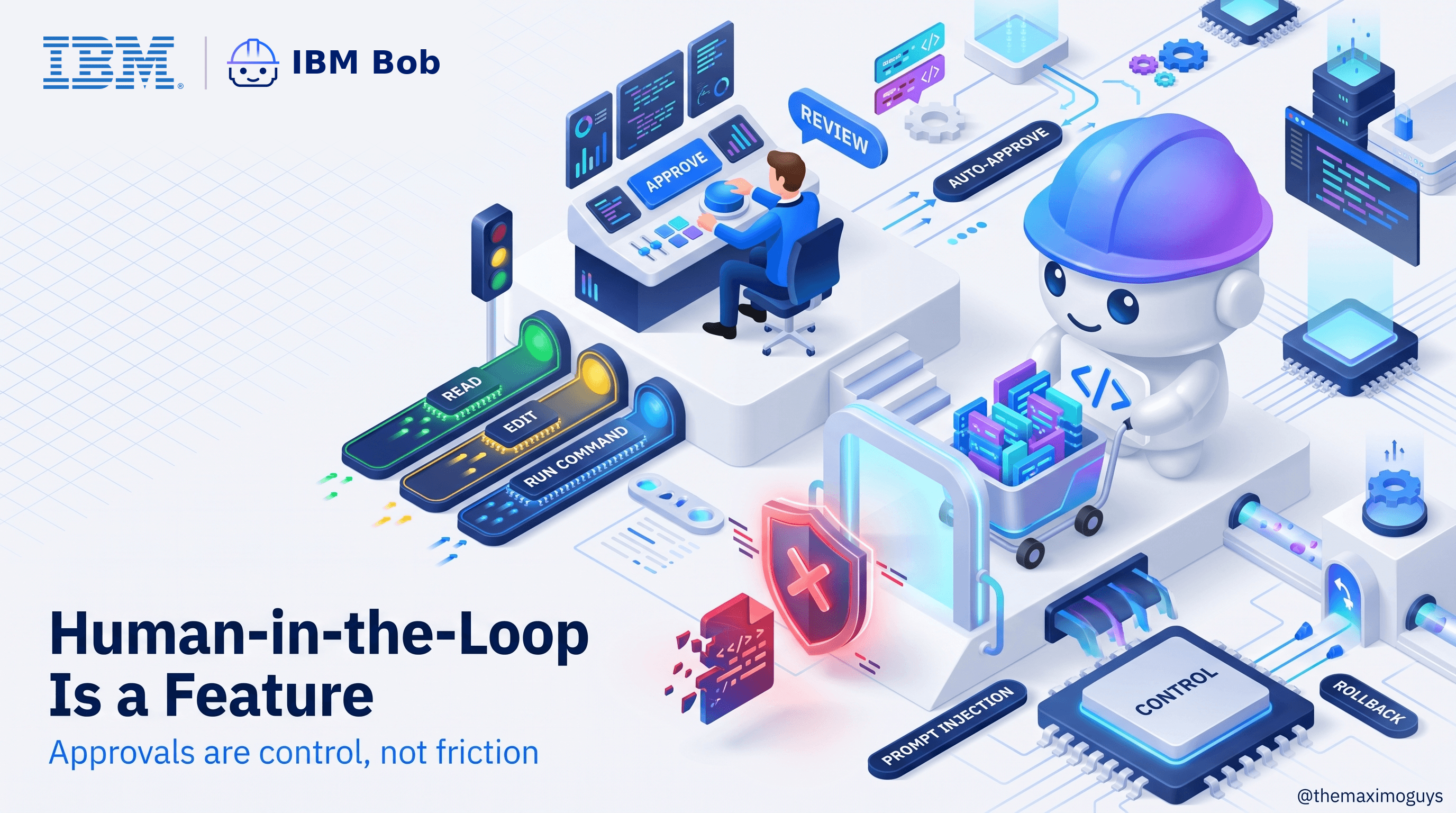
- Keep the approvals on in Agent mode. Planning reduces surprises; it doesn't remove the need for a human at the risky moments. That's Part 5.
Key Takeaways
- Ask, Plan and Agent is now the common shape across Cursor, Claude Code, Kiro and IBM Bob — the names vary, the idea doesn't.
- Plan mode shifts review from "is the code right?" to "is the approach right?" — a far cheaper place to catch mistakes.
- A plan is a reviewable artifact that tech leads, architects and change boards can actually read.
- Plans can be confidently wrong and cost tokens; use them where the change is big enough to matter.
- It's a team habit, so write it into your working agreement.
References
- Introducing Plan Mode — Cursor
- Plan Mode — Cursor Docs
- Claude Code plan mode guide — DEV Community
- Getting the most out of Bob — IBM Bob blog
- IBM Bob general availability announcement — IBM Newsroom
🧰 From TheMaximoGuys toolbox: Plans are only as good as what the agent knows about your systems. If you work with Maximo, Max_Interfaces gives any agent — Claude, Bob, Copilot, Cursor — a catalogue of 2,439+ Maximo API endpoints to plan against instead of guessing. It's open source (MIT).
Series Navigation
| Previous: | Part 3 — Autocomplete → Chat → Agents |
|---|---|
| Next: | Part 5 — Human-in-the-Loop Is a Feature |
Published by TheMaximoGuys | August 2026
 Krishna Neela