

The Civil Infrastructure Asset Model in Maximo
🎯 Who this is for: Asset managers and Maximo architects at DOTs, public works departments, and transit agencies who need to understand — before they configure anything — how Maximo represents a bridge, a road, and a tunnel, and why that representation is fundamentally different from the plant-EAM asset model everyone learns first.
Series: Part 1 of 5 — Maximo Civil Infrastructure on MAS 9 | Read time: 16 minutes
🏗️ What the Application Is
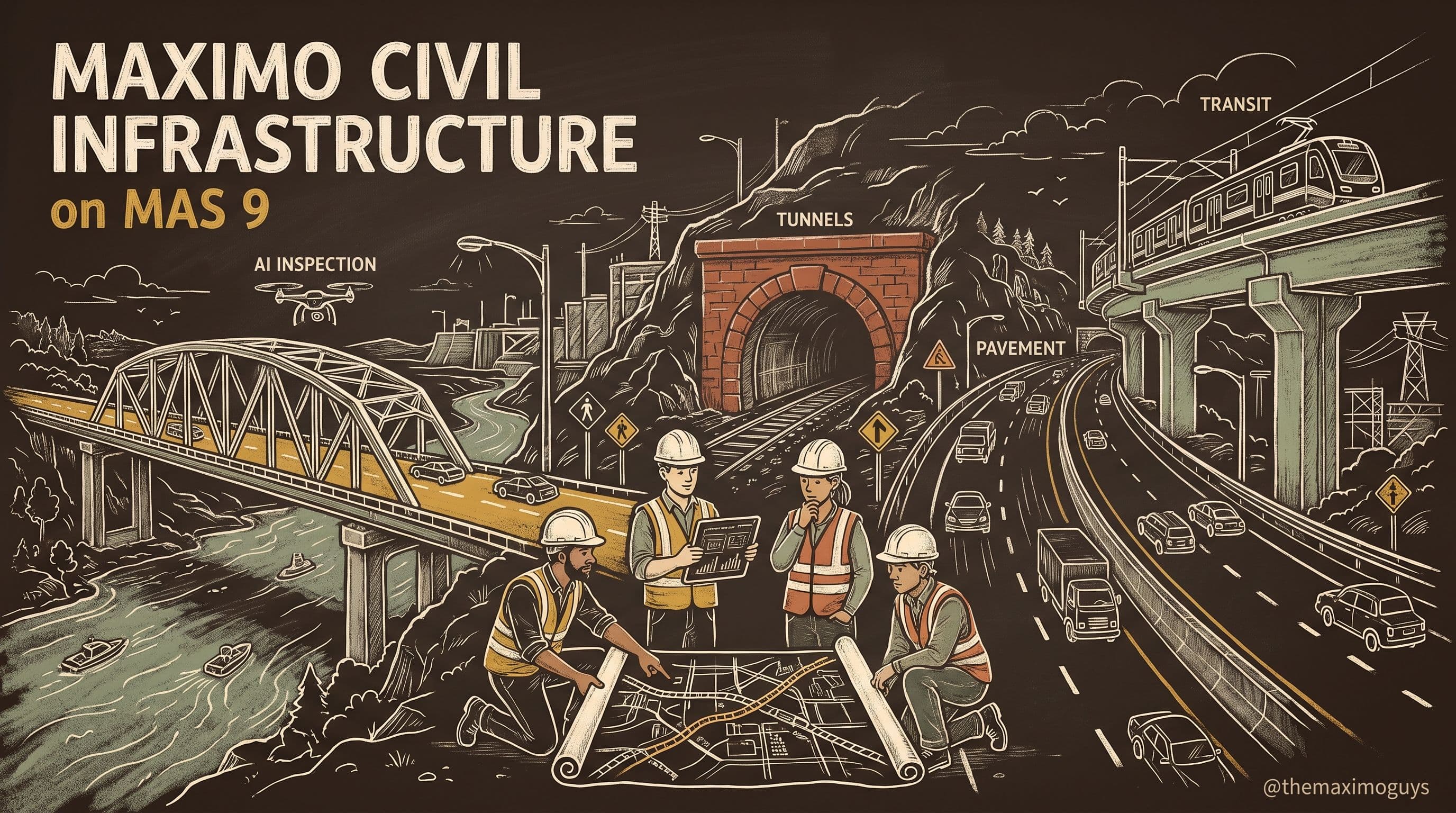
Maximo Civil Infrastructure is a purpose-built application for managing civil infrastructure assets — bridges, roads, tunnels, retaining walls, culverts, and other transportation and public-works assets. It ships as an industry solution inside MAS Manage, which means it is not a separate product bolted on beside Maximo; it is the core Manage work-and-asset engine plus a layer of applications, data model extensions, and inspection tooling specific to civil infrastructure.
It exists because civil infrastructure has inspection, condition-assessment, and regulatory-compliance requirements that generic asset management does not address. A refinery inspects a pump when a meter trips or a PM comes due. A state inspects a bridge on a fixed federal cycle whether or not anything has changed, records the condition of each structural element against a national scale, and submits the results to a federal database. Those are different disciplines, and Civil Infrastructure is built for the second one.
The application is particularly relevant for a specific set of organizations:
- State Departments of Transportation (DOTs) — the largest bridge and pavement owners in the country
- County and municipal public works departments — diverse portfolios on constrained budgets
- Toll authorities and turnpike commissions — revenue assets with intense uptime and condition pressure
- Transit agencies — rail bridges, tunnels, stations, and guideways under FTA rules
- Federal infrastructure agencies — often under FedRAMP, which shapes the deployment (see Part 4)
💡 Key insight: "Purpose-built application inside MAS Manage" is the phrase to hold onto. It tells you two things at once: you get the full Manage engine — work orders, PMs, inventory, purchasing, mobile — and you get the civil-specific layer on top. You are not choosing between a bridge tool and an EAM. You are running one system where the bridge program and the maintenance program share the same assets, crews, and work orders.
🌉 Why a Bridge Is Not a Single Asset
The single most important thing to understand about Civil Infrastructure is why the ordinary Maximo asset model does not fit. Get this, and every later part makes sense.
The plant-EAM asset model
In plant EAM, an asset is a single record. It has a nameplate (make, model, serial), a set of meters (runtime hours, cycles, vibration), a location, and a work-order history. You maintain it reactively (it broke), preventively (a PM came due), or on condition (a meter crossed a threshold). The asset is the atomic unit: you write work against the asset, and its health is a property of the asset.
The civil-infrastructure reality
A bridge does not behave that way. A bridge is a structure composed of elements — the deck, the girders or superstructure, the bearings, the expansion joints, the piers and abutments of the substructure, the railings, the wearing surface. Each element:
- Is inspected individually, by a qualified inspector, on a defined cycle.
- Is rated on a defined scale — the element condition states — not on a runtime meter.
- Deteriorates independently: a bridge can have a sound deck and a scour-critical substructure at the same time.
- Generates its own deficiencies, which drive their own work.
So the authoritative record for a bridge is not the nameplate; it is the element-level inspection. That is a categorical difference from plant EAM, and it is the difference the application is built to carry. A road extends the point further: it is a linear asset, scored by condition index over its length, where the "asset" is really a network of segments each with its own condition.
💡 Key insight: The failure mode to avoid is modeling a bridge as one asset with a single condition meter. It seems simpler, and it destroys the program. The moment an inspector needs to record that the deck is Fair but bearing #4 is Severe, a single-condition model has nowhere to put the truth — and the NBI export, which is element-based, has nothing to export. Element granularity is not a nicety; it is the whole point.
🧬 The AASHTO Element Taxonomy, Mapped to Maximo
The scale a bridge inspector uses is defined by the AASHTO Manual for Bridge Element Inspection. It defines National Bridge Elements (the primary load-carrying members every state must report), Bridge Management Elements (elements a state chooses to manage, like joints and protective systems), and Agency-Defined Elements. Each element has defined condition states — conventionally four, running from good to severe — and the inspector records how much of the element is in each state.
Civil Infrastructure implements this taxonomy on top of the Maximo asset and location model. The mapping is conceptually clean:
| AASHTO concept | Maximo representation | Notes |
|---|---|---|
| The bridge structure | A parent asset (and/or location) with attributes | Carries structure number, spans, year built, material |
| A structural element (e.g., deck, girder, bearing) | A child asset or classified subrecord under the structure | Element number and unit of measure from the AASHTO definition |
| Element condition states (1–4) | Condition-state quantities recorded at inspection | Total quantity distributed across the states |
| A component rating (deck / super / sub) | A 0–9 NBI condition rating on the structure | Rolls up the element picture into the federal component score |
| A deficiency | A finding attached to an element condition | Drives a work order (Part 3) |
The important design idea is that the element is a real, addressable thing in the data model — not a free-text note on the bridge. That is what lets a deficiency attach to "bearing #4," a work order trace back to it, and the NBI export enumerate elements and condition-state quantities rather than a single blended score.
💡 Key insight: IBM documents the capability — AASHTO element-based inspection, condition-state quantity tracking, 0–9 component ratings — but it does not publish an internal application-by-application object map for Civil Infrastructure the way it does for some other industry solutions. So this series describes the model at the taxonomy level (structure → element → condition state → deficiency) and is careful not to fabricate specific Maximo object or screen names that IBM has not published. When you implement, confirm the exact objects against your deployment's application configuration.
📐 Linear Assets and the Network View
Bridges are element-based; roads are linear. Pavement management does not ask "what is the condition of the road" as a single number — it asks "what is the condition of each segment," because a five-mile route can be excellent for four miles and failing for the fifth, and the treatment decision is per-segment.
Civil Infrastructure supports the network view that pavement and other linear assets need: the road is decomposed into segments, each carrying its own condition (Part 3 covers PCI and IRI), and treatment is planned segment by segment. This mirrors the element idea from bridges — the atomic unit of condition and work is finer than the whole asset — and it is why the deficiency-to-work-order loop in Part 3 works the same way for a pavement segment as for a bridge element.
For organizations with Esri ArcGIS, this network view connects to spatial data: assets and segments carry coordinates, and the road network can be routed and visualized on a map. That spatial layer is also what lets Maximo Optimizer (a separate application) compute real road-network travel times between work locations rather than straight-line distances — useful when a maintenance crew's day is spread across a county.
🔗 Where It Sits: Manage, Health, and Visual Inspection
Civil Infrastructure is deliberately not an island. It integrates three ways, and understanding the boundaries keeps you from either double-counting capability or expecting the wrong application to do a job.
With core Manage
The bridge, road, and tunnel assets live in the same Manage system as everything else. A deficiency becomes a work order in Manage; the crew, the labor, the materials, and the costs are all standard Manage. Civil Infrastructure adds the inspection and condition layer; Manage runs the work. This is why an agency does not run two systems — the inspection program and the maintenance program share one asset base.
With Maximo Health
Condition data from inspections can feed Maximo Health, which computes asset health scores and supports condition-based maintenance. Civil Infrastructure produces the condition; Health turns it into a score and a prioritization signal. Part 3 walks this loop — a condition rating dropping below a threshold triggering work — but the scoring mechanics themselves belong to the Health series.
With Visual Inspection
Visual Inspection (MVI) analyzes imagery — including drone-captured imagery of bridge decks, piers, and beams — to detect defects automatically. Those AI findings become visual evidence linked to element-level inspection records. Civil Infrastructure is where the evidence lands and drives the inspection; MVI is the AI engine that produces it. Part 4 covers this integration and its important deployment caveat.
| Capability | Owned by | Civil Infrastructure's role |
|---|---|---|
| Element inspection, condition states, NBI export | Civil Infrastructure | Owns it |
| Work orders, labor, materials, cost | Core Manage | Consumes it |
| Asset health scoring, condition-based prioritization | Maximo Health | Feeds it condition data |
| AI defect detection from imagery | Visual Inspection | Receives its findings as evidence |
💳 Licensing and Deployment Posture — Honestly
Two questions come up immediately in any evaluation: what does it cost to turn on, and what do I need to run it. Here is the honest answer to both.
Licensing
MAS replaced Maximo 7.6's per-module perpetual licensing with AppPoints, a consumption model where a shared pool of AppPoints is drawn against by all suite applications. Access to a Manage industry solution such as Civil Infrastructure is entitled through that shared pool.
IBM's MAS licensing documentation does publish two numbers for it: Civil Infrastructure users are licensed as Authorized or Concurrent users at the Premium or Limited tier, and the application also requires a per-install license — 50 AppPoints per installation. What we can say with confidence is the posture: user access draws on the shared AppPoints pool alongside the rest of Manage, the install allocation sits on top, the exact math depends on your user tiers and add-ons, and your IBM quote is the authoritative source. Treating the AppPoints pool as shared also reframes a common evaluation mistake — an agency deploying only the bridge inspection module is paying pool pricing that also entitles Health, Monitor, and Visual Inspection, so leaving those unused leaves value on the table.
Deployment
Civil Infrastructure requires the same foundation as the rest of MAS: Manage deployed on Red Hat OpenShift. From the documented pilot guidance, the prerequisites and first steps are modest:
| Prerequisite / step | What it involves | Typical effort |
|---|---|---|
| Manage deployed | Core Manage running on OpenShift | Platform baseline |
| Civil Infrastructure module deployed | Deploy the industry solution on the cluster | 4–8 hours |
| Applicability assessment | Confirm the app fits your portfolio | 4–8 hours |
| Pilot bridge inventory | Configure 10–20 bridges as the pilot set | 8–16 hours |
| Inspection forms configured | Set up forms for NBI-compliant inspection | 8–16 hours |
| Pilot inspections | Conduct real inspections in the app | 16–24 hours |
| NBI-format report validation | Generate and validate federal-format output | 4–8 hours |
A realistic pilot lands in the 60–112 hour range — roughly two to three weeks of focused effort — before you have inspected a pilot bridge set and validated a federal-format report. That is the honest scope to put in front of a sponsor.
💡 Key insight: Notice what dominates the effort: not deploying the module (4–8 hours), but configuring the inventory and the inspection forms and doing real inspections (30-plus hours). The software installs quickly; the program — your bridges, your forms, your NBI mapping — is the work. Budget accordingly, and staff the pilot with an inspection subject-matter expert, not just a Maximo administrator.
🔧 Worked Example: Modeling a Two-Span Highway Bridge
Let us make the asset model concrete. Suppose you are configuring Bridge 04512, a two-span, steel-girder highway overpass, as the first structure in your pilot.
Step 1 — Create the structure. You create the bridge as a parent asset/location record, carrying its identifying attributes: NBI structure number, route carried, feature crossed, year built (1974), number of spans (2), primary material (steel), and deck area. These are the attributes the federal inventory needs and the ones your reports will pull.
Step 2 — Decompose into elements. Under the structure, you configure the National Bridge Elements and Bridge Management Elements that apply: the reinforced-concrete deck, the steel girders (superstructure), the elastomeric bearings, the expansion joints, the concrete abutments and pier (substructure), and the protective coating system. Each is a real, addressable element with its AASHTO element number and unit of measure — for the deck, square feet; for girders, linear feet; for bearings, each.
Step 3 — Set the total quantities. For each element you record the total quantity — the deck is 12,400 square feet, there are 8 bearings, 2 expansion joints, and so on. At inspection time (Part 2), the inspector will distribute that total across the condition states.
Step 4 — Attach the schedule. The structure gets its inspection cycle — the standard 24-month bridge cycle — configured through the application's scheduling so it recurs automatically. If this were a fracture-critical or underwater structure, the cycle would differ (Part 2).
Step 5 — Connect the loops. You link the structure so its condition can feed Health, and, if you are using drones, so MVI findings can attach to its deck and girder elements (Part 4).
The bridge is now a structure of addressable elements on a federal cycle, ready to be inspected — and that is exactly the shape the NBI program, the deficiency loop, and the AI inspection all need. Contrast this with the plant-EAM instinct to create one asset called "Bridge 04512" with a single condition meter: you would have modeled the sign on the bridge better than the bridge itself.
⚠️ Edge Cases and Gotchas
Structures that are also locations. Large bridges and tunnels often need to be both an asset (for work and condition) and a location (for spatial and hierarchical context). Decide the pattern up front and apply it consistently across the portfolio; mixing conventions mid-rollout is painful to unwind.
Shared and complex structures. A bridge carrying two routes, or a structure jointly owned by a state and a county, complicates the "one structure, one owner" assumption. Model ownership and jurisdiction explicitly rather than duplicating the structure, or your inventory counts and federal submission will disagree.
Agency-defined elements. States add their own elements beyond the AASHTO National and Bridge Management sets. Configure these deliberately with clear definitions and condition-state criteria; undocumented custom elements are the first thing a QA review of the inspection program flags.
Linear referencing for pavement. A pavement network needs a consistent linear referencing system (route-and-milepost) so segments line up with condition data and with any GIS. Inconsistent referencing is the classic reason pavement condition and work orders drift out of alignment.
🩺 Troubleshooting the Model
- If an inspector cannot record different conditions for different parts of a bridge, it means the structure was modeled as a single asset without elements, so decompose it into its AASHTO elements before the next inspection cycle.
- If a deficiency cannot be traced to a specific element, it means the deficiency was attached to the structure rather than to an element condition, so review the inspection form configuration to ensure findings bind to elements.
- If the NBI export is empty or blended, it means condition was captured as a single number rather than as condition-state quantities per element, so confirm the inspection is recording quantities across states, not one rating.
- If Health shows no score for a structure, it means the condition-to-Health link is not configured, so verify the integration before expecting condition-based prioritization (Part 3).
📋 Practical Notes for Rollout
- Start with a small, representative pilot set (10–20 bridges) that spans your common structure and material types, so the model you validate generalizes to the portfolio.
- Bring an inspection SME into the configuration, not just a Maximo administrator. The AASHTO element mapping and condition-state criteria are inspection knowledge, and getting them wrong quietly corrupts every later report.
- Decide the asset-versus-location pattern once and document it, so the whole portfolio is modeled consistently.
- Validate a federal-format export early — on the pilot set, before you scale — because the export is the acid test that your element and condition-state modeling is correct.
- Confirm the licensing posture with IBM, not with a blog post: the shared-AppPoints model is documented, but the exact entitlement for your user profile is a quote, not a published number.
Key Takeaways
- Civil Infrastructure is a purpose-built MAS Manage application for bridges, roads, tunnels, and public-works assets — the full Manage engine plus a civil-specific inspection and condition layer.
- A bridge is a structure of elements, not a single asset — the element-level inspection is the authoritative record, and modeling it as one asset with one condition meter breaks the program and the NBI export.
- The AASHTO element taxonomy maps onto a Maximo structure → element → condition-state → deficiency hierarchy; the series describes it at the taxonomy level because IBM does not publish an internal object map.
- It integrates with Manage (work), Health (scoring), and Visual Inspection (AI defect detection) rather than duplicating them.
- Licensing is via the shared AppPoints pool (Premium/Limited user tier) plus a documented 50-AppPoint per-install allocation, and a realistic pilot is 60–112 hours dominated by inventory and inspection-form configuration, not by installing the module.
References
- Maximo Application Suite — Manage add-ons and industry solutions (IBM Documentation)
- AASHTO Manual for Bridge Element Inspection
- FHWA — Bridge Inspection and the National Bridge Inventory
- GASB Statement No. 34 — Infrastructure assets and the modified approach (GASB)
- Maximo Application Suite — AppPoints licensing overview (IBM Documentation)
Series Navigation
| Previous: | Series Index — Maximo Civil Infrastructure on MAS 9 |
|---|---|
| Next: | Part 2 — NBI Bridge Inspection & AASHTO Element Condition |
About TheMaximoGuys: We help Maximo developers and teams navigate the move to MAS 9 with practical, no-hype guidance grounded in how the platform actually behaves.
Published by TheMaximoGuys | July 2026

 Surendra Katta
 Venkat Achanta