7 posts tagged “Operational Dashboard”
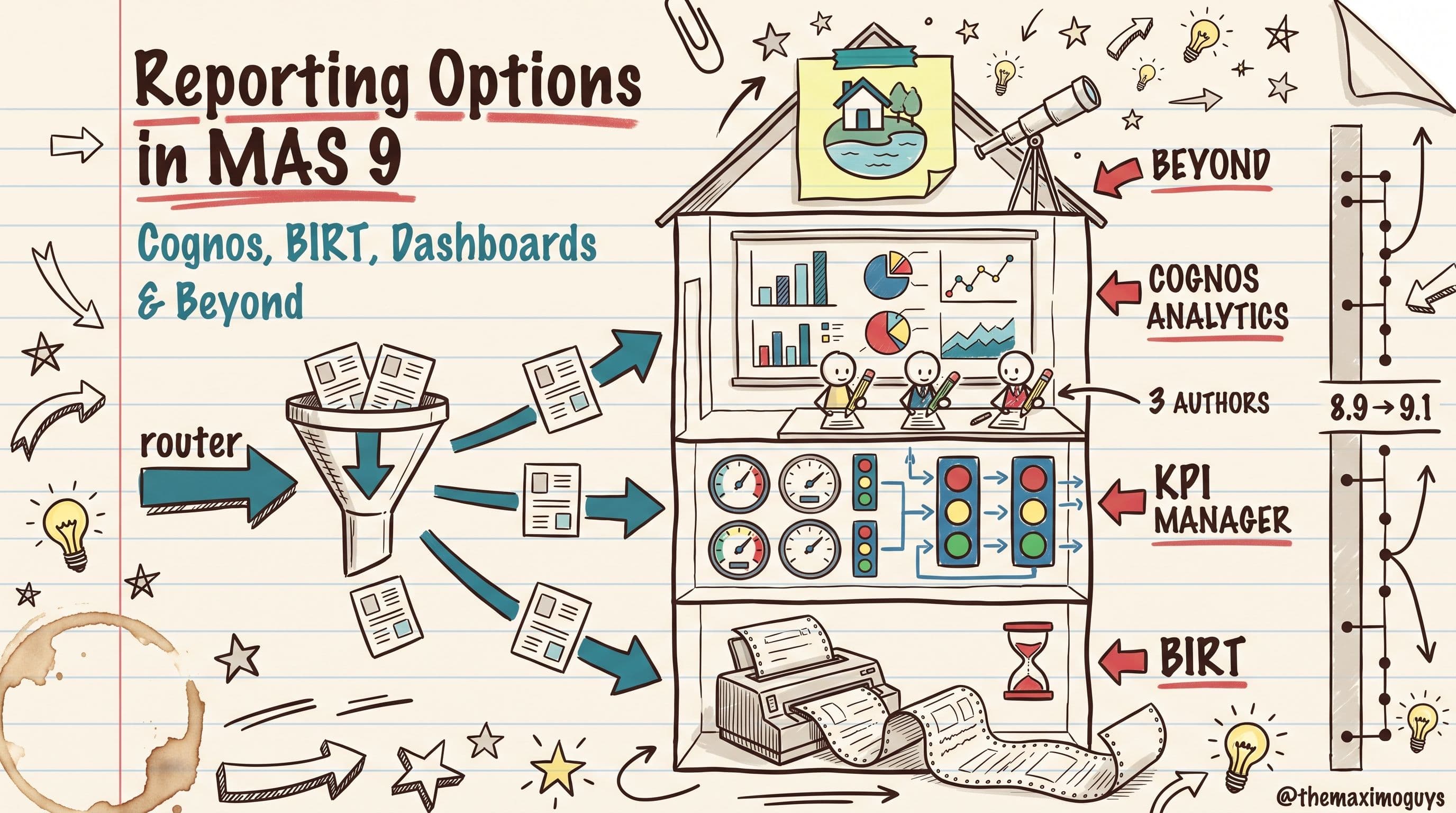
MAS 9 gives you four different ways to get numbers out of Maximo — BIRT, the Operational Dashboard, Cognos Analytics, and the self-service BI tier beyond it. Here's how each one actually works, where its ceiling is, and a decision framework for picking the right one for every report you own.
 Surendra KattaJul 22, 2026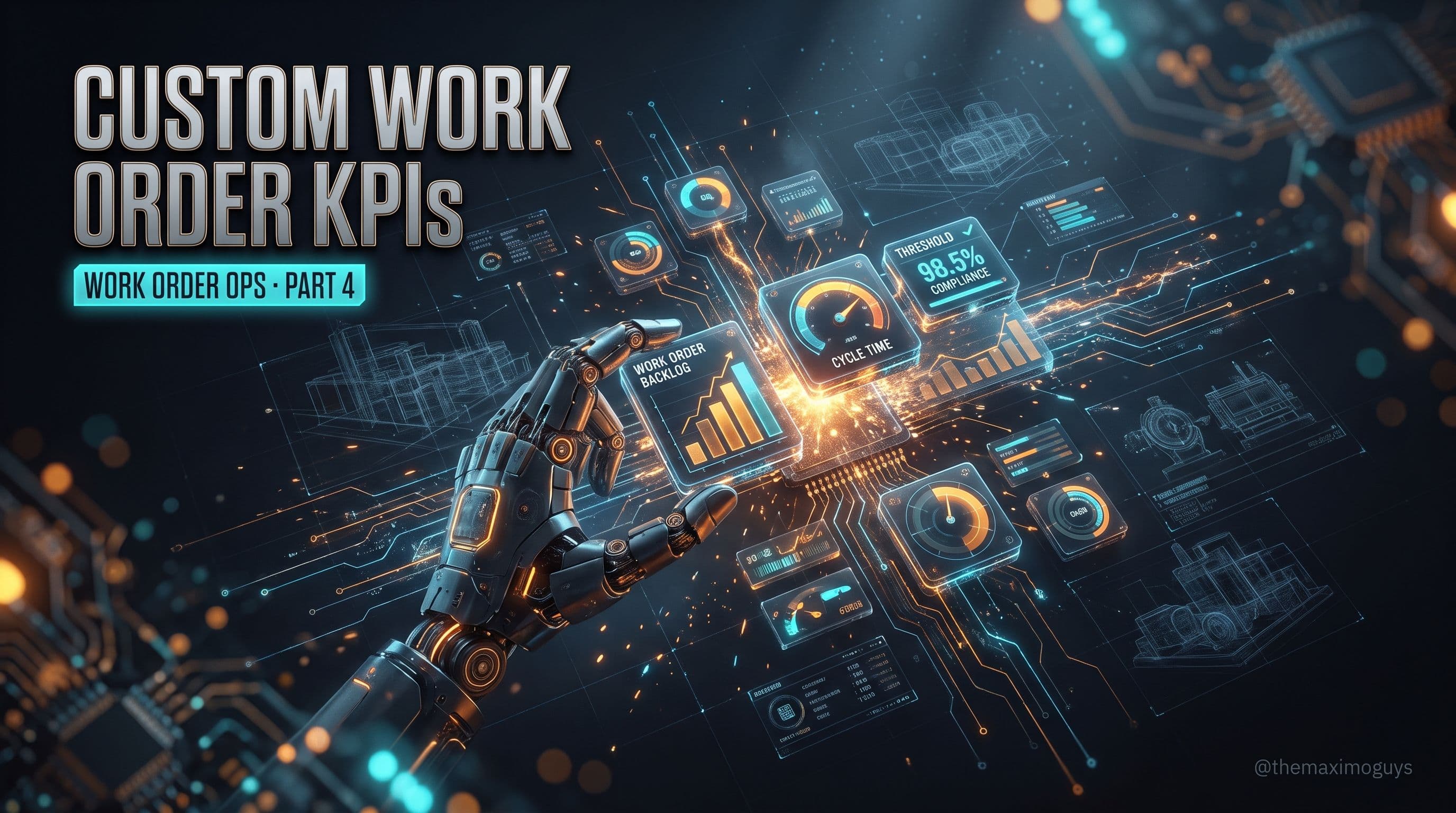
Part 3 showed you how to consume the operational dashboard. This is the other half: how to build your own work order KPIs in MAS 9. The KPI Manager application, custom queries against any Maximo object, refresh intervals, green/yellow/red thresholds, trend calculations, matching a KPI to the right card type, and the MAS 9.1 ability for KPI services to return JSON from an external API.
 Venkat Achanta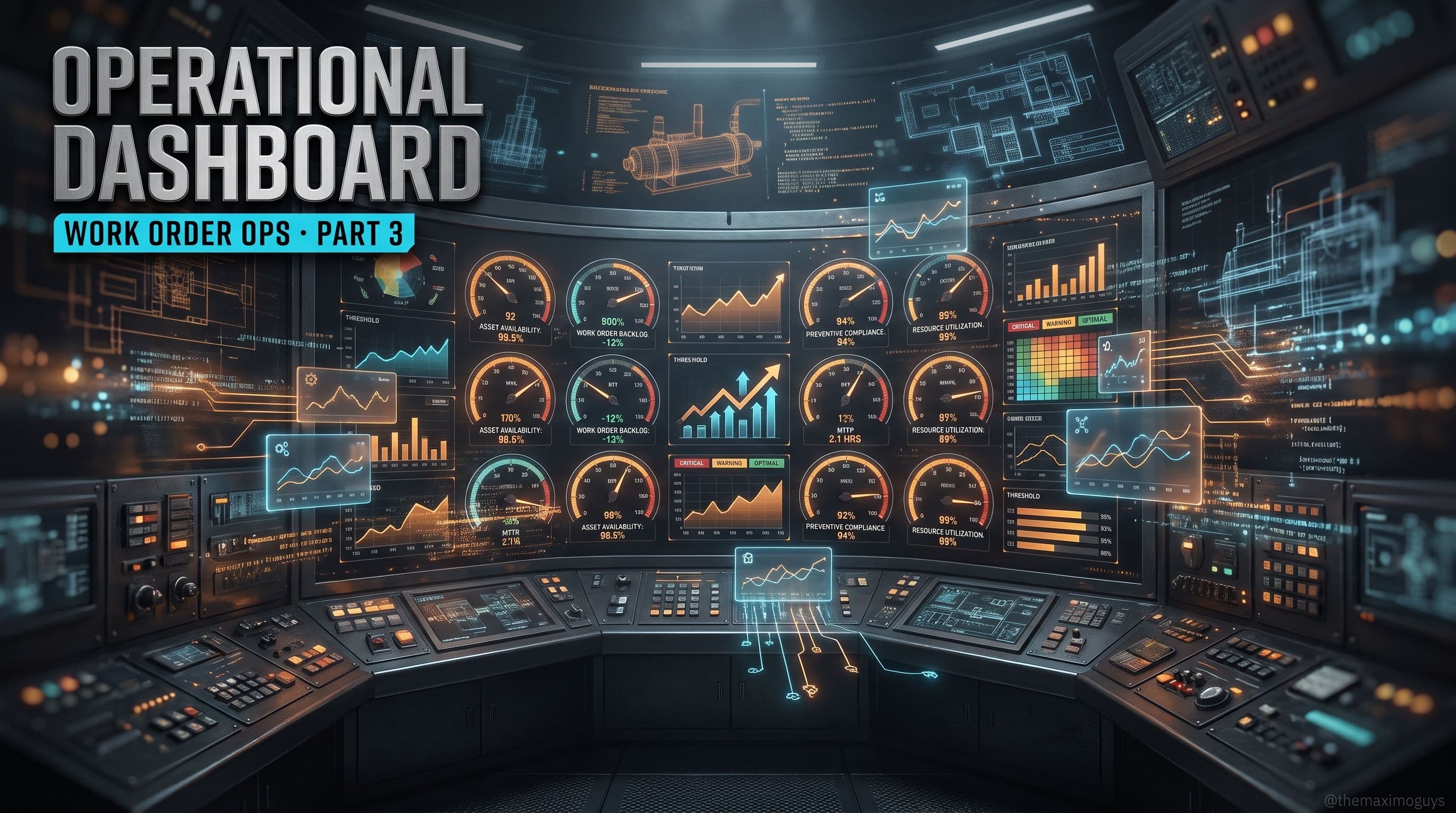
IBM's Operational Dashboard is the strategic replacement for Start Centers as the maintenance manager's command center. Here's what ships out of the box in MAS 9 Manage — the WO KPIs, the pre-built Maintenance Manager dashboard, the card types worth knowing — and the honest 9.1 limitation that keeps many teams running Start Centers side by side.
Venkat Achanta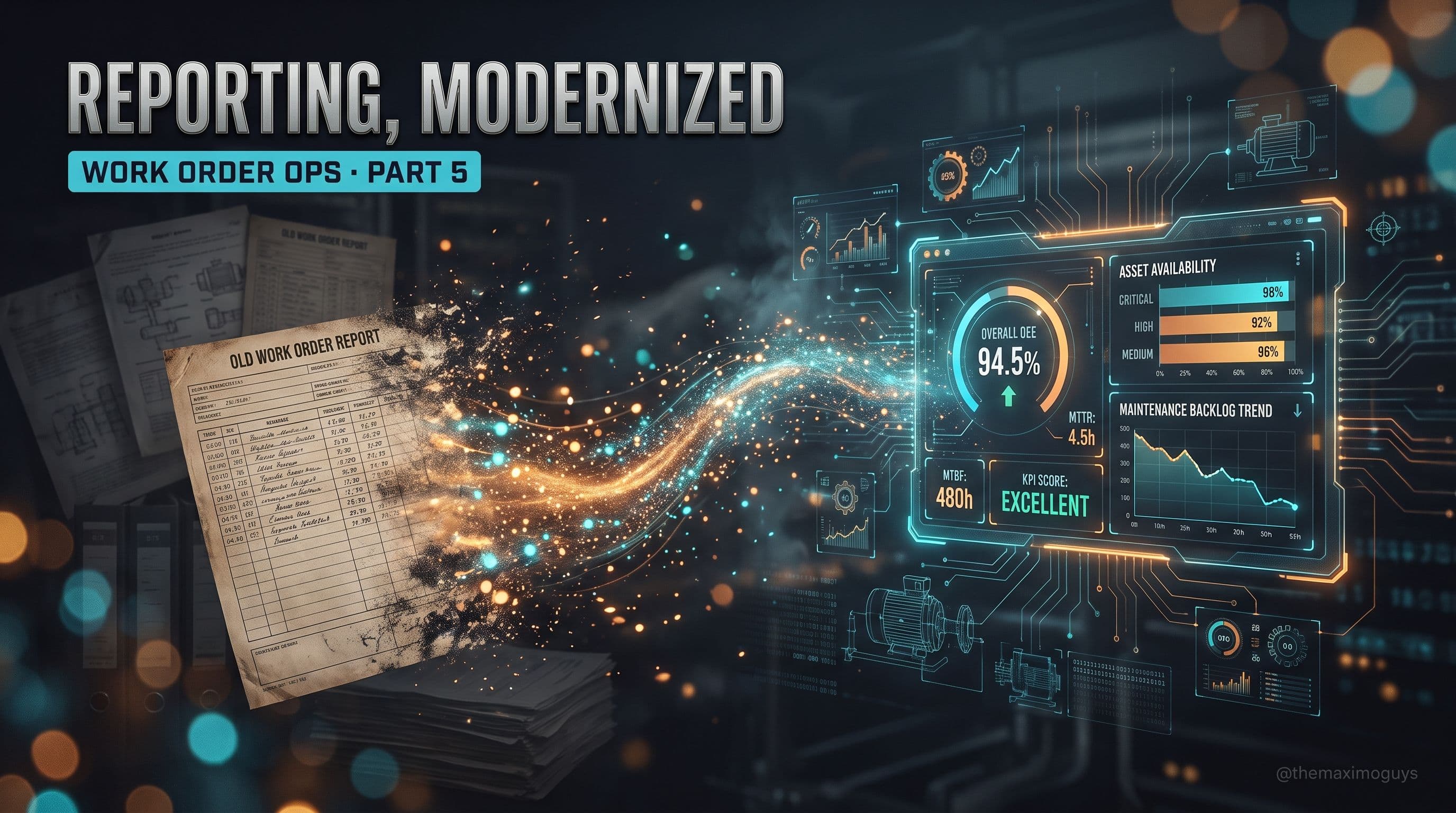
BIRT is not formally deprecated in MAS 9 and your existing work order reports still run. The upgrade mistake is treating the report catalog as a rebuild backlog. Here's how to rationalize WO reporting into KPI Manager cards, keep the reports that must stay reports, and know exactly when Cognos Analytics earns the job.
Venkat Achanta
A six-part edge-filler series on the Work Order changes that the standard MAS 9 Manage guides skip: the Service Request RBA, the Approvals application and electronic signatures, the Operational Dashboard and out-of-the-box WO KPIs, custom KPI creation, rationalizing BIRT into KPI Manager, and the new WO REST and Kafka integration surface.
Venkat Achanta
The practitioner's guide to configuring and administering Maximo Manage 9 — Automation Scripts, Workflow Designer, Application Designer, Database Configuration, domains, security, Operational Dashboard, new tools like Formulas and in-MAS Application Configuration, and the admin split between MAS Suite and Manage.
Surendra Katta
How MAS 9 replaces Start Centers with Operational Dashboards, Result Set Portlets with Work Queues, and unlocks Graphical Scheduling for free. Complete coverage of card types, KPI Manager, Work Queue configuration, and the 8 scheduling applications now included in base Manage.
 Posam LakshminarayanaMar 17, 2026Part 4 of 25